
Laptop stands that make small desks easier to use, with a practical guide to lift range, footprint, portability, and when a stand actually improves comfort.
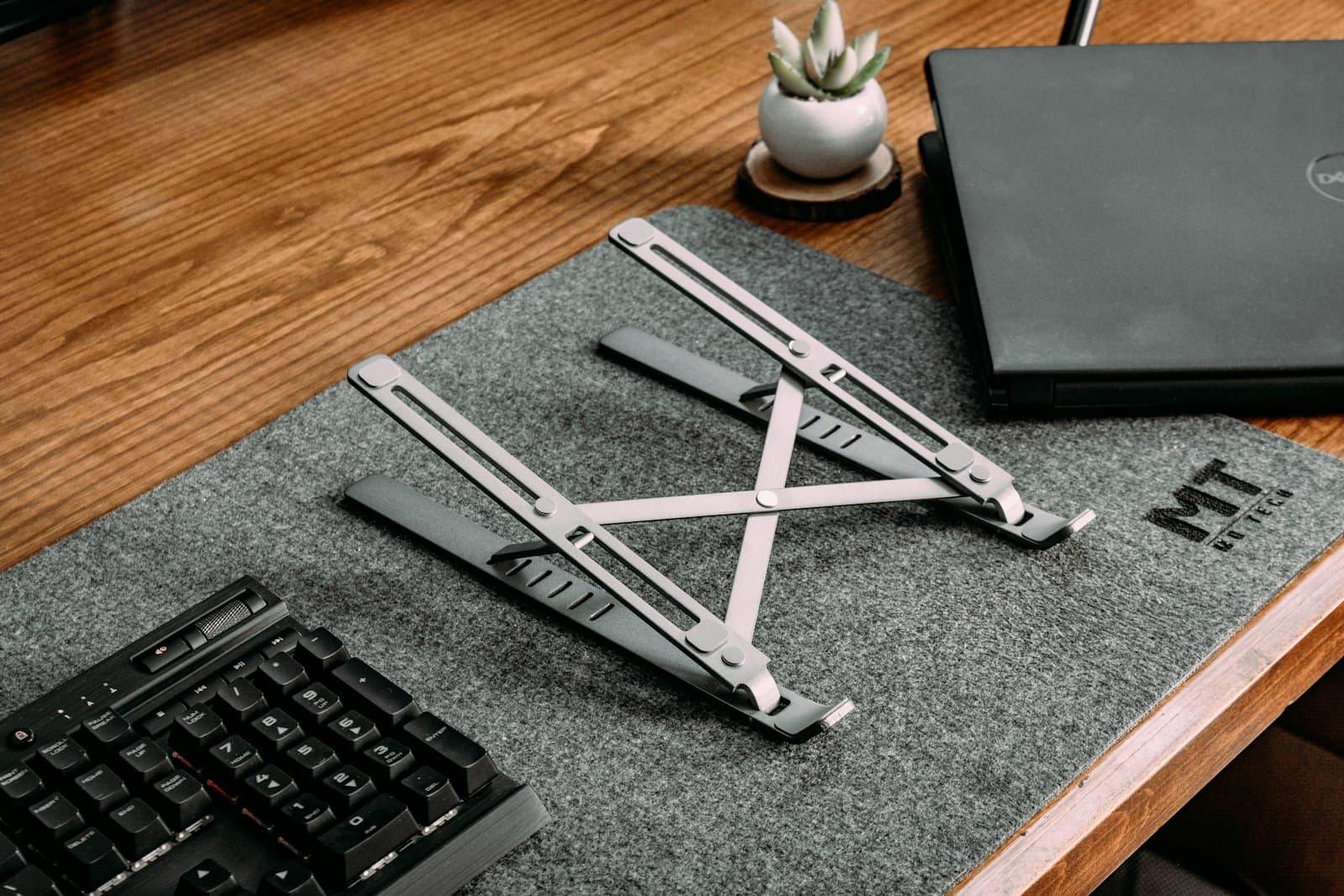
Image source: Unsplash.
Most laptop stands sound interchangeable until you actually try to use one on a small desk.
That is where the differences get clearer fast.
A small desk usually does not need the tallest stand, the prettiest stand, or the one with the biggest marketing promise. It needs the stand that lifts the screen enough, leaves room for an external keyboard and mouse, and does not turn the desk into a stack of awkward angles.
That is the lens behind this shortlist. The picks below are based on current official specs, with special attention to lift range, folded size, desk footprint, supported laptop sizes, and whether the stand makes sense for a real small-desk setup instead of just looking good in product photos.
Laptop stands are easy to buy badly because most listings focus on material or style before asking whether the stand actually helps the desk work better.
On a small desk, these are the specs that matter most:
This is also why a laptop stand is not automatically the right answer for every setup.
If you already use an external monitor as your main screen, the laptop often works better as a secondary side screen on a modest stand. If the laptop is your only screen, height range matters more. And if the laptop is docked closed most of the time, a vertical stand or mount can sometimes reclaim more space than an open stand.
This guide stays focused on stands that make sense for actual small-desk use, not just laptop accessories in general.
That means the picks had to do at least one of these well:
I also favored products with clear official specs instead of vague marketplace copy.
The Branch Adjustable Laptop Stand is the cleanest overall fit for most small home-office desks because it balances real adjustment with a still-manageable footprint.
Branch lists the stand at 13.5 inches wide, 9.5 inches deep, and 2 to 7 inches high. It weighs 3 pounds, supports laptops from 9 to 16 inches, handles up to 11 pounds, and adjusts up to an 85-degree angle. Those specs put it in a useful middle ground: more flexible than a simple fixed stand, but still compact enough for a desk that does not have much spare room.
That matters if your laptop sometimes works as:
It is not the lightest or flattest option here, but for a dedicated home desk, that is usually a fair trade. The extra adjustability gives you more control over height and angle without pushing you into a bulkier monitor-arm style solution.
Strong fit for: most people who want one stand for steady home use on a compact desk.
Main tradeoff: it takes up more physical space than a travel-first folding stand.
Curve Flex is the strongest premium pick if you want a stand that can work at eye level, fold flat, and still feel like a real desk accessory instead of a compromise.
According to Twelve South's current product page, Curve Flex can elevate a laptop screen up to 22 inches, adjusts keyboard angle from 0 to 45 degrees, folds flat for travel, measures 10.4 inches wide by 8.8 inches deep, weighs 1.75 pounds, and supports laptops at least 8.66 inches wide up to 7 pounds.
That combination is what makes it useful on a small desk.
You get:
If your desk sits in a bedroom, living room, or multi-use apartment corner, the fold-flat behavior matters more than it would on a permanent office workstation. You can set the stand up for work, then clear it out without dedicating the whole surface to desk hardware.
Strong fit for: people who want one premium stand that can handle home use and occasional travel.
Main tradeoff: price. If you only need a fixed-height stand, this is more stand than some setups require.
Twelve South Curve is the simplest good fixed stand in this category.
Twelve South lists it at 5.8 inches tall, 10.3 inches wide, and 8.7 inches deep, with a weight of 1.43 pounds and support for laptops at least 10.2 inches wide up to 7 pounds. Twelve South also says the one-piece stand is sturdy enough for typing directly on the laptop.
That is exactly why it earns a place here.
A lot of small-desk users do not need hinges, travel sleeves, or multiple lift positions. They just need:
Curve is the clean choice when you want a stand that disappears into the desk visually and works the same way every day.
It is especially sensible if your laptop spends most of its time:
Strong fit for: small desks that already have a stable workflow and just need a fixed, reliable stand.
Main tradeoff: no height adjustment. If the fixed position is wrong for your body or desk, there is no fixing it later.
Roost V3 Plus is the pick when portability matters almost as much as ergonomics.
Roost says the V3 Plus has 11 height settings, provides 5 to 14 inches of screen lift for 12-inch to 18-inch laptops, weighs 6 ounces, and folds to 1 by 1.5 by 13 inches. That is an unusually strong spec profile for a stand that disappears into a bag.
For a small desk, the appeal is straightforward:
This is not the stand I would buy just for desk aesthetics. It is the stand I would buy if the desk has to stay flexible and the stand should not behave like a permanent furniture decision.
It also works well if your workday switches between:
Strong fit for: people who want serious lift without dedicating permanent desk space to a heavier stand.
Main tradeoff: it looks and feels more tool-like than the cleaner aluminum desk stands.
For most small desks, that is the real decision.
Choose a fixed stand when:
Choose an adjustable or folding stand when:
If you already know the laptop stays beside one monitor every day, a fixed stand like Curve can be enough. If the setup keeps changing, Curve Flex or the Branch Adjustable stand usually makes more sense.
Do not buy a laptop stand until you check these:
If you have not checked desk depth yet, go next to How deep should a desk be for one monitor vs two?. If you are trying to balance one external monitor with the laptop beside it, How to set up one monitor and a laptop on a small desk is the more important companion guide.
Sometimes the better fix is not another stand at all.
If the laptop is usually closed and docked, a vertical stand can free more space than an open stand. If the external monitor is the true main screen, you may get more value from a better monitor arm or cleaner cable routing than from chasing the tallest laptop stand possible.
And if the desk is so shallow that even a slim stand pushes the keyboard to the edge, the real problem may be the desk dimensions, not the stand category.
That is where these guides matter more than another product purchase:
For most small desks, the best laptop stand is the one that protects the working zone in front of you, not the one with the most dramatic marketing photo.
If you want the best all-around home-office option, start with the Branch Adjustable Laptop Stand. If you want the strongest premium folding design, Curve Flex is the better fit. If you want a simple fixed stand that just works, Curve is the cleanest answer. And if the stand has to travel with you, Roost V3 Plus is the easiest one to justify.
The right stand should make the desk feel calmer, not more crowded.

A practical guide to why an expensive ergonomic chair can still feel wrong, with clearer checks for seat depth, lumbar position, armrest interference, desk-height mismatch, and body-fit issues before you blame price or buy another fix.

A practical guide to what to do when your desk and chair height do not match, with a clearer order for fitting the chair to your body first, fixing foot support, calming the keyboard-and-mouse zone, and deciding when the mismatch is real enough to justify replacement.