



Skip to content
URBNGEAR

URBNGEAR — Desk Setup Guides & Product Reviews

CHERRY MX Falcon Switch Kit with ivory and navy housing, orange POM longpole stem, displayed in eco-friendly cardboard packaging.
Keyboard

CHERRY MX Falcon Review: Heavy-Tactile, Longpole Stem Switch

TP-Link Deco BE63 Pro tri-band Wi-Fi 7 mesh system showing three white units on a modern desk setup.
Peripherals

TP-Link Deco BE63 Pro review: fast but flawed

The Deco BE63 Pro brings Wi-Fi 7 mesh at a discount price, but polarized reliability and a firmware-capped 2.5G port make it a gamble.

Vladimir Fedorov

A minimalist standing desk setup with a monitor and accessories in a bright workspace.
Desks

Is a standing desk worth it with a decent setup?

By Asikur Rahman

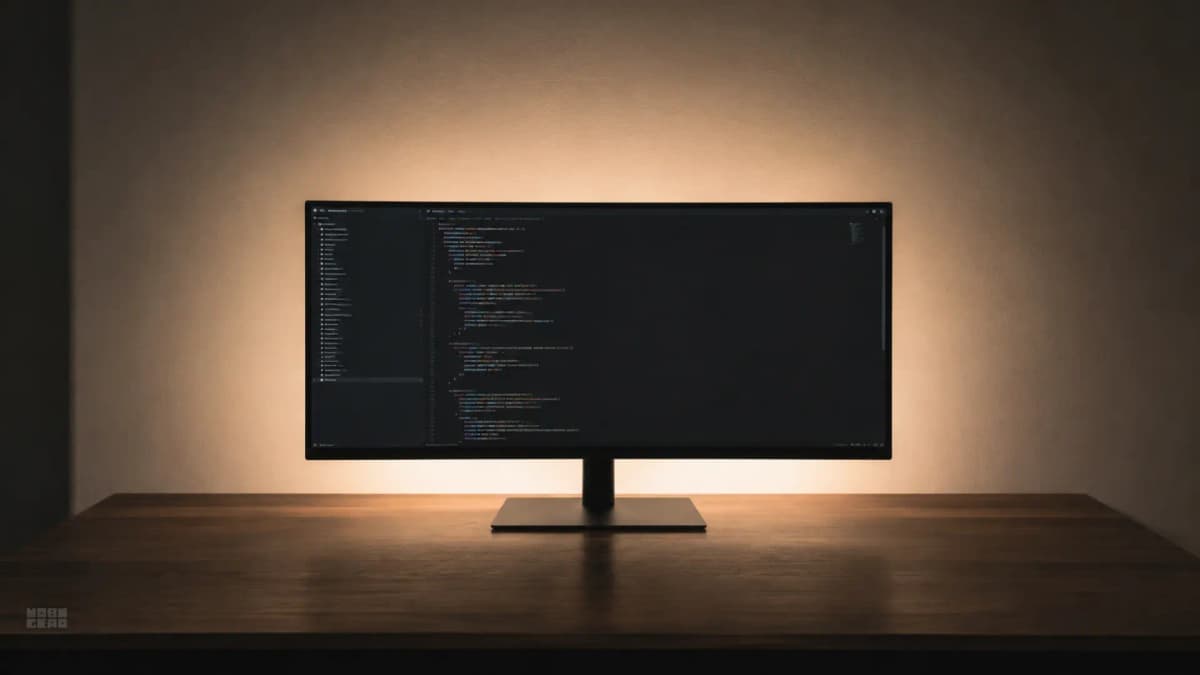
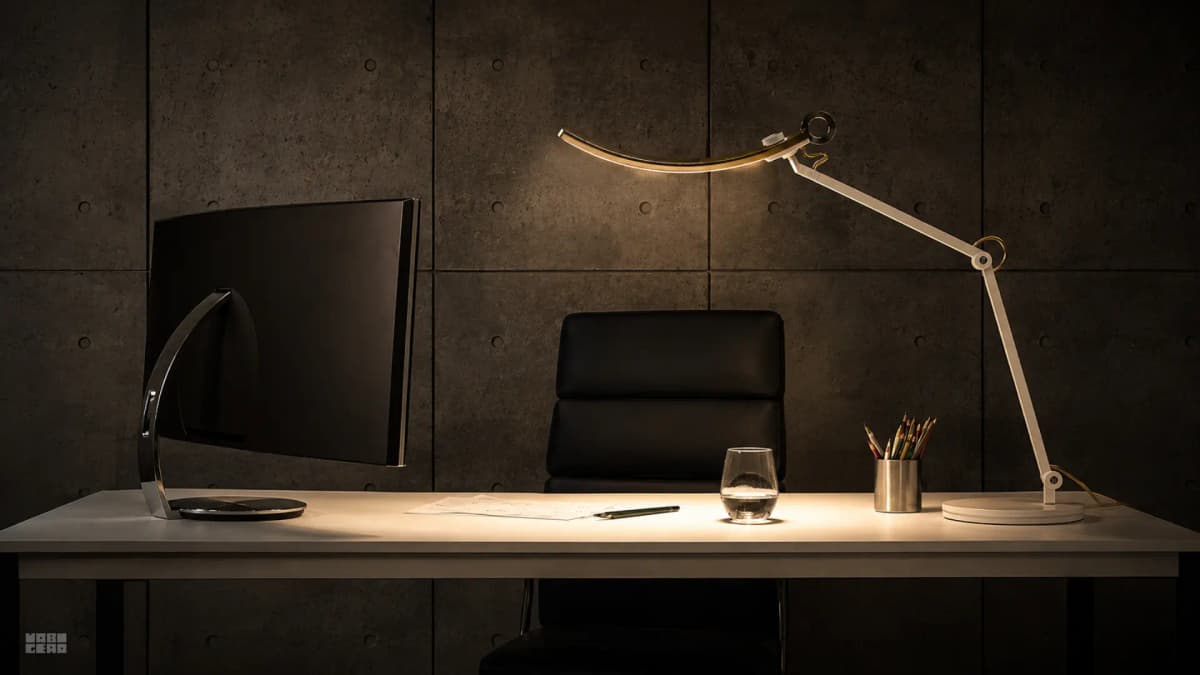
A refined desk setup with layered lighting and a calm, polished workspace.
Workspace

What makes a desk setup feel premium

By Asikur Rahman

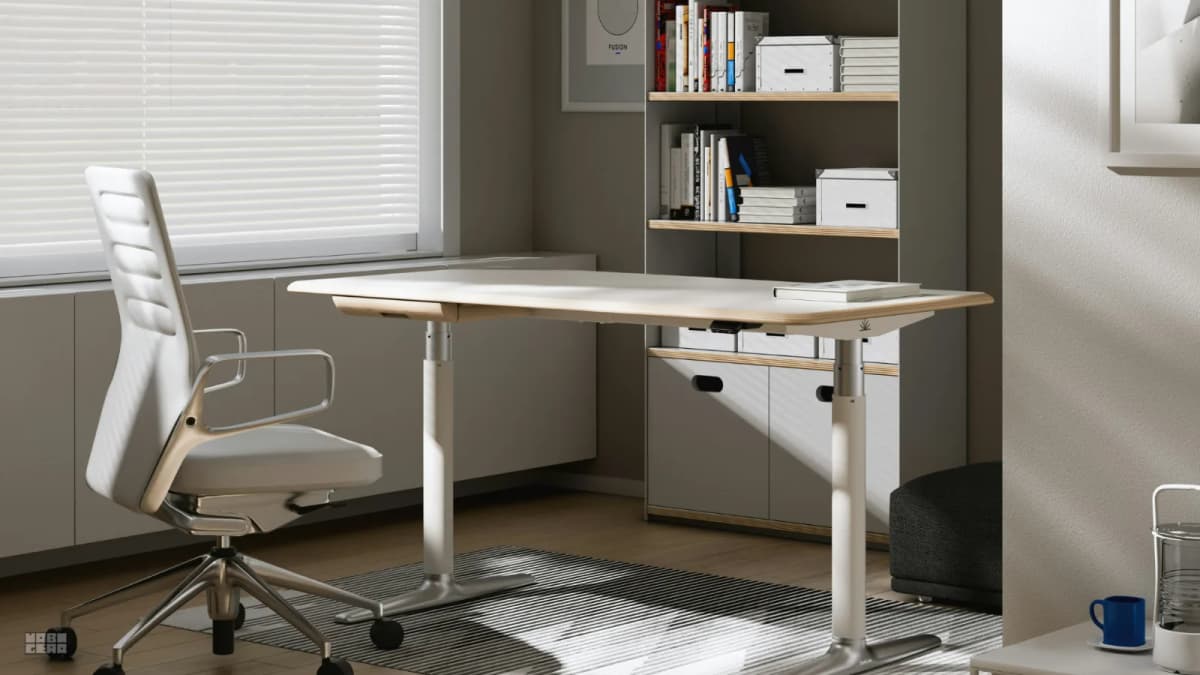
A desk setup with a monitor, chair, and clean work surface in a bright room.
Workspace

Upgrade order: chair, desk, or monitor arm first?

By Asikur Rahman

A tidy desk setup with a monitor, laptop, keyboard, and chair in a bright room.
Workspace

What to upgrade first with a $300 setup budget

By Asikur Rahman

Latest

An assortment of audio gear — headphones, a soundbar, and a small wireless speaker — arranged on a minimal desk.
Audio

Why every brand is releasing headphones in 2026

Audio has become the last high-margin frontier in consumer electronics. Here's what the data actually says about why every brand is entering the market — and what it means for what you should buy.

By Vladimir Fedorov

A well-organized home office desk with ergonomic chair, monitor arm, and lighting setup.
Workspace

Home office buys that still feel worth it after a year

The home office buys that age well are rarely the flashy ones. They are the pieces that still make daily work easier a full year later.

By Asikur Rahman

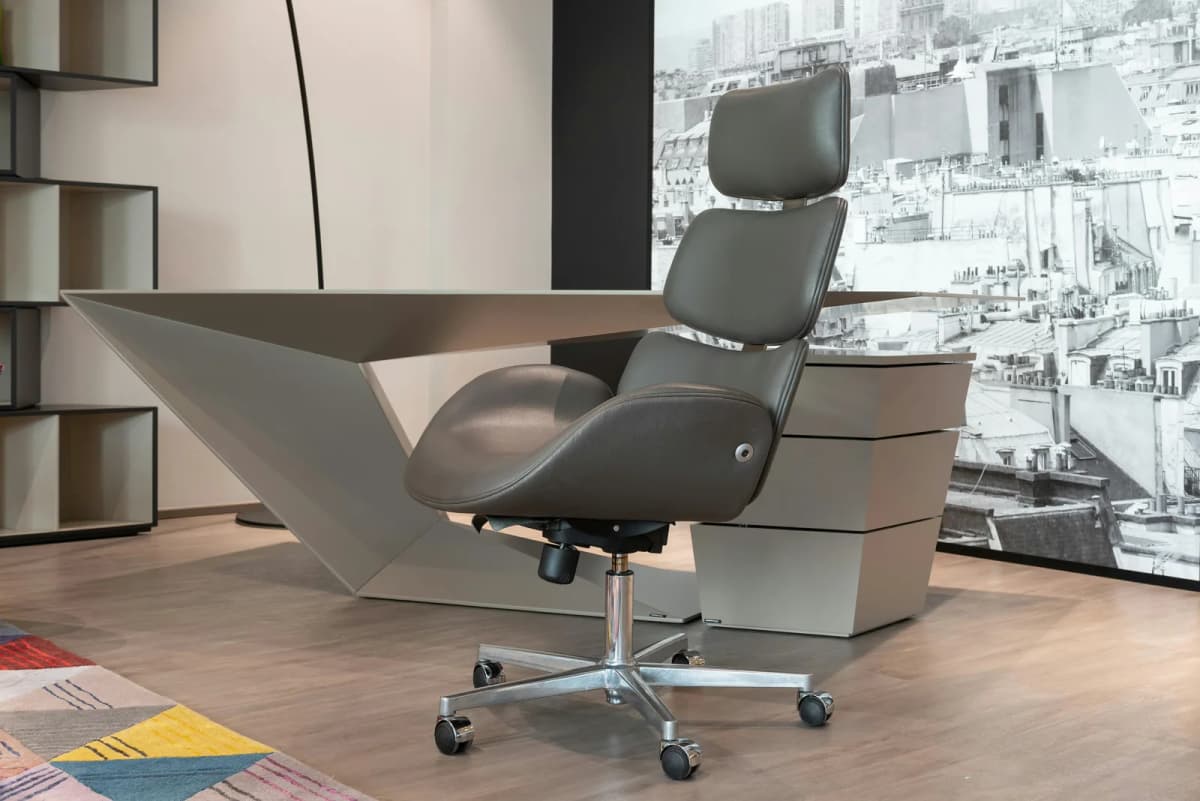
A home office furniture setup illustrating common desk, chair, and layout mistakes.
Workspace

9 common home office furniture mistakes and how to fix them

Most bad home office setups do not come from one terrible purchase. They come from buying a chair, desk, or storage piece that looked right at first but quietly made the room, posture, or daily workflow worse.

By Asikur Rahman

A laptop keyboard and screen, representing a keyboard that works in BIOS but not once Windows loads.
Keyboard

Laptop keyboard works in BIOS but not Windows?

A laptop keyboard that works in BIOS but fails in Windows is usually not a mystery hardware death. More often, Windows is losing the keyboard somewhere between firmware handoff, device drivers, power state, or third-party software.

By Vladimir Fedorov

A close view of a laptop keyboard, representing real-world keyboard failure and replacement decisions.
Keyboard

Before you replace your laptop keyboard, try this first

Laptop keyboard problems are easy to misread. A few dead keys, a failing cluster, or a keyboard that briefly comes back after restart can all push people toward replacement before they know what actually failed.

By Vladimir Fedorov

A keyboard routed through a desk dock setup, illustrating lag and freezing issues caused by the connection path.
Keyboard

Keyboard lag through a dock or KVM? Here's why

When a keyboard only starts lagging after you run it through a dock or KVM, the connection path is usually the real problem. The useful fix is to simplify that path, not blame the keyboard first.

By Vladimir Fedorov

A wireless keyboard on a desk, representing wake-delay and missed first-key behavior after sleep.
Keyboard

Wireless keyboard misses the first key after sleep?

That missing first key usually is not random. It is often the cost of a wireless keyboard going to sleep to save battery, then needing a moment to reconnect before input can register.

By Vladimir Fedorov

A keyboard on a desk, illustrating partial key failure and missing input problems.
Keyboard

Some keys stopped working? It's usually one of three things

A dead key is annoying. A half-working keyboard is more confusing. The useful question is not just which key failed, but whether the failure follows a pattern that points to software, transport, or real hardware damage.

By Vladimir Fedorov

Better gear decisions, delivered

One email per week — workspace finds, setup tips, and honest reviews. Unsubscribe anytime.