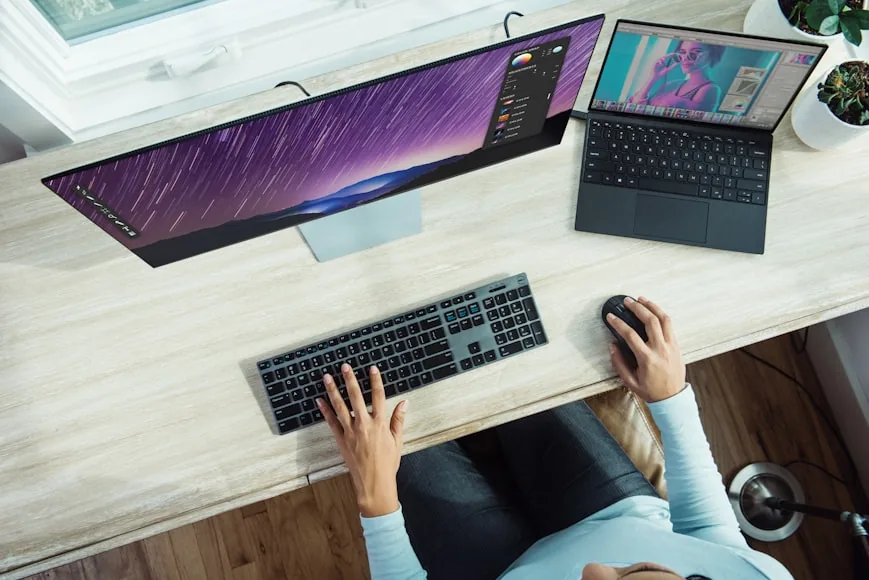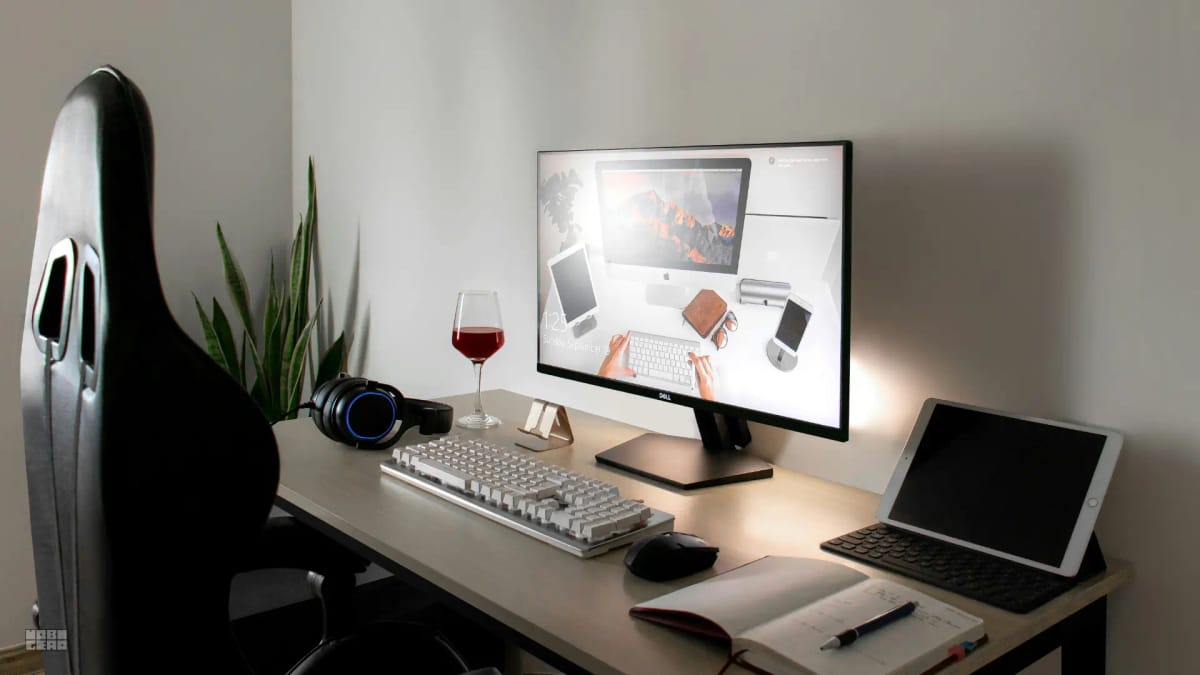

Decide in one check: sit normally and measure eyes to the screen. If you are already around an arm’s length (~20–40 in / 50–100 cm) and still feel cramped, the desk depth or keyboard room is the problem. If the screen is closer than that, fix distance first — stand, arm, or push the panel back — before you buy a deeper top.
People say “my desk is too shallow” when what they mean is “the screen is in my face.” Those are different problems. Desk depth is furniture. Viewing distance is eyes to glass.
If several upgrades are fighting for first place, Should you buy a better chair, a bigger desk, or a monitor arm first? is the triage page. This one is only depth versus distance.
Start with eye-to-screen distance
OSHA’s workstation guidance puts preferred viewing distance roughly 20 to 40 inches (50 to 100 cm) from your eyes to the front of the screen. The American Academy of Ophthalmology’s computer advice lands in the same neighbourhood: about an arm’s length, often cited around 25 inches, with the gaze angled slightly down.
That distance is measured from your eyes, not from the front edge of the desk.
A shallow desk can still hit that range. A deep desk can miss it.
The 10-second check
Sit the way you actually work — feet supported, shoulders down, hands on the keyboard.
Reach one arm straight toward the screen.
Fingertips roughly meet the panel → you are in the usual arm’s-length zone.
Palm hits the glass with your elbow still bent → too close.
You cannot reach the screen without leaning → too far (or the chair is too far back).
It is not a lab measurement. It is enough to stop you buying furniture for the wrong reason.
For the small-desk version of the same rule, see How far should a monitor be from your eyes on a small desk?.
When the desk really is too shallow
Believe the furniture when:
The monitor is already at the back edge and still too close. No more surface to push into. Viewing distance and desk depth have collided.
Keyboard and mouse have nowhere to live. Wrists hang off the front, or the mouse has a postage-stamp zone, even after you clean the clutter.
You need monitor + keyboard + paper + notebook in one reach. A shallow top forces constant stacking. That is a surface problem, not a stand problem.
An arm still cannot give you enough retreat. Some tops are so short that even a clamped arm cannot park a large panel far enough back without hanging into the wall or hitting a window.
Under about 20 inches (50 cm) of usable depth, most single-monitor setups start fighting. Exact needs scale with screen size — How deep should a desk be for one monitor vs two? covers the sizing chart.
When the monitor is just too close
This is the more common pattern, and it is the one people skip.
The stand eats the depth. A chunky base can steal 6–10 inches of the top. The panel looks “at the back” while the glass sits much closer than the desk depth implies.
Height is wrong, so you lean in. A low screen makes you crane forward. That shortens viewing distance even when the stand is fine. Fix height first — How high should your monitor be for good posture?.
You tilted the panel instead of moving it. Tilt changes angle, not distance. If you keep tilting toward yourself to “see better,” the screen is probably too close or too low.
Scale is wrong. Tiny UI at a correct distance feels like a closeness problem. Enlarge text before you buy a deeper desk.
What a monitor arm actually changes
An arm is not a deeper desk. It is a way to stop the stand from owning the top.
It can:
Delete the stand footprint so keyboard space returns.
Slide the panel back or forward until the arm’s-length check passes.
Set height independently so you stop leaning for a low screen.
On a 24-inch-deep desk, reclaiming the stand’s depth is often the whole win. That is why Monitor arm vs monitor riser and Monitor arms that work on small desks exist as separate pages.
If you already know the stand is the thief and the desk is otherwise fine, buy the arm before the furniture.
Straightforward arm for common 24–27 in panels. Use when the desk is almost workable and the stand footprint is the only thing forcing the screen forward.
- Designed for monitors up to 27 inches
- Supports up to ~19.8 lb
- Clamp fit for typical desktop thickness
Longer-reach premium arm when you need real depth travel and height range on a tighter desk, not just a riser.
- Supports displays up to 34 inches
- About 13 in of lift; long forward reach
- Weight range roughly 7–25 lb
These are examples of the “reclaim depth” lane, not a ranked list of every arm. Confirm VESA pattern, panel weight, and clamp thickness against your desk before ordering.
Depth guidelines that are useful (not dogma)
Treat these as starting points, then trust the arm’s-length check.
Single 24-inch panel: about 20–24 inches of desk depth is workable if the stand is compact or you use an arm; keep clear keyboard space in front.
Single 27-inch panel: closer to 24–28 inches preferred. Larger glass wants more retreat.
Dual monitors: depth matters as much as width. Side-by-side screens often need 28 inches+ so neither panel sits in your lap. See also How wide should a desk be for one monitor and a laptop?.
Monitor + laptop: depth fails when the laptop blocks the keyboard zone. Raise the laptop or close the lid — do not assume a deeper desk alone fixes a stacked layout.
When a deeper desk is the honest buy
After distance, height, and stand footprint are checked, buy depth when:
a large or ultrawide panel still fails the arm’s-length test at the back edge
the work needs paper, tablet, and keyboard in parallel, not in rotation
the clamp zone is too thin or too short for a stable arm
usable depth is under ~20 inches even after decluttering
If you are also choosing sit-stand furniture, remember a converter sits on a shallow desk and can make depth worse — Desk converter vs standing desk covers that fork.
Before you order a deeper top
Measure usable depth (surface you can actually put things on), not the marketing number.
Confirm chair and desk height still match — a deeper wrong-height desk is still wrong.
Check room clearance behind the chair and for drawers.
Plan cables; deeper tops hide more wire length.
If the only failure was stand footprint, price an arm against the desk first.
Which problem do you have?
Fix placement if the arm’s-length check fails but the panel is not yet against the wall, or a stand is eating the top.
Buy an arm if the desk would feel fine without the stand in the way.
Buy a deeper desk if the panel is already maxed out at the back edge and the keyboard zone is still broken.
Most “shallow desk” shopping carts are really “monitor too close” carts. Measure once before you spend.