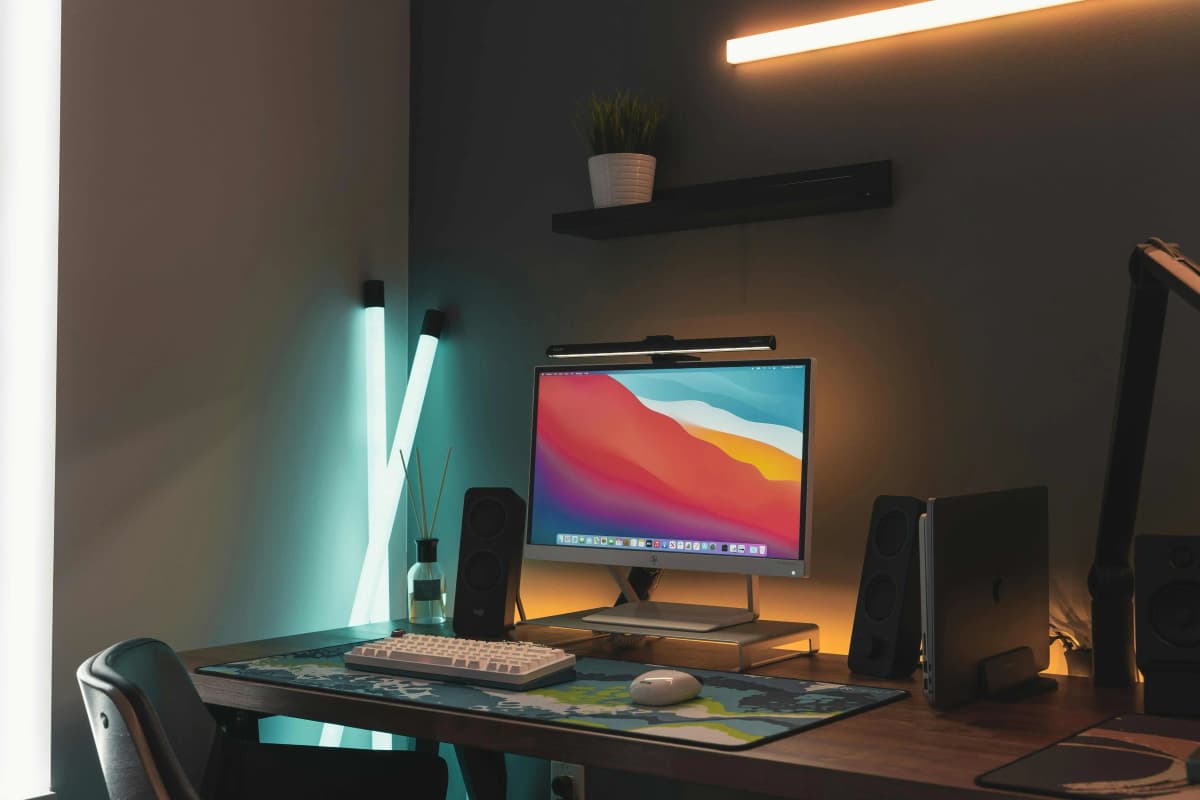
Best colour temperature for home office lighting
The colour temperature of your lighting affects how alert you feel, how sharp text looks, and how comfortable your eyes are after hours of work. Here is how to choose the right one.
6 min read


Section Editor
Expertise
Ergonomic office chairs, Desk setup and configuration, Home office buying guides, Workspace accessories, Small-space setup
About Asikur Rahman
Asikur Rahman is the Section Editor at URBNGEAR, where he covers workspace gear, buying guides, and ergonomic setup advice for home-office readers. He has personally tested and configured desk setups across a range of budgets, from entry-level chairs and flat-pack desks to mid-range ergonomic setups, and focuses on clear comparisons and practical recommendations that help people build better workspaces without wasting space or money.
The colour temperature of your lighting affects how alert you feel, how sharp text looks, and how comfortable your eyes are after hours of work. Here is how to choose the right one.
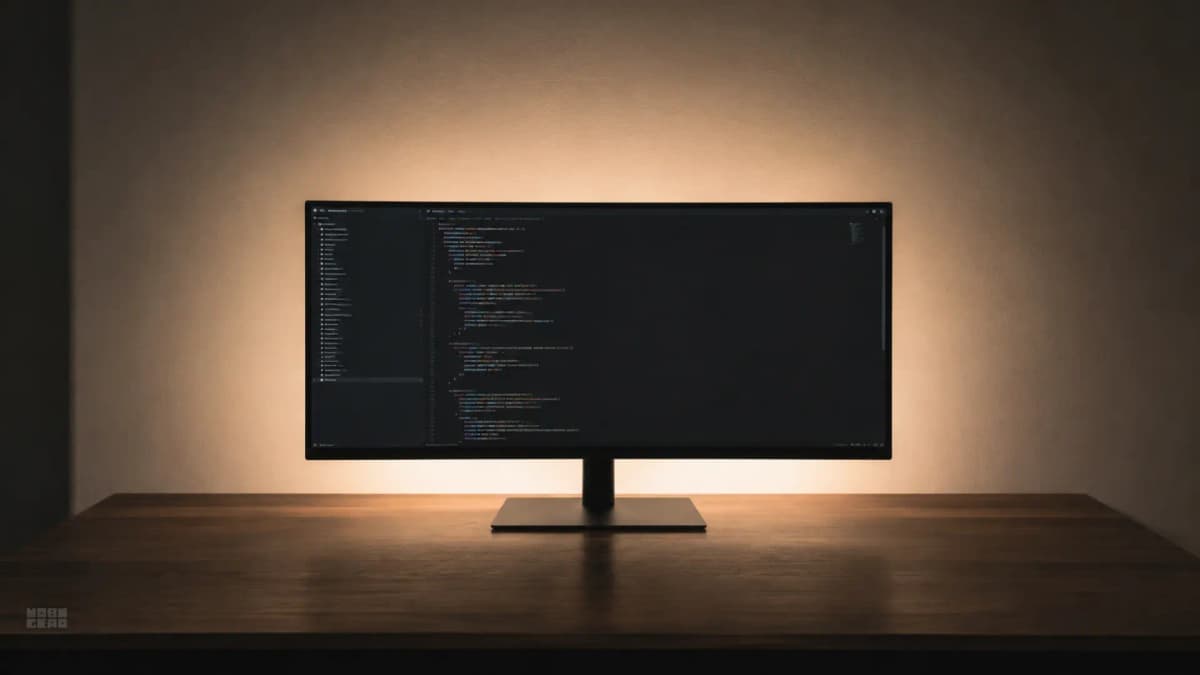
Bias lighting is one of the cheapest ergonomic upgrades for a desk setup, but it only works when the colour temperature, brightness, and placement are correct.
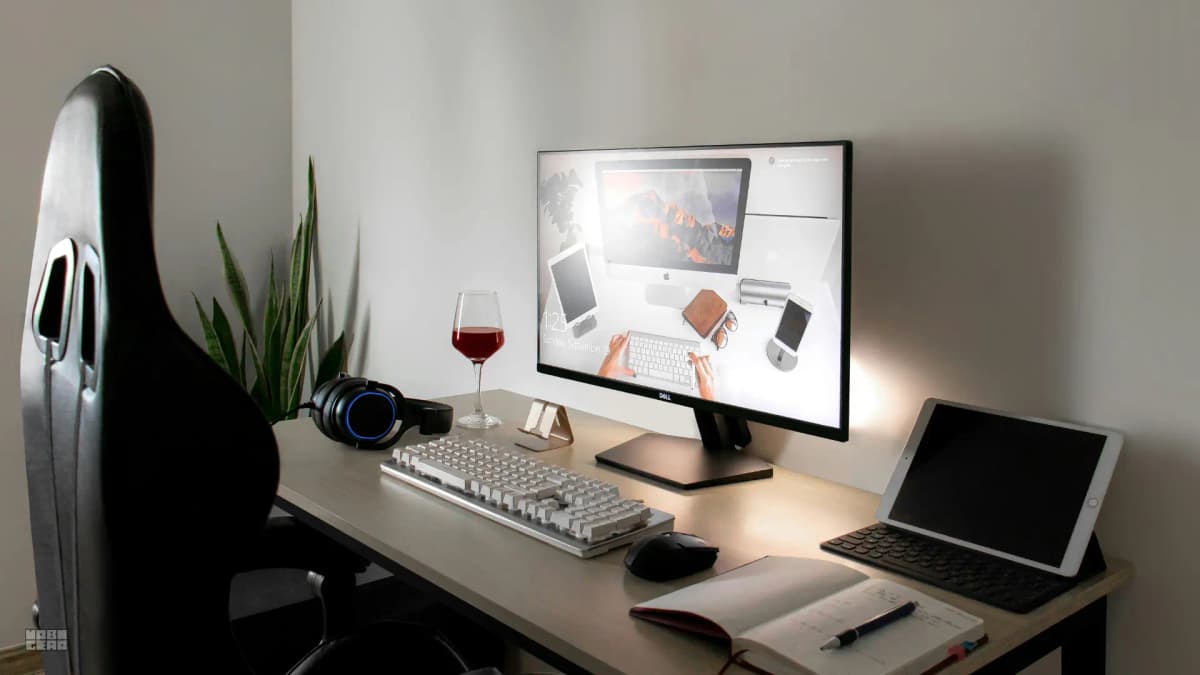
Most people blame their desk depth when the real problem is monitor distance. Before buying a deeper desk, check whether your monitor placement is the actual issue.
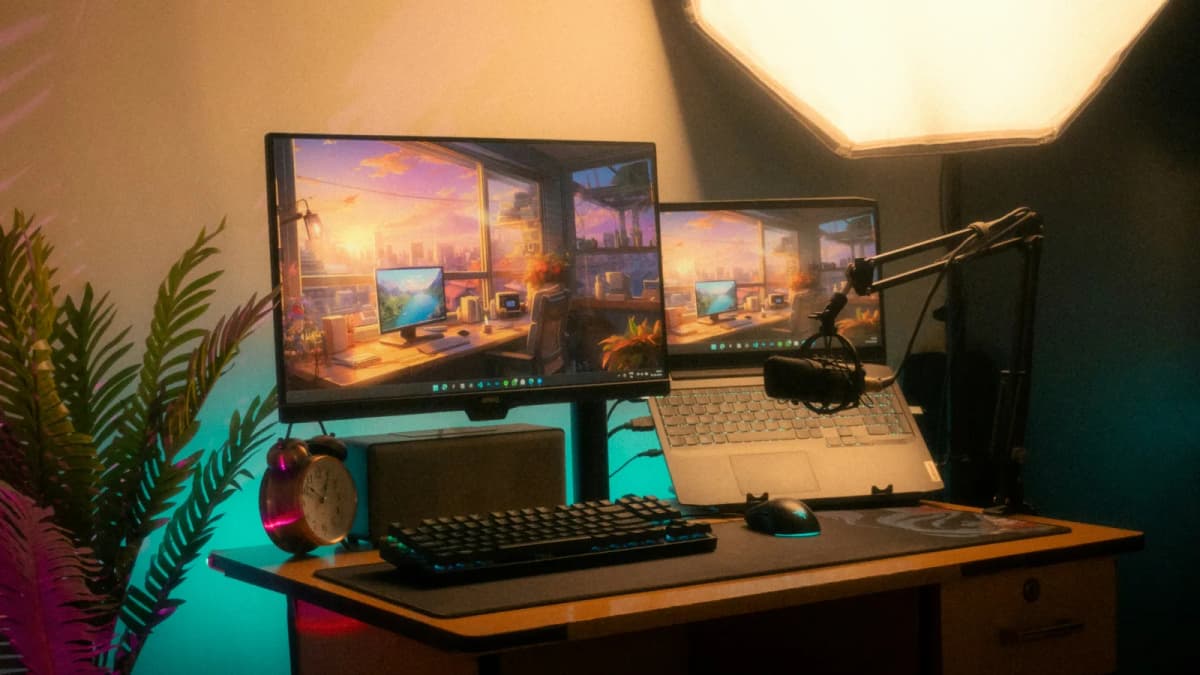
Bad lighting does not announce itself. It shows up as tired eyes, restless focus, and a workspace that feels draining for reasons you cannot name.
After a year, the purchases that feel like mistakes are rarely the cheapest ones. They are the ones that looked right on paper but never fit the actual workday.
Choosing between Branch and Steelcase is a decision between modern home-office aesthetics and commercial-grade engineering. We break down the fit mechanics and long-term durability trade-offs.
The home office buys that age well are rarely the flashy ones. They are the pieces that still make daily work easier a full year later.
Most bad home office setups do not come from one terrible purchase. They come from buying a chair, desk, or storage piece that looked right at first but quietly made the room, posture, or daily workflow worse.

Messy workflow days usually come from a broken working zone, not too many items. This 15-minute reset rebuilds the desk so the workflow feels calm again.

If your eyes feel fried by mid‑day, glare is often the real culprit. A small change to monitor angle and light placement fixes more than most upgrades.
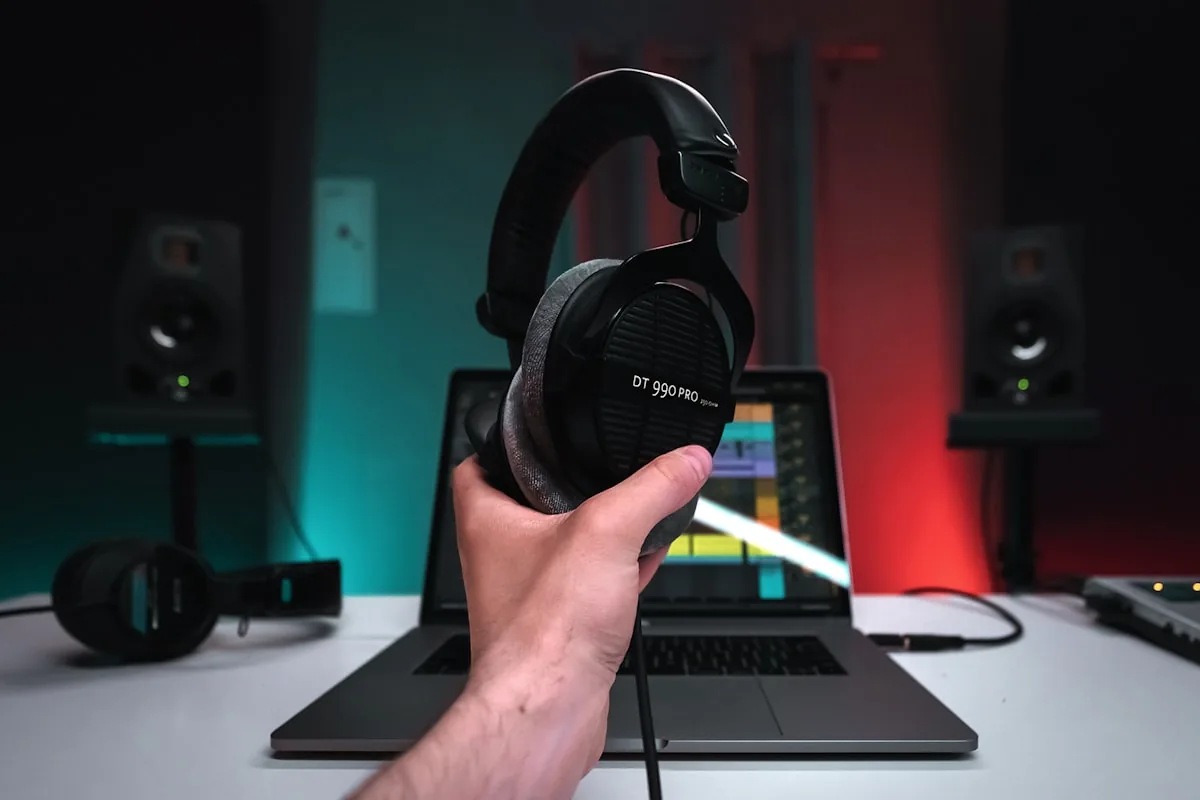
A USB mic can sound better, but a headset is often more reliable. The right choice depends on your room, your desk, and how much setup you actually want before every call.
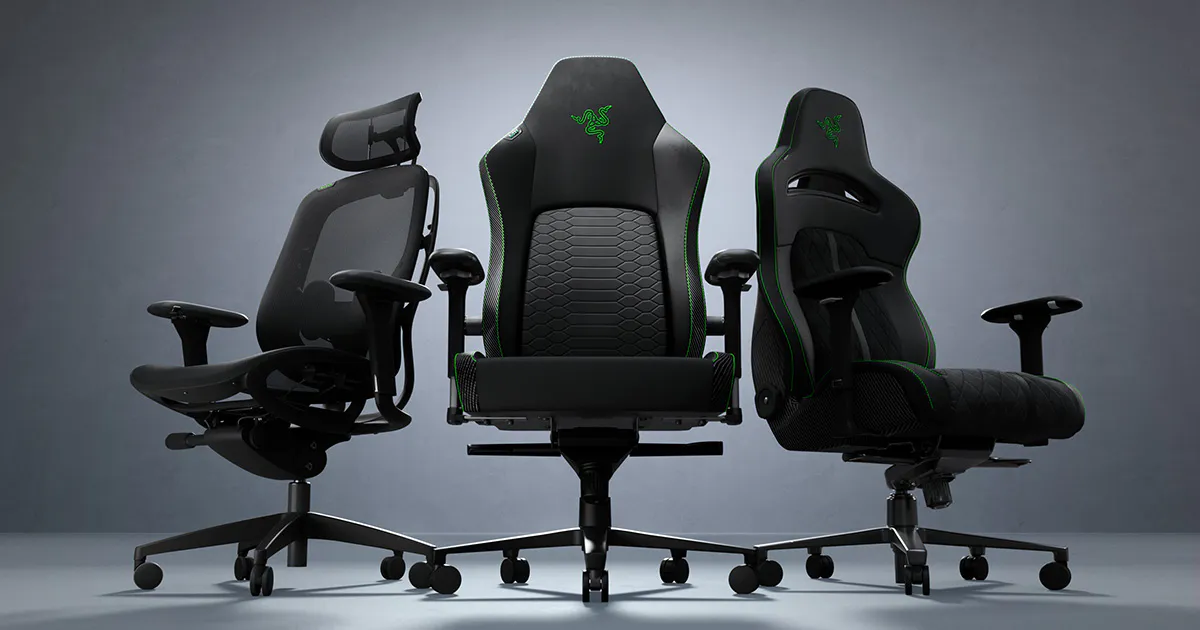
Office chairs usually make more sense for work, but the better answer depends on whether the exact chair lets you stay supported, get close to the desk, and move without fighting the seat.
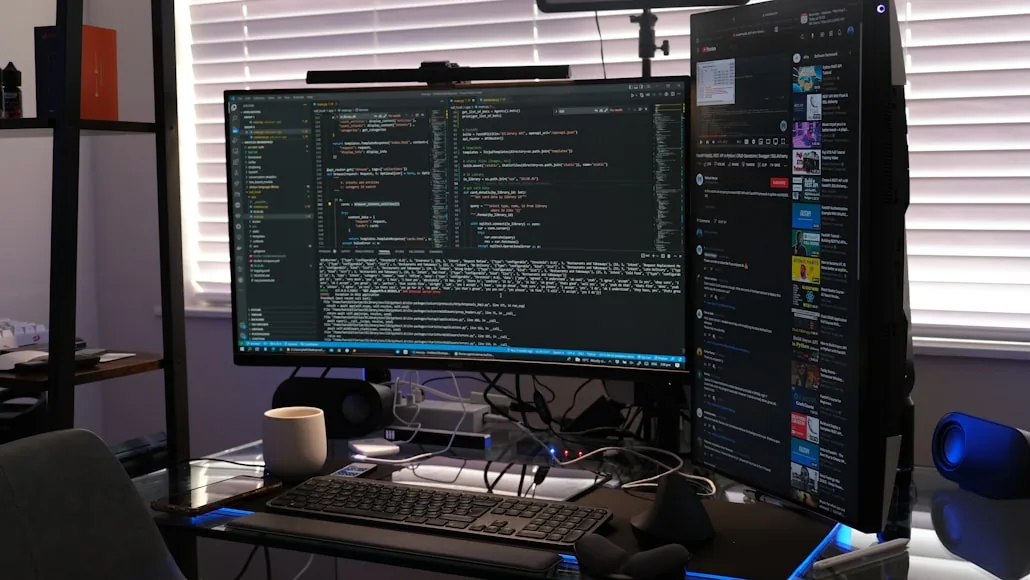
Ultrawide and dual-monitor setups can both work well, but the better choice usually depends on whether you need one centered canvas or two clearly separate working zones.

A standing desk can be a smart upgrade, but it is usually worth it for better movement variety, not because it magically fixes posture, pain, or a weak setup.
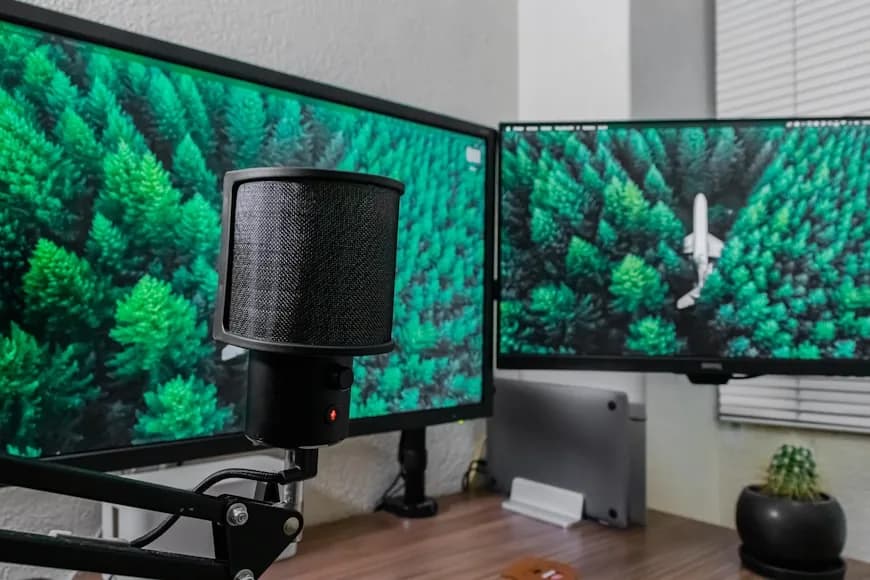
A second monitor can be a real upgrade, but it often gets asked to solve problems that actually come from bad desk depth, weak screen hierarchy, or a crowded working zone.
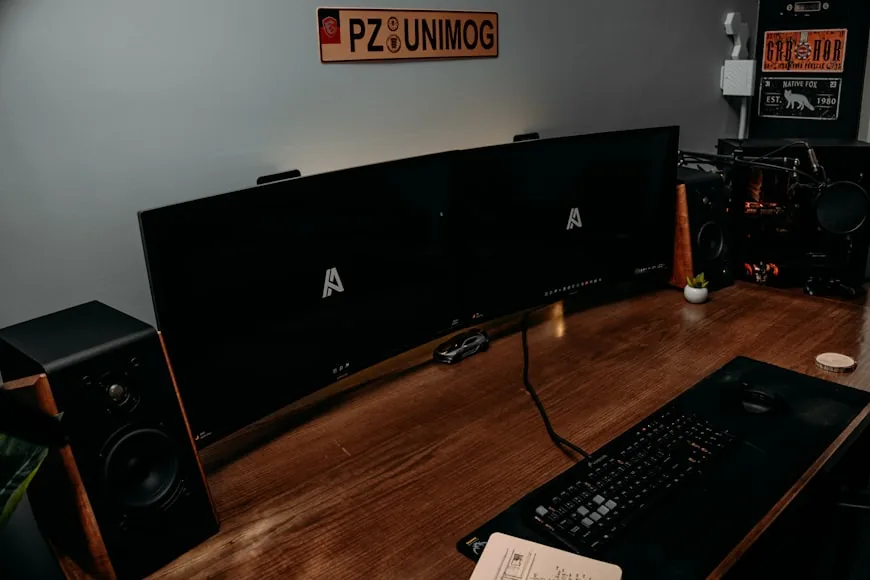
If you want the fast version of monitor ergonomics, this is it: where the top of the screen should land, how far the monitor should sit, and what changes on a shallow desk.
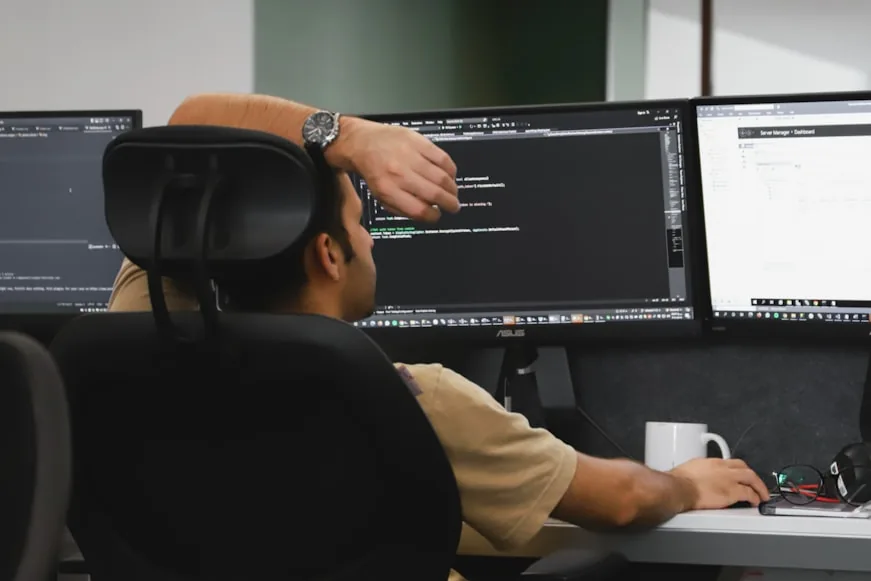
In a small room, the most disappointing upgrade is usually the one that improves the desk while making the room around it harder to use.

A stipend is easy to waste when it gets treated like bonus shopping money. The best use is usually the one missing piece that makes your daily setup actually work.

The first setup regret is usually a purchase that makes the desk look more complete without making it work better. This page stays focused on the lowest-leverage first buys to avoid.
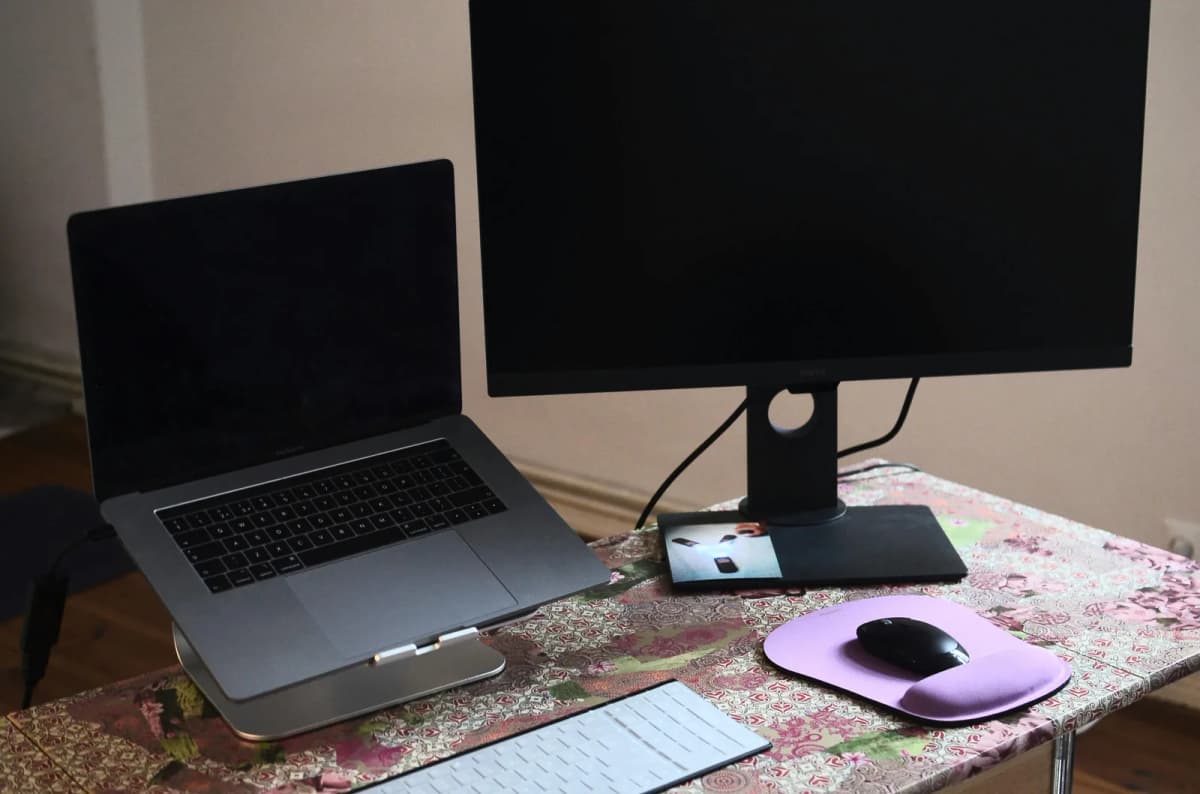
If your monitor and laptop setup keeps pulling your neck, shoulders, or torso off-center, the real issue is usually screen hierarchy or desk geometry.

If your chair only starts feeling bad later in the day, the problem is usually pressure buildup or setup mismatch, not that the chair suddenly became bad.
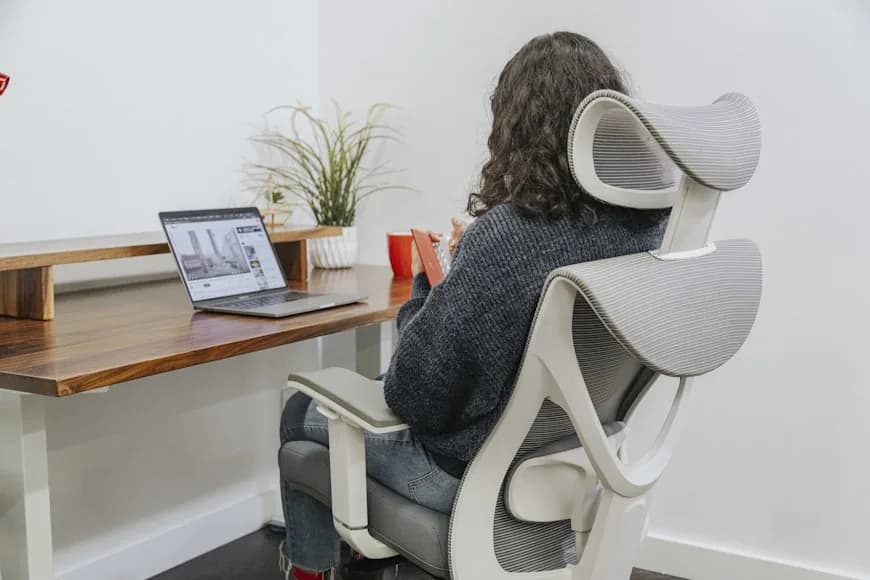
A solid chair does not fix desk mismatch, poor monitor position, or static posture. Start with the root causes that keep desk-related back pain alive.
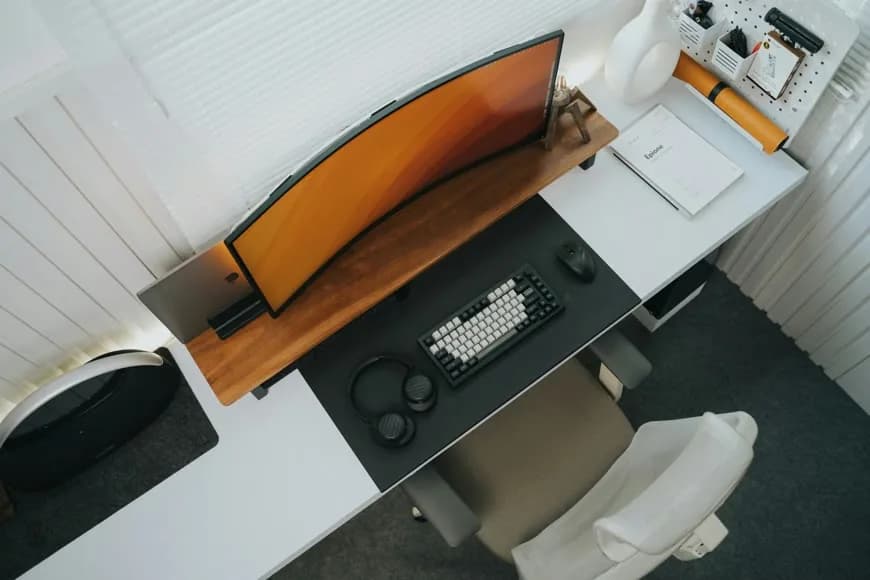
Premium setups usually feel restrained before they feel expensive. The difference usually comes from a few details that create that effect and the discipline to skip the rest.
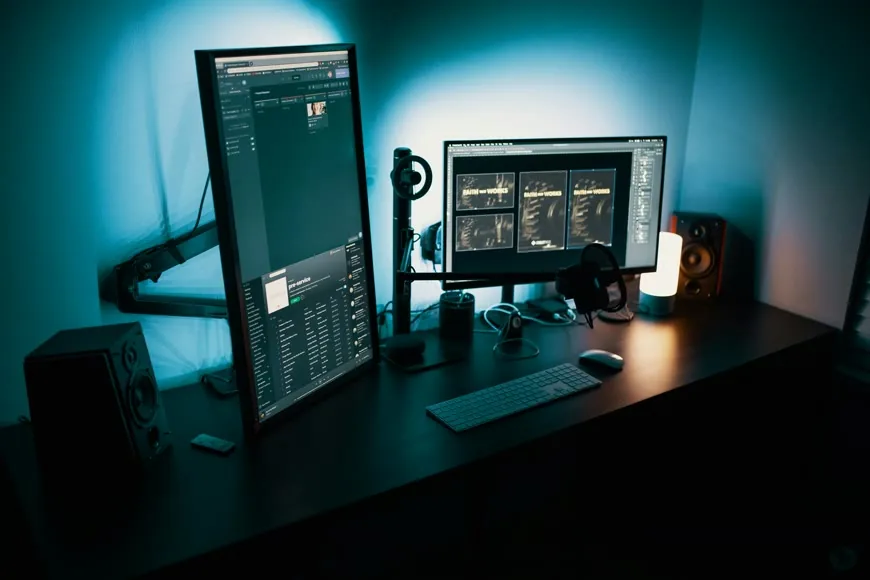
If your body hurts, your desk feels cramped, and your monitor sits too low, all three upgrades can sound necessary. The real job is figuring out which problem is limiting the setup first.
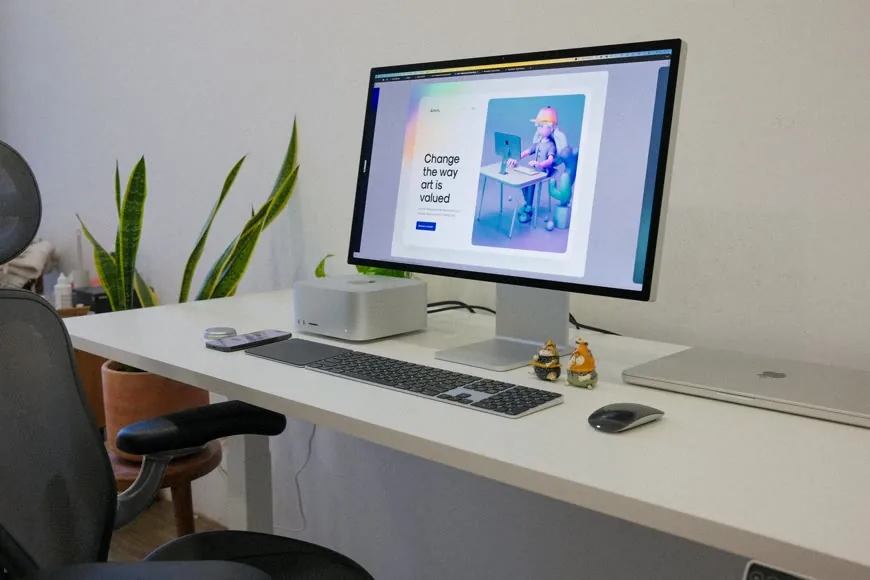
With only $300, the wrong upgrade disappears fast. Put that money toward fit, space, or the one change that improves the whole setup most.

A pricier chair does not fix a bad fit, a bad desk match, or bad settings. Look first at where expensive chairs still go wrong before assuming you bought the wrong model.

When desk height and chair height fight each other, people usually blame the chair first. Start by stabilizing the setup before deciding the furniture has to go.

Back, neck, shoulder, and wrist pain at a desk often get blamed on the wrong piece of the setup. Read the pattern first so the most likely culprit becomes easier to spot.
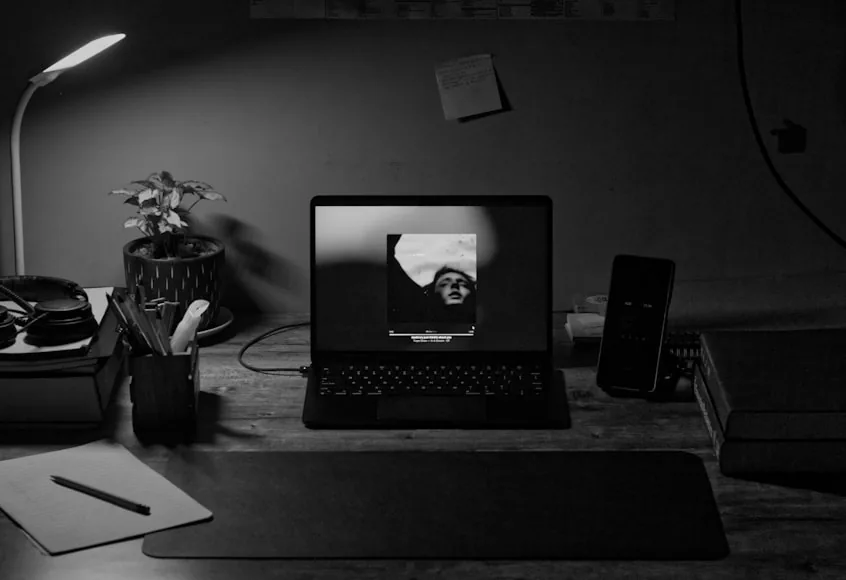
An uncomfortable desk setup can tempt you into changing five things at once. Start with a cleaner order so the biggest problem gets fixed before money goes to the wrong one.
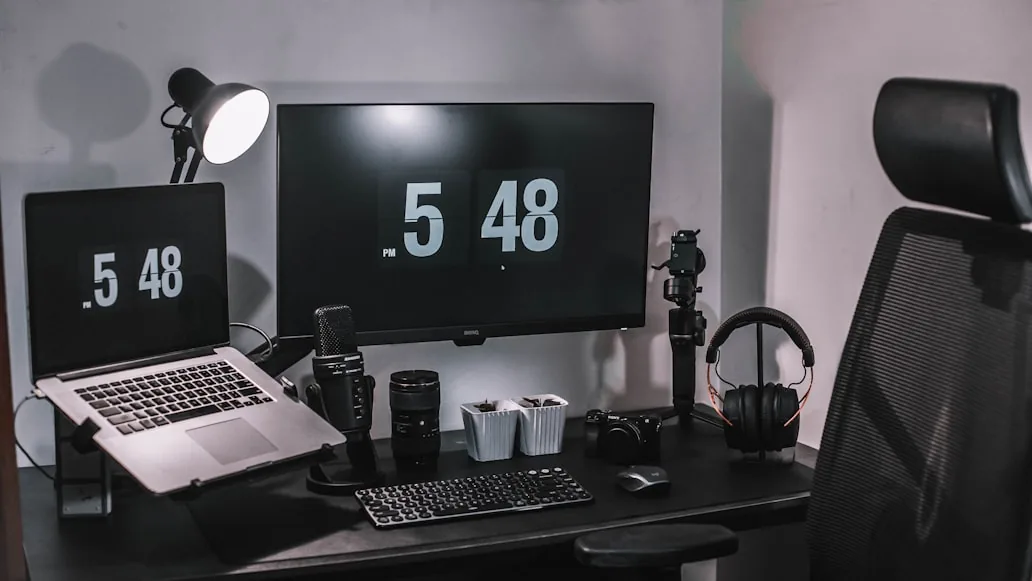
Some setups look tidy and still drain you by lunchtime. Watch for the subtle friction points that wear you down even when nothing looks obviously wrong.

Working from a bedroom gets messy when the setup solves productivity but ruins the room. The focus here is boundaries, layout, and visual restraint so the space still feels like yours after work.
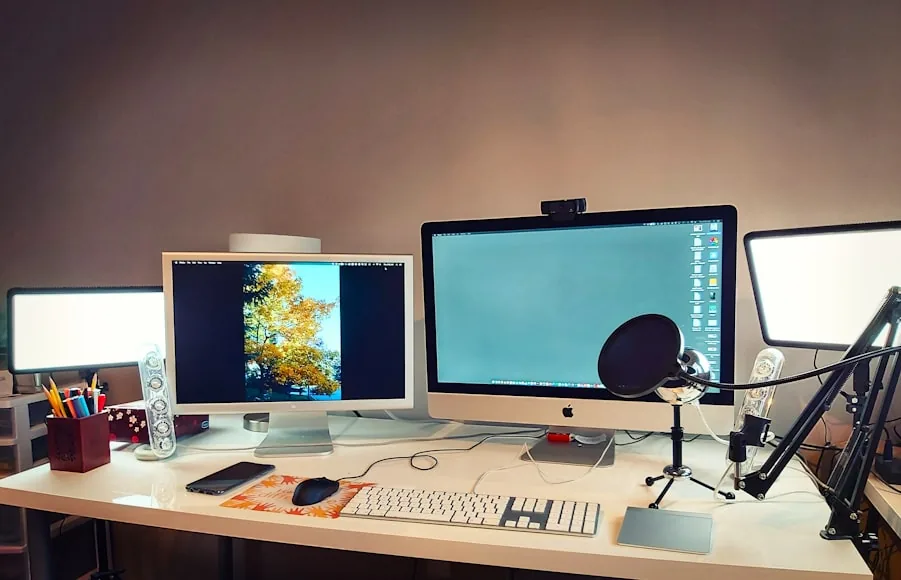
Accessories are great at treating symptoms and bad at fixing root causes. Look instead for whether the real issue is layout, fit, lighting, or workflow.
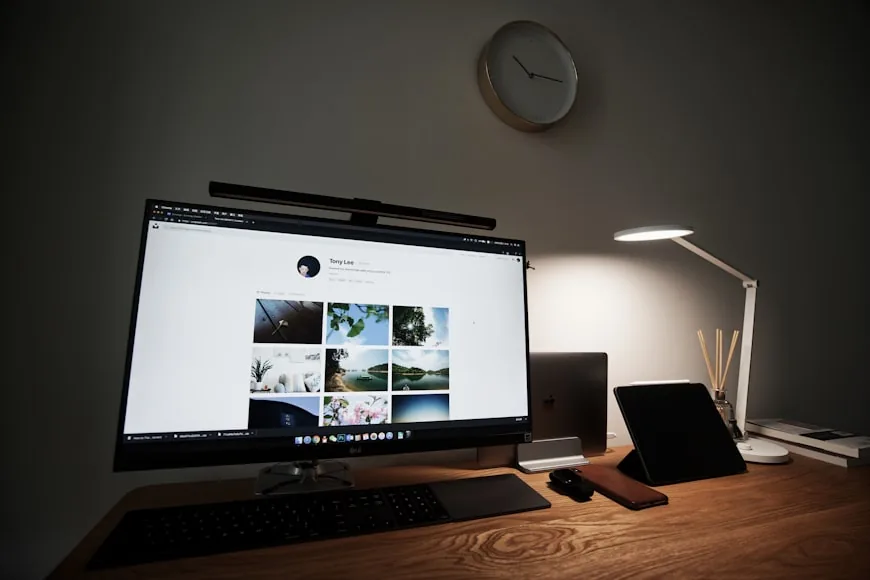
All-day comfort usually comes from a handful of things working together, not one perfect product. The pieces here are the ones that support a full day without wearing you down.
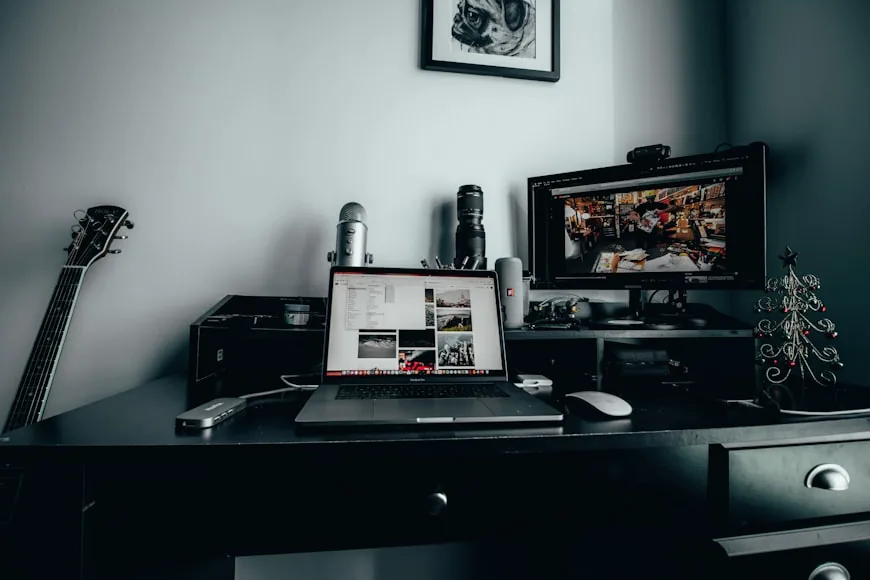
A lot of small home offices feel worse than they should because the wrong compromise gets normalized. These are the mistakes that quietly drag the setup down.
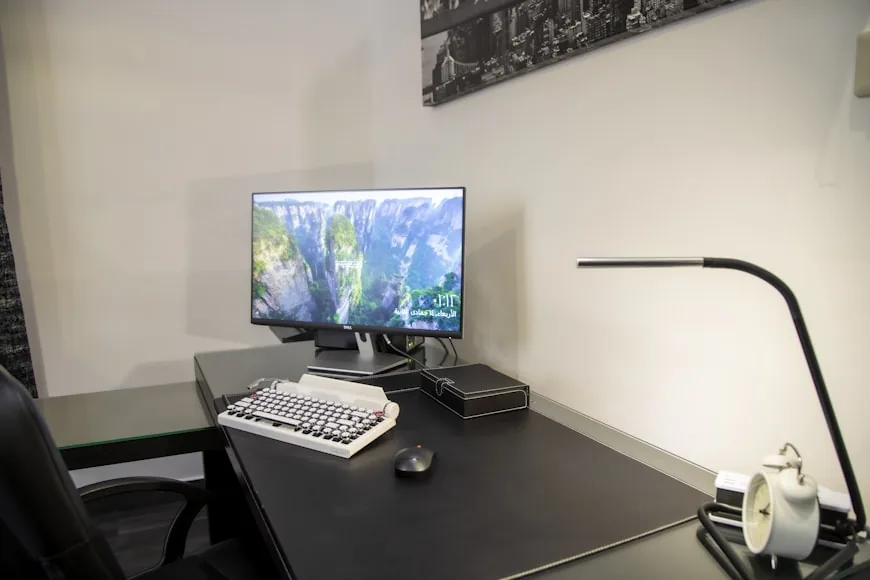
A small room punishes rushed buying decisions fast. Start by measuring the room, mapping the workday, and deciding what actually belongs there before anything gets ordered.
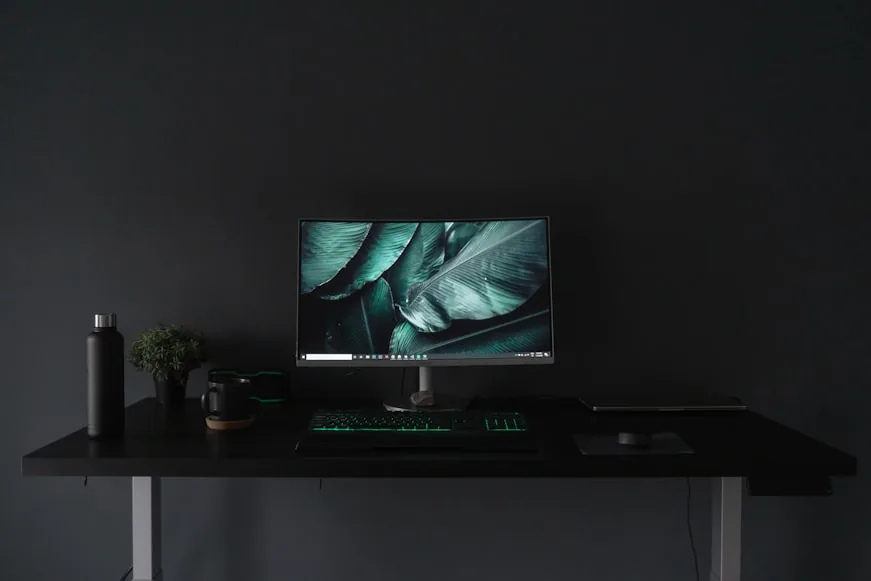
The wrong desk usually looks fine online and fails once your monitor, keyboard, chair, and room show up. These seven questions help you catch the problems before the desk arrives.
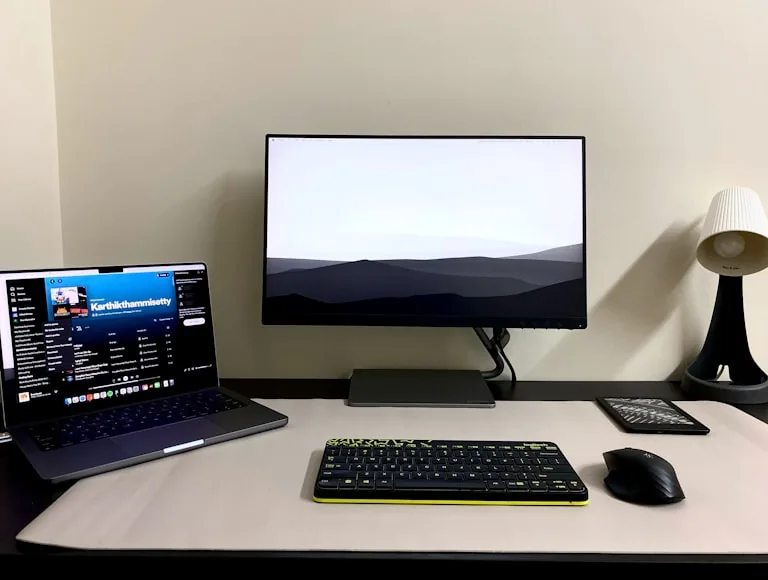
Cramped setups are usually a layout problem before they are a storage problem. Look for the patterns that steal space and the fixes that actually open it back up.
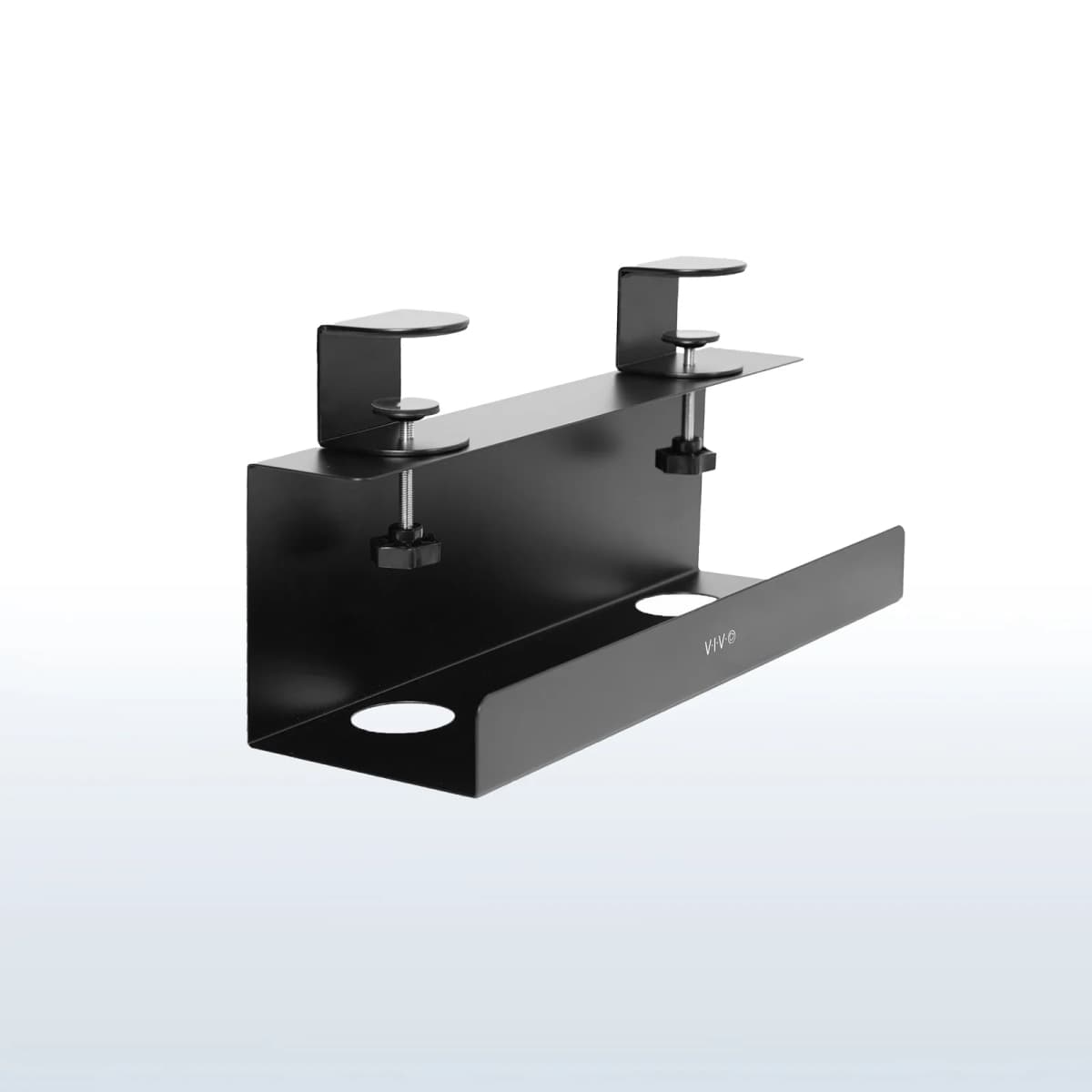
A cable tray only helps if it disappears under the desk instead of into your leg space. The best placement keeps it clear of knees, clamps, and daily movement.
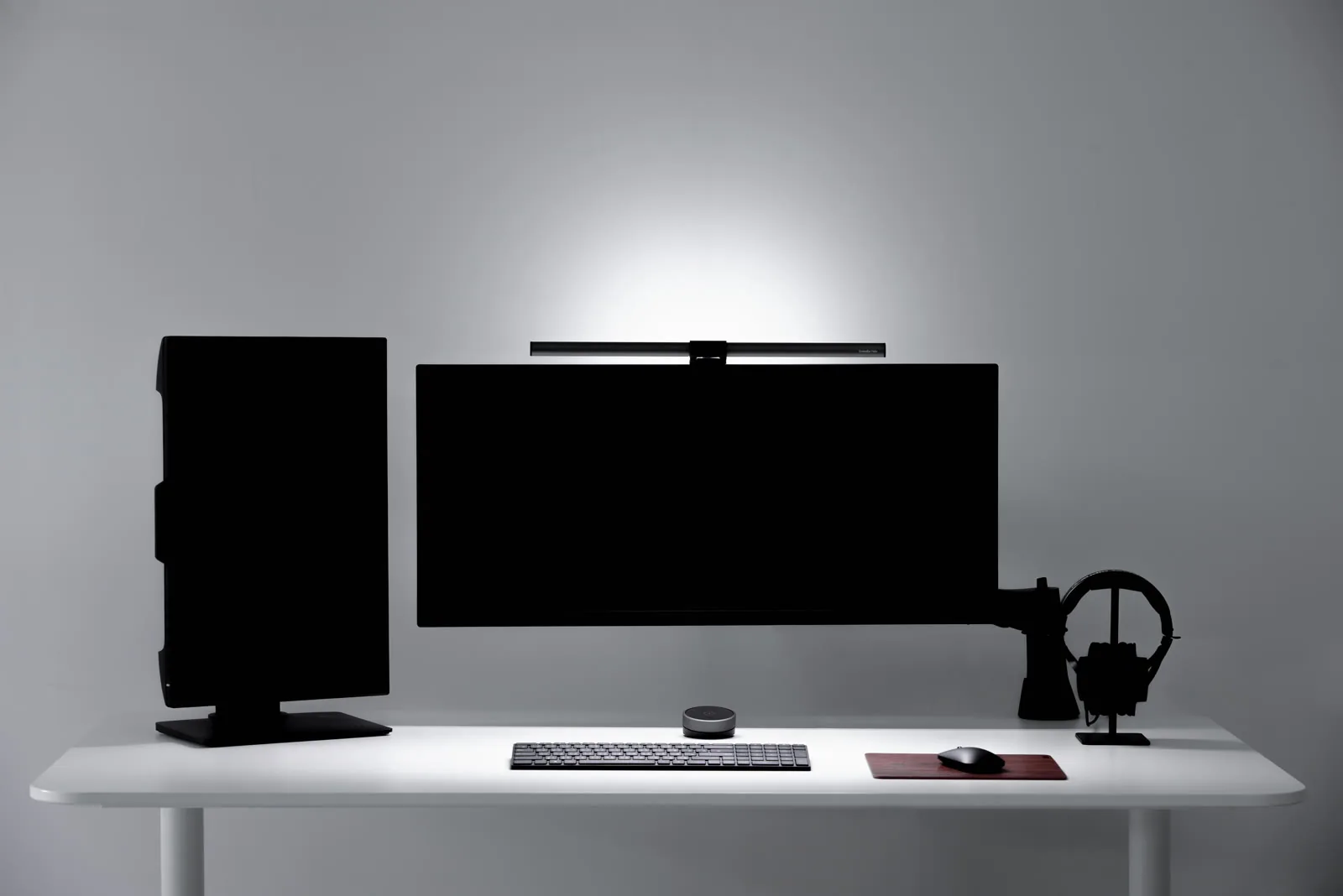
A good desk lamp already solves a lot, so a light bar only earns its place in certain setups. Use the tradeoffs here to decide when it adds something real and when it is redundant.
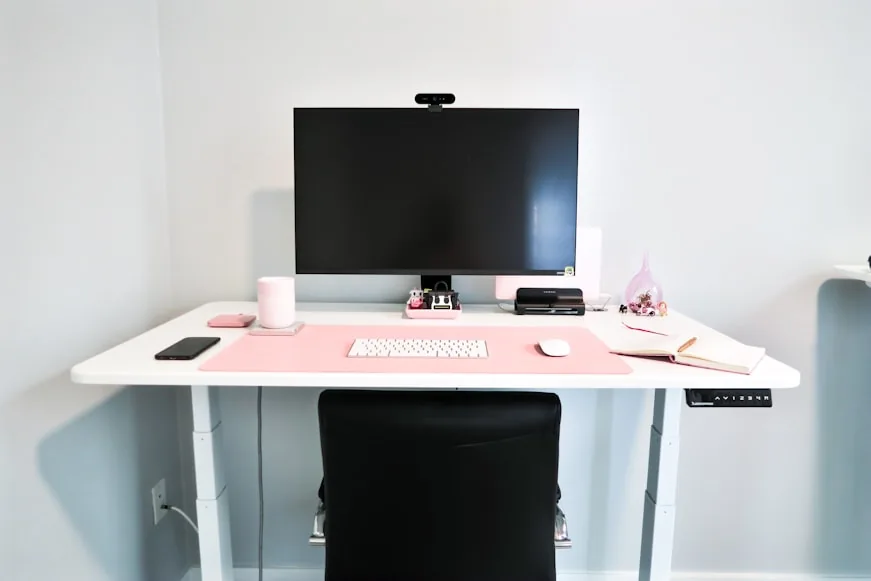
On a small desk, monitor distance gets tight before people realize it. The real question is what is comfortably readable, what is too close, and when the desk itself is the limiting factor.
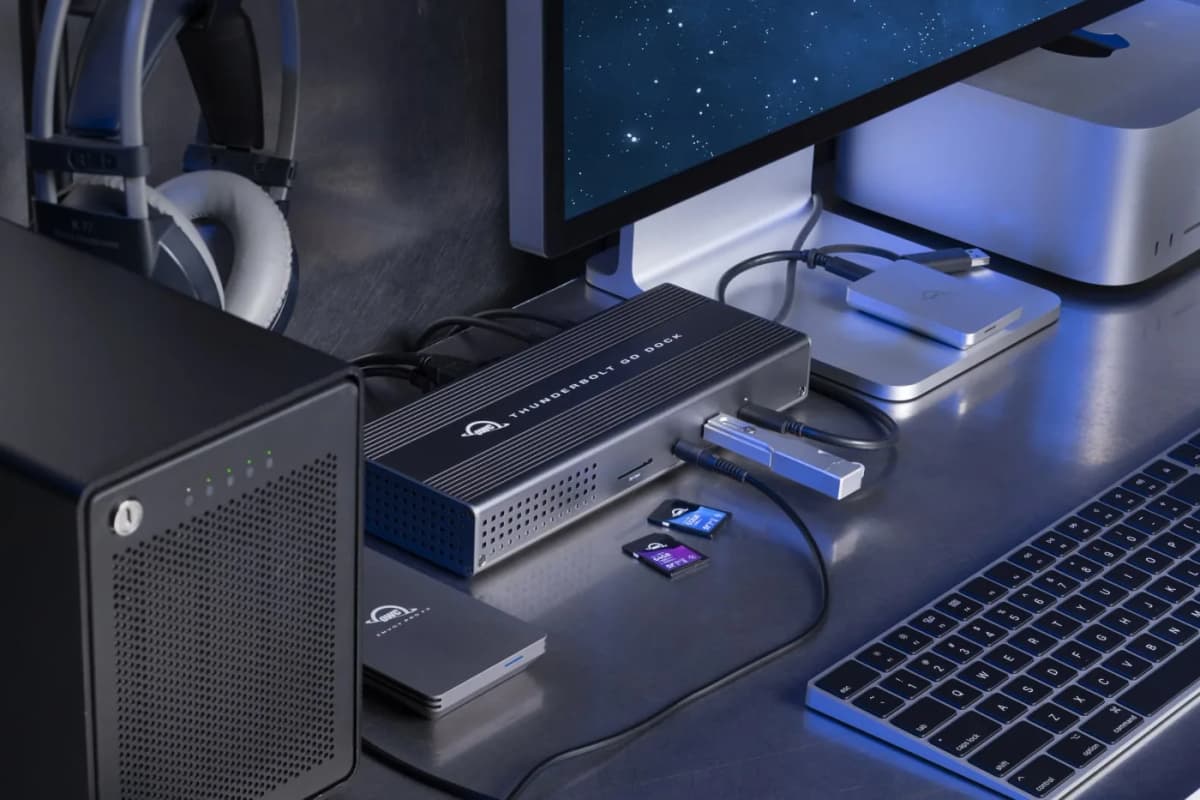
A dock only helps if it actually simplifies the cable mess instead of adding another brick and another box. These are the docks that make the cleanest case for themselves on small desks.
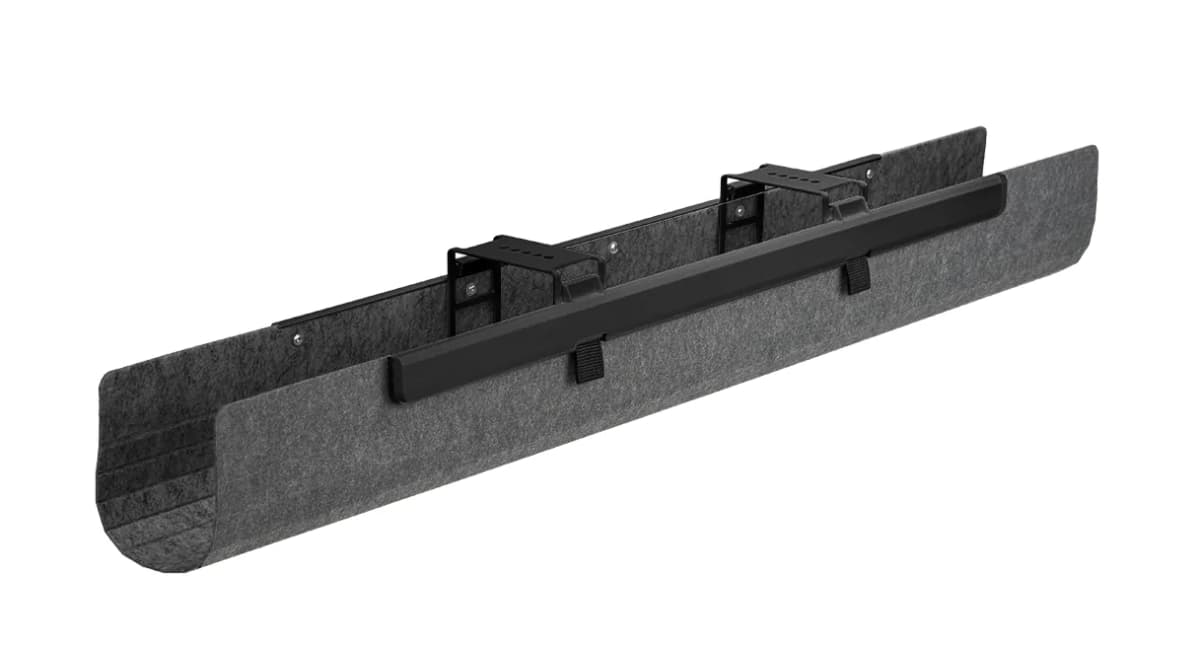
On a small desk, the wrong tray steals knee room and blocks clamps fast. These are the cable trays that clean things up without crowding the underside.
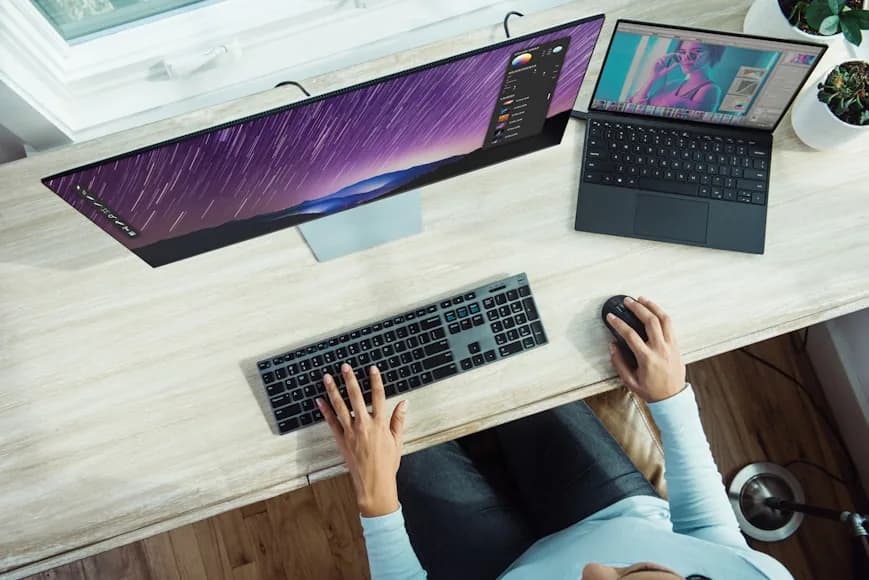
Desk width looks generous online until a monitor, laptop, keyboard, and mouse all land on it. Here is what usually feels workable and when it starts to feel squeezed.
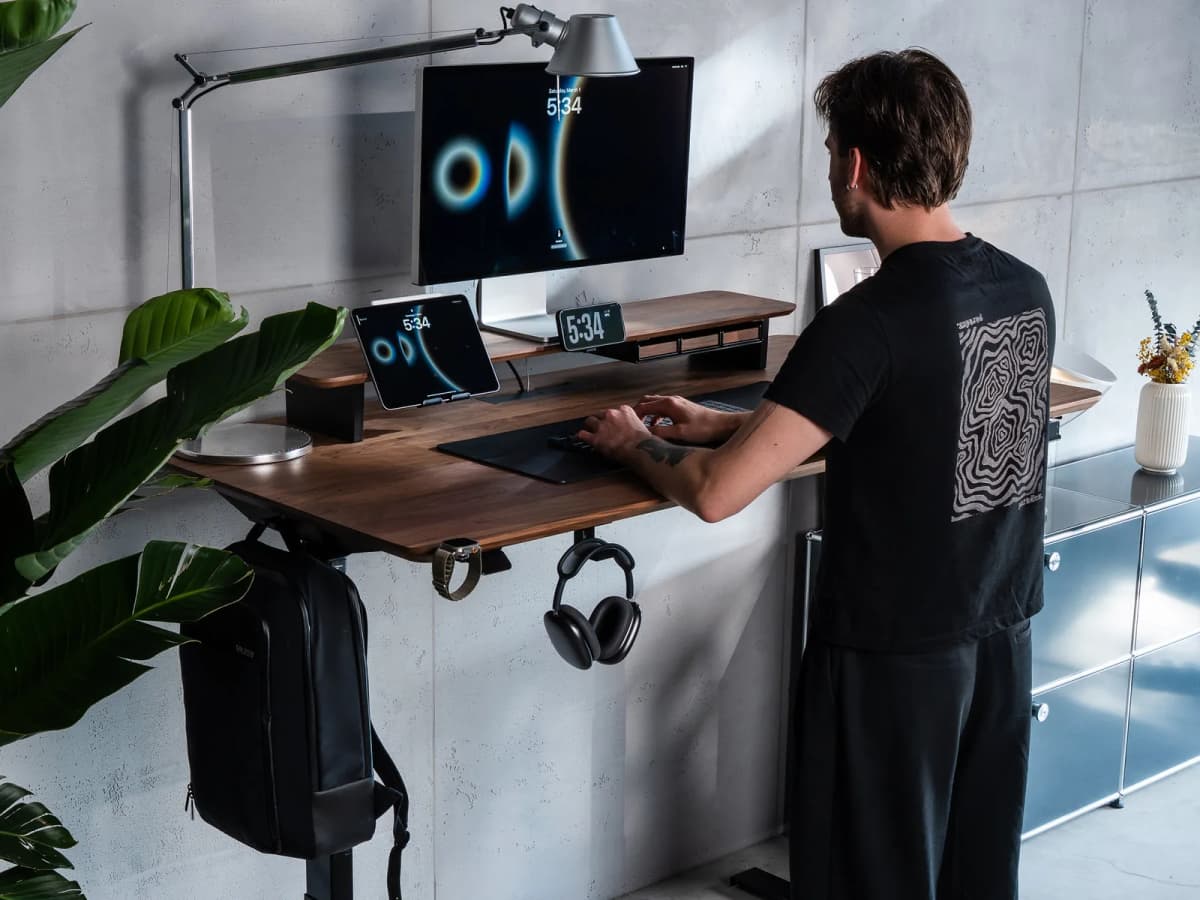
On a narrow desk, the safest place for headphones is often the monitor zone, not the side zone. These are the stands and hangers that keep them close without wasting width.
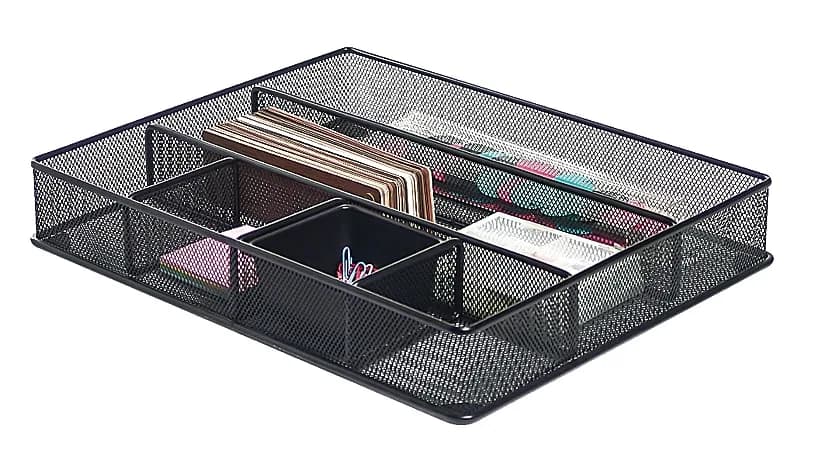
Shallow drawers waste space fast when the organizer is too tall or too segmented. These picks focus on trays that fit compact drawers and still make daily tools easier to reach.
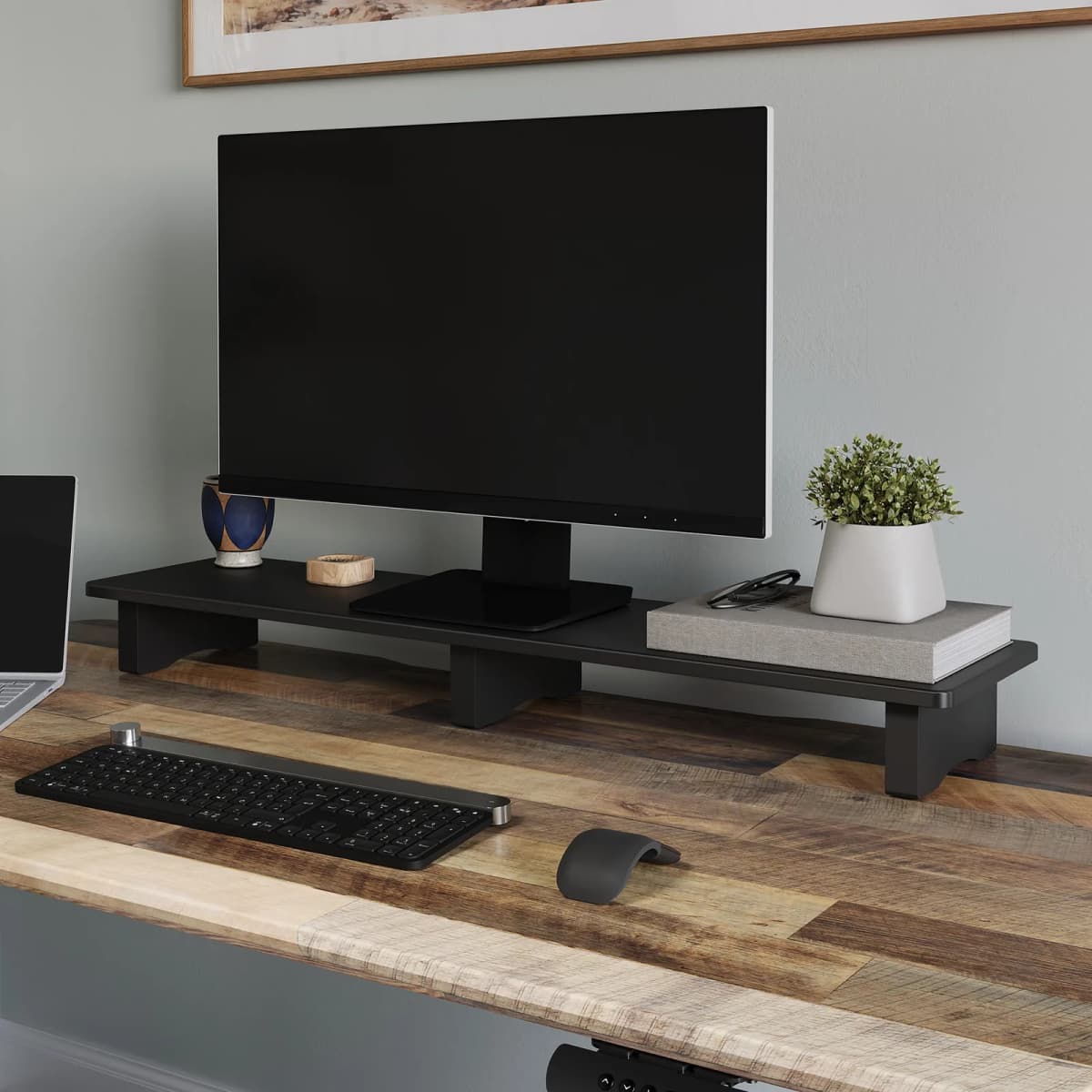
A desk shelf should create a second level, not steal the main one. These are the shelves that add useful vertical storage without making a small desk harder to use.

Clamshell setups stay clean only if the vertical stand is stable, narrow, and easy to cable. These are the stands that make closed-lid laptop setups simpler instead of fussier.
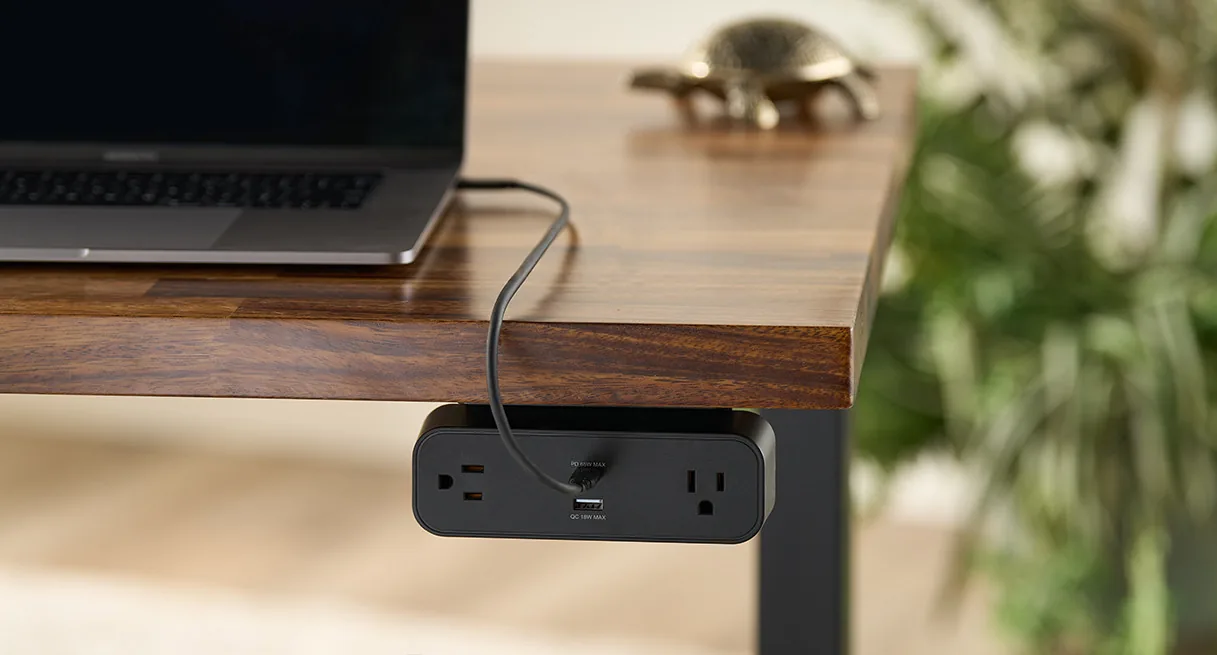
Power management gets ugly fast when the strip stays on the floor or the wrong side of the desk. These are the under-desk options that actually make cables easier to route and live with.
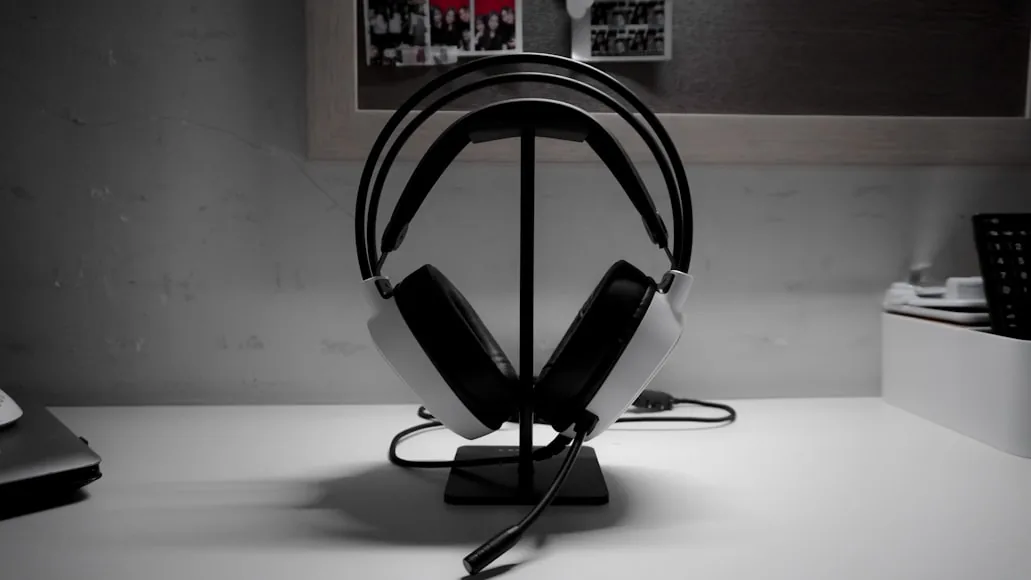
A headphone hook should clear the desktop without creating a new annoyance underneath it. These are the hooks that keep a headset close, protected, and out of the way.
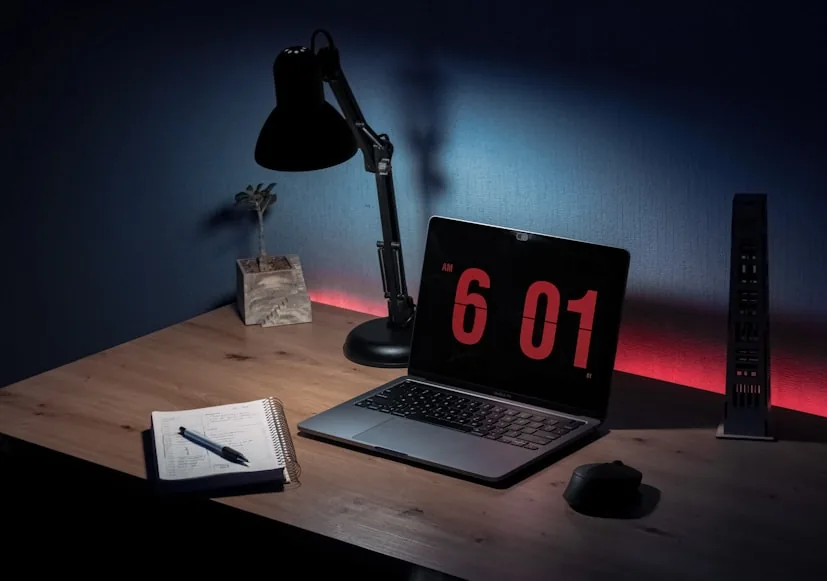
A desk lamp can brighten the work zone or quietly steal it. The sweet spot keeps light where you need it without crowding the keyboard, screen, or writing space.
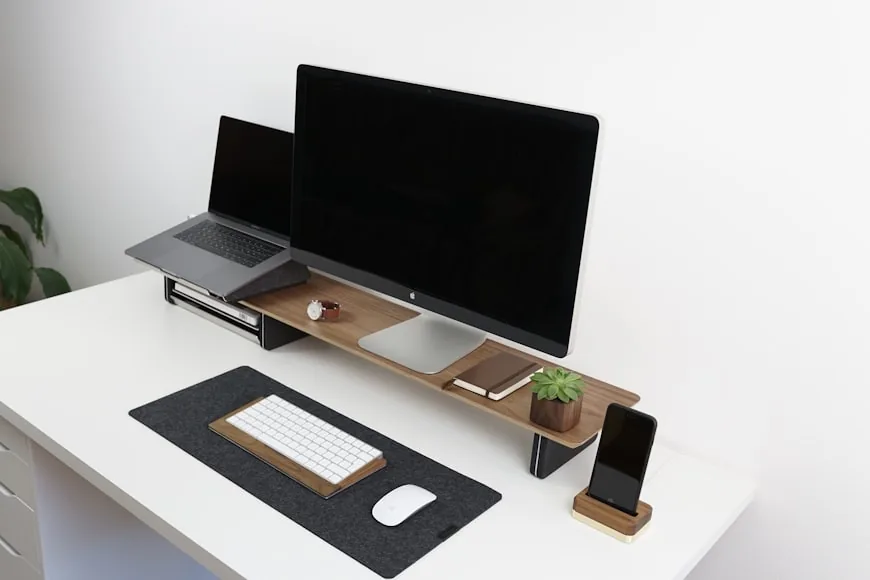
On a 24-inch desk, a riser can either clean up the setup or make it feel tighter fast. The key is knowing when it still helps and when an arm is the better move.
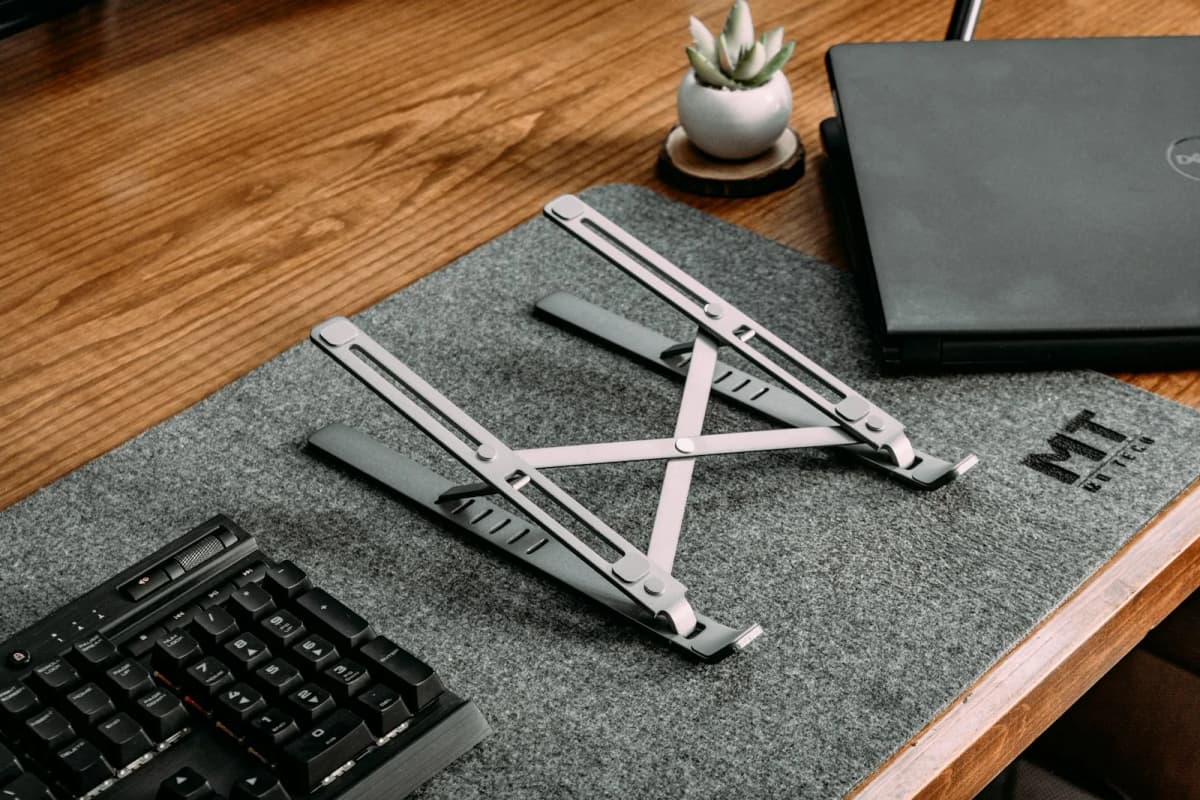
A laptop stand should create better screen height without eating the little space you have. These are the stands that earn their footprint on compact desks.
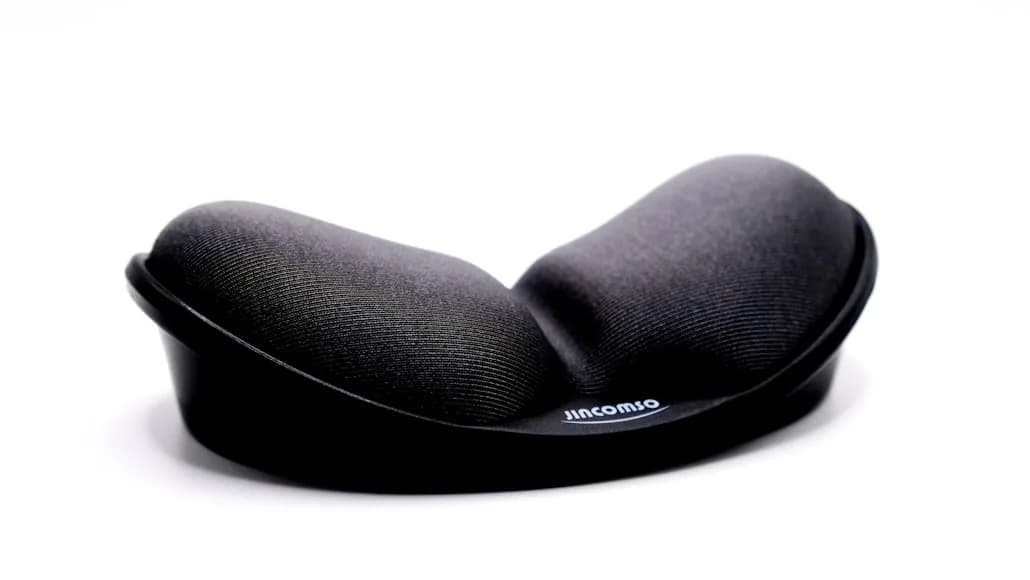
A wrist rest can help on a compact desk, but the wrong height or depth makes the input zone worse. These are the options that make more sense when space is limited.
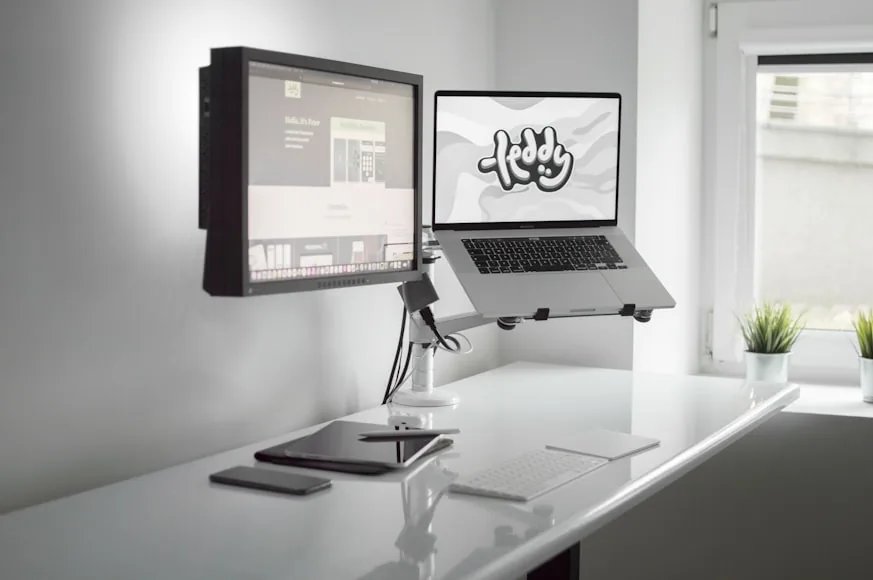
Both arms can clean up a desk, but they differ in reach, clamp behavior, and how much monitor they comfortably support. This comparison is about which one makes more sense once desk depth and daily movement matter.
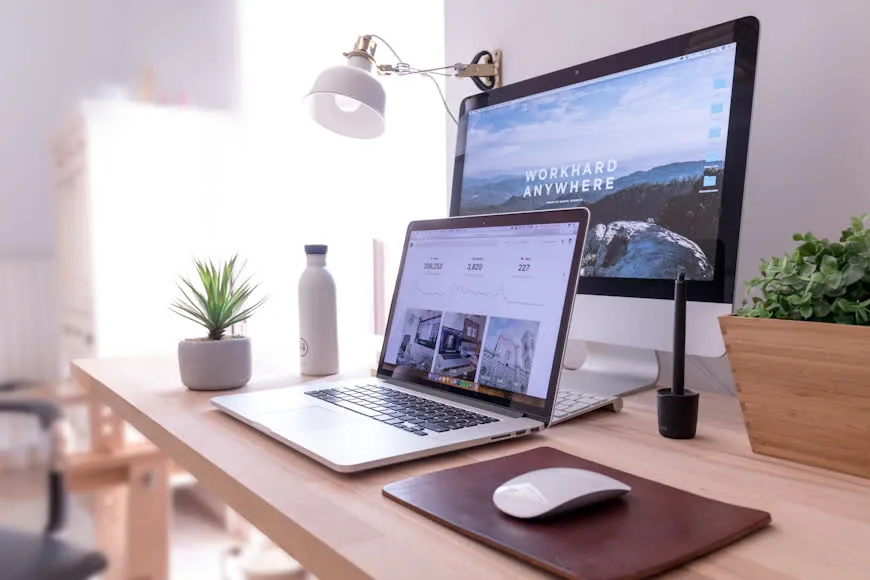
A monitor-and-laptop setup gets awkward quickly when one screen steals the keyboard zone. The right placement keeps both screens useful while the desk still feels usable.
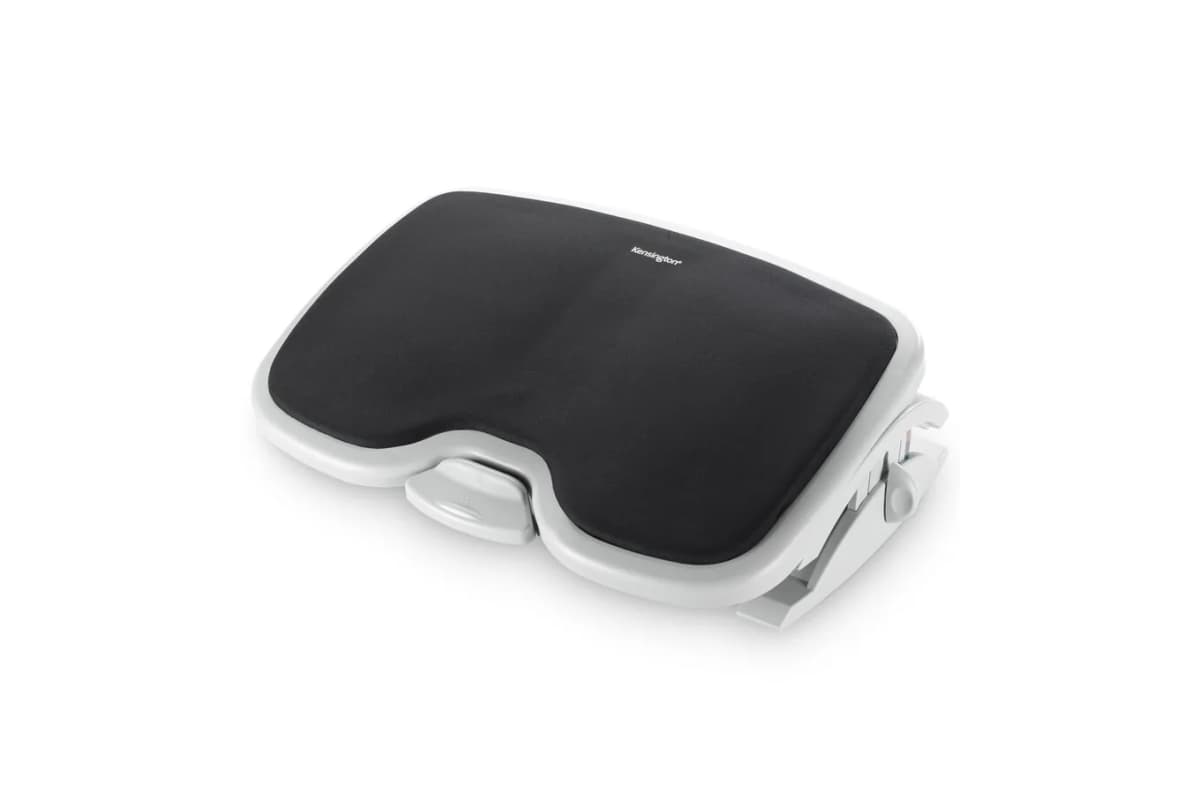
A footrest helps when the desk forces your chair too high, but it is not a cure-all. It matters most when leg support is the real issue instead of the desk, chair, or overall workstation fit.
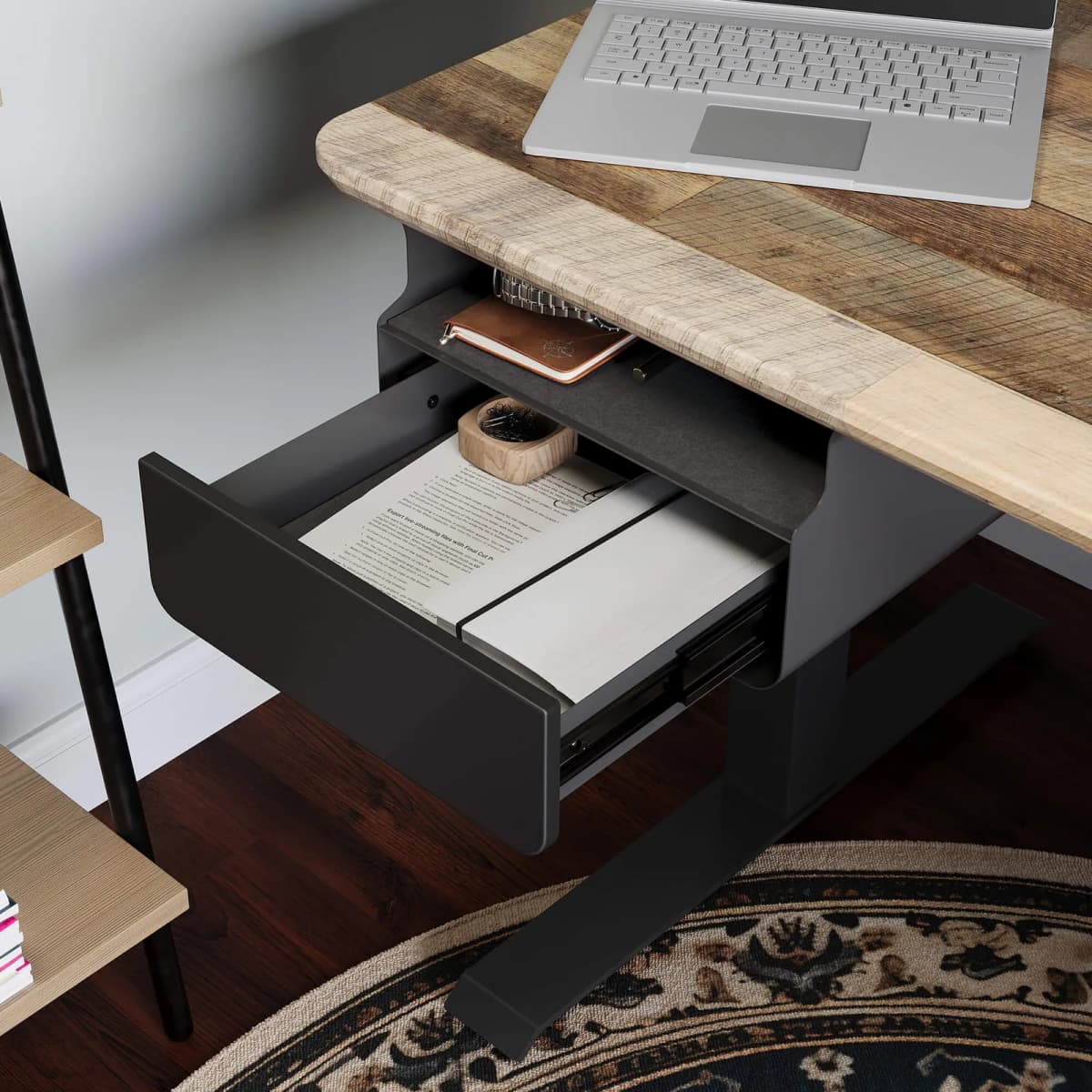
An under-desk drawer should disappear into the setup, not into your knee space. These are the low-profile options that add storage without making a small desk harder to sit at.
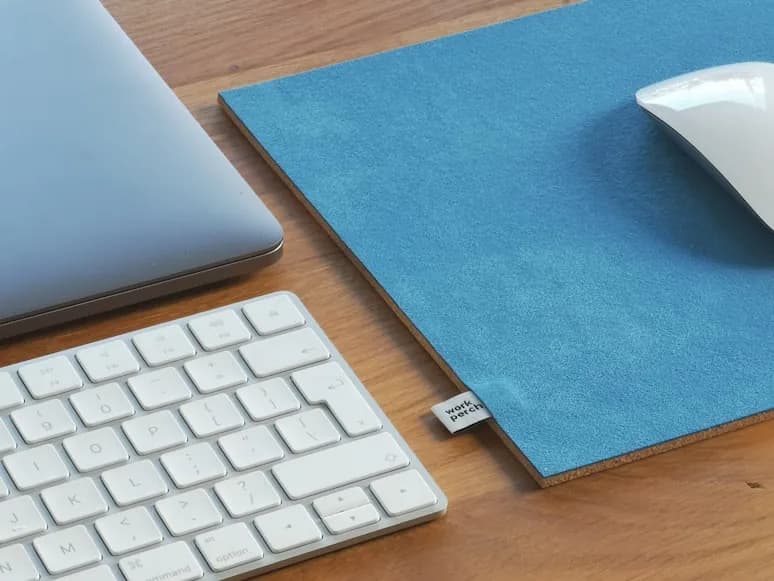
Big desk mats can make a small setup feel smaller if the size is wrong. These are the mats that protect the surface and define the work zone without swallowing it.
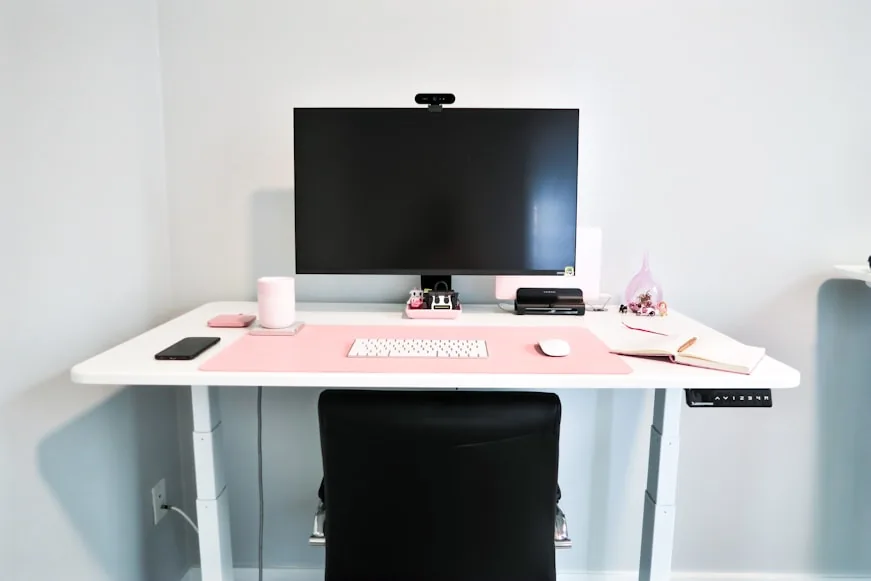
Small desks work best when every zone earns its footprint. The goal is to arrange the screen, keyboard, lighting, and essentials without turning the surface into overflow.
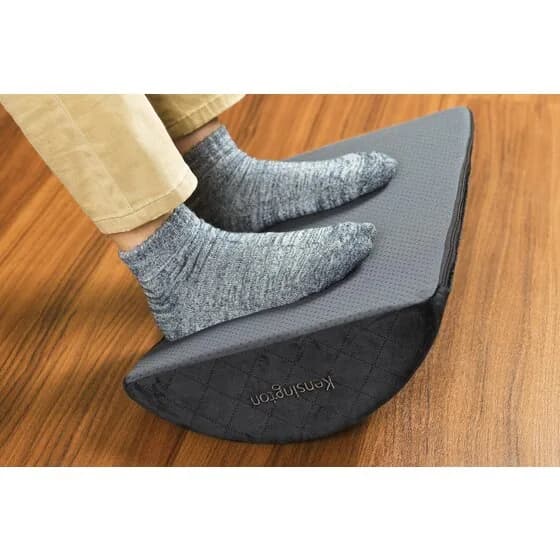
A footrest is worth buying only when it solves a real height mismatch or support problem. These are the models that actually help, plus the setups they make the most sense in.
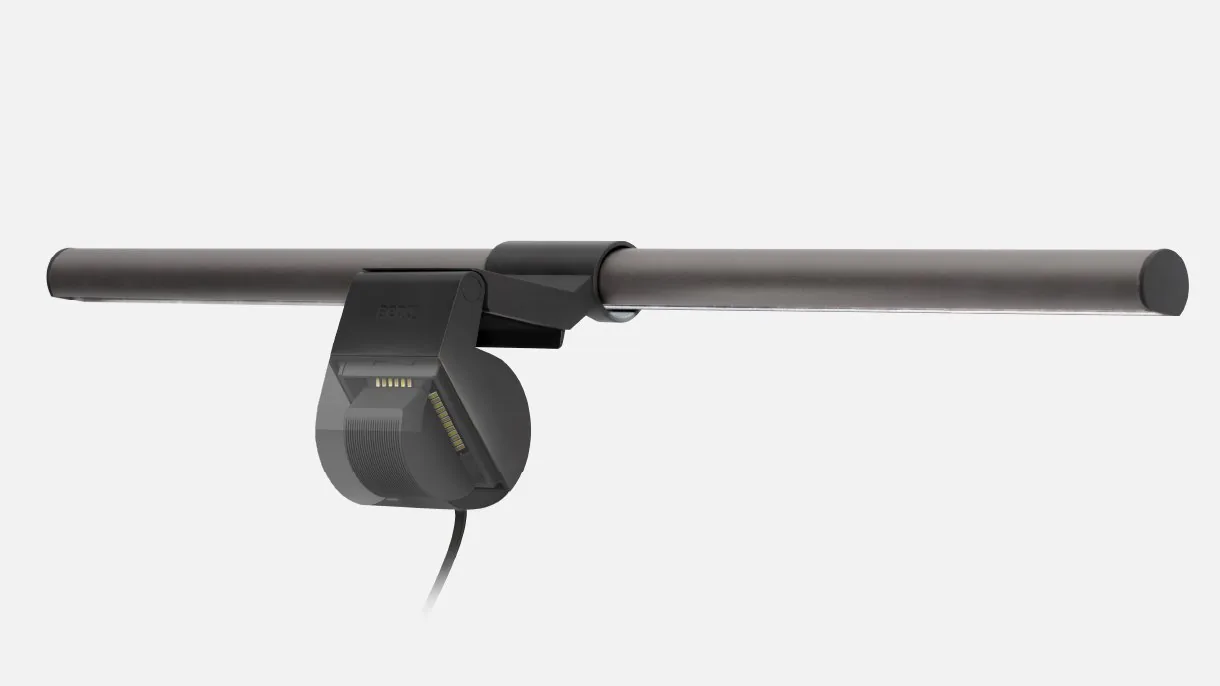
BenQ now sells three premium monitor light bars that look close on paper but serve different purposes. The ScreenBar Pro, Halo, and Halo 2 differ in coverage, ambient lighting, and price — and the wrong choice means paying for features you do not need.
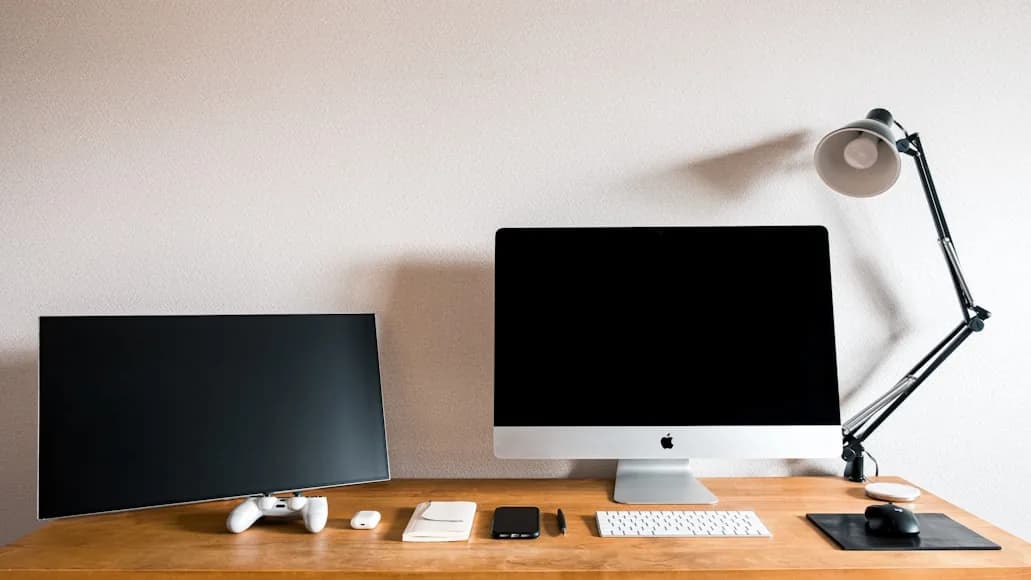
Dual monitors push compact desks past their limit faster than people expect. This shortlist focuses on desks that can still handle two screens without turning the keyboard zone into a compromise.
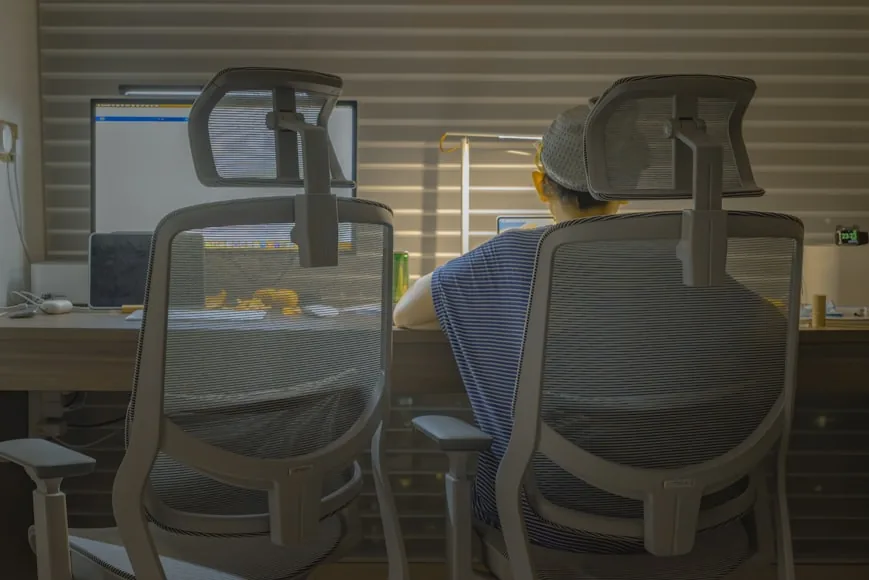
These two chairs compete for the same buyer, but they feel very different once fit range, arm behavior, and desk compatibility start to matter. This comparison focuses on where each one actually wins.
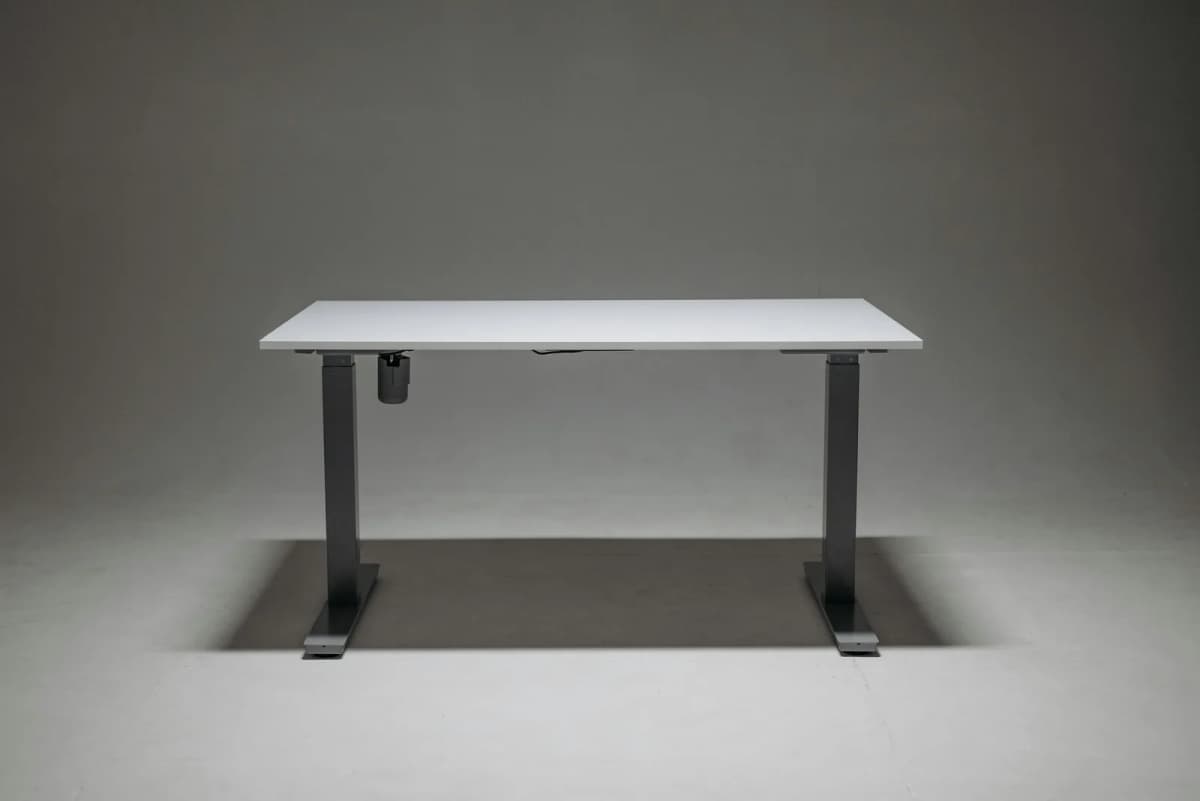
FlexiSpot and UPLIFT overlap until you look closely at desk depth, frame feel, and how each setup actually lives in a smaller room. This comparison focuses on the tradeoffs that matter after the spec sheet.
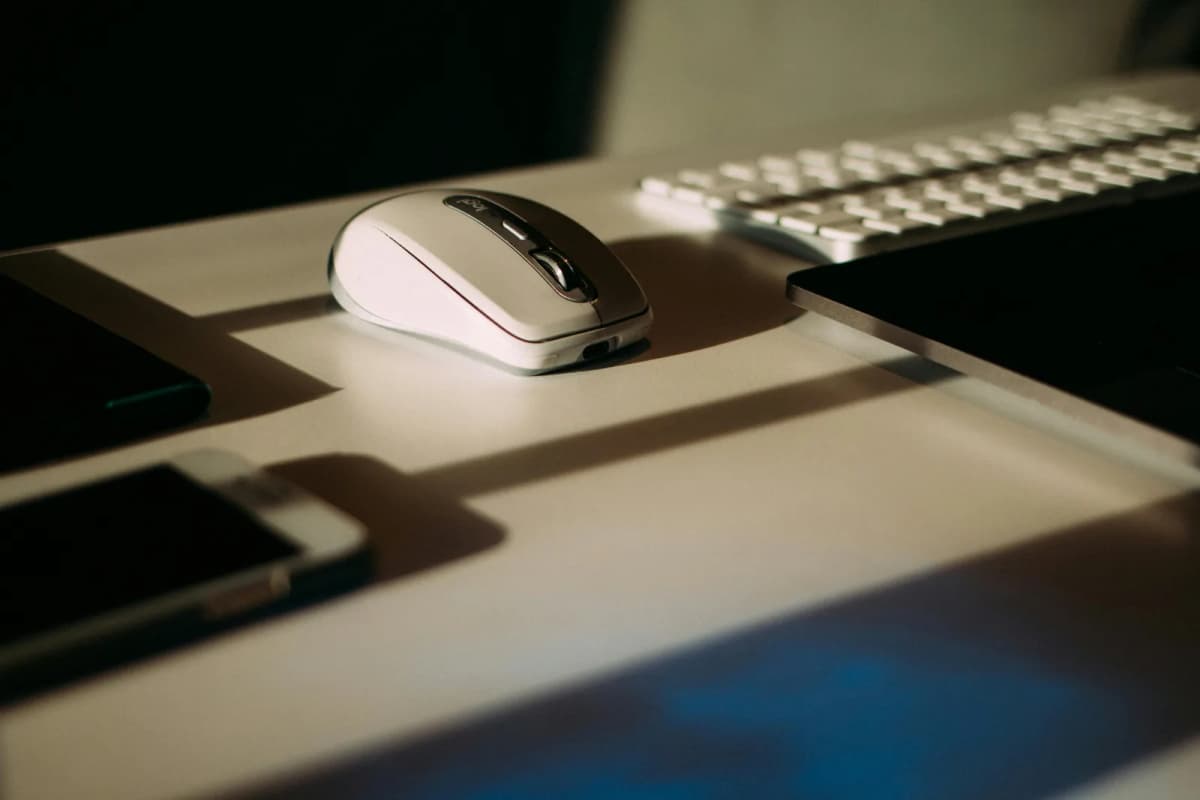
Shoulder tension often starts with a keyboard and mouse that sit just a little too far out or wide apart. The positions here usually calm things down fastest.
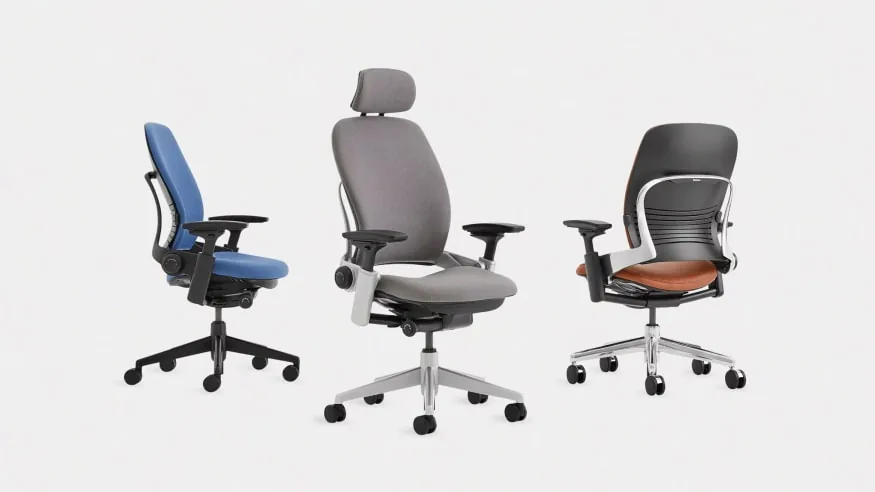
Aeron and Leap are both premium chairs, but they reward different bodies and work styles. This comparison cuts past reputation and focuses on sizing, seat feel, and which chair is easier to live with long term.
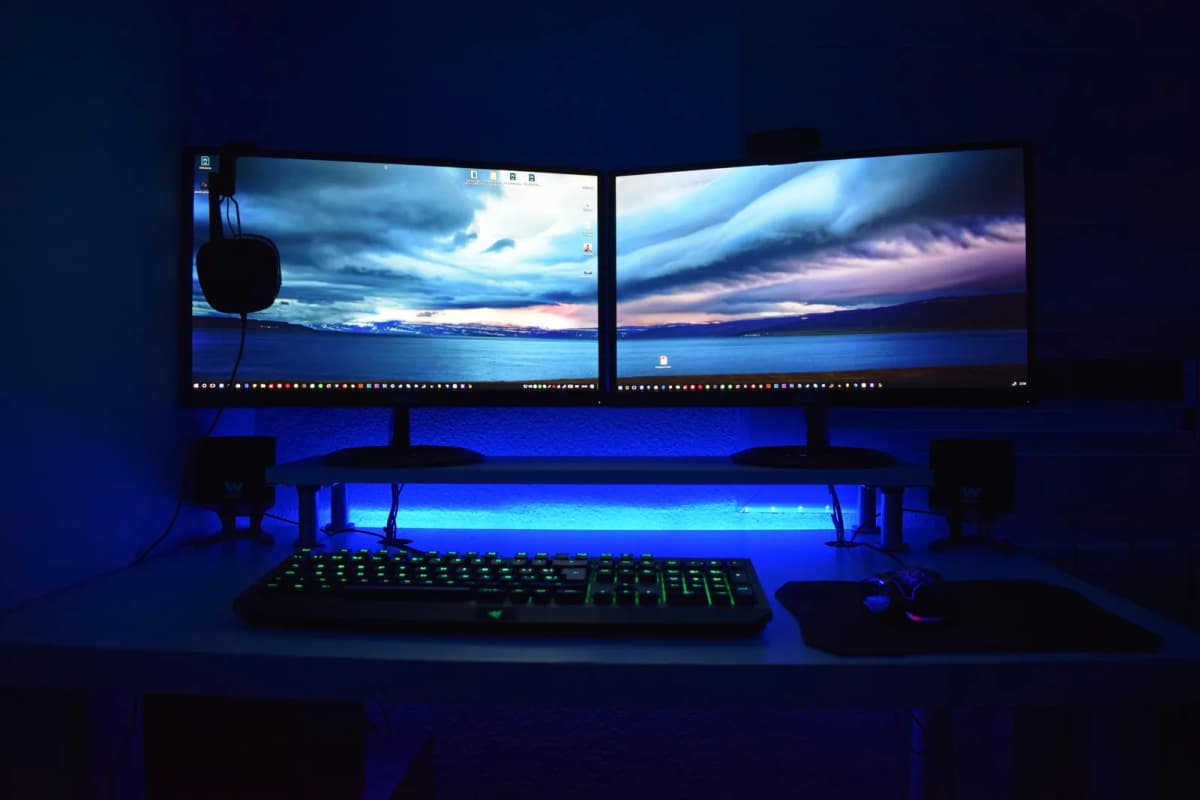
Both tools can raise a screen, but they solve different problems. The smarter choice depends on whether posture, desk depth, or surface clutter is the real issue.
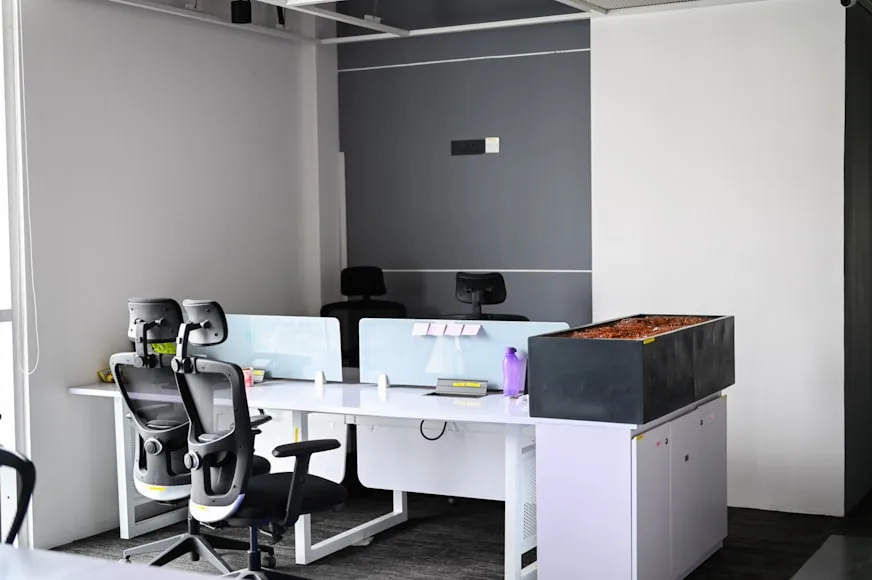
Budget chairs get expensive fast when they miss on fit and adjustability. These are the under-$300 picks that still make sense once long workdays, room size, and real posture needs enter the picture.
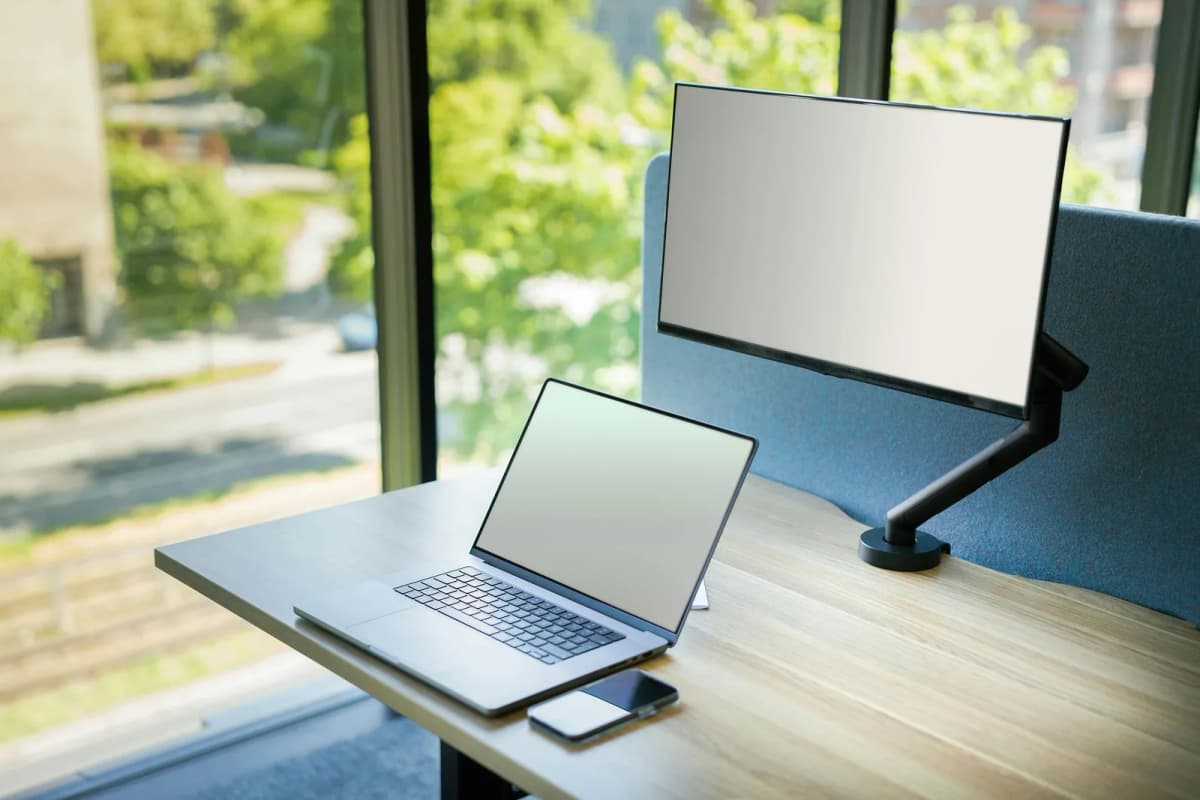
On a small desk, a monitor arm only helps if the clamp fits, the arm retracts cleanly, and the screen stops stealing depth. This shortlist focuses on arms that actually solve those problems.
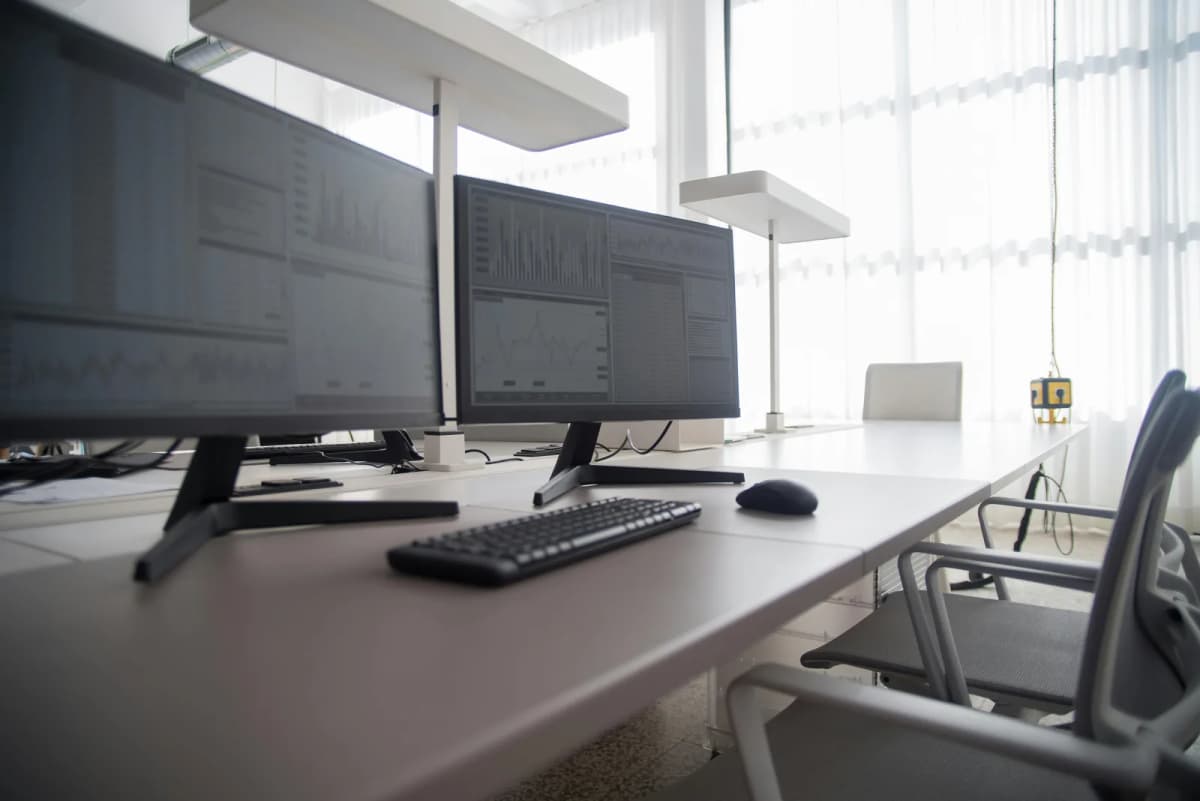
Desk depth decides whether your screen feels comfortable or constantly too close. Here is how much depth different monitor setups usually need before the desk starts feeling cramped.

Proper monitor height is simpler than most setups make it look. This guide covers the ideal starting point, what usually feels too high or too low, and how distance changes the answer.
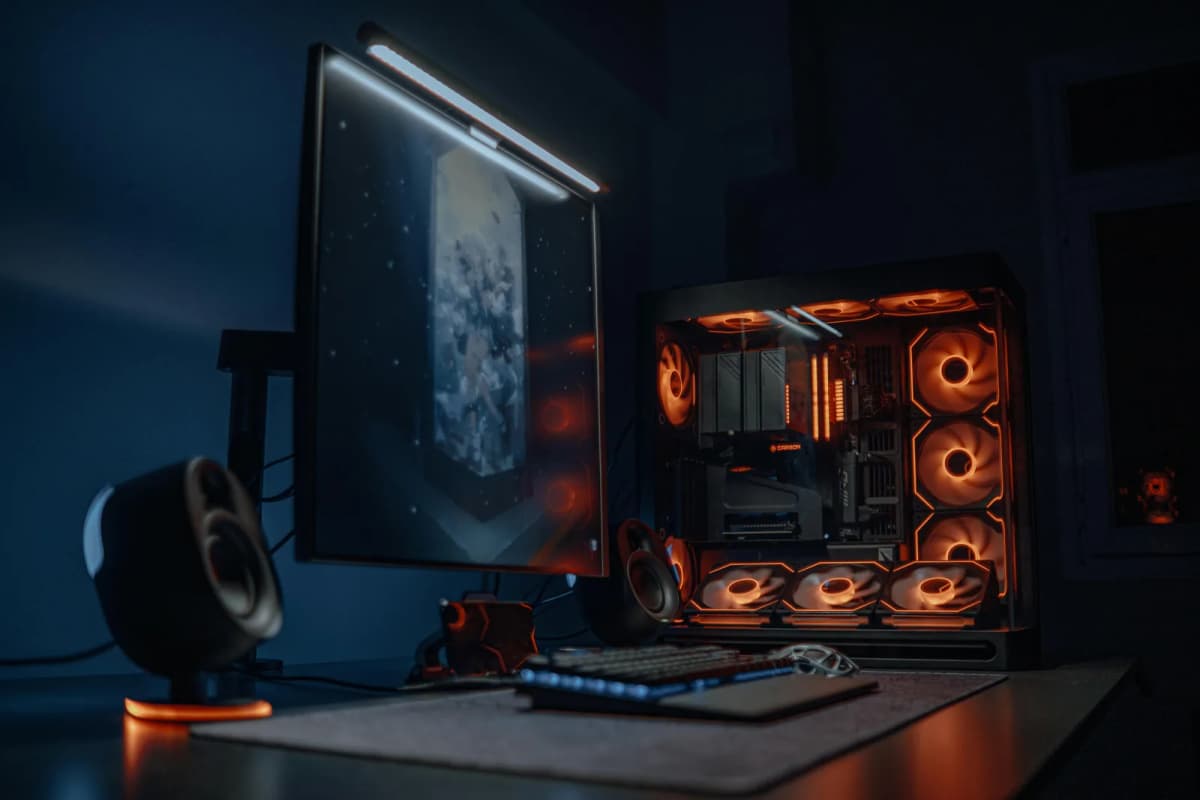
The cheaper light bar does not always mean the worse desk experience, and the premium one does not always justify the gap. This comparison focuses on where BenQ really earns the extra money and where Quntis is already enough.
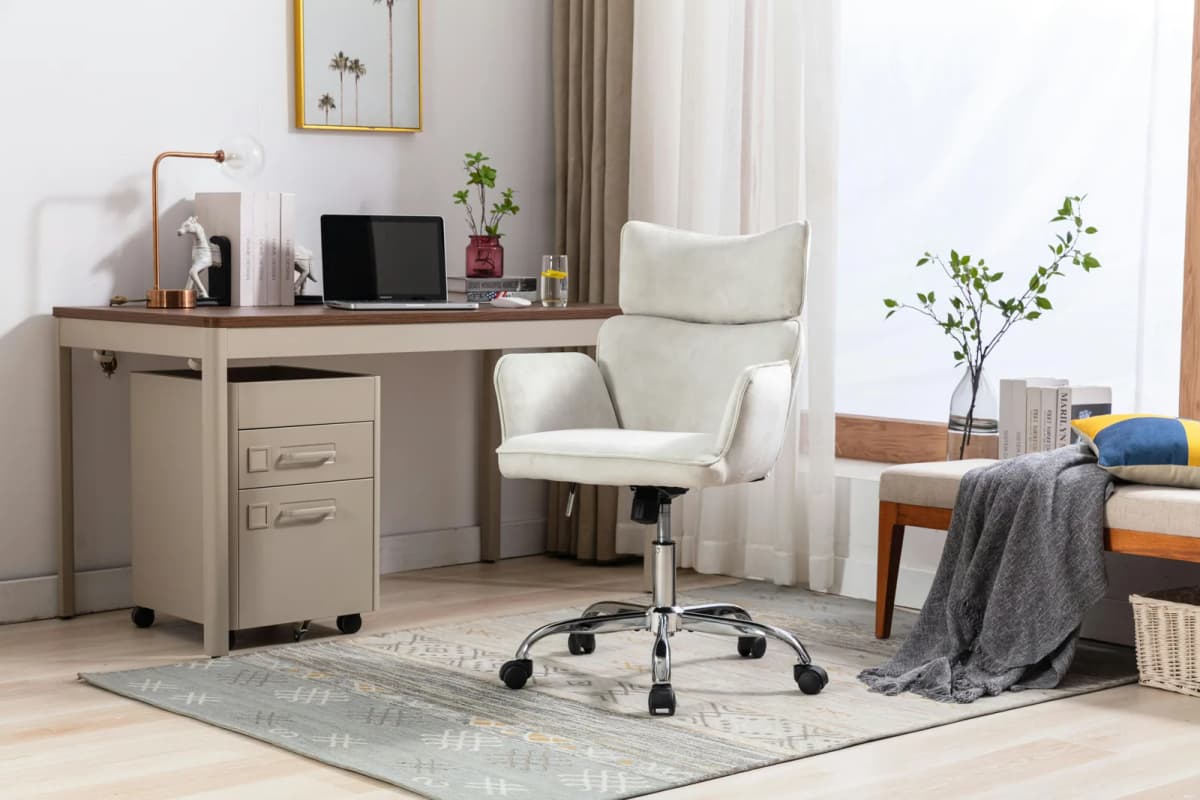
Most chair discomfort comes from a few settings working against your body all day. The adjustments here are the ones that usually matter most and the ones people mis-set first.
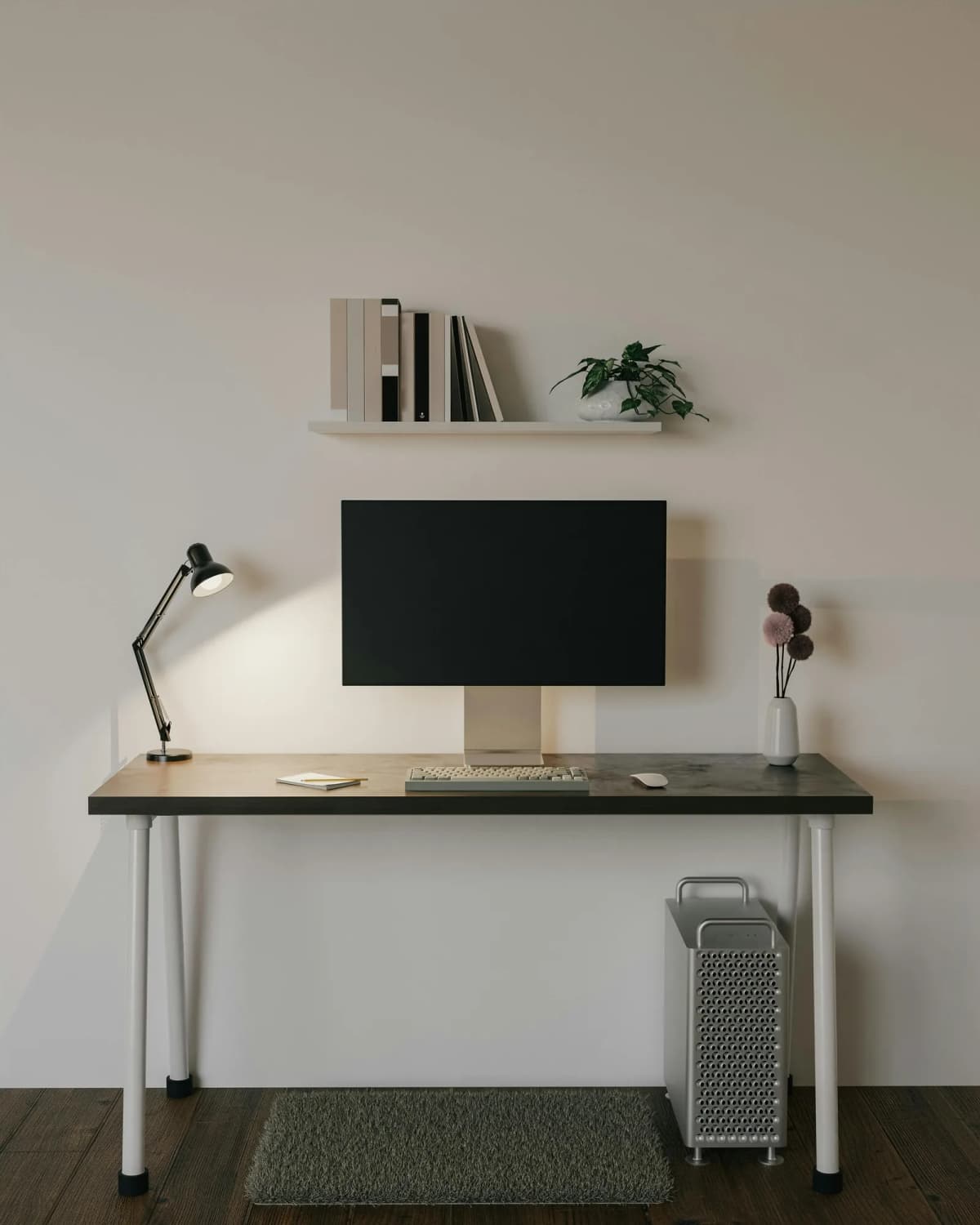
Studio desks have to work harder than normal desks because they share space with the room, not just the workday. These are the compact options that earn their footprint instead of making the apartment feel smaller.
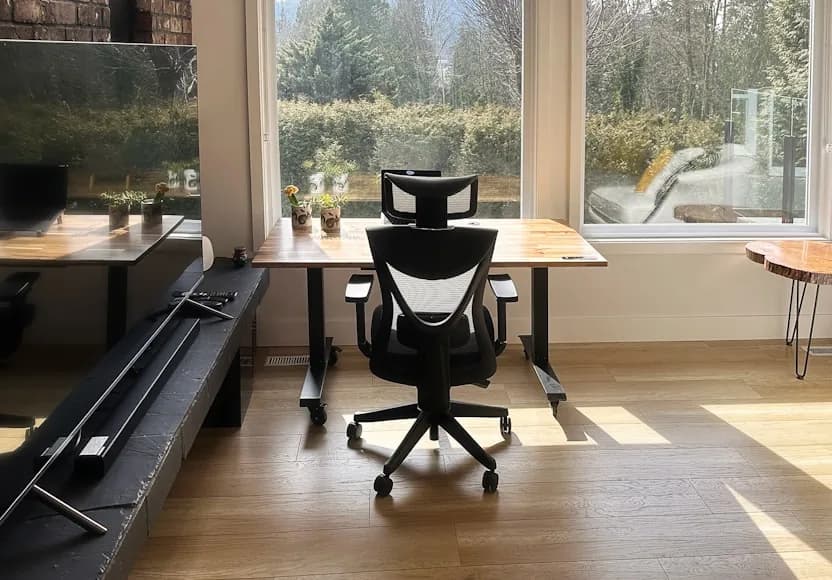
Small rooms punish bulky chairs fast. This shortlist focuses on chairs that stay comfortable without dominating the desk zone or making the room feel tighter than it already is.
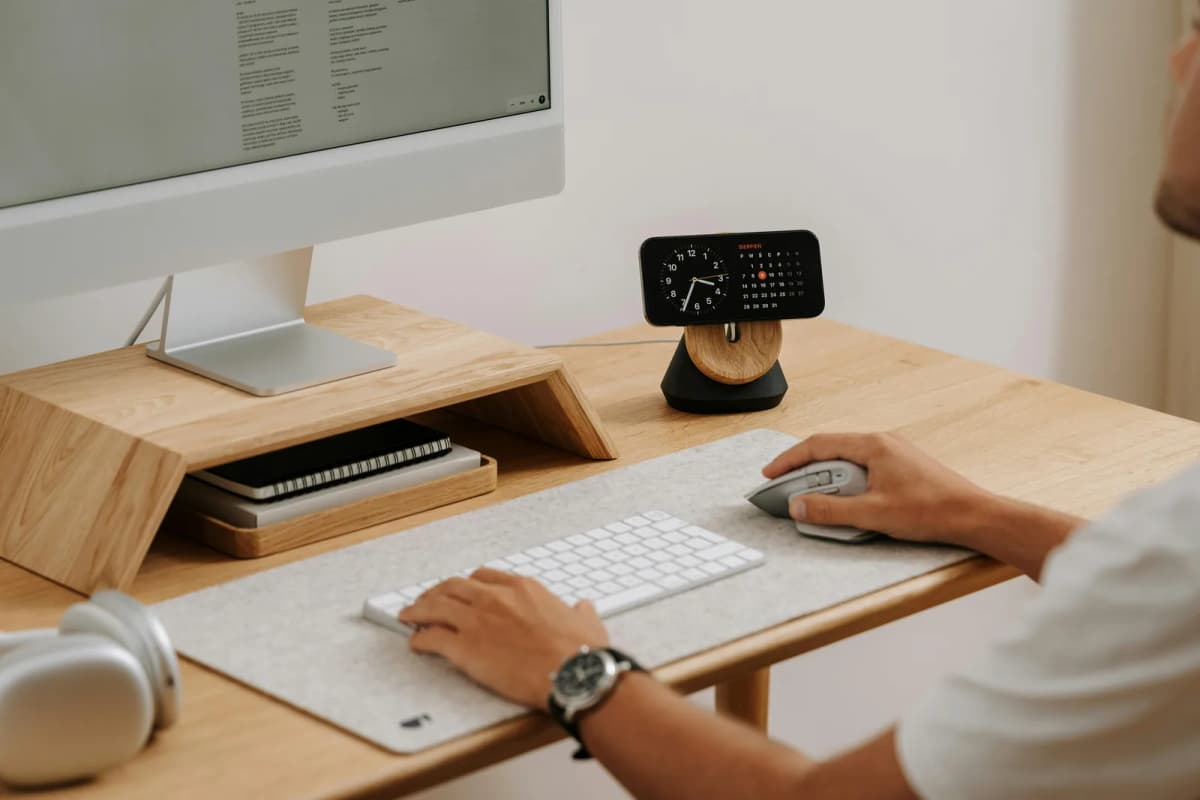
The right accessory can calm a desk down; the wrong one just adds another object. These are the few pieces that actually help a workspace look cleaner and work better.

Warm lighting changes how a desk feels more than another accessory ever will. Think in layers, contrast, and placement so the setup feels calmer and more polished after dark.

An ergonomic chair should fit your body, desk, and room, not just look adjustable in a product photo. Focus on these fit and adjustment details before you spend chair money.
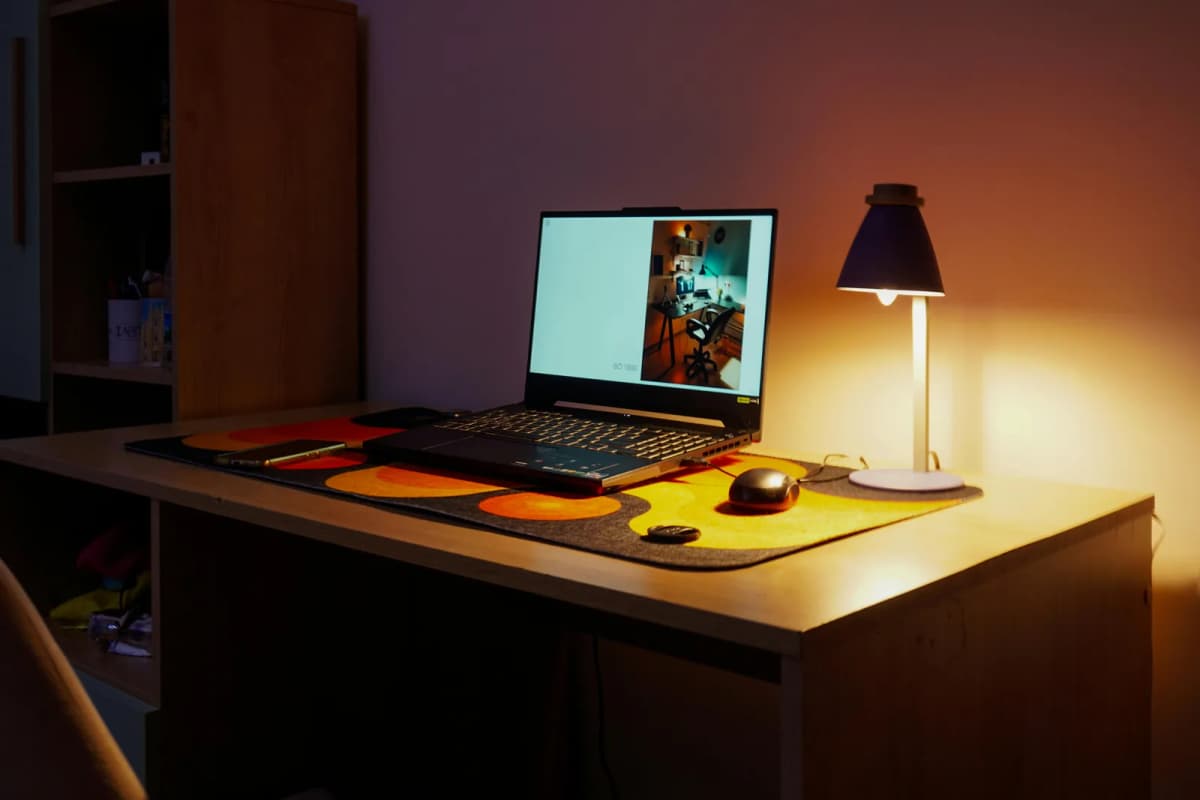
Late-night work gets worse when the lighting is too harsh, too dim, or badly placed. This roundup helps you choose between screen-first light bars and more flexible desk lamps.
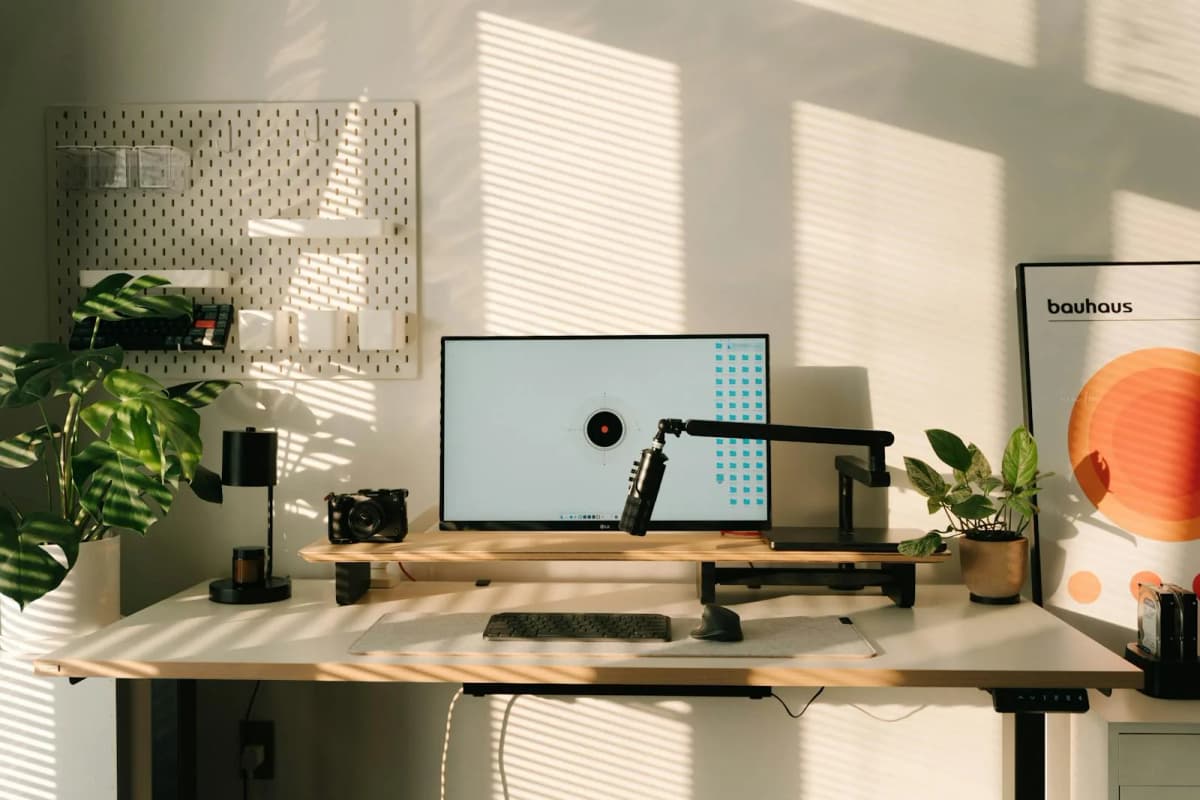
A monitor riser helps most when you need a little height and better use of the surface underneath. These are the risers that actually improve the desk instead of just adding a platform.
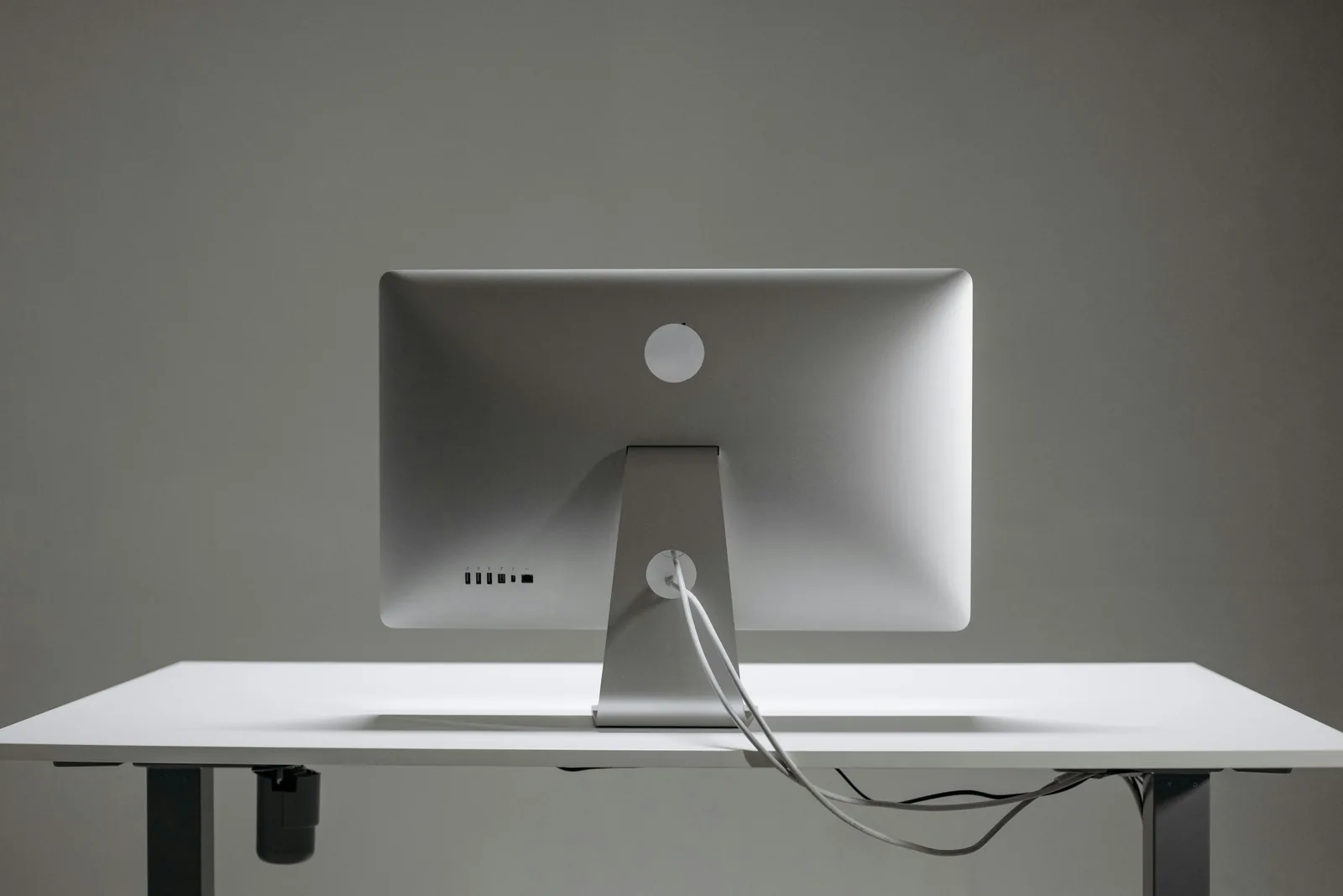
Clean cable management is mostly about routing and restraint, not buying every organizer at once. This starter kit helps you match the right product type to the mess point.
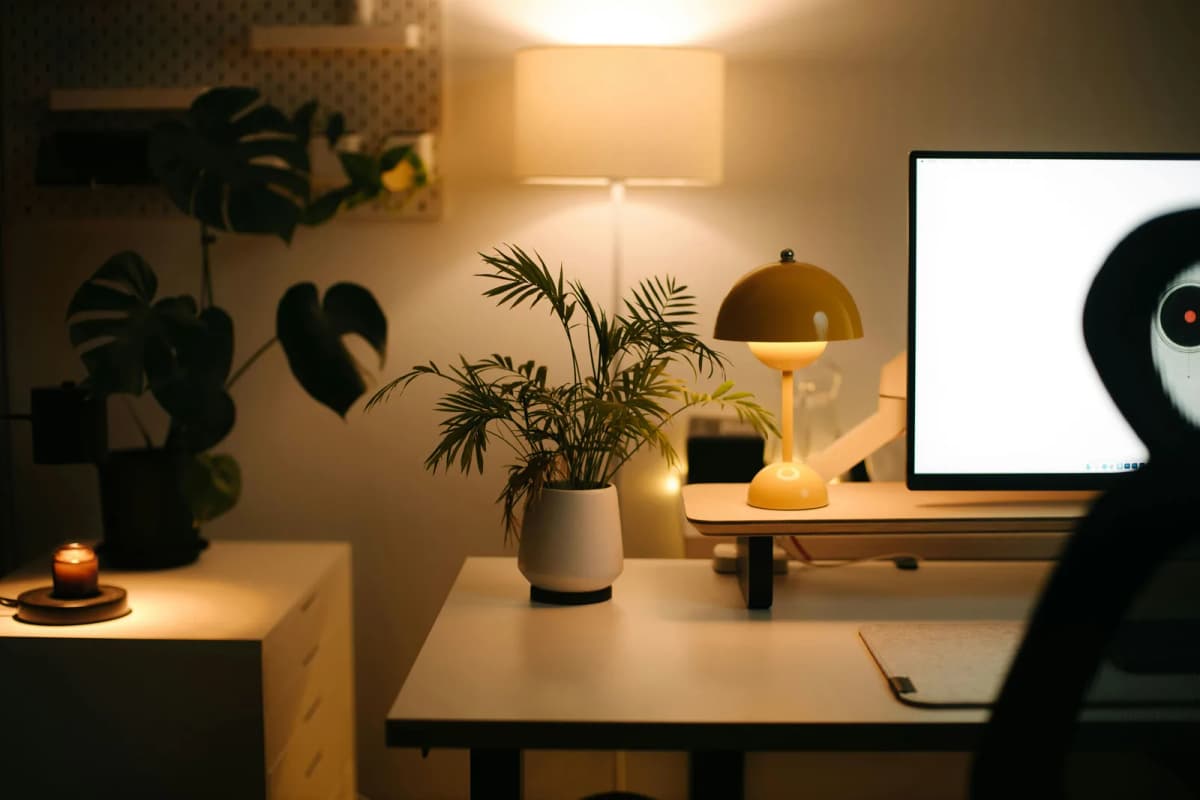
Small apartments need setups that respect the room, not just the work. This guide focuses on multi-use spaces, visual restraint, and apartment-safe choices that still feel believable after hours.
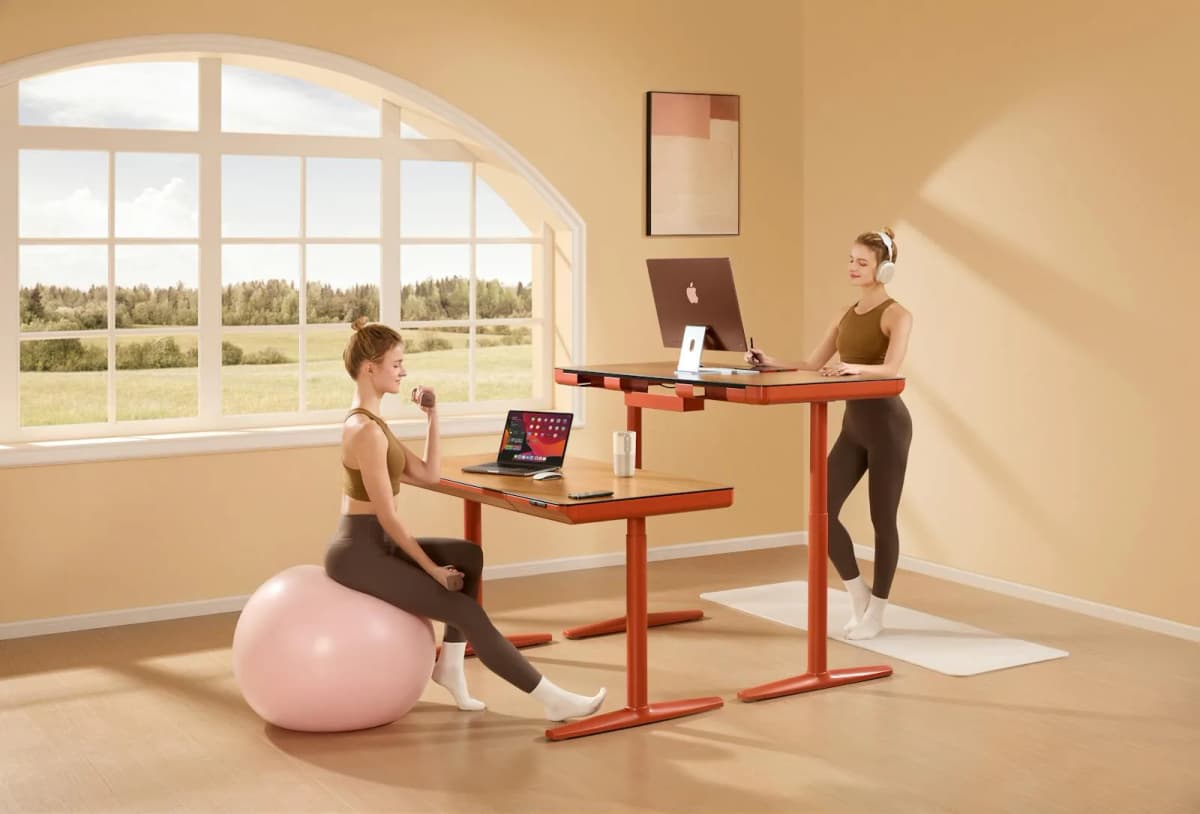
A standing desk can solve one problem and create three more if it is too deep, too wobbly, or too visually heavy for the room. These are the models that still make sense when space is tight.
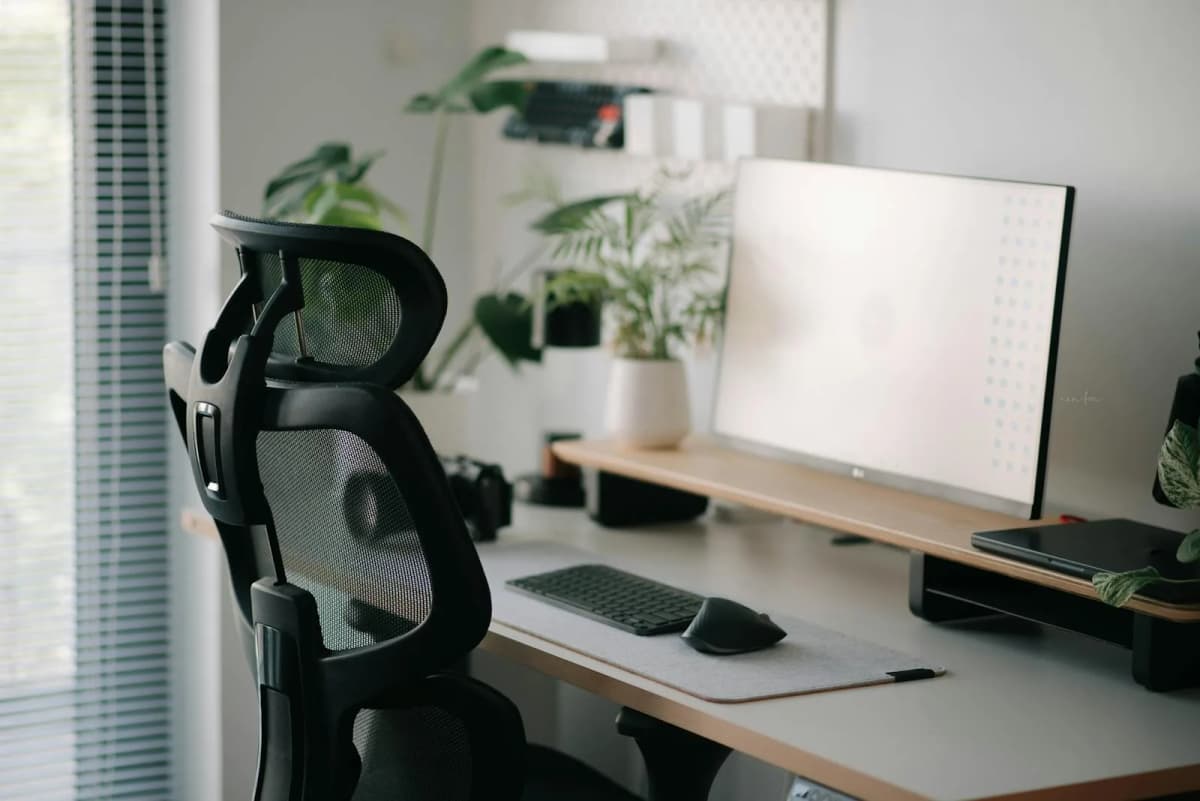
If your lower back is already irritated, a chair that merely looks ergonomic is not enough. This shortlist focuses on the adjustment patterns and seat profiles most likely to help without overspending or overbuying.