
People usually frame this like a spec choice.
It is not.
Ultrawide versus dual monitors is really a question about how you work, how much desk space you actually have, and what kind of compromise you would rather live with every day. Both setups can be excellent. Both can also feel surprisingly wrong when they are dropped onto a desk that was never ready for them.
That is why the best answer is not "ultrawide is cleaner" or "dual monitors are more productive." The best answer is usually the one that matches your workflow without wrecking monitor distance, desk depth, or the working zone in front of you.
The ergonomics guidance is consistent on the fundamentals even when it does not tell you which product to buy. OSHA says the monitor should sit directly in front of you, with enough room to place it at about arm's length, and if multiple monitors are used the primary one should be directly in front with the others beside it. Weill Cornell's home-office guidance says the same thing in simpler language: keep the screen about one arm's length away, and if you use multiple screens, line them up side by side at the same level with the primary screen directly in front of you. The research on multiple displays is also more nuanced than a lot of buying advice: a systematic review found strong evidence that people prefer dual monitors and moderate evidence that they can improve task efficiency, but it also found that multiple monitors may lead to nonneutral neck postures. More recent ultrawide research found that users pushed larger curved ultrawides farther away, sometimes enough to challenge small work-surface depths.
That is the real framing for this article.
You are not only buying screen space.
You are choosing how that screen space behaves on your desk and in your body.
The decision split
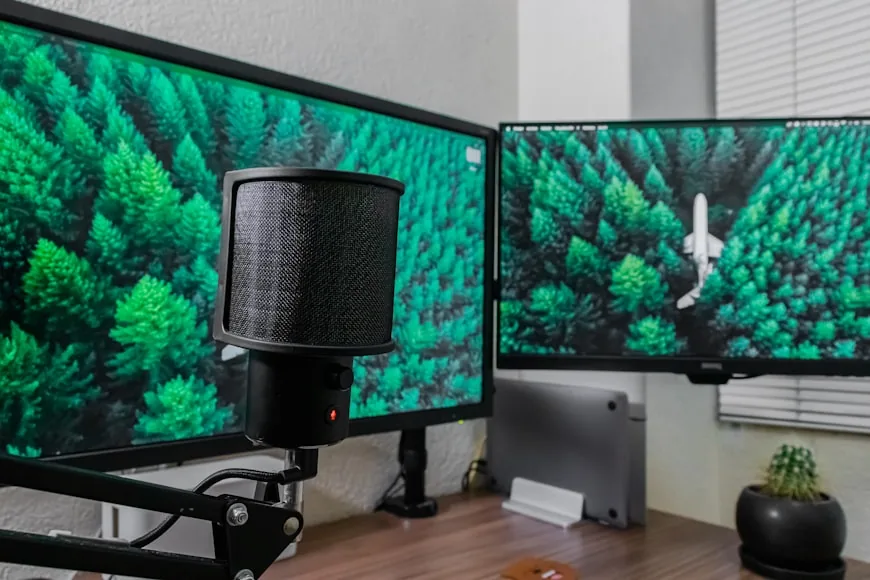
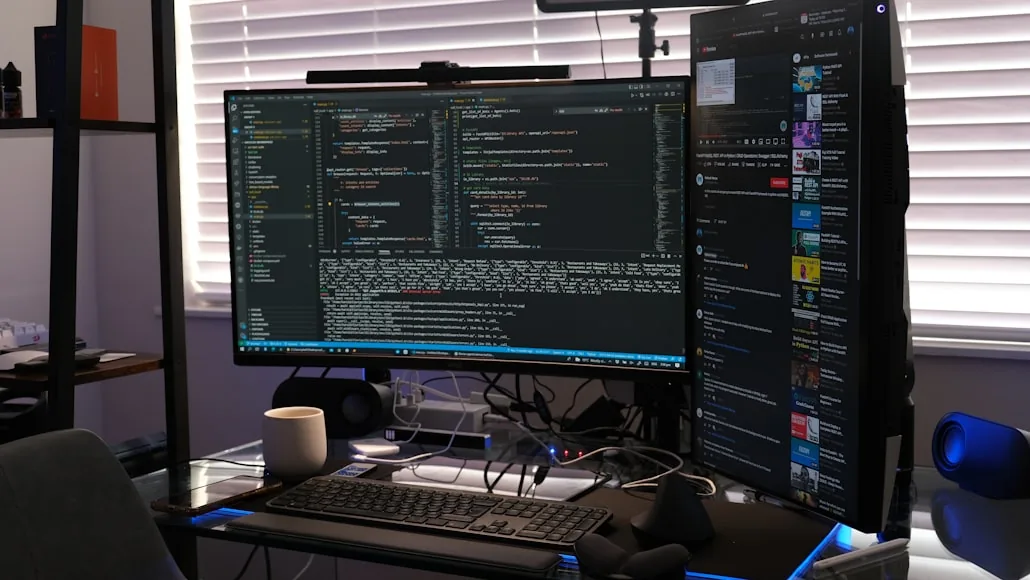
An ultrawide usually makes more sense when you want one centered screen, a continuous canvas, cleaner cabling, and you hate the bezel break between two screens. Dual monitors make more sense when you keep two distinct things visible, want a clear primary‑secondary split, and prefer flexibility over one very large panel.
The wrong choice usually looks like an ultrawide on a desk that is too shallow for comfortable viewing distance, dual monitors on a desk that is too narrow or wide enough only in theory, or either setup trying to solve a layout problem that should have been fixed before more screen was added.
Quick comparison table
Setup | Usually makes more sense when | Most common downside | Desk pressure | Best fit |
|---|---|---|---|---|
Ultrawide | You want one centered canvas and cleaner hardware | Can feel too large or too close on shallow desks | More depth pressure | Editing, timeline work, wide spreadsheets, cleaner one-screen setups |
Dual monitors | You need two clearly separate working zones at the same time | Can spread too wide and create more neck rotation | More width pressure | Reference-plus-execution work, communications on one side, easier screen sharing |
Either one can disappoint | You are trying to fix a weak layout by adding more screen | The desk gets more complicated without getting more usable | Usually both | Desks that already feel crowded, laptop setups with no clear primary screen |
Swipe sideways to compare the full chart.
The most useful question to ask first
Before you compare products, ask this:
Do I work across one wide canvas, or do I work across two distinct zones?
That question is more useful than asking which setup is "better for productivity."
If your work often spreads across a single timeline, very wide spreadsheet, editing layout, trading view, audio session, or side-by-side creative workspace that you want to keep visually continuous, an ultrawide has a real advantage. It behaves like one workspace.
If your work repeatedly divides into one thing you are doing and one thing you need visible beside it, dual monitors often make more sense. They behave like two jobs with a border between them.
That difference sounds small until you use the setup for eight hours a day.
When an ultrawide makes more sense
An ultrawide is usually the better choice when you want one screen to stay centered and uninterrupted.
That matters more than people admit.
A lot of desk setups get harder to use the moment the user starts rotating between two physical panels, deciding which one should be central, or letting the seam between the displays become the middle of the workspace. An ultrawide avoids that problem. You still have one physical screen in front of you, one top edge to set, one panel to place at the correct distance, and one main visual anchor for your posture.
That is one reason ultrawides can feel calmer on the right desk. They preserve the "main monitor directly in front" rule more naturally than dual monitors do.
They also make more sense when you use window snapping well, want fewer cables and stands, dislike bezel breaks, and your workflow already feels like one broad task rather than two separate ones. For some users, this makes the ultrawide feel less like "more screen" and more like "less friction."
When dual monitors make more sense
Dual monitors usually win when the work itself is split, not just wide.
That usually looks like a document on one screen and active work on the other, reference material on one side while execution stays centered, communications or dashboards running beside the main task, or two distinct apps that benefit from staying visible at the same time.
This is where dual monitors often feel more natural than an ultrawide.
The separation is already built in.
The systematic review on multiple monitors is useful here because it found moderate evidence that multi-monitor setups can improve efficiency in some tasks, while also showing strong user preference for them. That does not mean dual monitors are universally better. It does mean they have a legitimate workflow advantage when keeping two areas visibly separate reduces switching, dragging, and rearranging.
Dual monitors also tend to make more sense if you screen‑share often and want one display to stay unaffected, use full‑screen apps that behave better on separate panels, or want the option to keep one display lower‑priority without giving it half of one giant screen. That is why dual monitors still win a lot of real office workflows even when ultrawides look cleaner on paper.
Where ultrawides disappoint
The most common ultrawide disappointment is not that the screen is bad.
It is that the desk was never ready for it.
The newer ultrawide user-experience research is important here because it found that people naturally pushed larger ultrawides farther away, and that the larger displays could challenge small desk depths and even feel a little overwhelming. That tracks with real setup behavior: as the screen gets wider and often physically larger, users want more distance to make the whole panel comfortable to scan.
That means ultrawides disappoint most when the desk is too shallow to keep the panel comfortably far back, the screen becomes visually dominant enough that the setup feels more crowded, the user expected one big monitor to act like two perfect monitors without any workflow tradeoffs, or window management becomes a manual habit the user never really enjoys.
On a deep enough desk, an ultrawide can feel elegant.
On a shallow desk, it can feel like one giant version of the same "screen too close" problem.
Where dual monitors disappoint
Dual monitors usually disappoint when they spread the setup wider than the desk can support.
OSHA's guidance is helpful here because it is very plain about multiple screens: the primary monitor should be directly in front, and the others should be directly beside it. If time is split evenly, they should sit side by side within a comfortable viewing angle and with minimal head movement.
That is a clean standard.
It is also exactly where many dual-monitor setups fail.
Dual monitors disappoint most when the pair is too wide and the neck keeps rotating, both screens are treated like equal primaries without a clear center, the desk loses depth and keyboard space once two stands arrive, or the setup only "fits" because the mouse and note‑taking area were sacrificed.
This is one reason dual monitors often feel better with monitor arms than with bulky original stands. The issue is not always the screens themselves. It is the amount of desk they consume once two bases, two positions, and two viewing angles have to coexist.
Desk space changes the answer more than people expect
If your desk is shallow, an ultrawide becomes harder to recommend faster.
If your desk is narrow, dual monitors become harder to recommend faster.
That is the simplest physical rule in this whole comparison.
An ultrawide usually asks more from depth.
Dual monitors usually ask more from width, and often more from depth too once the stands are involved.
That is why there is no honest answer to this question without the desk in view.
If the desk is already compact, a 34-inch or 40-inch ultrawide may behave like a larger-screen comfort problem. If the desk is not wide enough for two panels plus your actual work area, dual monitors may behave like a layout problem with cables attached.
This is also why How deep should a desk be for one monitor vs two?, How far should a monitor be from your eyes on a small desk?, and Why your small desk setup still feels cramped matter so much before you buy either route.
If your work includes a laptop, be more careful
This is where people accidentally create the most confusing monitor setups.
If you already use one external monitor plus one laptop, moving to dual monitors or adding an ultrawide can quickly create too many "almost-primary" screens. At that point, the problem is no longer just screen count. It is screen hierarchy.
A second physical monitor plus a laptop can be great when the roles are clear.
An ultrawide plus a laptop can also work well when the ultrawide clearly owns the center.
What usually fails is a setup where the laptop, the external display, and the added screen all keep demanding equal attention.
If that is even a possible risk for your setup, fix the hierarchy before you buy more display.
A quick decision filter
Ask yourself four things: do you need one broad working canvas or two clearly separate working zones, is your desk more likely to run out of depth or width, do you want a simpler physical setup or a more flexible split‑screen setup, and if you pick wrong what will annoy you more, bezel breaks or physical sprawl.
If your answers point toward a centered screen, cleaner hardware, and continuous layout, the ultrawide is probably the better fit.
If your answers point toward separation, side-by-side tasking, easier screen sharing, and role clarity between displays, dual monitors are probably the better fit.
Where this lands
Ultrawide versus dual monitors is not really a question of which setup is universally better.
It is a question of whether your work is better served by one centered canvas or two separate visual zones, and whether your desk can support that choice without creating new problems.
An ultrawide usually makes more sense when you want one clean primary screen and enough depth to place it properly. Dual monitors usually make more sense when your work naturally splits into two distinct streams and your desk can support the added width and positioning.
If the desk is already close to its limits, the better answer is often to fix the desk logic first and the monitor format second.
Related reading
Sources
OSHA Computer Workstations eTool — monitor placement guidance: screen directly in front, at arm's length, primary display centered when using multiple monitors
Weill Cornell Medicine: Work-from-Home Ergonomics — home office setup guidance including screen distance, multiple monitor placement, and eye-level positioning
Gallagher et al. (2020), systematic review — multiple display use and musculoskeletal outcomes — found strong evidence of user preference for dual monitors and moderate evidence of efficiency improvements, with evidence that multiple monitors can lead to nonneutral neck postures
Fang, Huo & Feng (2023) — dual screen layout effects on neck-shoulder muscle activity — compared V-shaped vs. L-shaped monitor configurations; users pushed larger curved ultrawides farther away, sometimes challenging small work-surface depths