Keyboard-and-mouse positioning, input decisions, multi-device switching, and related accessories for calmer everyday desk use.
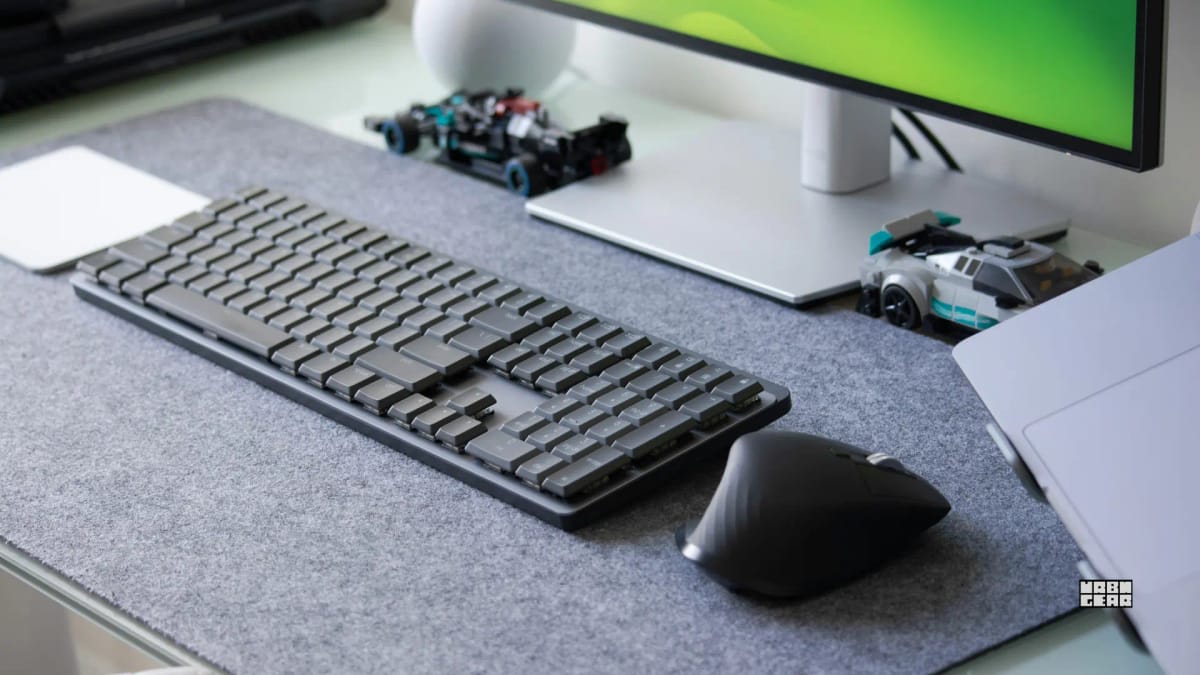
A practical guide to keyboard and mouse placement so your shoulders stay relaxed, your elbows stay close, and your wrists stay in a calmer working position.
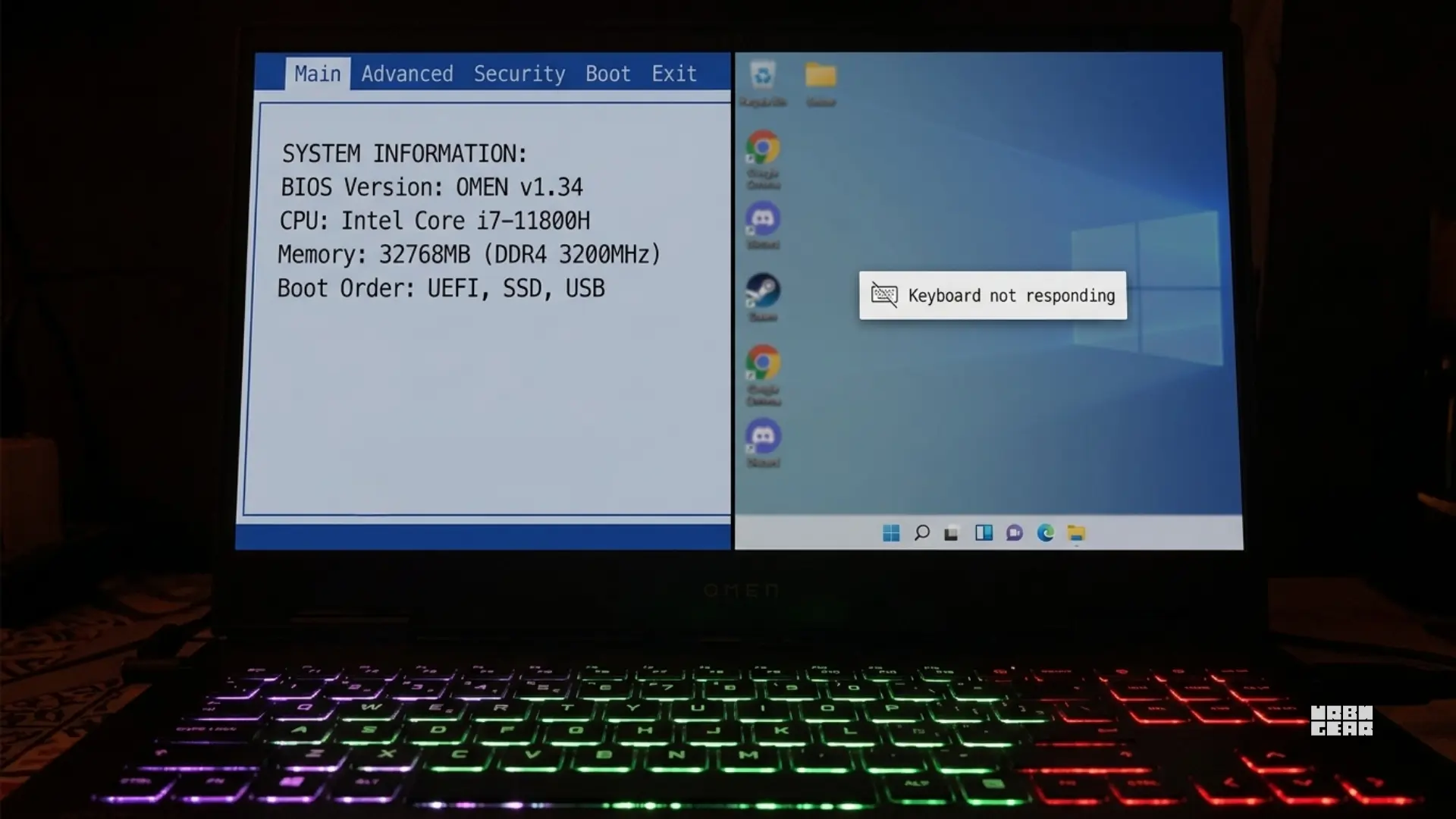
A targeted fix for laptop keyboards that work after a restart but stop responding after a full shutdown in Windows 11.
If your laptop keyboard works in BIOS but stops in Windows, the hardware is fine. The problem is almost always a driver, filter key, or software conflict.
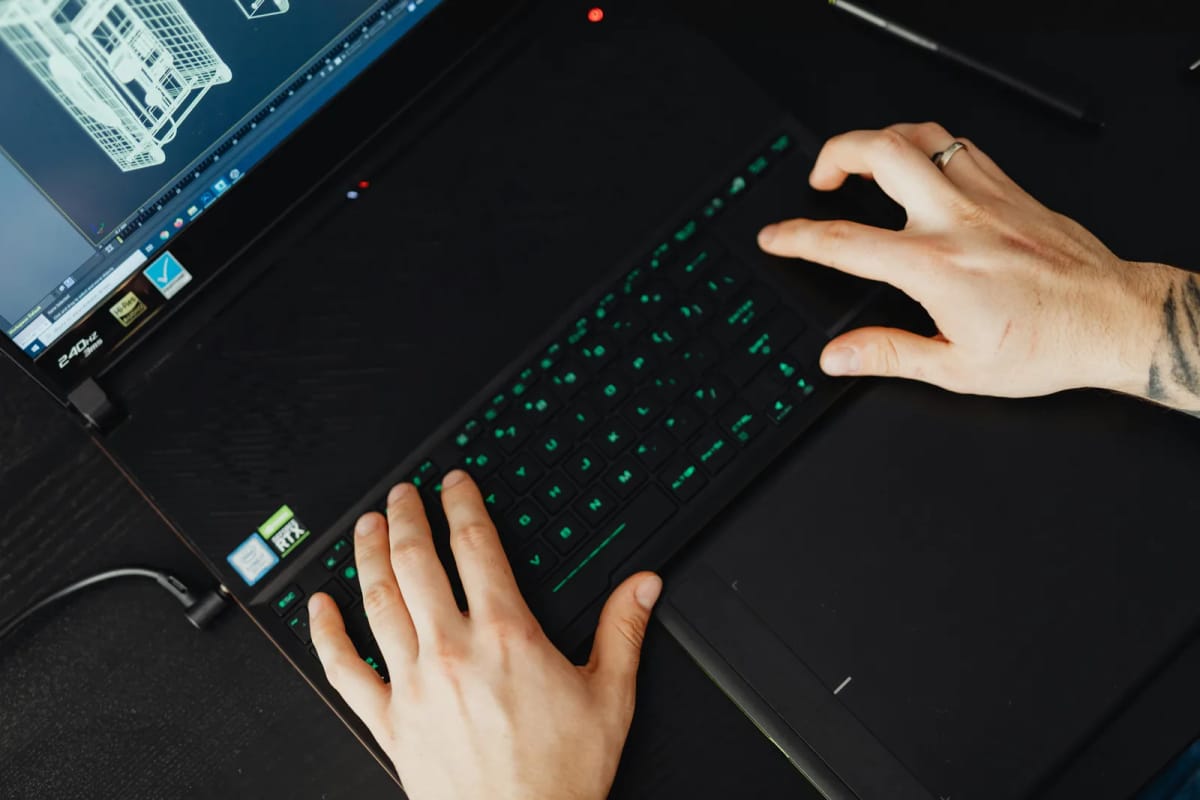
A misbehaving laptop keyboard isn't always broken. Software glitches, driver issues, and stuck keys can all mimic hardware failure. Try these steps first.
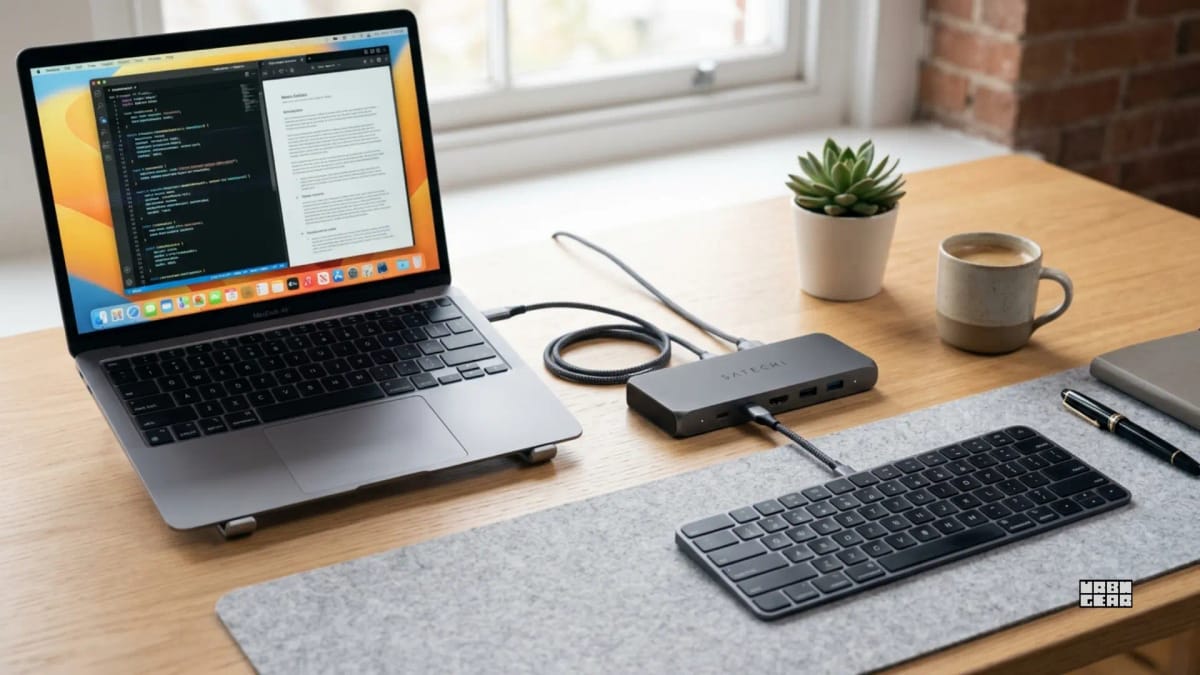
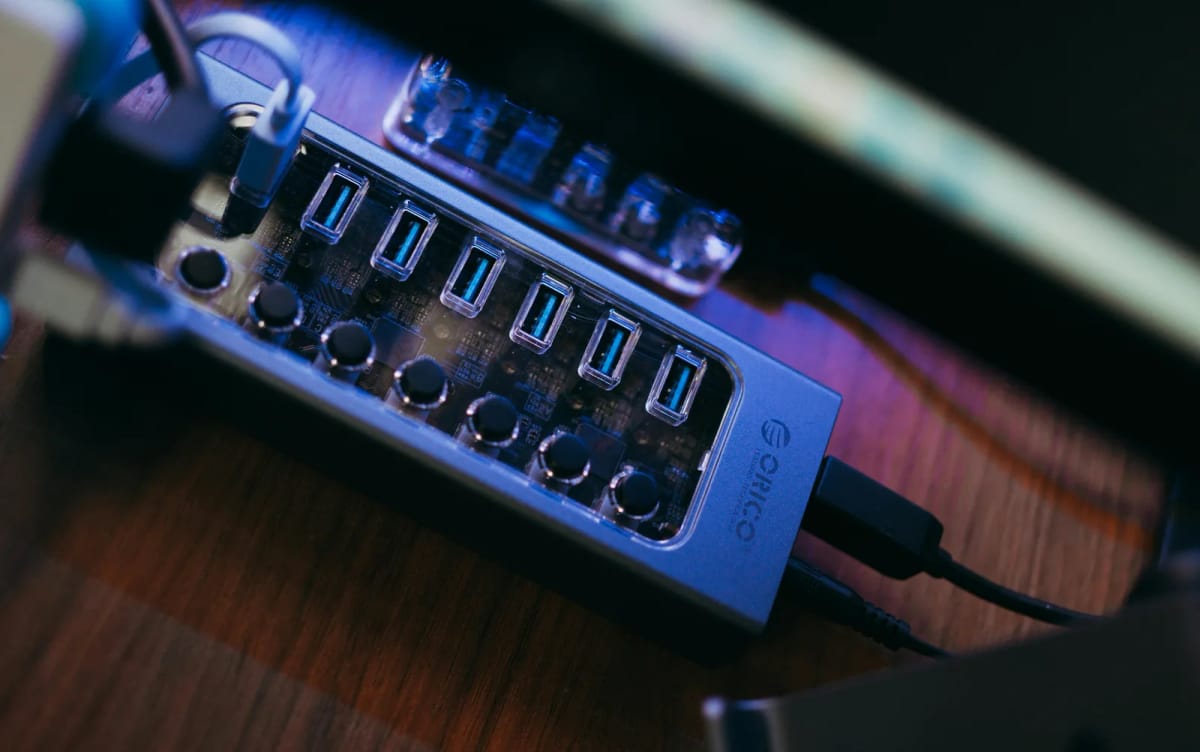
A keyboard that lags or freezes through a dock or KVM is almost always a USB bandwidth or power issue. The fix depends on which type of connection you're using.
A wireless keyboard that misses the first keypress after waking is usually a Bluetooth wake delay. The fix depends on your OS and receiver type.
When a few keyboard keys die while the rest work fine, the cause is almost always mechanical, not software. Here's how to diagnose it.
When a keyboard types each letter twice, the cause is usually a stuck key, a driver issue, or a repeat-rate setting that's too aggressive.
Sharing a keyboard and mouse between two computers is easy. Sharing a webcam and mic cleanly is where most desk setups start getting messy.
If one desk has to handle both a work laptop and a personal PC, the right answer depends on what you actually want to switch: video, USB devices, or both.
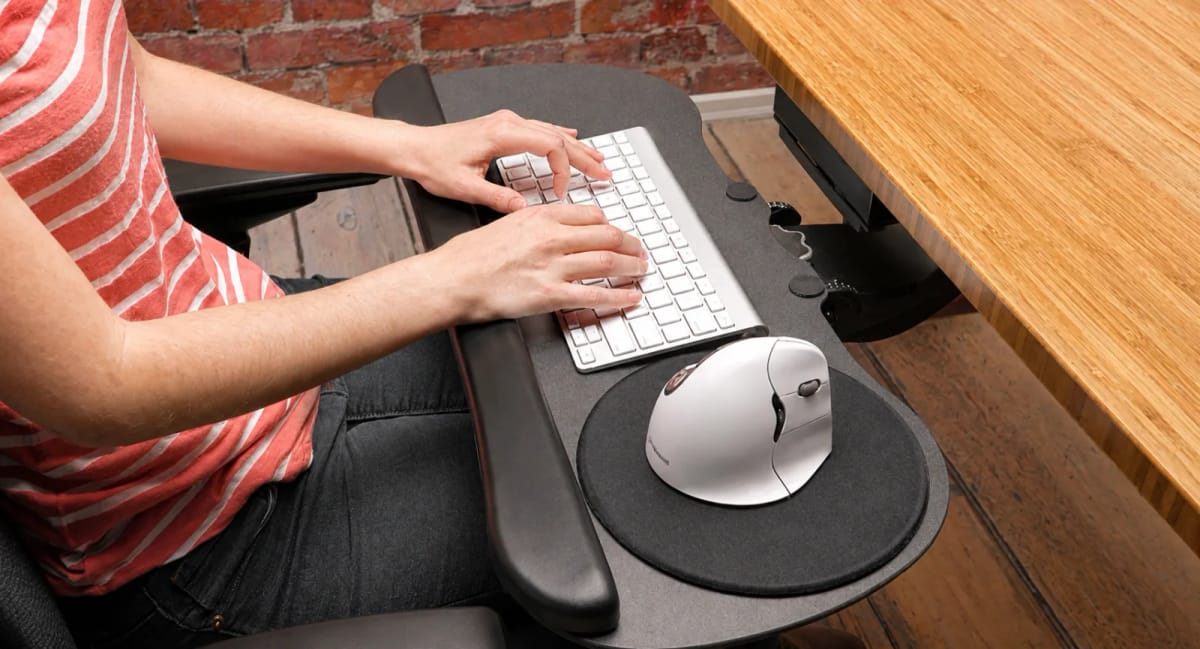
A keyboard tray only helps when it fixes a height mismatch without creating mouse, knee, or reach problems. Use these checks before buying one.
Wrist rests that make more sense on compact desks, plus practical guidance on fit, height, and when a wrist rest helps versus when it gets in the way.
Big desk mats can make a small setup feel smaller if the size is wrong. These are the mats that protect the surface and define the work zone without swallowing.
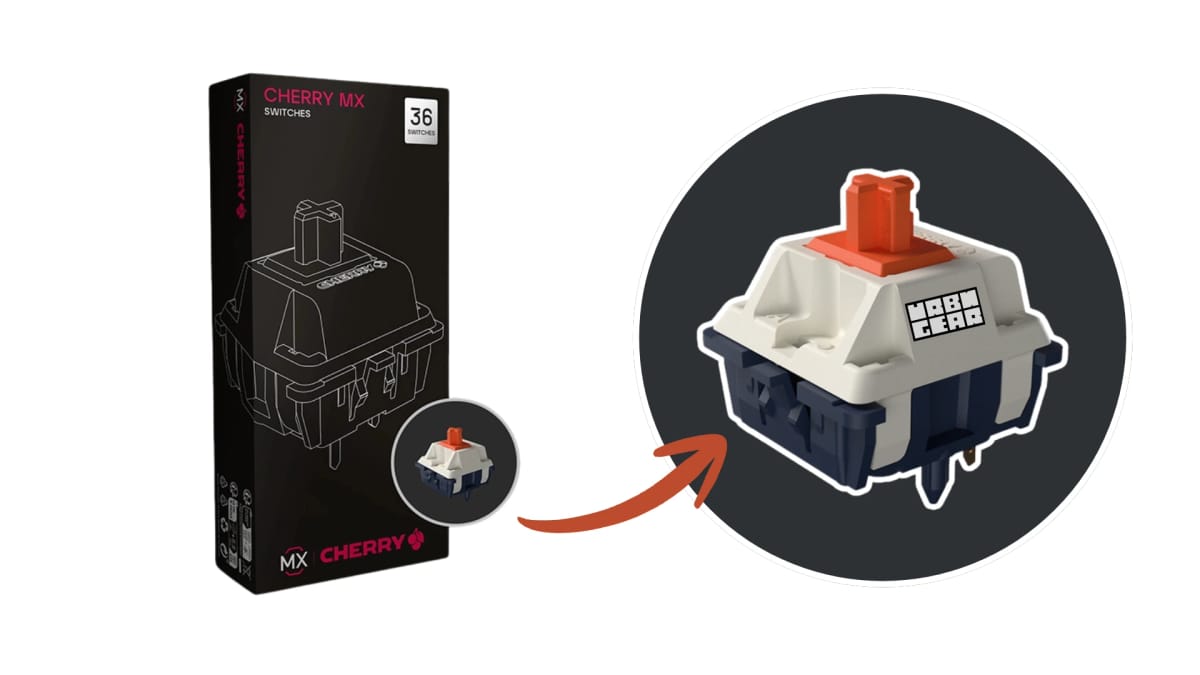
A heavy-tactile, longpole stem switch with a 70 cN bump and Gold Crosspoint contacts. Full breakdown of specs, feel, sound, compatibility, and buyer feedback.
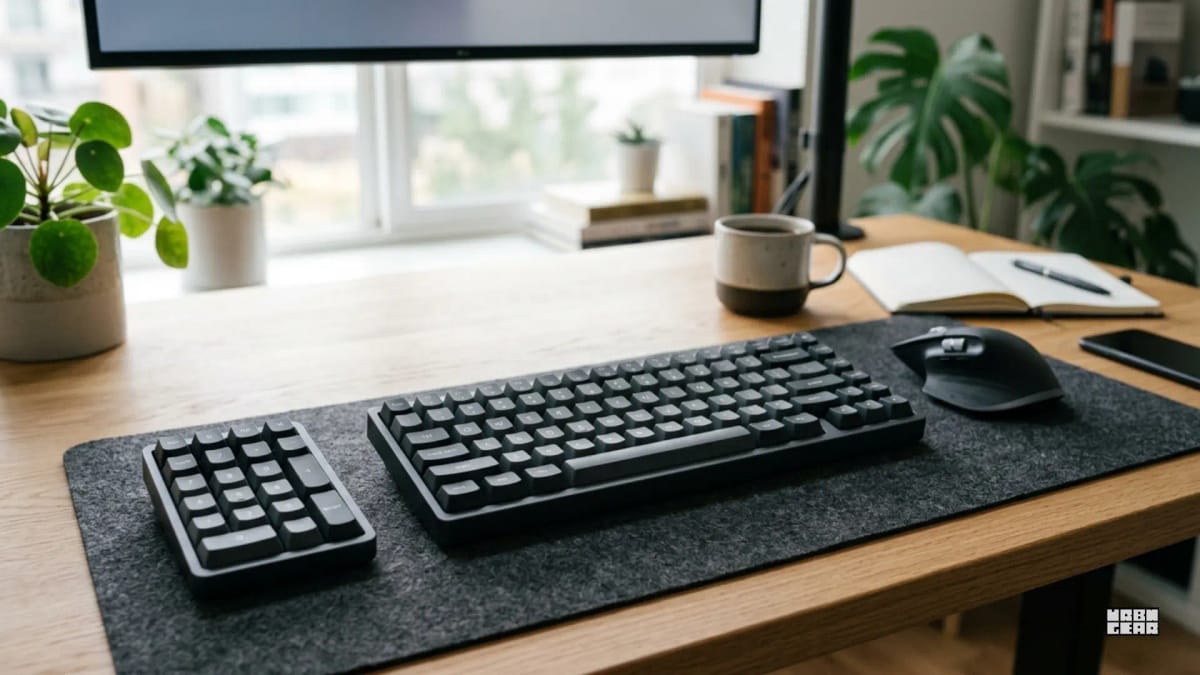
A separate numpad works best when number entry matters in bursts, not all day. It's the cleaner option when a full-size keyboard costs too much mouse space.
Best keyboards for 2026 by job: all-day typing, compact desks, mechanical, low-profile, and wireless. Pick by switch feel and desk fit, not spec sheet hype.
Low-profile keyboards feel easier on fixed-height desks. Standard boards make more sense when the desk fit already works and you prefer a fuller key feel.
A full-size keyboard still makes sense for spreadsheets and data entry. For many other desks, though, the extra width mainly pushes the mouse farther out.