
Laptop keyboard problems create the worst kind of false urgency.
A few keys stop responding, then come back after a restart. One corner of the keyboard starts acting strange, but the rest still works. Maybe an external keyboard works fine, which makes the built-in one look guilty. Maybe the problem disappears for half a day, which makes replacement feel premature.
That is usually the point where people either waste time on random fixes or spend money before they have actually identified the failure.
The useful goal is not to avoid replacement at all costs. It is to make sure the keyboard is really what needs replacing.
Replacement is usually the last answer, not the first one
Laptop keyboards fail in ways that are easy to misread.
Some problems really are keyboard hardware. A key cluster dies, a spill leaves residue under part of the deck, or wear inside the assembly starts turning normal typing into a guessing game.
Other problems only look like hardware at first. Accessibility settings, layout changes, sleep behavior, or session-specific glitches can make a healthy keyboard feel broken long enough to send people straight to the repair quote.
That is why the first question should not be "Can I replace this keyboard?" The first question should be "What kind of failure pattern is this?"
That one question saves more time than any random troubleshooting ritual.
The fastest checks are the ones that separate the keyboard from the system
Before you decide anything expensive, do the short checks that narrow the problem.
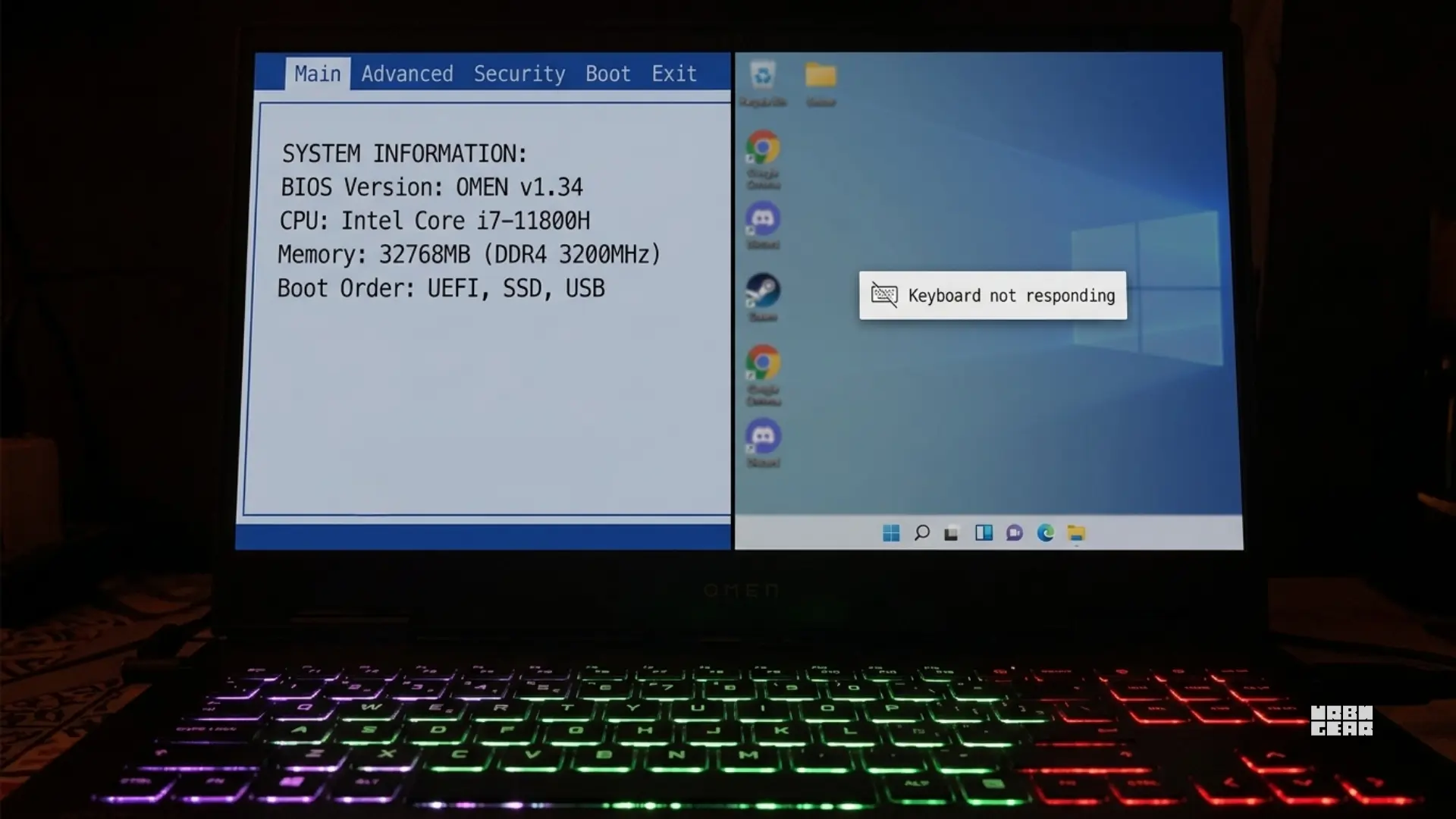
Try the login screen, BIOS, or another operating system if you can. If the same keys fail there too, the case for hardware gets stronger.
Plug in an external keyboard. If that works normally while the built-in keyboard still misbehaves, the problem is probably staying inside the laptop keyboard path rather than the whole system.
Pay attention to whether the problem appears after sleep, inside one app, or only in one user session. That kind of behavior still matters because it shifts the diagnosis away from pure hardware failure.
This does not need to turn into a one-hour troubleshooting marathon. The point is to answer one simple question: does the failure follow the keyboard, or does it follow the system state?
The pattern matters more than the first dead key
People get stuck on the first letter that stopped working. That is not usually the most useful clue.
One key failing on its own can still be debris, local damage, or a single worn mechanism. A small cluster is more serious. When nearby keys, one section, or a diagonal group starts dropping input together, that is harder to explain away as a random glitch.
That kind of grouped failure usually points to contamination, connector trouble, top-case wear, or a keyboard assembly problem that is bigger than one bad key.
If the key only works after being pressed harder than normal, that is another strong clue. Hard presses create false hope because they make the key look recoverable. In practice, they usually mean the contact is already unstable.
That same logic is why the dead-key article matters here. Why some keyboard keys stop working even when the rest still work goes deeper on patterns like one dead key versus a failing section, and it is the right follow-up if you are still trying to decide whether the problem is local or structural.
Temporary recovery does not mean the keyboard is healthy
This is where laptop keyboard problems fool people most often.
A restart brings the bad keys back. Pressing harder wakes them up for a while. Letting the laptop sit overnight makes the keyboard feel normal again. Those moments make the whole thing look like a software issue, even when the hardware is quietly getting worse.
Temporary recovery is useful as a clue, but it is not proof that the keyboard is fine.
Failing hardware can come back briefly. Residue can behave inconsistently. Ribbon or contact problems can look clean one moment and unstable the next. That is exactly why these issues drag on. The keyboard gives just enough good behavior to keep people from making a decision.
If the same area keeps failing in the same general way, stop giving too much weight to the moments when it randomly behaves.
A few checks are worth doing before you price the repair
There are only a handful of checks that really earn their place here.
Test whether the issue appears outside the current session.
Check whether one key is affected or a cluster.
See whether an external keyboard works normally.
Rule out obvious layout or accessibility misfires.
Think honestly about spill history, crumbs, or impact damage.
That is enough to decide whether you are still dealing with uncertainty or whether the keyboard is already telling you what happened.
If the laptop is also showing repeated characters instead of missing ones, Why your keyboard is typing letters twice, and what that usually means is the better diagnosis page for that branch of the problem.
When replacement becomes the honest answer
Replacement becomes the honest answer when the failure pattern keeps coming back after the easy checks, the same area keeps dropping input, or the keyboard clearly behaves differently from an external one on the same machine.
It also becomes the honest answer much faster if there was any liquid involved. Even a minor spill can leave behind the kind of residue that turns a laptop keyboard into a slow, confusing failure instead of one clean break.
The other clear threshold is progression. If the keyboard problem is spreading, happening more often, or moving from inconvenience into unreliable daily use, you are usually past the point where more tinkering is worth it.
This is the part worth saying plainly: if the keyboard is getting worse over time, it is usually not on its way back.
If you still need to work before the repair happens
Sometimes the most practical move is not another diagnosis step. It is keeping the day moving.
An external keyboard is the cleanest temporary workaround when the built-in one is unreliable. It buys time, removes stress from the failing keys, and makes it easier to decide whether you want to repair the laptop or live with an external board for a while.
If that is where you land, the useful next question is not "What is the best keyboard?" It is what kind of keyboard fits the desk and the workload without creating a new problem. Low-profile vs standard keyboard for work: which one actually feels easier to use all day? is the better next read if you need a work setup that feels normal again quickly.
The useful takeaway
Before replacing a laptop keyboard, the real job is not finding more fixes. It is identifying the kind of failure you are dealing with.
If the problem stays inside the laptop keyboard, follows a clear pattern, survives session changes, and keeps coming back in the same area, replacement starts looking like the practical answer.
If the behavior only appears in one state, one session, or one odd configuration, you still have room to slow down and diagnose it properly.
That is the whole standard to use here. Do not replace the keyboard because the problem feels serious. Replace it when the pattern stops leaving much doubt.