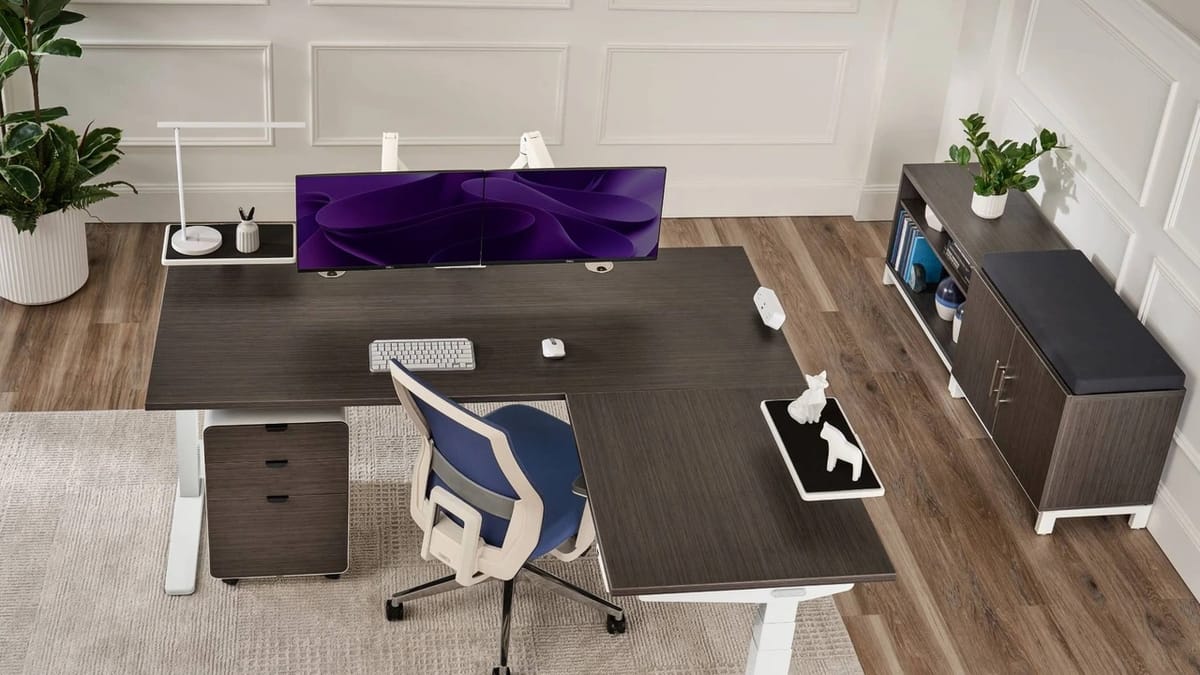
An L-shaped desk can eliminate multi-monitor neck strain and lower-back shear, but it also creates 4 square feet of dead space behind your screens. Here is the engineering math on when the corner geometry is worth it.
By Vladimir Fedorov

An L-shaped desk can eliminate multi-monitor neck strain and lower-back shear, but it also creates 4 square feet of dead space behind your screens. Here is the engineering math on when the corner geometry is worth it.
By Vladimir Fedorov

Putting your desk right in front of a window looks great in morning light, but by early afternoon the glare washes out your screen. Here is how to angle your setup so you get natural daylight without the headaches.
By Asikur Rahman
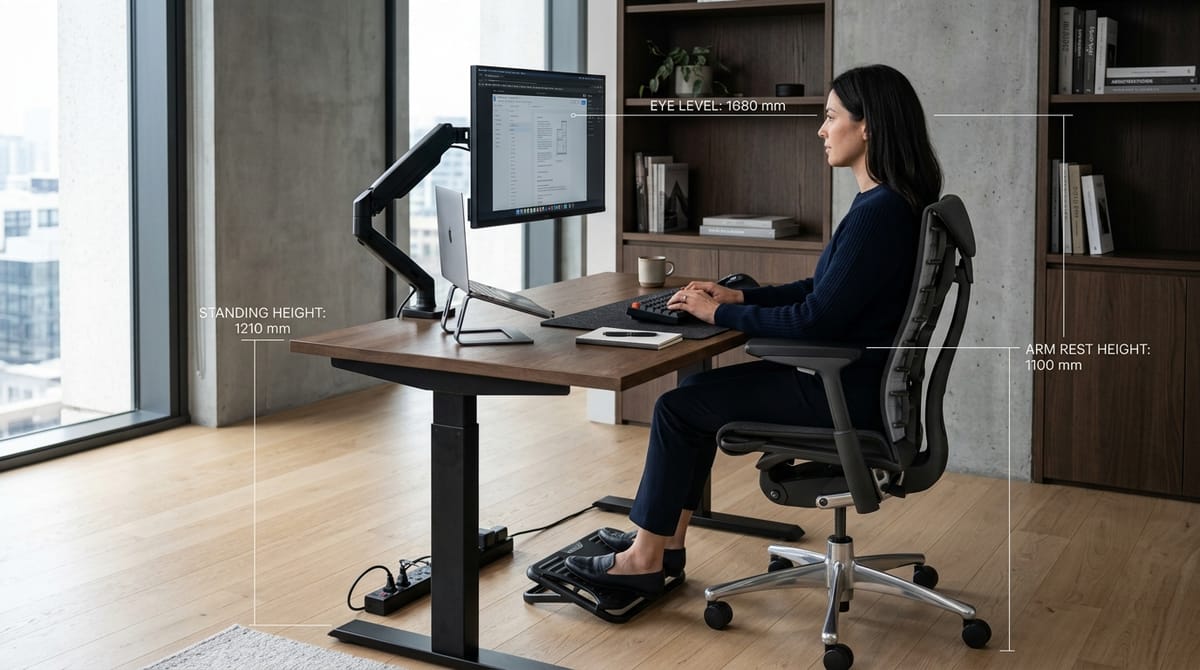
Commercial desks are engineered around an average 5'10" male. If your body falls outside that window, standard advice will fail until you fix the hardware geometry.
By Vladimir Fedorov
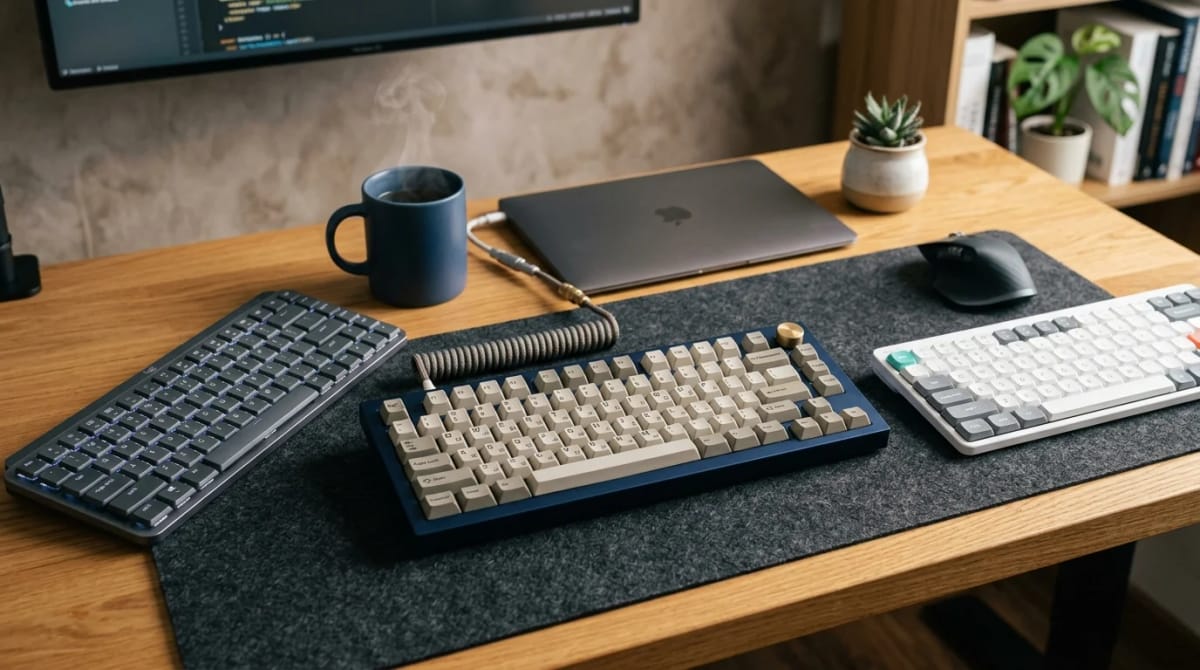
Switch type and key travel matter more than RGB in 2026. These picks cover all-day office typing, compact desk setups, mechanical enthusiasts, low-profile preference, and wireless convenience.
By Vladimir Fedorov

A converter keeps the desk you already like and adds standing mode on top. A full standing desk replaces the surface so the whole workstation moves. Those are different purchases.
By Asikur Rahman
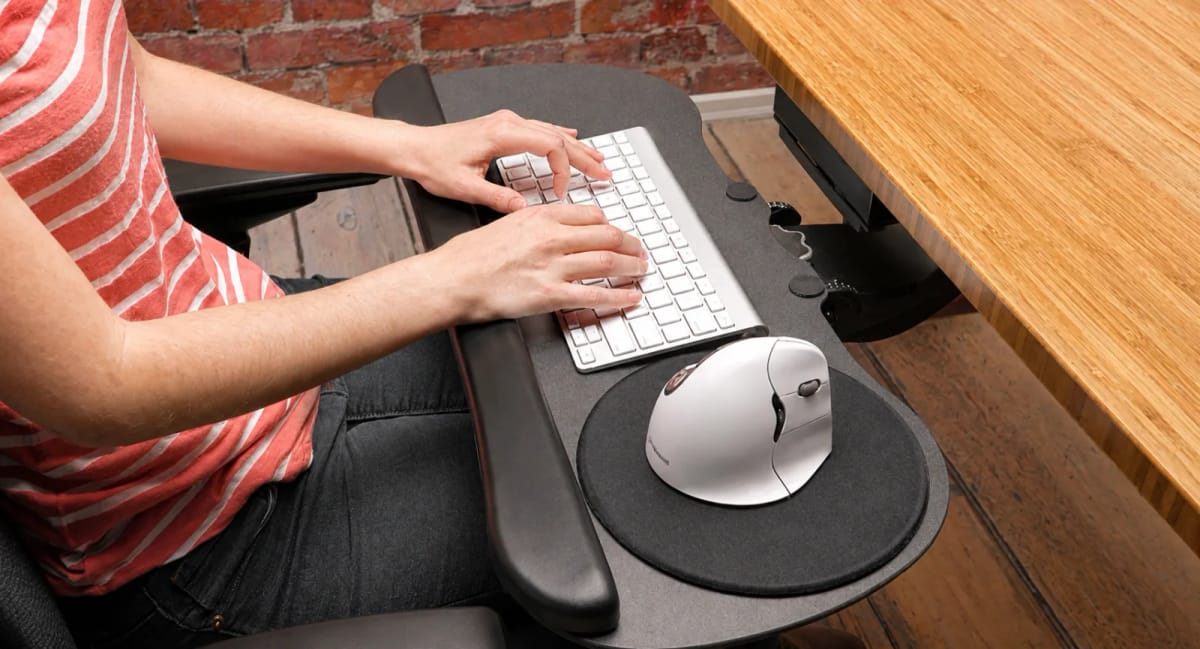
If your chair fits but the keyboard is still too high, a tray can be a useful correction. If the tray moves your mouse outward or hits your thighs, it has simply traded one problem for another.
By Vladimir Fedorov

The goal of a standing desk is not to stand all day. It is to make changing position easy, keep your setup neutral, and move before fatigue becomes discomfort.
By Vladimir Fedorov
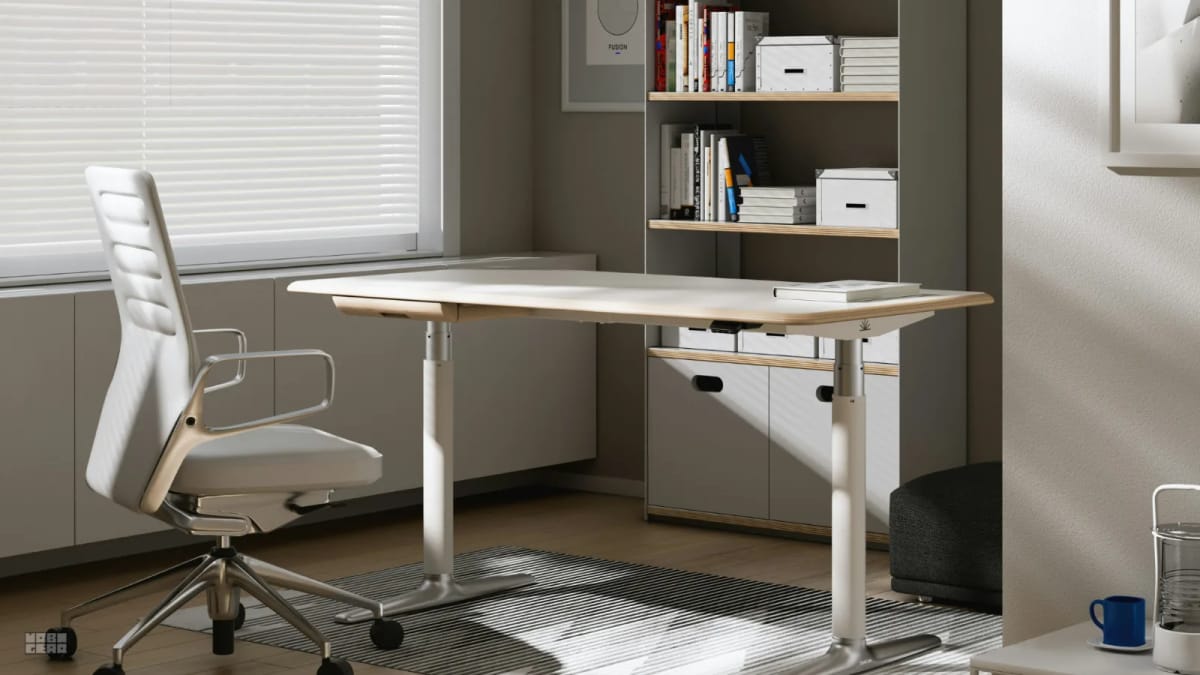
Most home office discomfort comes from setup order, not gear quality. This checklist walks through every step in the right sequence.
By Vladimir Fedorov

Most posture problems at a desk come from one mismatch: the relationship between seat height and desk surface. This guide gives you the formula to fix it.
By Vladimir Fedorov
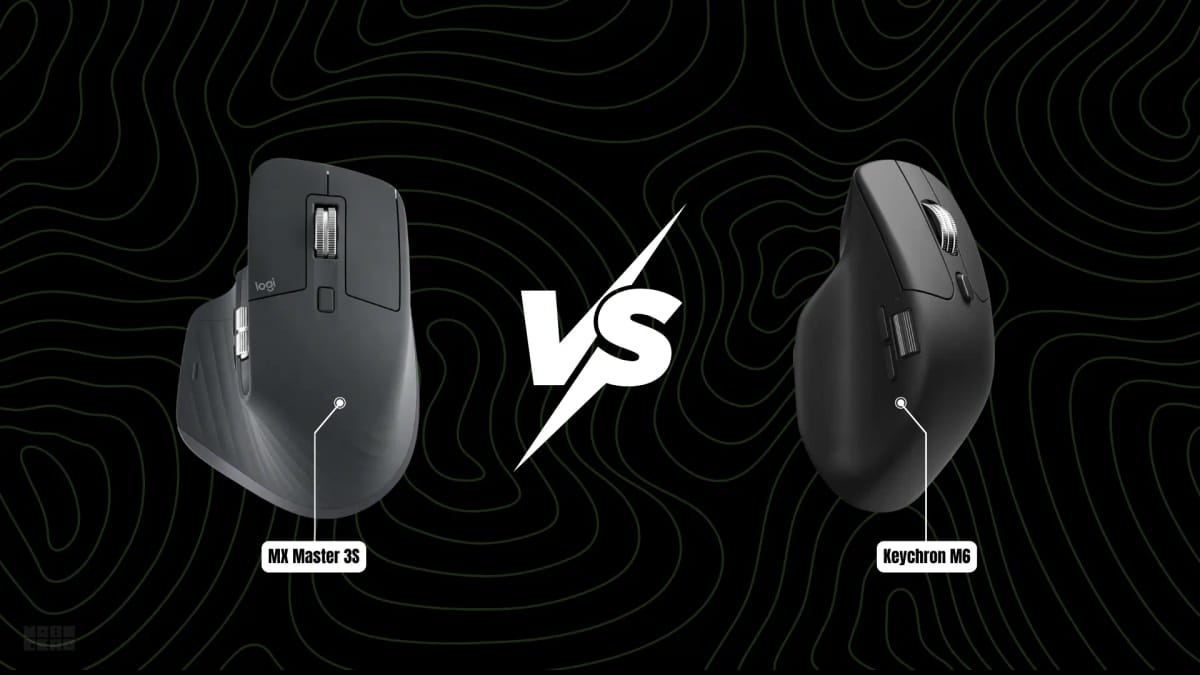
The MX Master 3S and Keychron M6 both offer dual wheels and ergonomic right-handed shapes, but they take very different approaches to sensor power, scrolling feel, weight, and software. This comparison breaks down what matters for actual daily use.
By Vladimir Fedorov

The colour temperature of your lighting affects how alert you feel, how sharp text looks, and how comfortable your eyes are after hours of work. Here is how to choose the right one.
By Asikur Rahman

Bias lighting works by softening the extreme contrast between a bright screen and a dark room. Here is the optical physics, correct setup, and when to skip it.
By Asikur Rahman