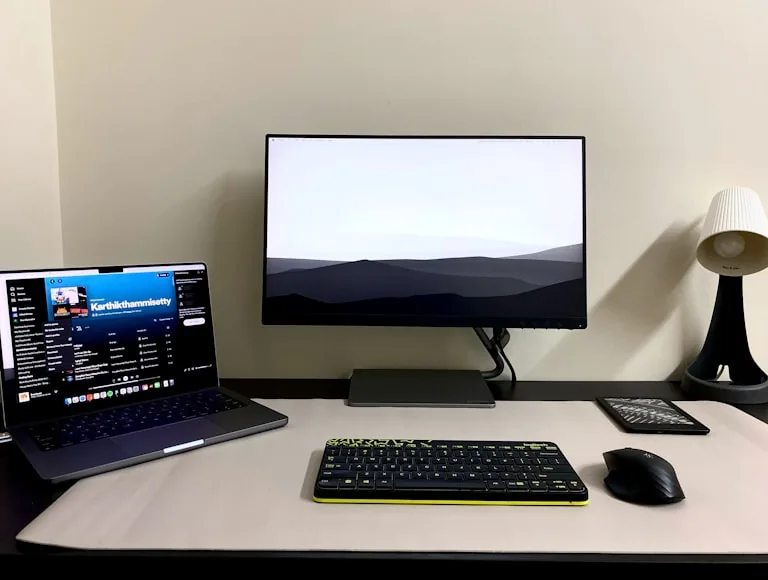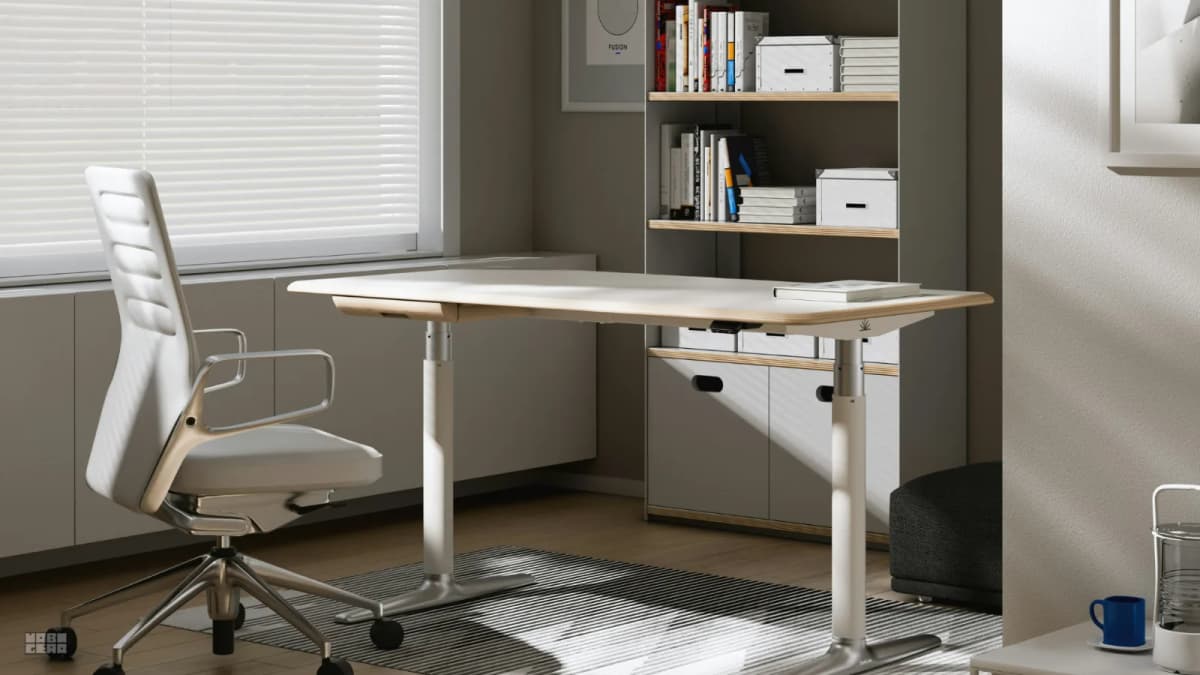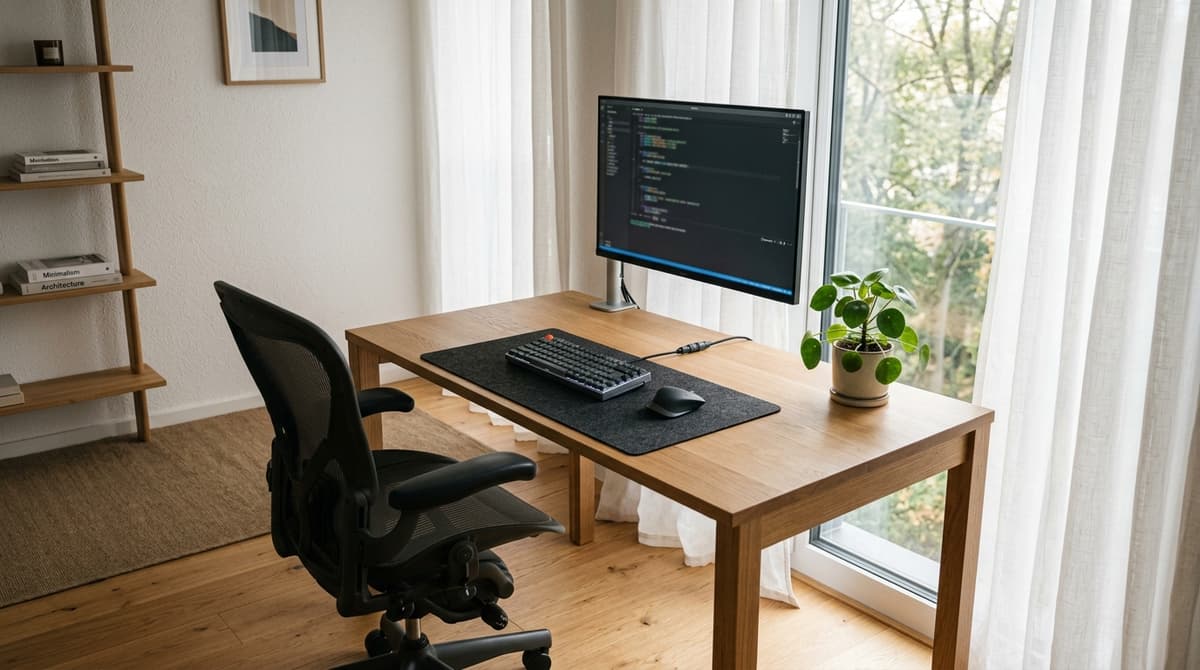

Almost every desk tour on YouTube starts with the same shot: a broad wooden table pushed directly against a massive window, looking out over green trees or city rooftops. It looks calm, airy, and inviting.
It is also exhausting to work at.
It works fine for the first hour of the morning when the light is still soft. But once the sun comes up, the sky outside is just way brighter than your screen. Because your eyes naturally adjust to the brightest thing in front of you, your monitor ends up looking dark and washed out.
You squint, lean in closer, and usually end up pulling the blinds shut by midday—which defeats the whole reason you put your desk by the window in the first place.
Best angle: Turn your desk perpendicular (90 degrees) to the window wall so natural light enters from the side.
Which side: Keep the window on your non-dominant side (left for right-handers) to eliminate hand shadows.
Working distance: Stay 3 to 6 feet away from the glass to capture daylight without summer heat or winter drafts.
Tight room fix: If stuck facing the glass, tilt your screen down 5 to 10 degrees on an arm and hang sheer curtains, never slat blinds.
Staring into an outdoor window is easily the most common layout mistake in home offices. People choose it because it looks fantastic in photos, without realizing how daylight behaves over eight hours of screen time.
We set up this solid oak workspace in an apartment with tall windows and tested every realistic angle to see what happens to contrast, reflections, and fatigue. Here is what works, what fails, and how to position your desk so you get real daylight without the 2 p.m. headache.
If you are sorting through multiple workspace problems at once, our complete ergonomic setup checklist covers the entire adjustment order. If your eyes are already burning, start right here with the room geometry.
Why staring straight into a window exhausts your eyes
The core problem with facing an exterior window is not brightness. It is contrast.
A decent computer monitor produces roughly 300 to 400 nits of light. An overcast daytime sky puts out more than ten times that, and direct sun on a clear day pushes into the thousands.
Your visual system cannot adapt to both brightness levels at the same time. Your pupils automatically constrict to shield your retinas from the bright outdoor sky behind your monitor. But the moment your pupils contract, less light enters your eye. The monitor in front of you—which looked perfectly sharp an hour earlier—suddenly seems dim, murky, and washed out. Black text fades into dull grey.
When your eyes fight an open daytime sky behind your display, cranking screen brightness to 100% does not solve the contrast gap. It just drives up eye fatigue, runs your monitor hot, and makes fine text fuzzy. The fix is changing where the daylight lands, not asking a LED panel to outshine the sun.
To compensate, you lean forward. You squint. You drop your chin and pull your face closer to the glass. None of this feels like "bad lighting" while it is happening—it just feels like fatigue or a long workday. If that pattern sounds familiar, read what bad home office lighting feels like before you realize it is the problem to see how stealthy contrast strain really is.
There is exactly one scenario where facing a window directly works: a true North-facing window (in the Northern hemisphere) protected by deep eaves or mature shade trees, where direct sunlight never reaches the room. If your window faces South, East, or West, facing it head-on guarantees you will be fighting glare before lunch.
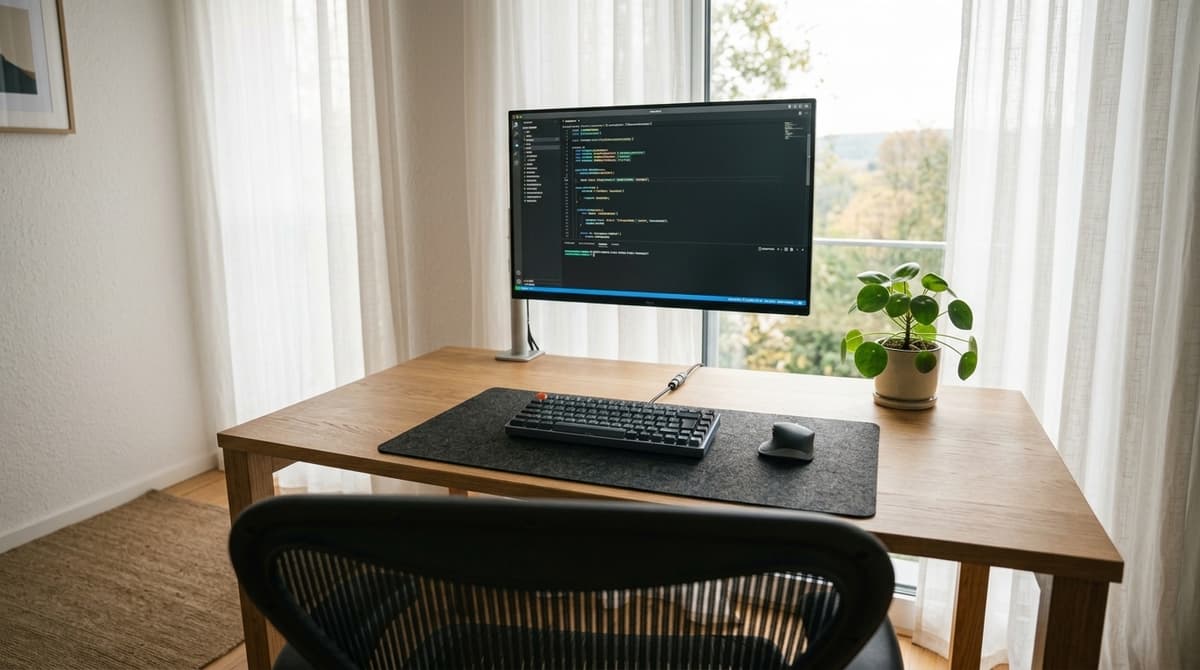
The seated view: what calm contrast actually looks like
The seated photograph above shows what happens when you reposition the desk properly. This is taken from normal eye level in an office chair.
Notice how clear and legible the screen stays. Even with bright midday light flooding the room, the display text remains crisp with deep blacks and zero haze.
That works because the desk is not shoved against the window. The window sits along the left wall, softened by light sheer curtains. Daylight enters from the side, illuminating the room naturally without firing straight into your line of sight.
If this exact desk had been pushed flat against the exterior wall facing out, that bright patch of trees and sky would sit directly behind the monitor bezel. The text on the screen would look like faint pencil marks on wet paper, and the felt desk mat would sink into a dark silhouette.
The opposite mistake: turning your back to the window
When people realize that staring into a window causes headaches, their immediate countermove is usually spinning the desk 180 degrees. The desk faces an interior wall, and the window sits directly behind their chair.
That stops the direct glare in your eyes, but it introduces an equally frustrating failure: the mirror effect.
When bright daylight strikes the back of your monitor:
- Your display turns into a mirror. Sunlight hits the panel glass and bounces straight into your eyes. If you use dark-mode software or have a glossy screen, you spend all afternoon staring at your own reflection, your shirt, and the window behind you.
- Anti-glare coatings cannot defeat direct sun. Matte screens help disperse soft overhead lamps, but direct sunlight still turns the surface into a cloudy, milky wash that ruins text contrast. If you want a deeper look at how reflections degrade focus, read why screen glare makes your eyes tired.
- Webcams completely fail on video calls. A bright window behind your chair forces your webcam to adjust for the outdoor light, throwing your face into deep shadow. You end up looking like an anonymous silhouette in a crime documentary on every work call.
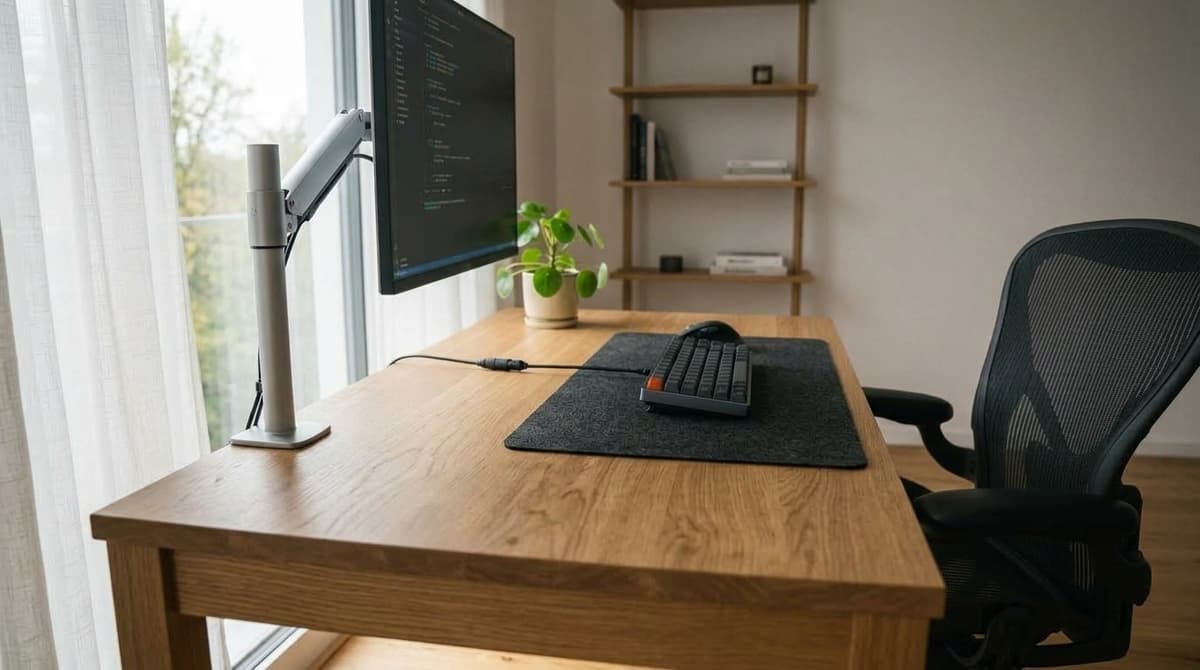
The 90-degree perpendicular rule: where the desk belongs
There is a straightforward layout rule that interior architects and ergonomic specialists rely on: turn the desk perpendicular (at a 90-degree angle) to the window wall.
Look at the side-profile photograph above. The camera looks down the long edge of the solid oak desk toward the window.
Notice how the geometry works in practice:
- Your line of sight runs parallel to the window glass.
- You look straight ahead at your monitor, while daylight enters comfortably from the side.
- Natural light skims across the front of your workstation rather than striking the screen head-on.
Why this arrangement feels so comfortable
- Reflections bounce away from you. Because the daylight arrives from an oblique side angle, any rays hitting the screen bounce harmlessly toward the opposite wall rather than back into your eyes.
- The room stays bright and energized. You get full daytime sunlight throughout the room without creating a blinding contrast wall directly behind the monitor. The interior wall behind your screen stays at a calm, manageable luminance.
- You keep the view without the eye strain. Whenever you want to rest your vision, you simply turn your head 90 degrees to look outside. The rest of the time, your primary field of view remains peaceful and focused.
- Video calls look clean and professional. Lateral daylight casts gentle, natural light across your face without washing out your features or creating weird downward ceiling shadows. Our guide on lighting setups for video calls that make you look professional shows how to balance side window light with a simple desk lamp.
Turn your monitor off or set your desktop wallpaper to solid black in the middle of a sunny afternoon. If you can clearly see the window frame or your own shirt reflected on the glass, your screen is catching direct daylight. Angle the desk slightly or tilt the panel until the reflection drops toward the floor.
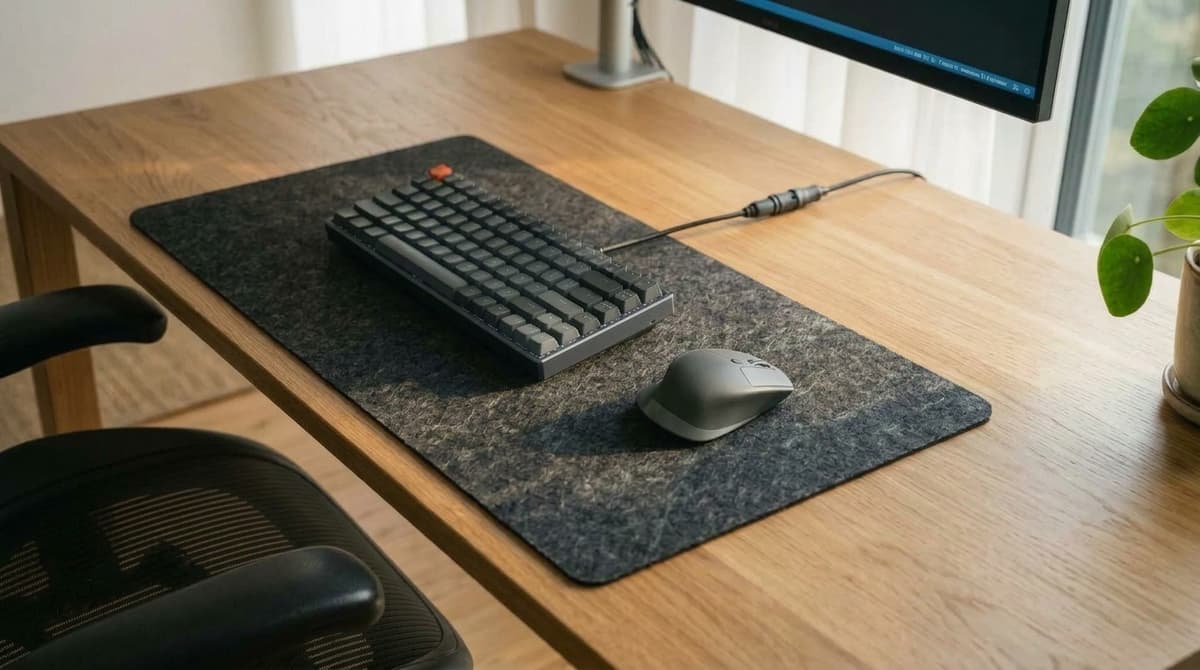
The dominant hand test: left side or right side?
Once you decide to place your desk sideways to the window, one practical question remains: should the window be on your left or your right?
The answer comes down to which hand you use for your mouse.
Look closely at the detail photograph of our desk surface above. Soft morning light enters from the left, raking across the oak grain, the charcoal wool felt mat, the mechanical keyboard, and the wireless mouse.
Because the window sits on the left side, a right-handed person working here gets clean, unobstructed daylight across their entire work area.
When you rest your right hand on the mouse or type across the keys, your hand and forearm cast shadows outward to the right—completely clear of your active workspace.
- If you are right-handed, put the window on your left.
- If you are left-handed, put the window on your right.
If you place the window on your mouse side, your own arm casts a dark shadow over your keyboard and desk mat every time you reach for something. It sounds like a small detail until you spend an eight-hour workday moving under your own shadow.
How far from the window should you sit?
Distance matters just as much as orientation. Depending on how close your desk sits to the glass, you run into three distinct zones:
| Zone | Distance from Window | How It Feels in Daily Use | Practical Recommendation |
|---|---|---|---|
| Direct Sun Zone | 0 to 3 feet | Hot in summer, drafty in winter. Direct sun can hit your desk pad and create distracting glare spots. | Hang sheer curtains to diffuse the light. Use an adjustable monitor arm to tilt the panel. |
| The Sweet Spot | 3 to 6 feet | The ideal location. Plenty of natural daylight, soft shadow edges, and consistent room temperature. | Perfect for standard desks and standing desks without requiring special adjustments. |
| Across the Room | 7 feet or more | The light is gentle and comfortable, but usually too dim on its own for reading paper or detailed work. | You will need a good task lamp or monitor light bar even in the early afternoon. |
Swipe sideways to compare the full chart.
If you are setting up in a compact bedroom or studio apartment where moving furniture around feels like playing Tetris, our guide on how to plan a home office in a small room before you buy anything breaks down clearances and wall allocation before you start hauling heavy desks.
What if your room gives you no choice?
Real apartments and bedrooms rarely offer blank, perfectly shaped spaces. Between baseboard heaters, closet doors, outlets, and door swings, you might have only one wall where a desk physically fits.
If you are stuck with a desk near a window at an imperfect angle, three practical adjustments will save your vision:
1. Mount your monitor on an adjustable arm
When you cannot move the desk, you need to be able to angle the screen.
A standard factory monitor stand holds your display in one rigid position. If afternoon sun starts bouncing off the panel, your only option is hunching your neck or shifting in your chair to peer past the reflection.
An articulating monitor arm lets you:
- Tilt the display down by 5 to 10 degrees so reflections bounce toward the floor instead of your eyes.
- Pan the screen slightly away from the window plane during the brightest hours of the day.
- Reclaim four to six inches of desk depth that a bulky plastic stand consumes.
If your desk is shallow, our roundup of monitor arms that work on small desks shows which clamps hold firm without eating your legroom.
2. Add a monitor light bar with rear backlighting
The trickiest lighting transition of the day happens between 4 p.m. and 7 p.m. As dusk arrives, natural daylight outside fades, and your monitor suddenly becomes a bright flashlight in a dim room.
If you flick on a harsh overhead ceiling fixture, you get ugly glare across your desk. If you leave the room dim, high contrast strains your eyes all evening.
A monitor light bar fixes both problems:
- It casts focused, downward task light across your keyboard and desk mat without throwing a single reflection onto the screen glass.
- Models with an integrated rear backlight (like the BenQ ScreenBar Halo) illuminate the wall behind the monitor, smoothing the contrast cliff as natural daylight disappears.
If you are comparing options, see our BenQ ScreenBar Halo vs ScreenBar Pro comparison. If you already own a desk lamp and wonder if a light bar is redundant, check do you need a monitor light bar if you already have a desk lamp.
3. Hang sheer curtains instead of horizontal slat blinds
What covers your window matters just as much as where the desk sits.
Many rentals come standard with cheap horizontal metal or plastic blinds. For desk work, horizontal slat blinds are the worst possible window treatment.
When sunlight passes through horizontal slats, it casts alternating zebra stripes of blinding light and dark shadow across your desk, keyboard, and hands. As your eyes scan your workspace, they constantly try to adapt to these moving high-contrast bars, creating rapid eye fatigue.
Blackout curtains solve glare by throwing you into total darkness, which ruins your energy levels during the day. Sheer linen curtains or light-filtering roller shades scatter harsh direct sun into soft, even room light—letting you keep the mood benefits of natural daylight without the eye sting.
Practical gear for window-adjacent desks
If you cannot tear down walls or rebuild your room, these three tools make the biggest difference in managing daylight and screen contrast:
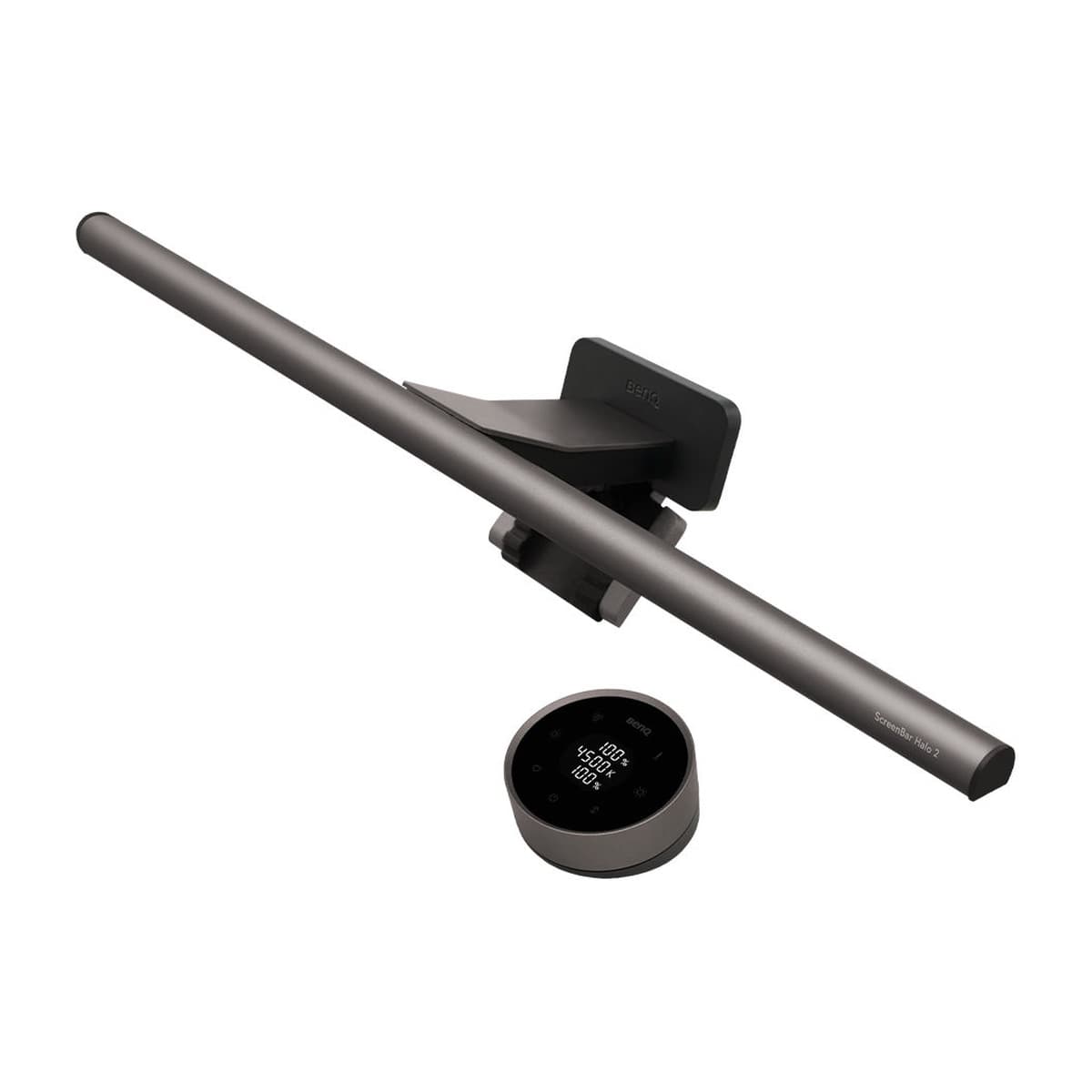
Asymmetrical monitor light bar with built-in rear backlighting. Balances contrast when desks sit near windows and illuminates your workspace without screen glare.
- Rear wall illumination
- Zero screen reflection
- Wireless desktop dial
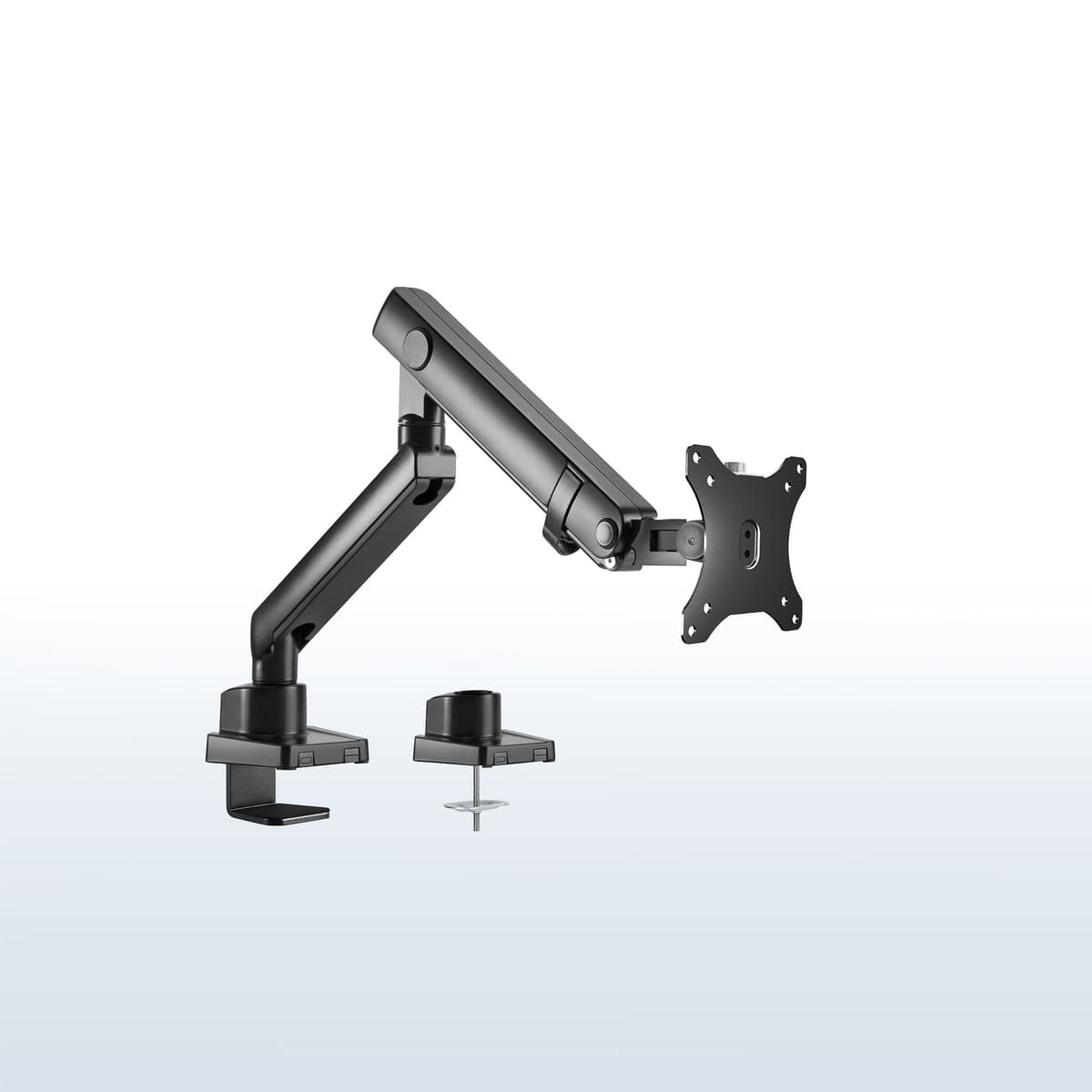
Full-motion articulating monitor arm that lets you tilt and swivel your screen to deflect window glare angles away from your line of sight.
- Smooth tilt and swivel
- Reclaims desk depth
- Heavy-duty desk clamp
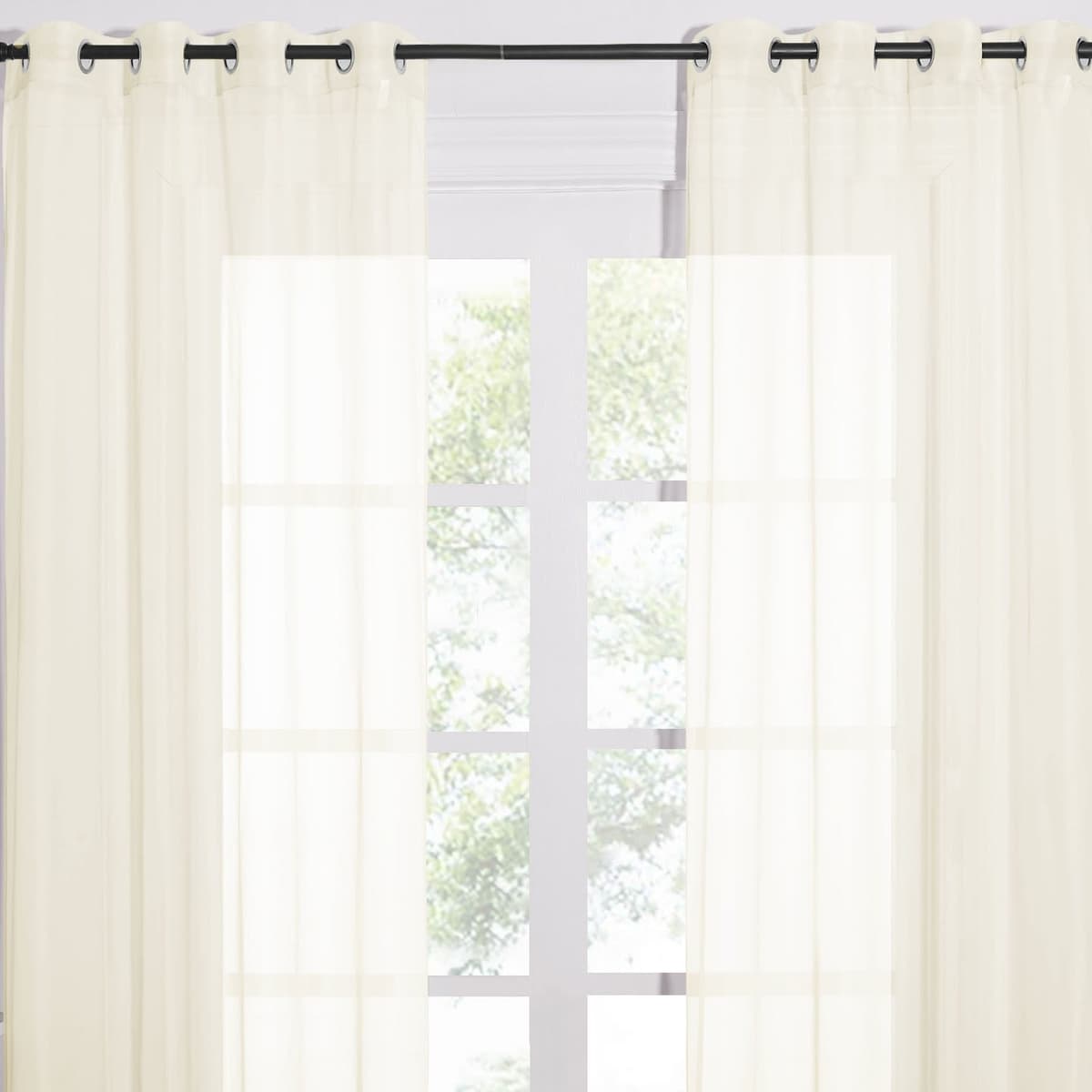
Textured sheer curtains that soften direct sunlight into gentle ambient light, eliminating the harsh zebra-stripe shadows of standard blinds.
- Diffuses direct sunlight
- Preserves natural daylight
- Eliminates striped shadows
A quick two-minute window check
Before you buy new gear or spend a weekend taking your furniture apart, run through these five quick tests:
1.The gaze check
Sit in your normal working posture and look at the center of your screen. Is unshaded outdoor sky visible in your immediate forward vision? If yes, angle your setup or add a sheer curtain.
2.The hand shadow test
Rest your mouse hand where you usually work. Does your forearm cast a dark shadow across your keyboard? If so, your primary window light is coming from the wrong side.
3.The black screen reflection test
Turn your monitor off on a sunny afternoon. Can you clearly see your face, your shirt, or the window frame reflected on the panel? If you can, glare is washing out your screen contrast while you work.
4.The sunset contrast drop-off
When dusk arrives, does your desk suddenly feel like an interrogation room under a harsh lamp? If so, check our tips on why your desk still feels dark even with a good lamp to balance room illuminance as daylight fades.
5.The temperature check
After working for an hour, is one side of your body warm from the sun while the other feels cool? If yes, you are sitting too close to raw glass (under 3 feet) and need sheer curtains to take the thermal edge off.
Natural daylight should be one of the best parts of working from home. Turn your desk sideways to the window, keep the glass on your non-dominant side, and soften the light with sheer curtains. You get all the alertness and mood benefits of natural sunshine without the afternoon headaches.
Frequently asked questions
Related reading
- How to set up an ergonomic home office — the complete checklist
- What bad home office lighting feels like before you realize it is the problem
- Why screen glare makes your eyes tired
- Lighting setup for video calls that makes you look professional
- Why your desk still feels dark even with a good lamp
- How to plan a home office in a small room before you buy anything
- Monitor arms that work on small desks