
Most people blame eye strain on screen brightness or “too much screen time.”
The more common culprit is screen glare. It is the quiet reflection that keeps your eyes fighting the screen even when the text looks sharp.
The myth that keeps you stuck
If your eyes feel tired, it is tempting to turn the brightness down or assume you need a new monitor.
That can help a little. But if the screen is reflecting a window or a hot spot from a desk lamp, your eyes keep adjusting all day. That is why the fatigue shows up even when everything looks clean and modern.
The real culprit is angle, not pixels
Screen glare is usually not about the screen itself. It is about the angle between the screen and the light source.
A monitor facing a window, a lamp pointed directly at the panel, or overhead light landing on the display all create reflections that your eyes fight constantly. You do not always see a dramatic reflection. You feel it as strain.
The 5-minute fix (no new gear)
Turn the monitor perpendicular to the window. If the screen faces a window, rotate the desk or monitor so the window is at the side instead of directly in front or behind you. Our guide on Should your desk face the window explains the optical contrast math behind this 90-degree rule.
Tilt the screen until reflections disappear. A slight angle change often removes the worst glare without changing your posture.
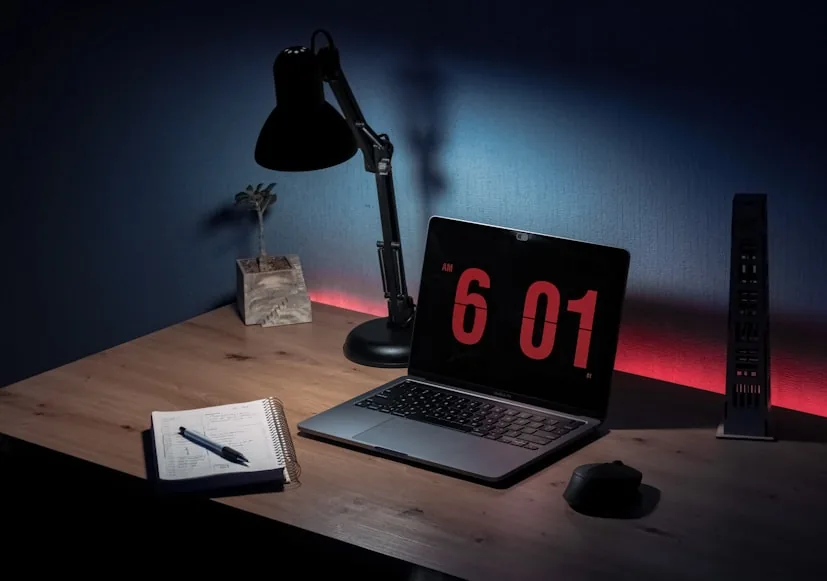
Move task lighting to the side. If your desk lamp is in front of the screen or aimed at it, move it to the side and aim it at the desk surface, not the panel.
If your eyes already feel calmer after those changes, you just found the real issue.
If the window glare will not move
Some rooms force you to face a window. In that case, the goal is to soften the light, not fight it.
Use a sheer curtain, adjust blinds to diffuse direct light, or pull the monitor slightly farther back so the window reflection lands lower on the screen. Even small changes to the angle or distance can lower the strain.
If your desk lamp is the problem
A lamp that points directly at the screen creates a bright hot spot that your eyes keep adapting to.
Angle the lamp toward the desk surface, or choose a lamp position that lights the keyboard zone without reflecting off the display. The light should support the work surface, not compete with the screen.
If you need lamp guidance that fits small desks, How to place a desk lamp on a small desk without losing usable space is the cleanest follow‑up.
When gear actually helps
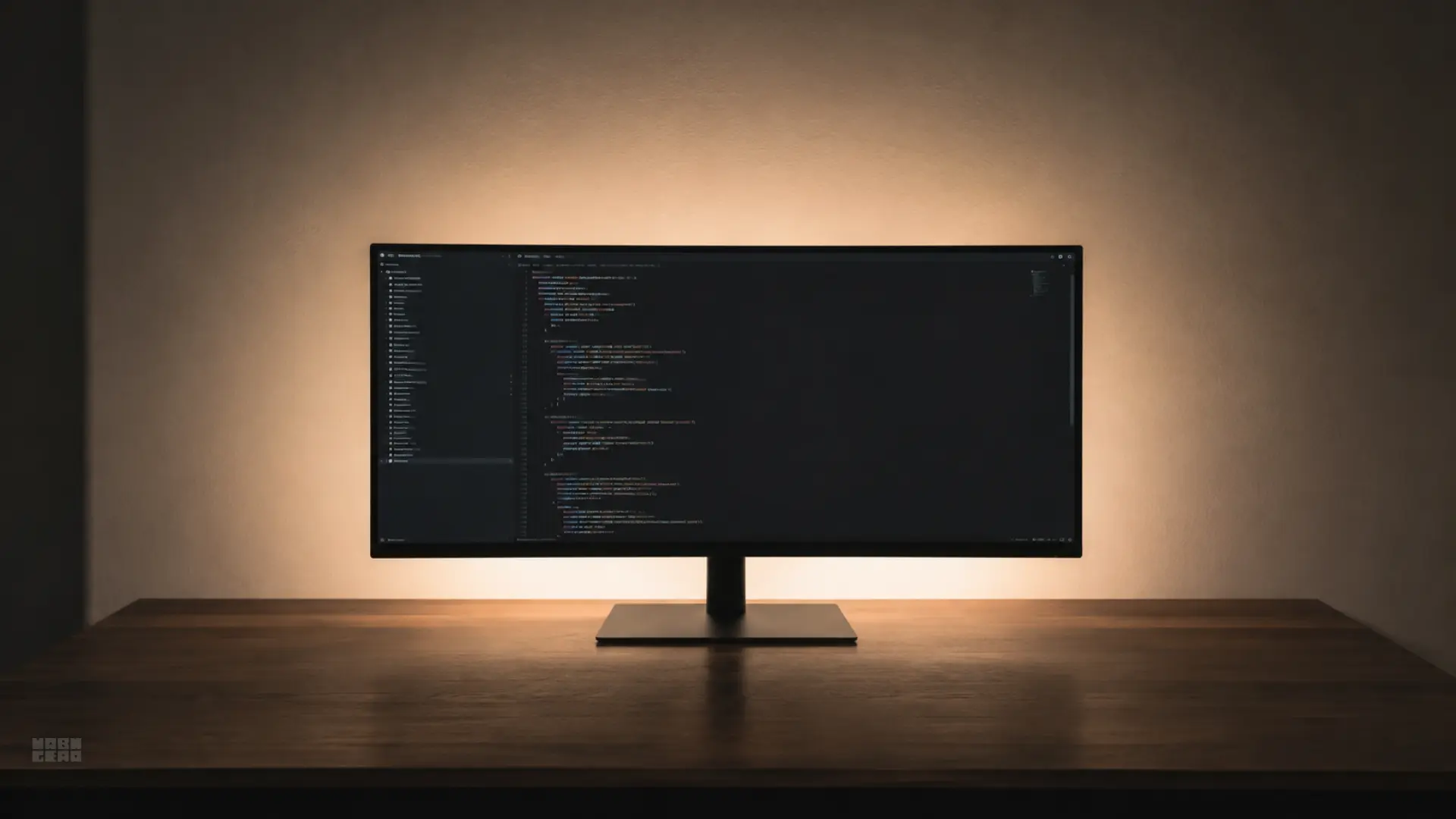
If you cannot control the room light, a monitor light bar or bias lighting behind the screen can reduce the contrast that makes glare feel worse. The key is still placement and angle, not just adding more light.
If you are thinking about adding light, Desk lamps for eye strain and late-night work and Do you need a monitor light bar if you already have a desk lamp? are the right next reads.