
You bought a good desk lamp. It has the right specs, the right colour temperature, and a price that suggests it should work. But when you turn it on, the desk still feels dim. The work surface is lit, but the room feels dark. The lamp illuminates a small circle of desk, and everything outside that circle disappears into shadow.
This is one of the most common lighting complaints, and it is almost never about the lamp. It is about how the lamp interacts with the room, the desk, and the other light sources around it.
The lamp is doing its job — the room is not
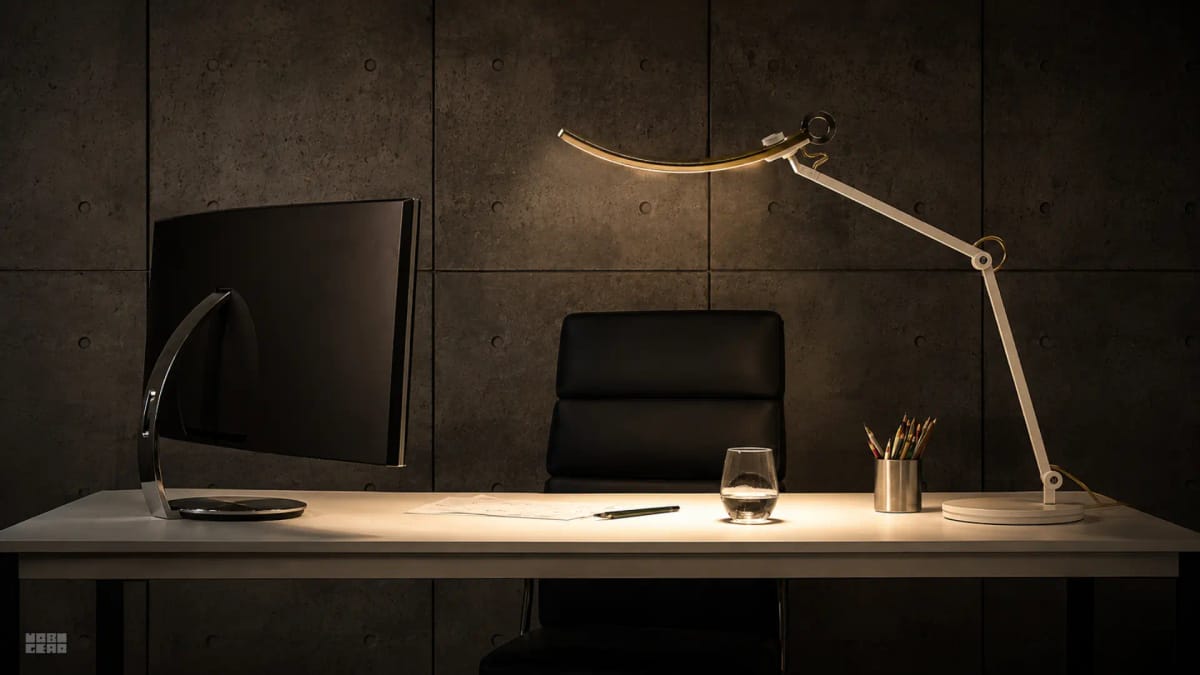
A desk lamp is a task light. Its job is to illuminate a specific area of the desk surface — typically the keyboard zone and any documents you are reading. It is not designed to light the whole room.
When the room has no ambient lighting, the desk lamp creates a bright island in a dark sea. Your eyes constantly adjust between the bright desk surface and the dark surroundings, which feels like the lamp is not bright enough even though it is working correctly.
The fix is usually not a brighter lamp. It is adding ambient lighting to the room — a ceiling light, a floor lamp, or a wall sconce that raises the overall brightness of the space so the desk lamp can do its specific job without creating a contrast problem.
The colour temperature is too warm
Warm white light (2700K to 3000K) feels cosy and relaxing. It is the colour temperature of living rooms, bedrooms, and restaurants. But for a workspace, it can make the desk feel dim even when the lumen output is adequate.
Warm light reduces contrast perception. Text on a screen looks softer. Paper documents look yellowish. The whole workspace feels muted and low-energy, which reads as "dark" even when the light meter says otherwise.
For workspaces, neutral white (4000K) to daylight (5000K) provides better contrast perception, sharper text rendering, and a brighter-feeling environment at the same lumen output.
The lamp is positioned wrong
Light direction matters as much as light quantity.
Pointing at the screen: Creates glare and washes out the display. The desk surface stays dark because the light is hitting the wrong target.
Pointing straight down: Creates a tight circle of light directly under the lamp. Everything outside that circle is in shadow. The desk feels dark because the light distribution is uneven.
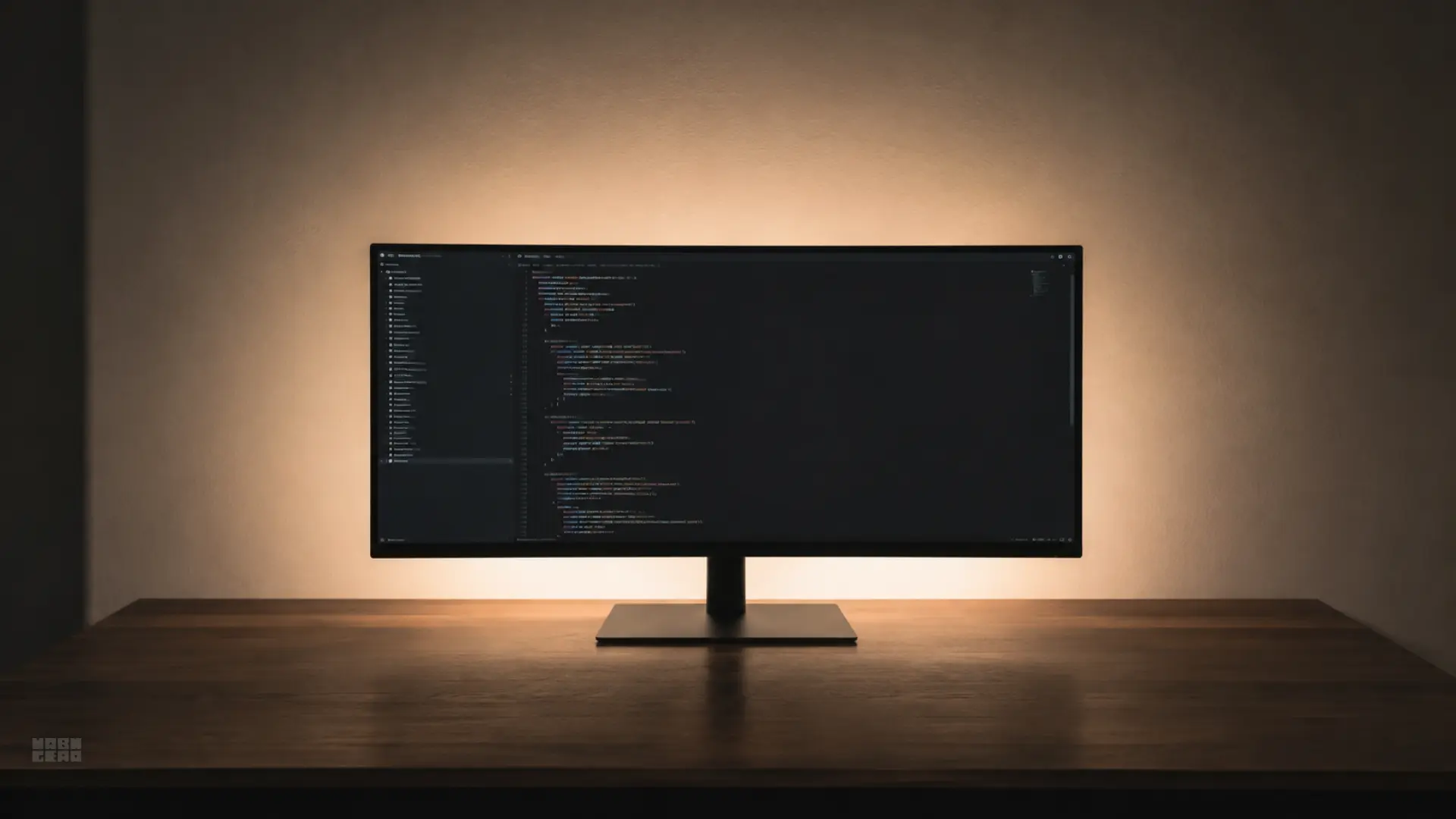
Behind the monitor: Illuminates the wall behind the screen but leaves the keyboard zone in shadow. The desk feels dark because the light is not reaching the work surface.
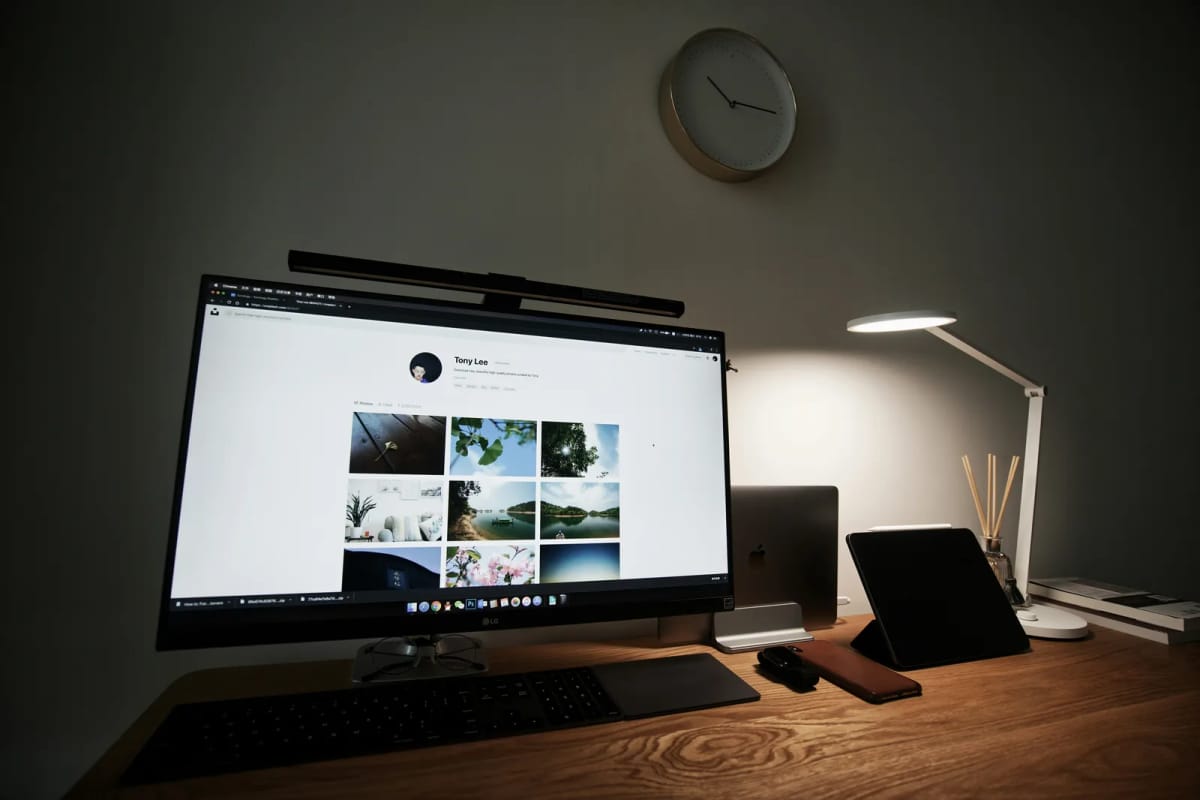
To the side, angled across the desk: This is usually the correct position. The light crosses the desk surface at an angle, illuminating the keyboard, documents, and workspace without creating glare on the screen or harsh shadows under your hands.
The ambient light is fighting the task light
If you have both a ceiling light and a desk lamp, they can work against each other.
A ceiling light that is too bright relative to the desk lamp makes the desk feel dim by comparison. A ceiling light that is too dim makes the desk lamp feel like a spotlight in a dark room.
The ideal relationship is: ambient light raises the room to a comfortable baseline, and the desk lamp adds focused brightness on the work surface. The ambient light should be roughly 30 to 50 percent of the desk lamp's brightness at the work surface level.
The desk surface is absorbing light
Not all desk surfaces reflect light equally.
A dark wood, matte black, or dark laminate desk absorbs significantly more light than a white, light wood, or glossy surface. The same lamp at the same brightness can feel bright on a white desk and dark on a black desk.
If you have a dark desk and a lamp that feels inadequate, the fix may not be a brighter lamp. It may be a lighter desk mat, a white writing surface, or repositioning the lamp to maximise the reflection off whatever surface you have.
The window is creating the wrong contrast
A window can make a desk feel darker, not brighter.
If the window is behind the monitor, the bright outdoor light creates a backlight effect that makes the screen and desk surface feel darker by comparison. Your eyes adjust to the window brightness, and everything else feels dim.
If the window is to the side, it can create uneven lighting that makes one side of the desk bright and the other side dark. The desk lamp tries to compensate but creates a different kind of unevenness.
The fix is usually not more lamp brightness. It is managing natural solar illumination properly—our guide on whether your desk should face the window breaks down perpendicular desk positioning, solar glare mitigation, and blind angles to stop daylight from washing out your workstation.
What to check and fix
Add ambient lighting. A ceiling light, floor lamp, or LED strip that raises the room's baseline brightness. This alone often solves the "desk feels dark" problem.
Check the colour temperature. Switch to a 4000K to 5000K bulb if you are using warm white. The same brightness feels significantly brighter at a cooler colour temperature.
Reposition the lamp. Place it to the side of the monitor, angled across the desk surface. Avoid pointing it at the screen or straight down.
Check the desk surface. If the desk is dark, add a lighter desk mat or reposition the lamp to maximise reflection off the brightest available surface.
Manage the window. If the window is behind the monitor, add blinds or reposition the desk. If the window is to the side, use curtains to even out the light distribution.
Bottom line
A good lamp in the wrong position, with the wrong colour temperature, in a room with no ambient lighting, will always leave the desk feeling dark. The fix is usually not a brighter lamp — it is better light layering across the room. If you want to audit your entire workspace layout beyond illumination, follow our complete home office ergonomic checklist.
Products that improve light layering
These products address the three most common layering gaps.
Monitor light bar that adds even desk lighting without a lamp base. Auto-dimming adjusts brightness to ambient conditions.
- No screen glare
- Auto-dimming sensor
- Rear bias lighting
RGBWW LED strip that raises room ambient brightness. Place behind the monitor or along a shelf to reduce the dark-room contrast.
- Adjustable colour temperature
- App and voice control
- Cuttable to length