
Most people do not notice bad lighting until it has already affected their workday.
The signs are subtle: a vague tiredness that sets in by mid-afternoon, difficulty focusing on text-heavy tasks, a workspace that feels heavier than it should, or eyes that feel dry and strained even though the screen brightness seems fine.
None of these symptoms scream "lighting problem." They feel like fatigue, screen time, or just a long day. But when the pattern repeats every workday and improves on weekends or in different rooms, lighting is usually the quiet cause.
This guide helps you recognise the early signs of bad office lighting before they become habits you compensate for instead of fixing.
The squint you do not notice
The most common early sign is a squint so small you do not feel it happening.
You lean slightly forward toward the screen. Your eyebrows tighten. Your forehead creases. None of it feels dramatic — it is just a subtle postural shift that happens when the contrast between your screen and the surrounding room is wrong.
This usually means one of three things:
The screen is brighter than the room, forcing your eyes to constantly adjust between the display and the darker surroundings
The room is brighter than the screen, creating a wash of ambient light that reduces text contrast
A light source is positioned where it creates glare on the screen surface, making you angle your head to avoid it
The fix is not always "add more light." Sometimes the fix is reducing light in the wrong place, repositioning a lamp, or adjusting screen brightness to match the room.
The eye fatigue that starts at 2pm
Eye fatigue from bad lighting follows a predictable timeline.
In the morning, your eyes are fresh and can handle suboptimal conditions. By early afternoon, the cumulative strain from hours of squinting, adjusting, or focusing through glare starts to show. Your eyes feel heavy. Reading small text becomes effortful. You start blinking more frequently or rubbing your eyes.
This is not "screen fatigue" in the generic sense. It is specific to the lighting conditions in your workspace. If the same fatigue does not happen when you work in a different room, at a coffee shop, or outdoors, the problem is your lighting setup, not screen time.
The headache that lives behind your eyes
Lighting-induced headaches typically start behind the eyes or at the temples, and they build gradually over several hours.
They are often triggered by one of these lighting patterns:
A bright overhead light that reflects off the screen surface, creating a constant low-level glare
A window behind the monitor that forces your eyes to reconcile two very different brightness levels
A desk lamp that creates a bright spot on the desk but leaves the rest of the room in shadow, forcing your pupils to constantly adjust
The headache is your visual system telling you that it is working harder than it should. The fix is usually not painkillers — it is reducing the contrast or glare that is creating the strain.
The restless focus that feels like ADHD
Bad lighting can mimic concentration problems.
When your eyes are working hard to compensate for poor contrast, glare, or uneven brightness, your brain allocates some of its attentional resources to the visual effort. That leaves less capacity for the task at hand. The result is a restless, unfocused feeling that looks like distraction but is actually visual fatigue.
If you find yourself tabbing between windows, reaching for your phone, or feeling unable to settle into deep work — and this happens consistently in your workspace but not elsewhere — the lighting may be draining your focus before you even start working.
The dry eyes that blink fixes temporarily
When lighting is bad, your blink rate drops.
This is a documented physiological response: when you are focusing through glare or straining to read text in suboptimal contrast, your blink rate decreases. Fewer blinks mean less moisture on the eye surface, which means dry, irritated eyes.
If your eyes feel dry by mid-afternoon and a few conscious blinks or eye drops provide temporary relief, the problem is not dehydration or air quality. It is the lighting condition that is reducing your blink rate.
The workspace that feels wrong for no reason
This is the most vague sign, and it is the one people dismiss most often.
The workspace feels "off." It does not feel inviting. You do not want to sit down and start working. The room feels cold, heavy, or draining, even though it is clean, organised, and well-furnished.
Lighting is one of the strongest environmental factors in how a space feels. A workspace with harsh overhead lighting feels clinical. A workspace with no task lighting feels gloomy. A workspace with lighting from the wrong angle feels unbalanced.
If the room feels wrong but nothing has changed physically, check the lighting. The quality, direction, and colour temperature of light affects how a space feels more than furniture, paint colour, or decoration.
How to diagnose your lighting setup
Before changing anything, do this 10-minute diagnostic:
Sit at your desk in your normal working posture. Look at the screen. Now look away from the screen to the far wall. Notice the brightness difference. If the screen is significantly brighter or dimmer than the wall, you have a contrast problem.
Look at the screen from different head angles. Tilt your head slightly left, right, up, and down. If you see a bright reflection or glare spot move across the screen surface, you have a glare source that needs repositioning.
Check the light sources. Where is the light coming from? Behind you (creates screen glare), above you (creates shadows and hot spots), to the side (creates uneven brightness), or from the front (illuminates your face but may wash out the screen)?
Check the colour temperature. Is the light warm (yellowish), neutral (white), or cool (bluish)? Warm light is relaxing but can reduce alertness. Cool light is energising but can feel harsh. The ideal for work is usually 4000K to 5000K (neutral to slightly cool white).
Check the shadows. Where do shadows fall on your desk? If your hand casts a shadow on the keyboard when you type, the light source is in the wrong position. If the monitor casts a shadow on the desk, the light is behind the screen instead of illuminating the workspace.
The most common lighting mistakes
One overhead light doing all the work. A single ceiling light creates harsh shadows, uneven brightness, and a clinical feel. Most workspaces need at least two light sources: ambient (general room light) and task (desk-level illumination).
A desk lamp pointed at the screen. This creates glare and forces your eyes to reconcile a bright light source with the screen content. The lamp should illuminate the desk surface, not the screen.
A window behind the monitor. This creates severe contrast glare: an intensely bright outdoor background framing a darker electronic display. Your pupils constantly expand and contract between the two luminance levels, causing rapid eye fatigue. Our guide on whether your desk should face the window explains why a perpendicular orientation with diffused blinds solves this immediately.
No lighting at all in the evening. Working in a dark room with only the screen as a light source is one of the fastest paths to eye strain and poor sleep. Add ambient lighting that raises the room brightness without creating glare.
Using the same lighting for all tasks. Reading, typing, video calls, and creative work all benefit from different lighting conditions. A lighting setup that works for typing may not work for reading printed documents or video conferencing.
What to fix first
If you recognise any of these signs, start with the simplest changes:
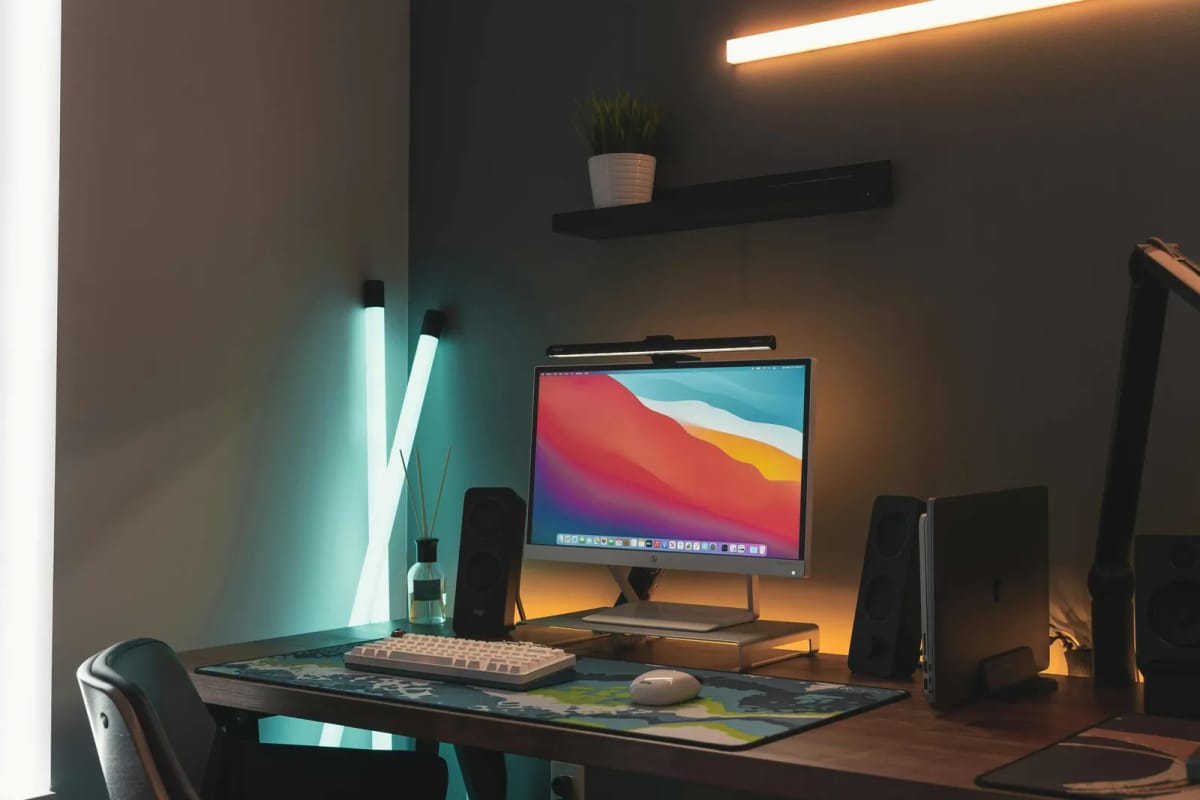
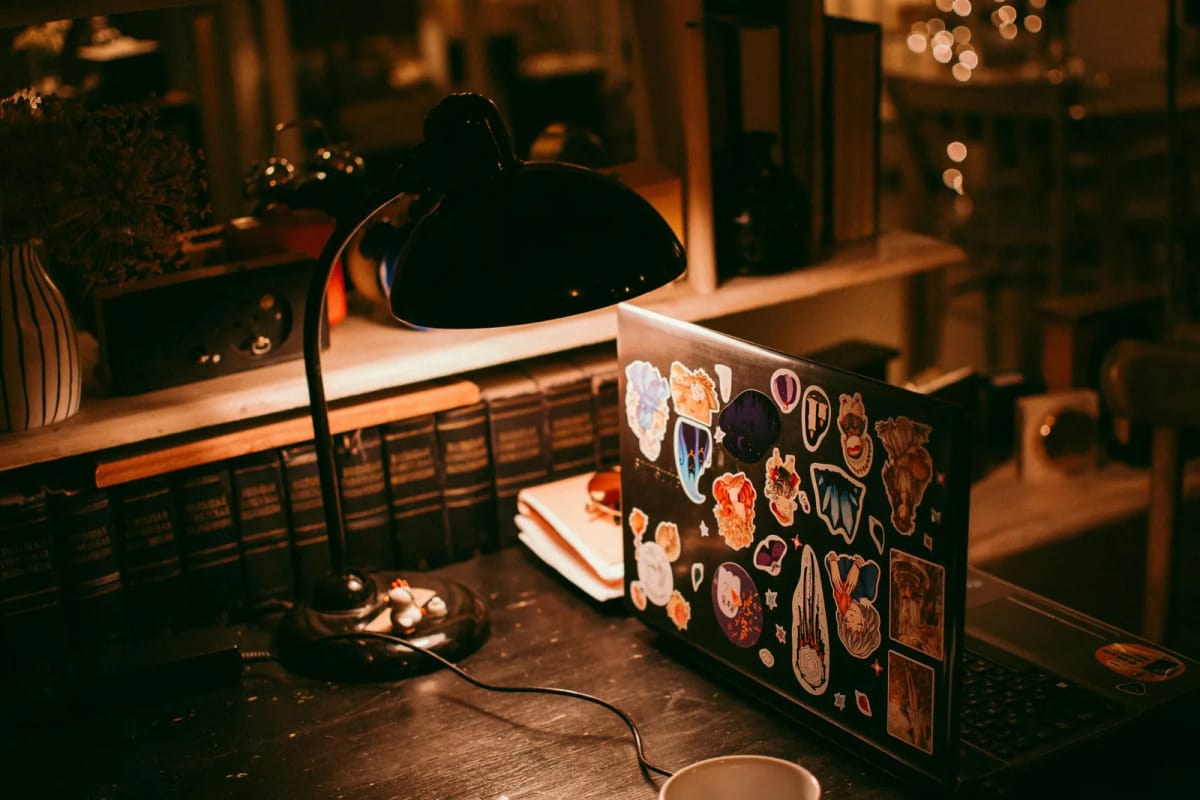
Add a desk lamp that illuminates the work surface, not the screen. Position it to the side of the monitor, angled down toward the keyboard and documents.
Reduce the contrast between the screen and the room. Raise the room brightness with ambient lighting, or lower the screen brightness to match the room.
Eliminate glare sources. Reposition the monitor, close blinds, or move the lamp to stop reflections on the screen surface.
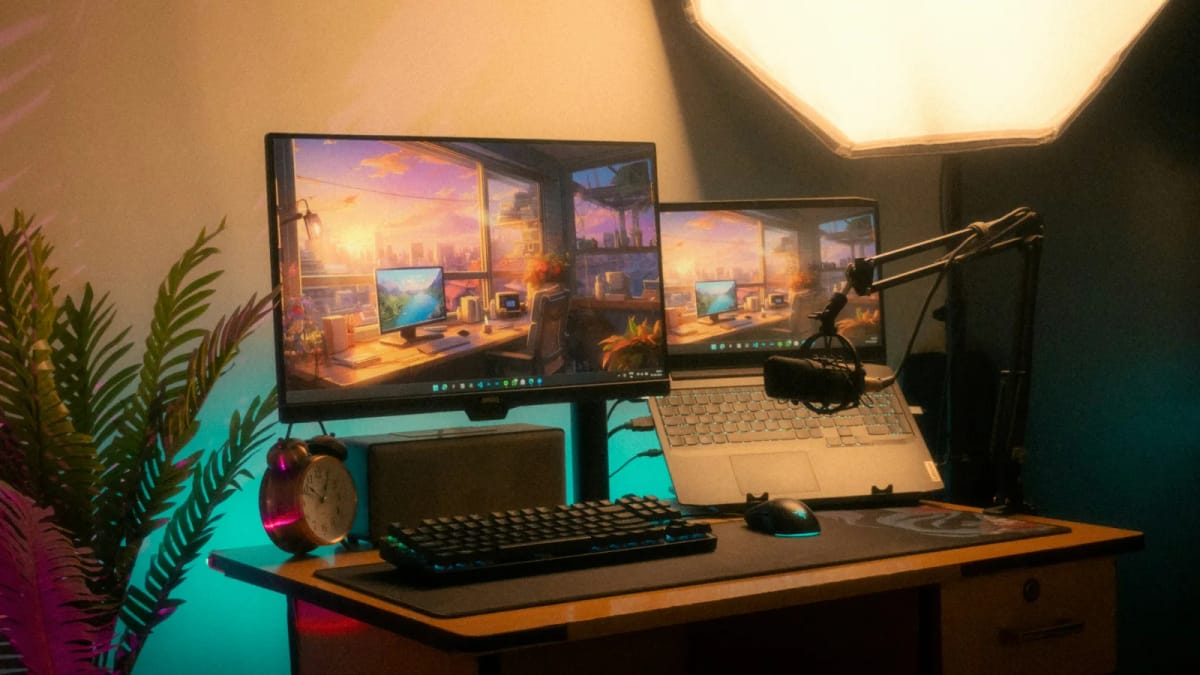
Add bias lighting behind the monitor. A soft light strip behind the screen reduces the brightness contrast between the display and the wall, easing eye strain.
Match the colour temperature to the task. Neutral white (4000K) for general work, slightly cool (5000K) for focused reading, warm (3000K) for evening relaxation.
Bottom line
Bad home office lighting does not cause dramatic problems. It causes subtle, cumulative ones: tired eyes, restless focus, headaches, dry eyes, and a workspace that feels wrong. The fix is usually not expensive — it is a desk lamp in the right position, a light strip behind the monitor, or a simple repositioning of existing light sources.
Products that fix the most common lighting problems
If the diagnosis above pointed to a specific failure, these products address the three most common gaps.
Monitor light bar that illuminates the desk surface without screen glare. Built-in rear bias lighting reduces the contrast between display and wall.
- No screen glare
- Auto-dimming sensor
- Rear bias lighting
Monitor light bar with a wired dial controller for manual brightness and colour temperature adjustment. Covers the desk without adding clutter.
- Wired dial control
- Auto-dimming
- No screen glare
RGBWW LED strip with adjustable colour temperature. Adds ambient light behind the monitor or along the desk edge to reduce contrast.
- Adjustable colour temperature
- App and voice control
- Cuttable to length