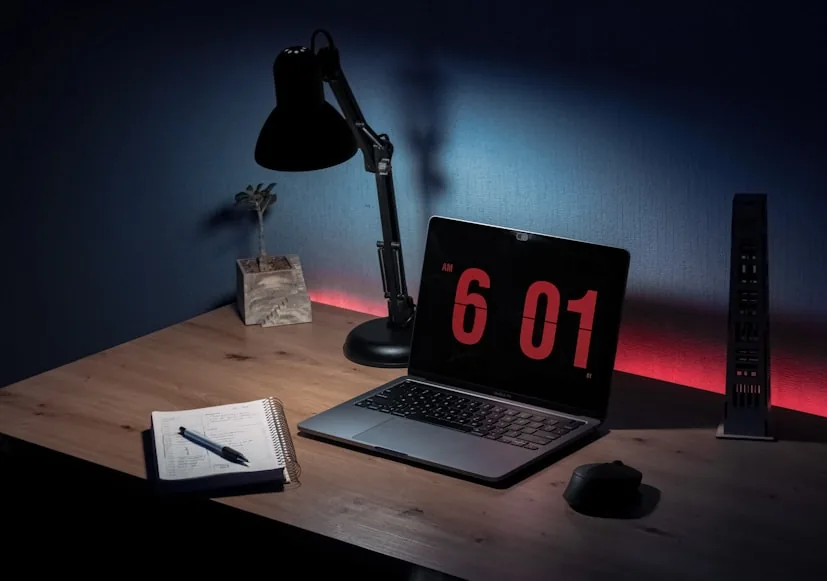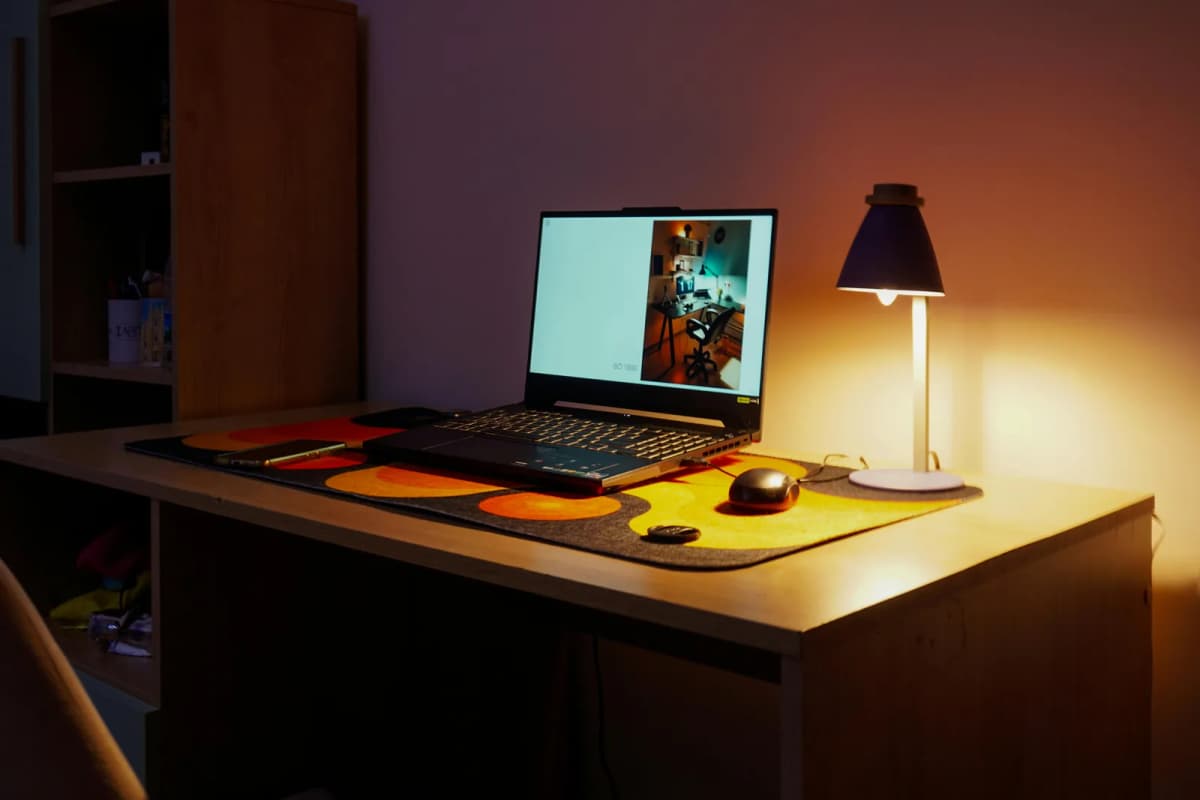

Eye strain after dark is usually a contrast problem, not just a brightness problem.
That is why bad desk lighting feels strange so quickly. The screen is bright, the desk is dim, the corners of the room disappear, and your eyes end up constantly adapting between different light levels instead of settling into one comfortable working zone.
The useful fix is not always "buy a brighter lamp." It is usually a better late-night lighting strategy.
This page is a product roundup for people who already know they want better desk lighting and need to choose between the strongest product types. If you are still deciding whether a light bar or a desk lamp makes more sense, Monitor light bar vs desk lamp is the better decision guide.
This refresh is built from current official product pages and specs. The fit calls here are editorial inferences from those published details, not hands-on testing.
- best screen-first pick: BenQ ScreenBar
- best dark-room light bar: BenQ ScreenBar Halo
- strongest flexible task lamp: Vari Studio Lamp
- small-space budget lamp: IKEA NÄVLINGE LED work lamp
How we narrowed the list
The point of this refresh was not to pile together random warm lights and call them eye-care products.
For a light to make sense here, it needed to do at least one of these well:
reduce glare or contrast stress around the monitor; light the desk without stealing too much surface area; handle notebook, sketching, or side-task lighting better than a light bar; stay believable on smaller desks instead of assuming a huge workstation.
That is why this page mixes two BenQ light bars with two more traditional desk-lamp shapes. The point is not to declare one category the winner. The point is to surface the strongest late-night desk-lighting options once you know what kind of problem you are solving.
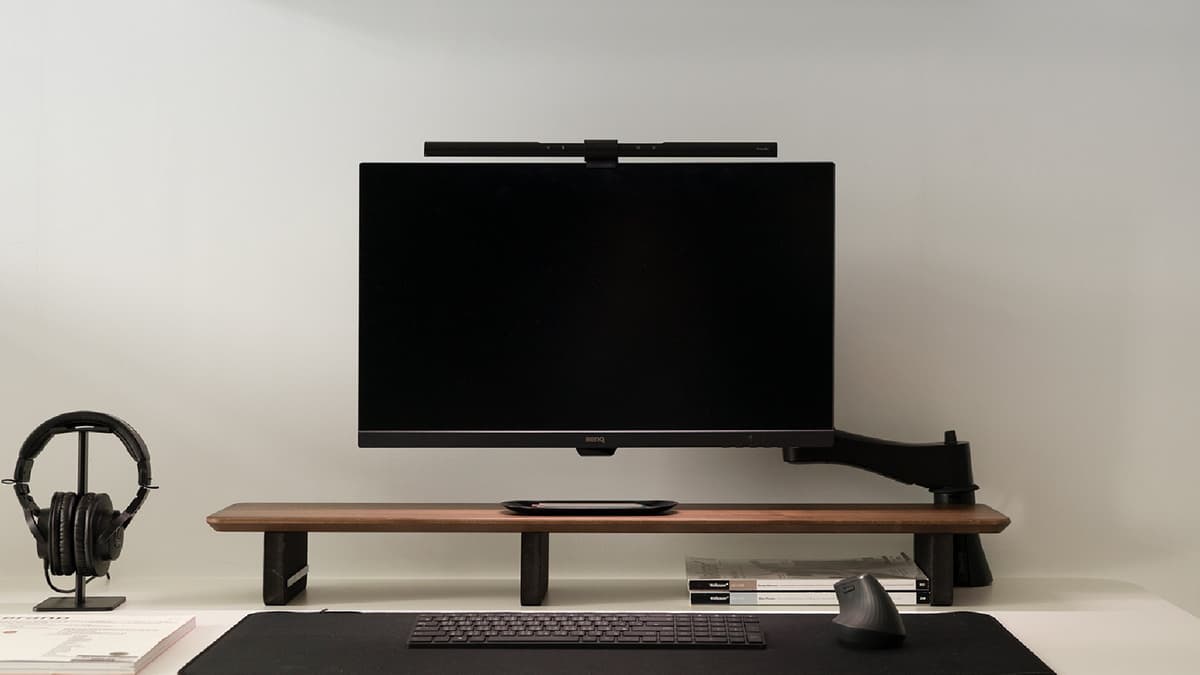
A monitor-mounted light bar built around asymmetrical lighting, auto dimming, and the simple goal of brightening the desk without adding another lamp base.
- Auto dimming to the recommended 500-lux desk level on the official BenQ page
- BenQ's ASYM-Light optical design is built to reduce reflective screen glare
- Patented monitor clamp frees desk space instead of using a lamp base
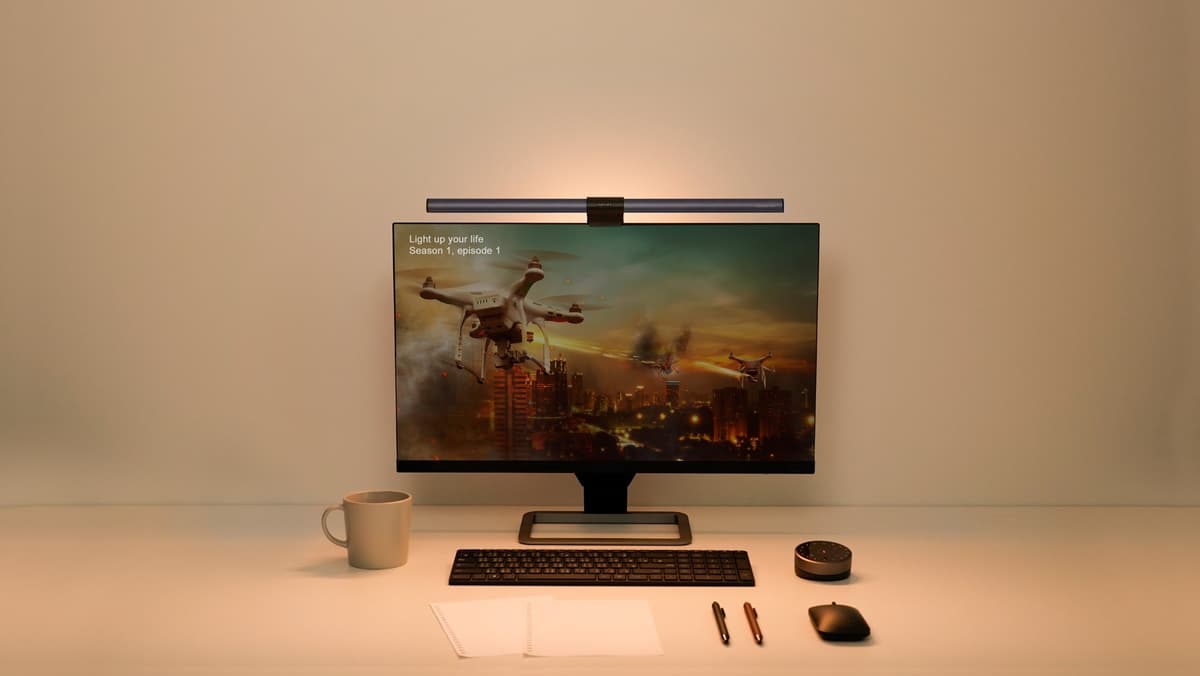
A more advanced light bar for darker rooms, with front lighting, back lighting, and a wireless controller that makes finer adjustments easier.
- Three lighting modes including BenQ's back-light mode
- Wireless controller for brightness, color temperature, mode switching, and auto dimming
- Official page says Halo auto-adjusts to 500 lux and supports stepless brightness and color temperature control
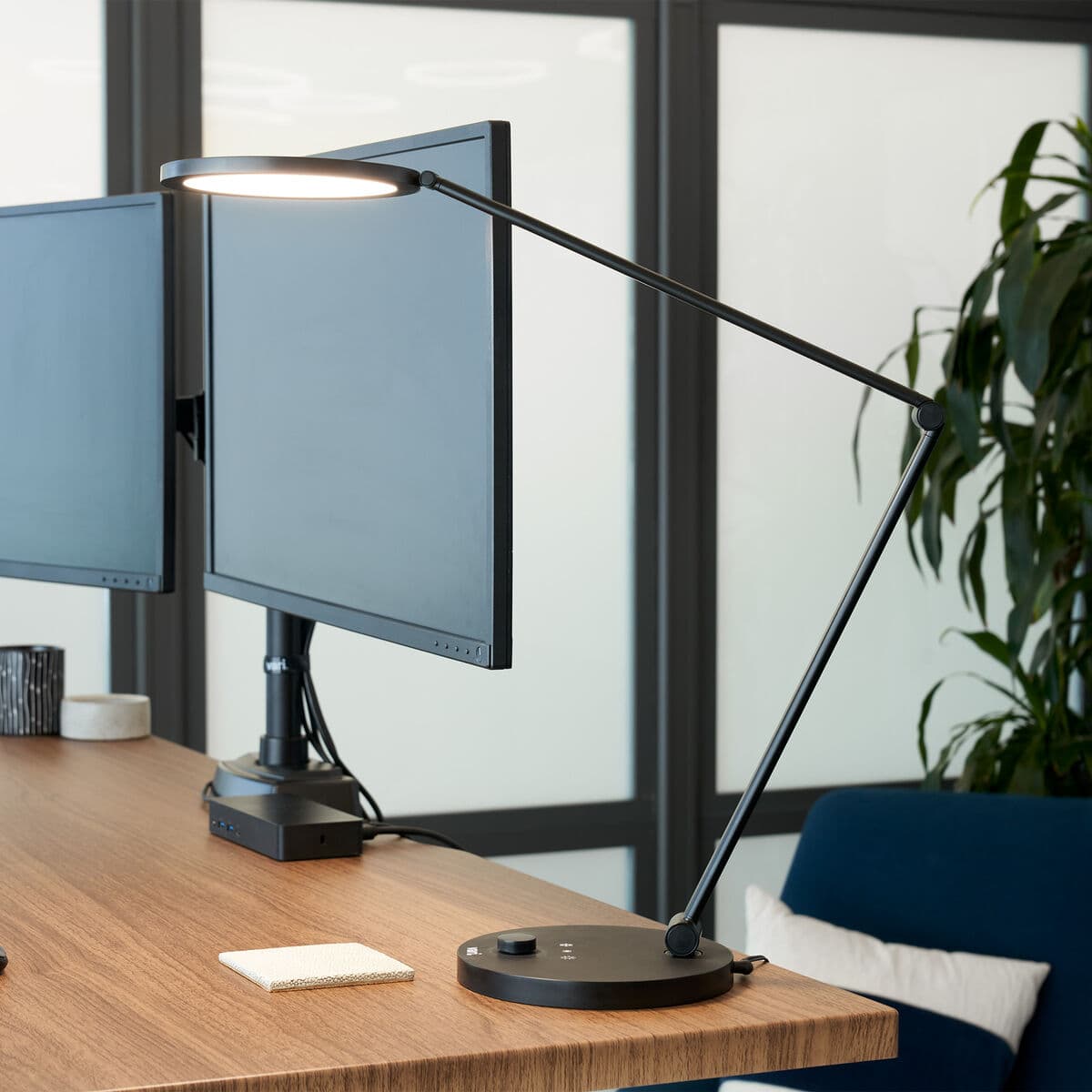
A more traditional desk lamp that makes sense when the light needs to move between the monitor area, notebooks, and video-call lighting.
- Soft-touch adjustment for color temperature from 3000K to 6200K
- Multiple pivot points for more precise lamp positioning
- Vari positions it as a workspace and video-call light that ships fully assembled
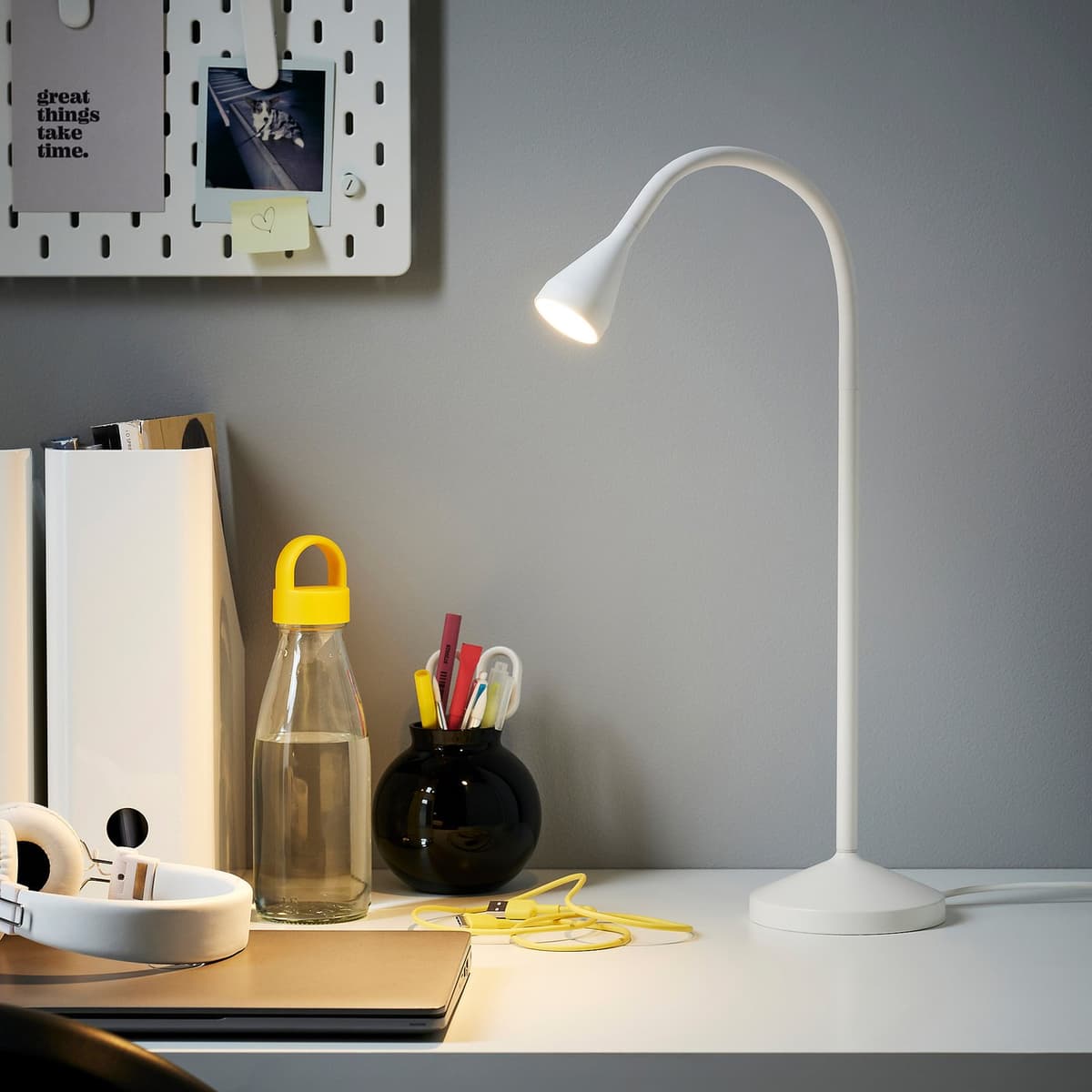
A simple, compact lamp that works when the desk is tight and the goal is just usable warm task light without much visual bulk.
- Warm white 2700K light on the official IKEA page
- 220-lumen output with an adjustable arm and head
- IKEA explicitly describes it as slim and easy to place in small spaces
What lighting actually helps eye strain at a desk
The desk-lighting problem is usually one of imbalance.
When the screen is bright and the work surface is relatively dark, the eyes keep shifting between two very different light zones. That is tiring even if the lamp itself technically looks bright enough.
The more useful goal is:
light the desk evenly enough that the keyboard, notes, and immediate work zone stop feeling dim; avoid visible glare or reflection on the screen; keep the brightness controlled enough that the room still feels calm at night.
That is why the strongest picks here are not just "bright." They are products that control where the light lands.
If the bigger problem is physical placement, not the lamp itself, How to place a desk lamp on a small desk is the better follow-up.
Why light bars and desk lamps solve different problems
This distinction matters more than most roundups admit.
Light bars are strongest when:
the desk is already visually crowded; the monitor is the center of the setup; the keyboard and front desk zone are what need better illumination; glare control matters more than directional aiming.
Desk lamps are stronger when:
you still use paper or sketching tools; the light needs to move left, right, or off-center; the desk is not built entirely around one monitor; you want one lamp that can also handle a side table or background zone.
That is why BenQ and Vari are not really substitutes in every setup. They overlap, but they do not solve the same late-night problem.
If you are specifically stuck between keeping the lamp you already own and adding a monitor-mounted light instead, Do you need a monitor light bar if you already have a desk lamp? is the cleaner decision guide.
1. BenQ ScreenBar
BenQ ScreenBar is still the cleanest glare-control pick because it solves the exact problem that makes normal desk lamps frustrating on screen-first setups.
BenQ's current official page highlights:
real-time auto dimming; BenQ's ASYM-Light asymmetrical optical design; automatic supplementation to 500 lux; a patented clamp that frees up desk space; lighting coverage of 60 x 30 cm at 500 lux.
That combination is why ScreenBar still works so well.
It does not ask for a rear corner, a lamp base, or a side zone. It simply lights the area in front of the screen more intelligently than a traditional lamp usually does.
This is the pick for:
compact desks; monitor-first work; people who dislike lamp clutter; setups where glare control matters more than decorative warmth.
Strong fit for: small or medium desks where the monitor is central and the real need is cleaner keyboard-and-notes illumination.
Main tradeoff: it is less flexible than a true task lamp once the light needs to move away from the screen zone.
2. BenQ ScreenBar Halo
ScreenBar Halo is the stronger dark-room upgrade because it does more than light the desk.
BenQ's current Halo page highlights:
three light modes, including BenQ's first back-light mode; a wireless controller; real-time auto dimming to 500 lux; stepless brightness and color temperature control; an asymmetrical optical design built to reduce screen glare; lighting coverage of 63 x 40 cm at 500 lux.
That changes the recommendation.
Halo is not just "ScreenBar, but more expensive." It is the better answer when the room itself is part of the visual problem. In darker rooms, the back light helps reduce the harsh contrast between a bright monitor and a dim wall behind it.
This is the pick for:
darker rooms; night work where monitor contrast feels harsh; users who want more control than a simple touch bar; setups where both task light and subtle ambient light matter.
Strong fit for: people who already like the light-bar idea but want a calmer late-night setup than a standard front-only light creates.
Main tradeoff: it is easier to justify only if you actually care about the back light and controller, not just the basic desk-lighting job.
3. Vari Studio Lamp
Vari Studio Lamp is the strongest flexible task lamp in this refresh because it handles the non-monitor jobs that a light bar never fully replaces.
Vari's current official page highlights:
soft-touch adjustment for 3000K to 6200K; multiple pivot points; a flexible, energy-efficient LED design; no assembly required; positioning for both workspace lighting and video-call lighting.
That makes it a more adaptable answer than the BenQ bars when your work is not strictly screen-centered.
Vari makes the most sense when:
you work with notebooks or paper regularly; the light needs to move during the day; the lamp sometimes needs to help with video calls; you still want a more refined lamp than a generic budget arm light.
Strong fit for: mixed workflows where the light needs to be aimed, repositioned, and used for more than just the keyboard area.
Main tradeoff: it still uses desk space. On a very tight setup, that alone can make a light bar the cleaner answer.
4. IKEA NÄVLINGE LED work lamp
NÄVLINGE is the most credible small-space budget lamp here because IKEA is unusually clear about the exact kind of desk role it is built for.
IKEA's current product page highlights:
2700 Kelvin warm white light; 220 lumens; an adjustable arm and head; a slim design that is easy to place in small spaces; glare-free light and an estimated life of about 25,000 hours.
That is a much more believable small-desk profile than a lot of cheap lamps that look compact online but end up clumsy in real use.
This is the pick for:
simple desks; warm-light preference; lighter notebook or reading tasks; buyers who mainly need a compact lamp that behaves itself.
Strong fit for: smaller desks and lower-cost setups where the goal is useful warm light without adding much visual weight.
Main tradeoff: it is a simpler lamp with less range and less sophistication than the Vari or BenQ options.
How to choose between a light bar and a lamp
Use this rule:
choose a light bar if the monitor is central and the desk needs calmer, more even front-zone lighting; choose a lamp if the light needs to move around the desk or off the monitor axis.
Then narrow it further:
choose BenQ ScreenBar if glare control and desk space are the main priorities; choose BenQ ScreenBar Halo if late-night contrast is the bigger problem and you want back lighting too; choose Vari Studio Lamp if you need flexible aiming for notes, calls, or mixed tasks; choose IKEA NÄVLINGE if budget and compact size matter more than advanced controls.
What to check before you buy
The easy mistake is buying only for brightness.
Check these first:
whether the desk can spare a lamp base at all; whether the main task is screen work or paper work; whether you want warm light only or adjustable color temperature; whether the room itself feels too dark behind the monitor at night.
If the desk is already tight, How to set up a small desk without losing usable space and Warm lighting ideas for a more premium workspace are the best follow-ups.