
not always.
If your current desk lamp already lights the part of the desk you actually use, stays out of the way, and does not throw glare onto the screen, a monitor light bar may be unnecessary.
But that does not mean the two are interchangeable.
A monitor light bar and a desk lamp usually solve different lighting problems.
That is the part people skip.
This page is about the category decision. If you already know you want better late-night task lighting and just need a shortlist of strong options, Desk lighting for eye strain and late-night work is the better roundup.
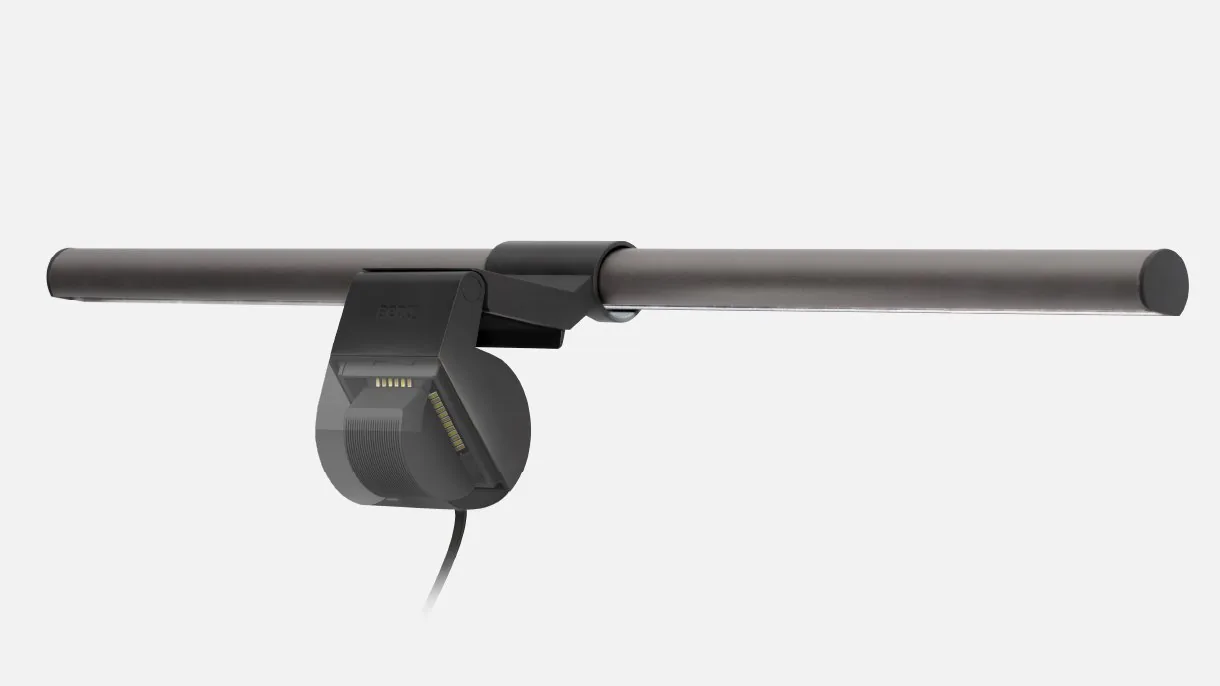
CCOHS's lighting guidance is useful here because it frames the goal correctly: lighting should match the task, reduce glare and shadows, and make the work easier to see. Vari positions a desk lamp as a flexible task light that can move between workspace lighting and video-call lighting. BenQ positions the ScreenBar as a monitor-mounted light built specifically to illuminate the desk area in front of the screen while reducing reflective glare.
So the real question is not:
do I already own a light?
It is:
is my current light solving the same job a light bar is designed for?
Quick answer
You probably do not need a monitor light bar if:
your desk lamp already lights the keyboard, notes, and central work area well; the lamp does not create screen glare; the lamp base is not stealing valuable desk space; you still do paper work, sketching, or off-center tasks regularly.
You probably do need a monitor light bar if:
your main work is screen-first; the area in front of the monitor still feels dim at night; your current lamp works for paper but not for the keyboard-and-monitor zone; the lamp base or arm is wasting space on a small desk; glare control matters more than flexible aiming.
That is the useful split.
Why a desk lamp is not automatically enough
People often treat a desk lamp as a universal answer.
Sometimes it is. Sometimes it is not.
CCOHS makes the core rule straightforward: the lighting has to match the task. It also notes that appropriate lighting without glare or shadows can reduce eye fatigue and headaches.
That means a light can be "good" in one role and still be the wrong tool in another.
A desk lamp is often strongest when:
you read or write on paper; the light needs to move left or right; you want one lamp to cover the desk and nearby side tasks; you need more directional aiming than a fixed monitor light can provide.
A monitor light bar is strongest when:
the monitor is the center of the setup; the keyboard and front desk zone are what feel too dark; the desk is small enough that a lamp base has started to become a nuisance; the bigger problem is reflected screen glare, not simply lack of brightness.
So owning a desk lamp does not answer the question by itself. You still have to decide whether it is solving the right lighting problem.
What a monitor light bar actually does differently
This is the main reason the category exists at all.
BenQ's official ScreenBar positioning is built around a few specific ideas:
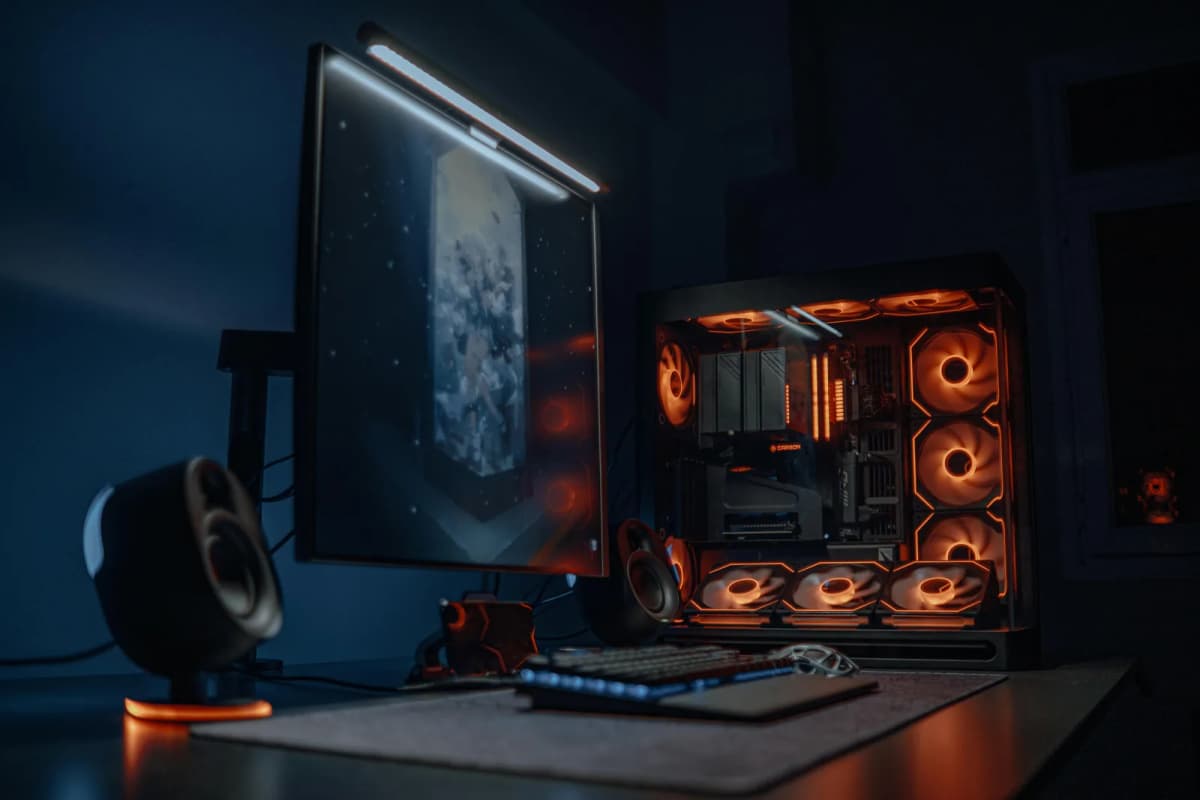
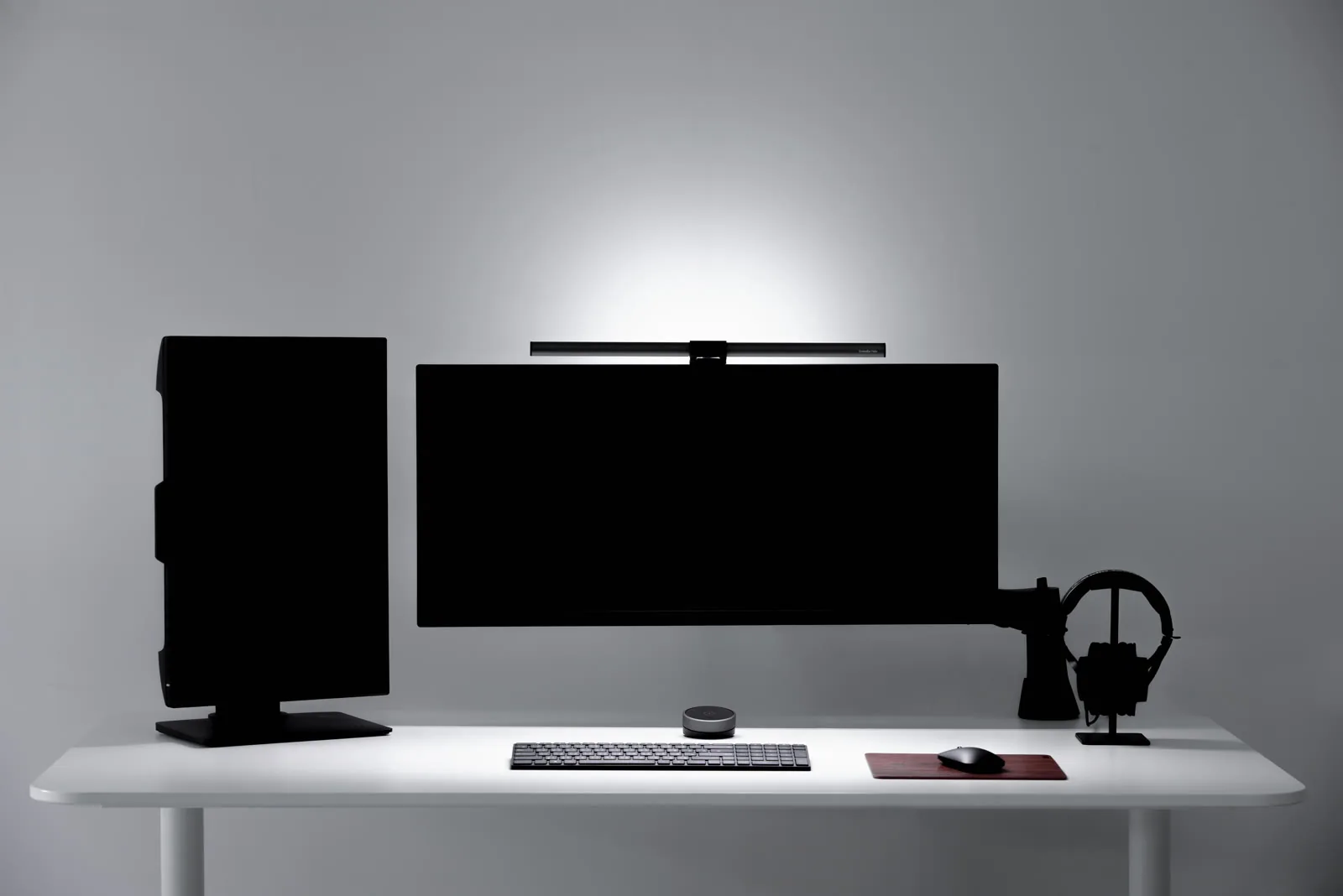
asymmetrical lighting aimed at the desk instead of the display; real-time auto dimming; lighting the area in front of the monitor rather than the whole room; freeing desk space by clamping to the display instead of using a base.
That is a genuinely different job from what a traditional desk lamp usually does.
A good desk lamp spreads or aims light from the side or rear corner. A good light bar lights the desk from the monitor line itself.
That difference matters most when the setup is:
compact; monitor-centered; already crowded; sensitive to reflected glare.
If your current lamp is already handling those conditions well, a light bar may be redundant. If it is not, the light bar is not just a duplicate lamp. It is a more specialized fix.
When the lamp you already have is enough
You probably do not need to add a light bar if your current lamp already does these things well:
- lights the desk surface without bright hotspots
- avoids visible glare on the screen
- stays out of the main keyboard-and-mouse zone
- supports your real tasks, not just the way the desk looks in photos
This is especially true if you still do:
handwritten notes; sketching; reading printed documents; off-center work beside the monitor.
Vari's Studio Lamp page is a good example of the traditional desk-lamp case. The product is designed around flexible positioning, a broad color-temperature range, and lighting workspaces or video calls. That is exactly what many screen bars do not do especially well.
So if your lamp moves where you need it, does not crowd the desk, and does not create glare, you may already have the right answer.
When a light bar adds something real
A light bar starts making more sense when the main problem is not general task lighting.
It starts making sense when the problem is more specific:
the area between the monitor and keyboard feels dim; the desk lamp is fine for notebooks but awkward for the monitor zone; the desk is too small to keep giving away surface area to a lamp base; the monitor light and room light feel too harshly separated at night.
That is the environment where a light bar is not just "another light." It is a cleaner match for the workstation.
This is also why small desks benefit from light bars more often than large desks do. On a larger desk, a lamp base is easier to tolerate. On a smaller desk, the same base can quietly steal the exact corner or edge the monitor, mouse, or notebook needed.
If the space side of that problem is the real issue, How to place a desk lamp on a small desk is the direct companion.
The best sign you need a light bar
The clearest sign is this:
your current lamp is acceptable for side tasks, but the monitor zone still feels wrong.
That often looks like:
the desk in front of the monitor feels dim; the lamp works only from one side angle; the keyboard area is unevenly lit; the lamp head keeps reflecting in the screen if you try to correct that; the lamp physically fits, but the desk feels more crowded because of it.
That is the classic light-bar use case.
The lamp has not failed completely.
It is just solving a broader task-light problem while missing the narrower monitor-zone problem.
The best sign you do not need one
The clearest sign is the opposite:
your current lamp already lights the exact work area you use most, and the screen remains easy to read.
That usually means:
the light lands where you need it; the desk does not feel cramped; the lamp is not occupying the monitor corner or mouse zone; you still benefit from being able to aim the light off-center.
In that situation, adding a light bar may only complicate the setup.
More gear is not automatically better lighting.
When both actually make sense
There is one situation where both tools make sense together:
screen-first work plus side-task work.
For example:
monitor-centered computer work by default; occasional note-taking, reading, sketching, or paperwork beside it.
In that setup:
the light bar handles the keyboard and monitor zone; the lamp handles side tasks, paper, or ambient support.
This is usually more believable on a larger desk or on a setup where the lamp lives on a boundary, shelf, or side table instead of fighting the core work surface.
On a very small desk, though, both can become overkill fast. If the desk is already tight, it is usually smarter to choose the tool that solves the more important problem first.
A simple way to decide
If you want the fastest rule:
- Keep the desk lamp if your work includes paper, off-center tasks, or lighting that needs to move.
- Add a light bar if the real problem is monitor-zone lighting, glare control, or lamp-base clutter.
- Use both only if the desk is large enough and the tasks are genuinely different.
If you are still undecided, ask this one question:
what part of the desk still feels badly lit right now?
If the answer is:
the area in front of the monitor -> light bar is more promising; paper, side tasks, or the broader desk surface -> lamp is probably still the better tool.
That gets you to the right answer faster than comparing feature lists.
Bottom line
You do not automatically need a monitor light bar just because they are popular and your desk lamp is older or less refined.
You need one only if your current lamp is missing the specific job a light bar is better at:
cleaner monitor-zone lighting; less reflected glare; less desk-space waste; calmer lighting on a compact, screen-first setup.
If your current lamp already covers those needs, keep it.
If it does not, a light bar can be a meaningful upgrade rather than a redundant accessory.
If you want to keep building the lighting side of the setup from there, go next to:
Desk lamps for eye strain and late-night work; How to place a desk lamp on a small desk; BenQ ScreenBar vs Quntis Light Bar; BenQ ScreenBar Halo vs ScreenBar Pro; Warm lighting ideas for a more premium workspace.