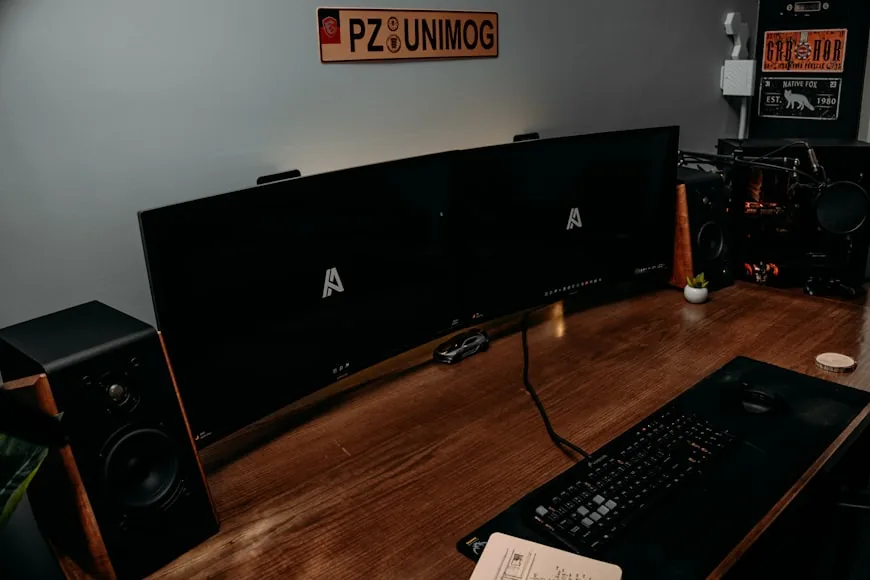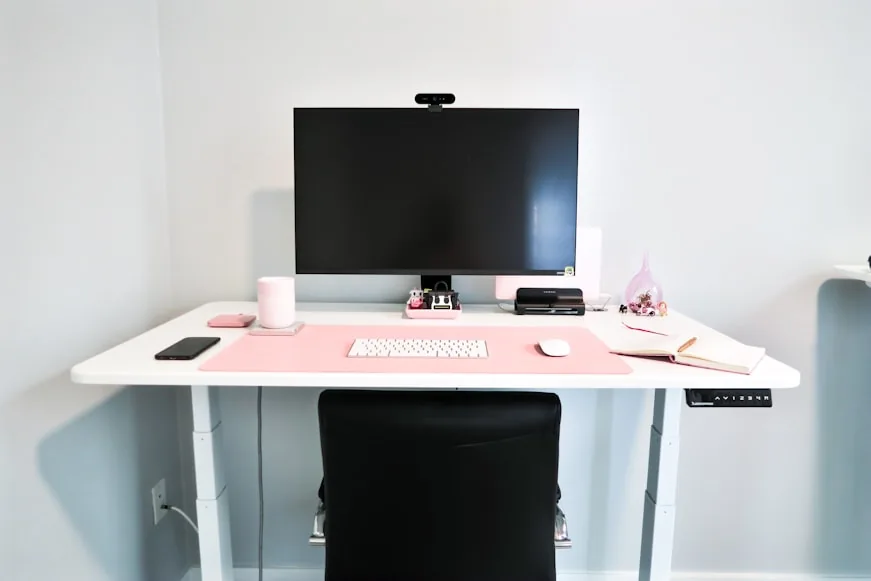

usually about an arm's length away, with roughly 20 to 30 inches being the range that makes the most sense for most small-desk setups.
That is the part most people need first.
The official guidance is remarkably consistent on the basic rule. Mayo Clinic says the monitor should sit straight in front of you, about an arm's length away, no closer than 20 inches and no farther than 40 inches. NIOSH and HSE both simplify that into the same arm's-length starting point. CCOHS says the right viewing distance is the one that lets you read comfortably without eyestrain and notes that an arm's length is usually a good estimate.
The small-desk complication is that the desk may not leave you that much freedom.
That is why this is not really a question about the monitor alone. It is a question about:
desk depth; stand footprint; screen size; how much front-edge space your keyboard and forearms need.
So the useful answer is not just "arm's length." The useful answer is what that rule actually means when the desk is shallow.
If you want the fastest combined height-and-distance version, Monitor ergonomics quick reference: height and distance chart for small desks is the short reference page.
Quick answer
For most small desks, this is the cleanest starting point:
under 20 inches: usually too close; 20 to 24 inches: workable compact zone if the monitor is not too large and the stand is not bulky; 24 to 30 inches: safest all-around range for most people; 30 inches or a little more: often better for larger screens, but not always realistic on a small desk.
If you sit down and the monitor feels like it is looming over the keyboard area, the setup is probably too close even if it technically matches the furniture.
Why small desks make monitor distance harder
Small desks do not fail only because they are narrow.
They fail because the distance between your eyes and the monitor has to share space with everything else on the desk:
the monitor stand; the keyboard; your mouse; a little room at the front edge so your wrists and forearms are not jammed into the lip of the desk.
That is why a desk can look fine in photos and still feel wrong when you sit down.
Mayo Clinic and OSHA treat monitor distance as one part of a whole workstation. The monitor belongs directly in front of you, the keyboard belongs in front of you too, and the screen should not be so close that it creates visual strain or a constant urge to lean away from it.
On a small desk, the problem is usually not that you forgot the rule.
The problem is that the stand and the keyboard zone quietly eat the depth that the rule needs.
What 20 to 24 inches actually feels like
This is the compact compromise zone.
It can work well when:
the monitor is around 24 inches; the stand footprint is not unusually deep; text size is set sensibly; you are not trying to push a large lamp, riser, or organizer behind the keyboard.
This range often feels acceptable on a 24-inch-deep desk if the setup is disciplined.
It usually stops feeling good when:
the monitor is 27 inches or larger; the stand pushes the panel too far forward; the keyboard gets trapped at the front edge; you are using the laptop and monitor together on the same shallow surface.
So 20 to 24 inches is not a magic ergonomic sweet spot.
It is the most realistic "small desk but still usable" zone.
If your desk is already shallow, How deep should a desk be for one monitor vs two? is the guide that explains why this range starts feeling fragile so quickly.
Why 24 to 30 inches is the safest target
For most people, 24 to 30 inches is where the setup usually starts feeling calmer.
That extra distance helps because:
the whole screen is easier to take in at once; your eyes do less close-focus work; the monitor feels less dominant; the keyboard can sit in a more normal position without the display crowding the same zone.
This is usually the range where a 24-inch or 27-inch monitor stops feeling like it is sitting in your lap.
That does not mean every small desk can deliver it. It means that when a desk can get you into this band honestly, the setup usually feels better with less negotiation.
If the monitor distance finally feels calm but the screen still feels high, low, or strangely tiring, proper monitor height is usually the next setting to tune.
Bigger screens usually want more distance
This is where people get confused.
The official guidance gives a broad range, but screen size changes how that range feels in real life.
In practical terms:
24-inch monitors: often feel fine in the lower part of the range; 27-inch monitors: usually feel better with a bit more room; 32-inch monitors and taller ultrawides: often need more distance than a shallow desk can comfortably provide.
CCOHS makes the useful point here: the right distance is the one where you can read clearly without eyestrain. If the monitor is large enough that you keep scanning the upper corners or leaning back to take it in, the problem may not be posture discipline. The problem may be that the screen is too large for the desk depth you have.
That is why a large screen can feel "too close" even when a smaller screen on the same desk would feel fine.
The stand footprint matters more than people think
On a small desk, the stand can be the whole story.
Two 27-inch monitors can behave very differently if one has:
a shallow, centered stand.
and the other has:
a wide stand; rear legs; a thick base that pushes the panel forward.
The panel is what your eyes care about, but the stand often decides where the panel is allowed to live.
If the monitor feels too close, measure the actual viewing distance from your eyes to the screen, not just the desk depth from front to back.
That is often where the surprise shows up.
Signs the monitor is too close
The most common signs are simple:
you keep leaning back from the screen; the screen feels bigger than it needs to; your eyes get tired quickly even when the text is readable; you keep pushing the keyboard toward the edge to make room; the setup feels visually crowded even when there is not much on the desk.
When a monitor is too close, people often blame the wrong thing:
the height; the brightness; the font; the chair.
Sometimes those matter too. But if the screen constantly feels like it is intruding into the work zone, the distance is probably off first.
Signs the monitor is too far away
This matters too, especially when people overcorrect.
The monitor may be too far away if:
you lean forward to read normal body text; you increase your neck reach instead of sitting back into the chair; you feel tempted to use tiny squinting adjustments all day; you keep enlarging the browser zoom or text just to feel comfortable.
This is why the official guidance stays broad instead of pretending everyone needs the same number. The right distance is not the farthest possible screen placement. It is the farthest comfortable placement that still lets you read easily and work in a supported position.
What changes the answer on a small desk
If you want the fastest way to judge your own setup, look at these variables:
1. Desk depth
This is the main constraint.
If the desk is only 24 inches deep, the monitor has far less freedom than it would on a 28- or 30-inch-deep surface.
2. Screen size
Larger screens usually want more distance, not because of a rulebook, but because the visual field gets more demanding.
3. Stand type
A bulky stand steals more viewing distance before you even start working.
4. Whether a laptop is also open on the desk
If the laptop is open beside the monitor, the desk has to absorb:
two active screens; a keyboard; a mouse; more visual clutter.
That is one reason How to set up one monitor and a laptop on a small desk matters so much for this question.
5. Glasses and text size
CCOHS and Mayo Clinic both point toward comfort over rigid measurements. If you wear bifocals or keep text unusually small, your workable distance may shift.
That does not mean ignoring the range. It means adjusting inside it honestly.
The best fixes if the monitor feels too close
If the screen feels too close on a small desk, the best fix is rarely "just sit differently."
The cleaner fixes are usually:
- push the monitor farther back if the stand allows it
- replace a bulky stand with a monitor arm
- reduce unnecessary objects behind the keyboard zone
- use a smaller display if the current one is genuinely oversized for the desk
- rethink the desk depth instead of forcing the wrong surface to behave
This is where a monitor arm often helps more than a riser. A riser mostly changes height. An arm can improve both height and distance.
If that is the real choice you are facing, Monitor arm vs monitor riser: which is better for posture? is the more useful next step than browsing random accessories.
A simple two-minute test
If you want the fastest reality check, do this:
- Sit all the way back in the chair.
- Put your hands where they normally rest on the keyboard.
- Look at a normal paragraph of text on the monitor.
- Notice whether you lean back, lean in, or stay neutral.
- Check whether the keyboard feels squeezed toward the front edge.
- Ask whether the monitor feels merely present or obviously dominant.
If you naturally stay supported and the screen feels easy to read, the distance is probably close enough.
If you keep wanting more room, that feeling is usually telling the truth.
Bottom line
On a small desk, the right monitor distance is usually still about an arm's length away, with 20 to 30 inches being the range that makes the most practical sense for most people.
The lower end is a compact compromise. The middle usually feels better. The upper end gets harder to achieve honestly on shallow desks unless the setup is very disciplined.
If the monitor still feels wrong, the real fix is often not a new posture trick. It is usually one of these:
more desk depth; less stand bulk; better monitor-arm placement; a more realistic screen size.
If you want to keep building the rest of the setup around that decision, keep going with:
How high should your monitor be for good posture?; How deep should a desk be for one monitor vs two?; How wide should a desk be for one monitor and a laptop?; How to set up one monitor and a laptop on a small desk; Monitor arms that work on small desks.