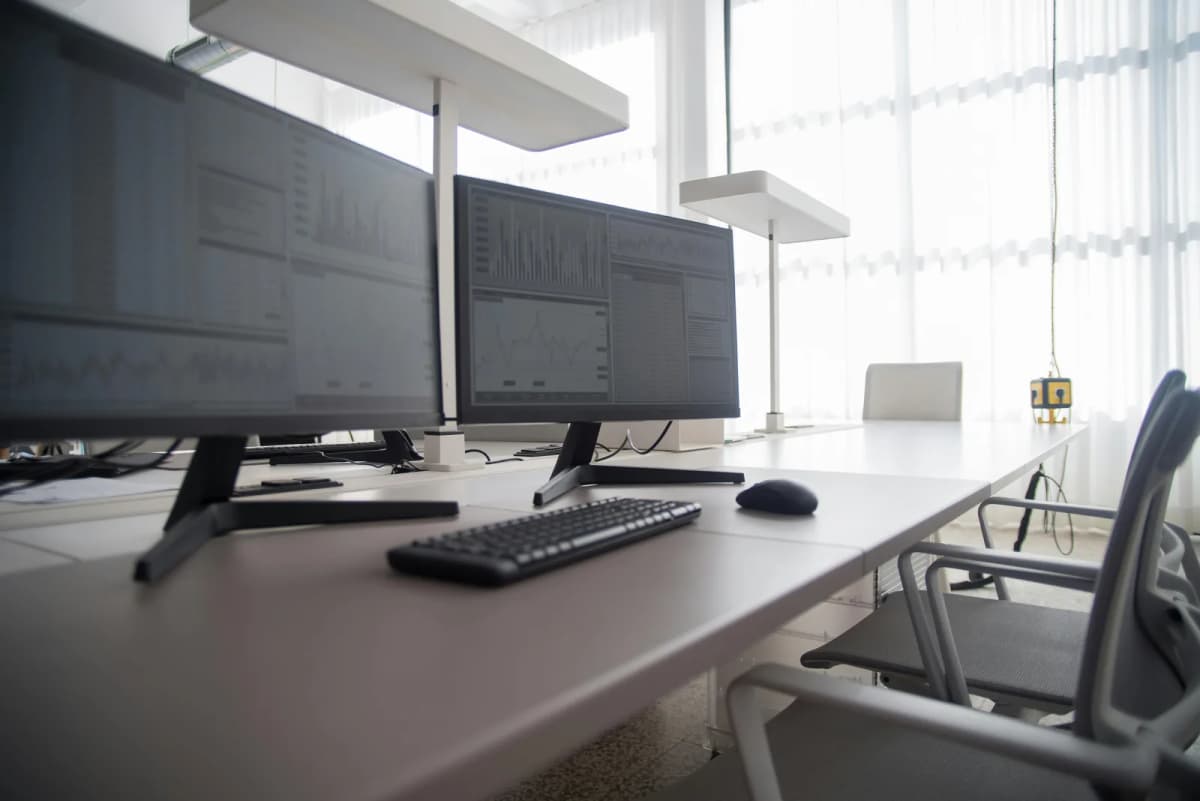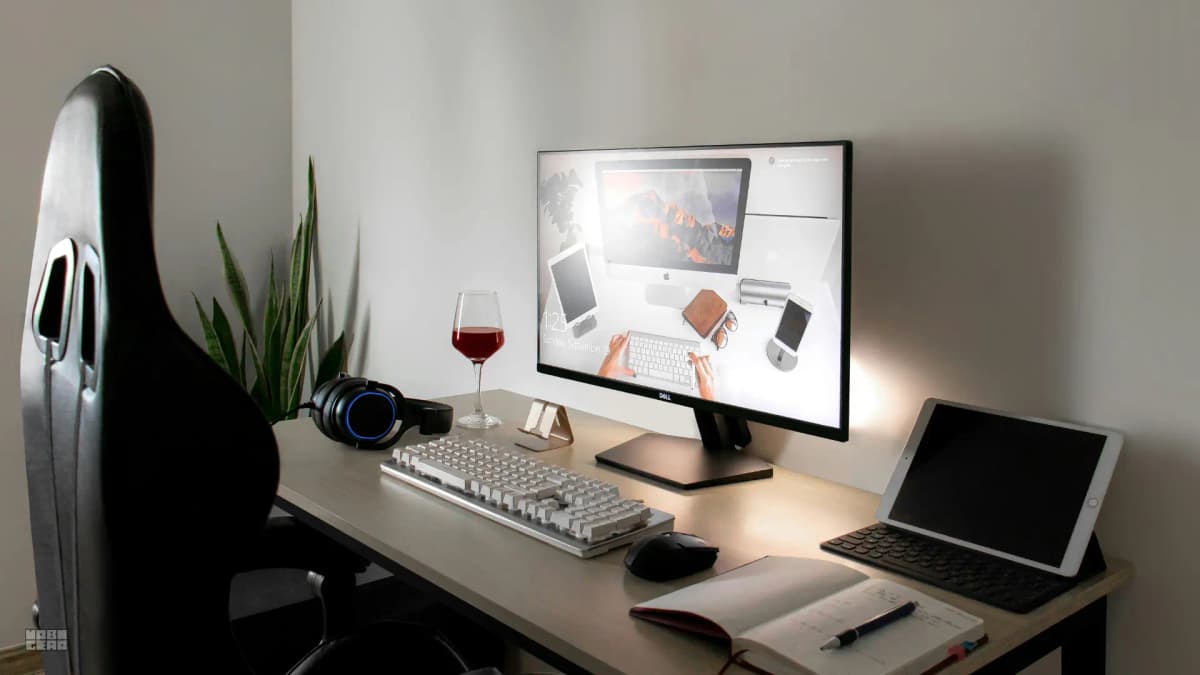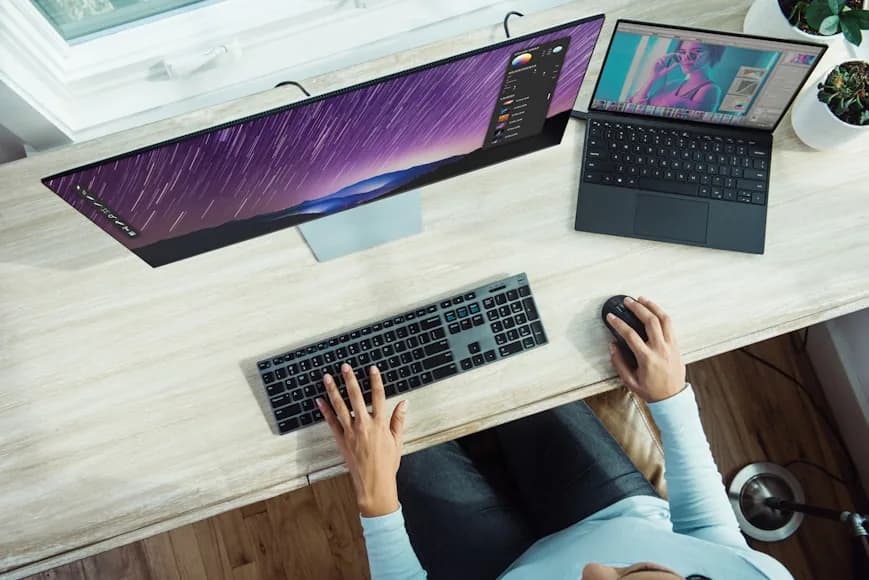

Desk width is easier to underestimate than desk depth.
Depth usually gets all the attention because it decides how close the monitor sits to your face. But width decides something just as important: whether the main screen can stay centered while the laptop sits off to the side without shoving the keyboard and mouse into a cramped strip.
There is no single official rule that says every one-monitor-plus-laptop desk must be a certain width. What the primary ergonomic guidance does make clear is the layout logic:
the monitor should sit directly in front of you; the screen should be at least about 20 inches away; the keyboard and pointing device should stay on the same surface and close together.
Those points are explicit in OSHA's computer-workstation guidance. The actual desk-width numbers below are an inference from those ergonomic rules plus the real widths of common current devices, not a magical universal standard.
For most people, that leads to a simple starting point:
42 inches wide: workable minimum for a disciplined one-monitor-plus-laptop setup; 48 inches wide: safest all-around default for most people; 54 to 60 inches wide: better if you use a 27-inch monitor, a larger laptop, or want more breathing room for writing and accessories.
Lateral Workflow Zones
Engineering-grade desk selection depends on the Lateral Reach Radius.
- The Impact Zone (Center): This 24-inch central zone is reserved for the primary monitor. If this zone is shared with the laptop, you are constantly shifting your "neck-torsion," which leads to fatigue.
- The Secondary Zone (Right/Left): This is where the laptop, docking station, or "writing zone" should live. For a one-monitor-plus-laptop setup, you need at least 14-16 inches of "clear secondary zone" to keep the laptop at a 20-30 degree viewing angle.
Why desk width matters more than people think
Width decides whether the setup can stay honest.
If the desk is not wide enough, one of three things usually happens:
the main monitor shifts off-center; the laptop steals the best part of the keyboard-and-mouse zone; the mouse gets pushed too far from the keyboard.
That is why a desk can technically fit one monitor and one laptop while still feeling awkward every day.
The job of width is not to make the setup look balanced in photos. The job of width is to let you keep:
the primary monitor centered; the laptop secondary; the keyboard in front of you; the mouse right beside it.
If that geometry falls apart, the desk is too narrow for the way you are actually using it.
A practical way to size the desk
One of the easiest ways to think about width is to start with the real hardware.
Current official specs give a useful reference point:
Apple's current 13-inch MacBook Air is 11.97 inches wide; Apple's current 15-inch MacBook Air is 13.40 inches wide; Dell's current 24-inch monitor in the S2425H line is 21.17 inches wide without the stand; Dell's current 27-inch monitor in the S2725H line is 24.00 inches wide without the stand.
That means a common setup already looks like this before you add any breathing room:
24-inch monitor + 13-inch laptop: about 33.14 inches of device width; 27-inch monitor + 15-inch laptop: about 37.40 inches of device width.
And that is only the hardware.
You still need space for:
a gap between the screens so they do not feel jammed together; a little edge margin so the devices are not hanging at the ends; a centered keyboard-and-mouse zone that is not being squeezed by the laptop.
That is why the practical recommendation lands higher than the device widths alone suggest.
When 42 inches is enough
42 inches is the point where a one-monitor-plus-laptop desk usually becomes genuinely workable.
It is not roomy. It is just believable.
Forty-two inches tends to work best when:
the monitor is 24 inches; the laptop is 13 or 14 inches; the laptop sits clearly off to one side; the desk is being used for mostly digital work, not lots of paper or sketching; you are willing to keep the setup disciplined.
On a 42-inch desk, you are usually asking the layout to stay fairly strict:
the monitor needs to own the center; the laptop should not spread flat into the middle; the mouse cannot be pushed into a tiny outer corner.
If you already know the laptop will stay open beside the monitor all day, 42 inches is usually the minimum worth considering. Below that, the setup often starts feeling like a compromise even when it technically fits.
If you want the actual arrangement logic once the desk size is chosen, How to set up one monitor and a laptop on a small desk is the direct companion.
Why 48 inches is the safest default
For most people, 48 inches is the most reliable answer.
It gives the layout enough room to breathe without pushing the desk fully into big-desk territory.
Forty-eight inches usually works well because it creates just enough extra space for:
a more relaxed gap between monitor and laptop; a normal mouse path beside the keyboard; a notebook, coaster, or charger without collapsing the main work zone; a 27-inch monitor if the rest of the setup stays clean.
This is the width where the desk usually stops feeling like it is being negotiated every day.
If someone asks for a one-monitor-plus-laptop desk and does not want to overthink it, 48 inches is the safest general recommendation.
When 54 to 60 inches makes more sense
Once the desk reaches 54 to 60 inches, the setup usually stops feeling compact-first and starts feeling comfortably hybrid.
That extra width matters when:
the monitor is 27 inches; the laptop is 15 or 16 inches; you write by hand beside the keyboard; you use a lamp, audio interface, notebook, or charging pad every day; the laptop is not just a side reference screen but a meaningful second screen.
At that point, the desk is not merely wide enough to fit the devices. It is wide enough to support the whole way you work.
That does not mean everyone needs a 60-inch desk. It means wider desks buy you tolerance. The setup can absorb a little clutter, a little paper, or a slightly bulkier monitor stand without immediately feeling stressed.
Width changes if the laptop usually stays closed
If the laptop usually runs in clamshell mode, the width requirement changes a lot.
That is because the laptop no longer needs to sit open beside the monitor as a second active screen. It can live vertically in a dock or stand and reclaim far more desk width than an open stand does.
If that is your actual workflow, the desk can often be narrower than the open-laptop version of this guide suggests.
That is where Vertical laptop stands for clamshell setups becomes more relevant than simply buying a bigger desk.
Width does not replace depth
This is the mistake people make all the time.
A desk can be wide enough for one monitor and one laptop and still be too shallow to use comfortably.
Width solves:
side-by-side screen placement; monitor centering; mouse-zone crowding.
Depth solves:
monitor viewing distance; front-edge keyboard pressure; whether the screen feels too close to your face.
If the desk looks wide enough but the monitor still feels uncomfortably near, that is a depth problem, not a width problem.
That is why this guide works best paired with How deep should a desk be for one monitor vs two?.
Common desk-width mistakes
1. Centering both screens instead of choosing a primary one
The external monitor should usually own the middle. The laptop should usually become the secondary screen.
2. Measuring the screens but not the working zone
People add the monitor width and laptop width together, then forget the edge margin, gap, and mouse space that make the setup usable.
3. Treating a 27-inch monitor like a small screen
A 27-inch monitor plus a larger laptop can fit on a moderate desk, but it stops feeling calm much faster than a 24-inch monitor setup does.
4. Letting the laptop flatten into the main work area
If the laptop stays low and open beside the monitor, it often steals more usable width than people expect. An open stand is usually cleaner than flat placement, and clamshell mode can reduce the width demand even more.
5. Ignoring the keyboard-and-mouse zone
OSHA's logic here is the useful one: if the keyboard and pointing device are no longer on the same usable surface and close together, the problem is not aesthetic. The desk is not supporting the working posture properly.
A simple way to choose the right desk width
If you want the fastest practical rule:
- Choose 42 inches only if the setup is compact by necessity and you can keep it disciplined.
- Choose 48 inches if you want the safest answer for most one-monitor-plus-laptop desks.
- Choose 54 to 60 inches if the monitor is larger, the laptop is larger, or you want the setup to feel easier rather than merely workable.
And if the desk still feels crowded after that, ask the next question honestly:
Is the problem really width, or is it actually depth, screen hierarchy, or too many active objects on one surface?
That is usually where the real fix hides.
Bottom line
For one monitor and one laptop, a desk usually becomes realistically workable around 42 inches, reliably comfortable around 48 inches, and meaningfully easier around 54 inches or more.
There is no perfect universal width. The right width is the one that lets the monitor stay centered, the laptop stay secondary, and the keyboard-and-mouse zone stay calm instead of compressed.
Desks that match the width ranges in this guide
If you are ready to act on the width numbers above, these are the desks worth evaluating first.
The 48-inch width lands exactly where most one-monitor-plus-laptop setups become comfortable without excess desk surface.
- 48 x 24 and 48 x 30 desktop options
- Dual-motor height range from 22.8 to 48.4 inches
- 355 lb lifting capacity for monitor arms and docks
At 60 inches wide, this gives you enough lateral space to center a monitor, keep a laptop secondary, and still have a clean keyboard zone.
- 60 x 30-inch desktop for maximum lateral space
- C-frame design for stability at standing height
- Integrated cable management and accessory ecosystem
If you want the widest affordable surface for a monitor-plus-laptop layout, the 63-inch BEKANT provides enough room without the modular frame investment.
- 23.6 x 63-inch desktop (63-inch class width)
- Electric height adjustment from 22 to 48 inches
- Built-in cable management tray
If you are building the rest of the setup around that decision, keep going with:
Why your small desk setup still feels cramped; How far should a monitor be from your eyes on a small desk?; How to set up one monitor and a laptop on a small desk; How deep should a desk be for one monitor vs two?; How to set up a small desk without losing usable space; How to position your keyboard and mouse for shoulder comfort; Vertical laptop stands for clamshell setups; Compact desks that fit studio apartments.