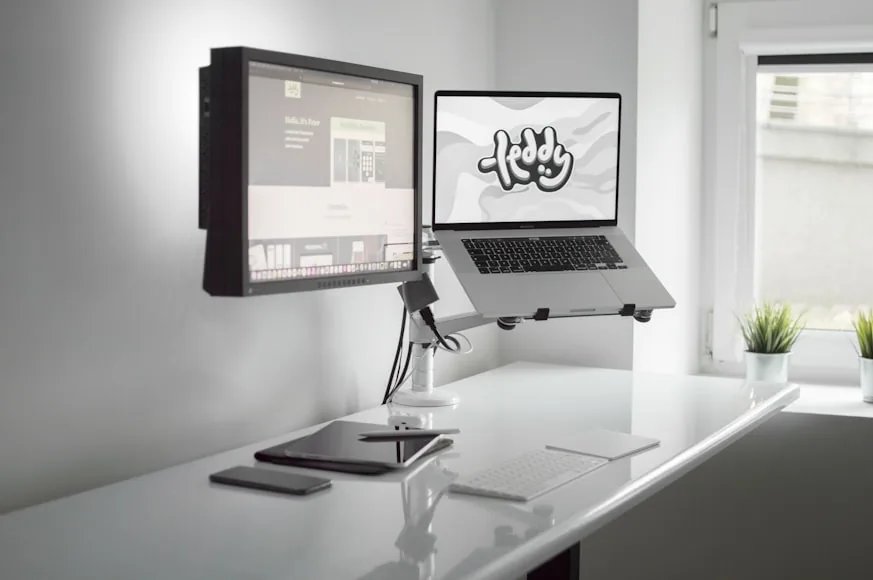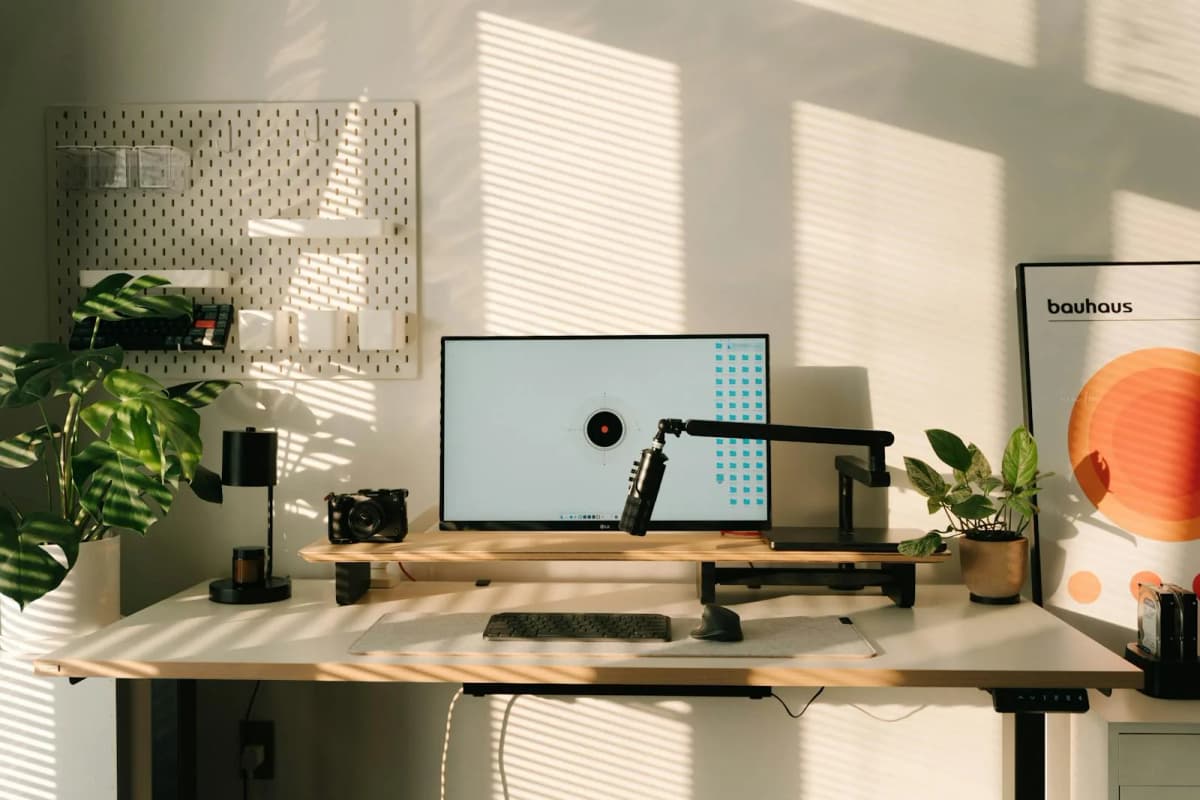

Most monitor arms promise the same thing: more space, better posture, cleaner cable routing.
That part is true, but it does not mean every arm is a good fit for a small desk.
Small desks are less forgiving. Clamp depth matters more. Retraction matters more. Thick desktops, rear rails, and wall-near placement matter more. A big, impressive monitor arm can still be the wrong choice if it needs more room behind the desk than your setup actually has.
This shortlist stays focused on monitor arms that make sense for smaller work surfaces, using official specs as the basis for the recommendations. The main things we care about are clamp compatibility, monitor-size range, weight capacity, cable management, and whether the arm actually helps a tight setup feel easier instead of more complicated.
This is the product shortlist page. If you are still deciding whether a monitor arm is even the right category, Monitor arm vs monitor riser: which is better for posture? is the better decision guide. If the real problem may still be desk depth, pair this with How deep should a desk be for one monitor vs two?.
- premium monitor arm: Ergotron LX Desk Monitor Arm
- clean single-or-dual option: Branch Monitor Arm
- simple arm for standard 24" to 27" monitors: Vari Single-Monitor Arm
- Strong fit for heavier screens or thicker desktops: VIVO Pneumatic Arm Single Ultrawide Desk Mount
How we narrowed the list
For a small desk, a monitor arm has to solve space problems, not just add hardware.
The shortlist stayed focused on arms with:
clamp ranges that fit real desk edges instead of idealized showroom desktops; enough reach and retraction to make a shallow desk feel easier, not busier; weight support that matches the monitor sizes they claim to serve; cable-routing or folded-position details that help the desk stay calmer in daily use.
That is why a lot of generic arms did not make the list. The wrong arm can technically mount the screen and still make a small setup more awkward.
A long-lasting premium arm with strong ergonomics, 13 inches of lift, and a compact folded position for tighter work areas.
- Supports displays up to 34 inches
- Weight range: 7 to 25 pounds
- 13 inches of lift and up to 25 inches of reach
A straightforward arm for common monitor sizes, with a clean spec profile and long reach for simple desk setups.
- Designed for monitors up to 27 inches
- Supports up to 19.8 pounds
- Fits desktops up to 1 3/8 inches thick
A stronger-value arm with broad clamp compatibility, high weight capacity, and support for large ultrawides.
- Clamp range: 0.4 to 3.3 inches
- Weight range: 2.2 to 33 pounds
- Supports up to 49-inch ultrawides
What matters most on a small desk
The biggest mistake with monitor arms is shopping by brand or price first instead of by fit.
On a small desk, these are the specs that matter most:
Clamp compatibility: can the arm actually attach to your desktop thickness and edge shape?; Retracted footprint: does it fold back neatly or still project far into the work area?; Weight range: does it support your monitor without living at the edge of its range?; Depth control: can it move the monitor back enough to make a shallow desk feel usable?; Cable routing: does it help the desk feel cleaner or just add another piece of visible hardware?
This is exactly why a monitor arm and a monitor riser are different categories. A riser mostly changes height. A monitor arm changes height, depth, angle, and the amount of usable space under and around the monitor.
If you are still sorting out whether your desk is deep enough in the first place, pair this guide with How deep should a desk be for one monitor vs two?.
1. Ergotron LX Desk Monitor Arm
The Ergotron LX is still one of the safest premium picks if you want a monitor arm that can outlast several desk setups.
According to Ergotron's current product sheet, the LX supports displays up to 34 inches and 7 to 25 pounds, offers 13 inches of lift, reaches up to 25 inches, and includes a 10-year warranty. Ergotron also explicitly frames it as a good fit for constrained areas because the folding arm can retract to free up space when you are not actively adjusting the screen.
That matters on a small desk. A lot of cheaper arms technically free up the area under the monitor, but still feel clumsy because the arm itself is bulky or awkward when retracted. The LX is stronger when you want:
smoother movement; long-term durability; good support for mid-size and premium monitors; cleaner retraction in tighter work areas.
Strong fit for: people who want one high-quality arm instead of replacing a cheaper one later.
Main tradeoff: price. This is the least budget-friendly pick in the group.
2. Branch Monitor Arm
Branch's Monitor Arm is one of the cleaner modern options for smaller desks, especially if you care about appearance as much as function.
Branch's official specs are unusually helpful here. The single-arm version is listed at 5.2 by 22 by 22.6 inches, supports monitors from 17 to 49 inches, handles 4.4 to 44 pounds, uses 75 x 75 and 100 x 100 VESA patterns, and fits desk edges from 0.5 to 2 inches thick. It is also available in both single and double configurations.
That flexibility is the main reason it earns a spot here. On a compact desk, the single-arm version is the more realistic choice for most people. But if your desk is just big enough and you know you want two screens, Branch gives you a clean path into a coordinated dual-arm setup without leaving the same product family.
It is also a better visual fit than many industrial-looking arms, which matters when a desk sits in a bedroom, living area, or open apartment space.
As always, the wide screen-size claim matters less than the actual weight range. If you are using a heavier ultrawide, trust the load spec and VESA fit first.
Strong fit for: people who want a cleaner design, a single-or-double path, and a more furniture-friendly look.
Main tradeoff: the clamp range is not as forgiving as some thicker-desk-friendly alternatives.
3. Vari Single-Monitor Arm
The Vari Single-Monitor Arm is a strong fit when your setup is simple and your monitor is not unusually large.
Vari's spec sheet puts this arm in a very clear lane: it supports up to 19.8 pounds, uses standard 75 x 75 and 100 x 100 VESA mounting, is designed for monitors up to 27 inches, reaches up to 29 inches, and fits desktops up to 1 3/8 inches thick.
That is a narrower fit profile than the Branch or VIVO options, but that is not automatically a weakness. For a standard 24-inch or 27-inch desk monitor on a relatively normal desktop, that simplicity can be a good thing. It is a cleaner recommendation for people who do not need ultrawide support, dual-screen flexibility, or unusually broad clamp compatibility.
Vari also backs it with a 10-year warranty, which makes it more reassuring than many mid-range arms that feel disposable.
Strong fit for: standard single-monitor setups where you want a clear, uncomplicated fit.
Main tradeoff: the desk-thickness limit is tighter than the other top picks here, so it is not the safest choice for thicker desktops.
4. VIVO Pneumatic Arm Single Ultrawide Desk Mount
If your monitor is heavier, your desk is thicker, or your setup is pushed close to a wall, the VIVO Pneumatic Arm becomes much more interesting.
VIVO's official product page says this arm supports regular monitors up to 32 inches and ultrawides up to 49 inches, handles 2.2 to 33 pounds, fits desk edges from 0.4 to 3.3 inches thick with the clamp, and reaches up to 23 inches. VIVO also highlights that the arm can be used in a flush-wall setup because it does not need to extend past the desktop edge.
That last point is especially useful for small desks.
A lot of smaller rooms force the desk against a wall, window, or ledge. If the arm needs extra rear clearance to behave properly, the whole setup becomes annoying fast. VIVO's wall-near behavior and broad clamp range make it one of the safer value picks for real-world awkward desks.
It is also the easiest recommendation here if your desktop is too thick for something like the Vari.
Strong fit for: heavier screens, thicker desktops, and wall-near desk layouts.
Main tradeoff: it is not as proven or premium-feeling as the Ergotron.
How to choose the right one
Use this shortcut:
choose Ergotron LX if you want the safest premium long-term arm; choose Branch if you want a cleaner-looking setup and might want a dual-arm path later; choose Vari if you have a normal 24-inch or 27-inch monitor and a thinner desktop; choose VIVO if you need broader clamp compatibility or support for a heavier display.
That is the cleanest way to avoid overbuying.
Most small-desk users do not need the biggest or strongest arm on paper. They need the one that fits the monitor they already own, clamps securely to the desk they already have, and does not make the setup harder to live with.
What to measure before you buy
Do not buy a monitor arm before checking these:
- Monitor weight The arm has to support the real weight, not just the screen size.
- VESA pattern Most of these use 75 x 75 or 100 x 100, but verify the monitor first.
- Desk thickness This is one of the fastest ways to eliminate the wrong arm.
- Rear-edge clearance Some desks have back rails, support bars, or limited room near the wall.
- Desk depth If the desk is shallow, the arm should help move the monitor back, not just up.
- Screen shape Ultrawides and curved displays often push the limits of an arm faster than a standard 27-inch screen does.
This is also where How high should your monitor be for good posture? starts to matter. A monitor arm is most useful when it helps you set height and distance together, not just one or the other.
When a monitor arm is better than a riser
Choose a monitor arm instead of a riser when:
desk depth is limited; you want the monitor farther back; you need more precise height adjustment; you switch between sitting and standing; you want to clear the original monitor stand off the desk.
Choose a riser instead when:
your monitor already sits at a good distance; you mainly need simple height lift; you want under-monitor storage; you prefer less hardware clamped to the desk.
If you only need modest lift and some organization, Monitor risers that improve posture and desk organization is still the better category. If you are still deciding between those two approaches, Monitor arm vs monitor riser: which is better for posture? is the cleaner side-by-side guide.
Bottom line
For most small desks, the best monitor arm is not the one with the biggest spec sheet. It is the one that fits your desk thickness, matches your monitor weight, and helps the screen sit at a better depth without making the whole setup feel heavier.
If you want the strongest premium pick, start with the Ergotron LX. If you want a cleaner-looking arm with single or double flexibility, Branch is a smart fit. If you have a standard 24-inch or 27-inch monitor, Vari keeps things simple. If your desk is thick or your display is heavy, VIVO gives you the broadest fit range for the money.