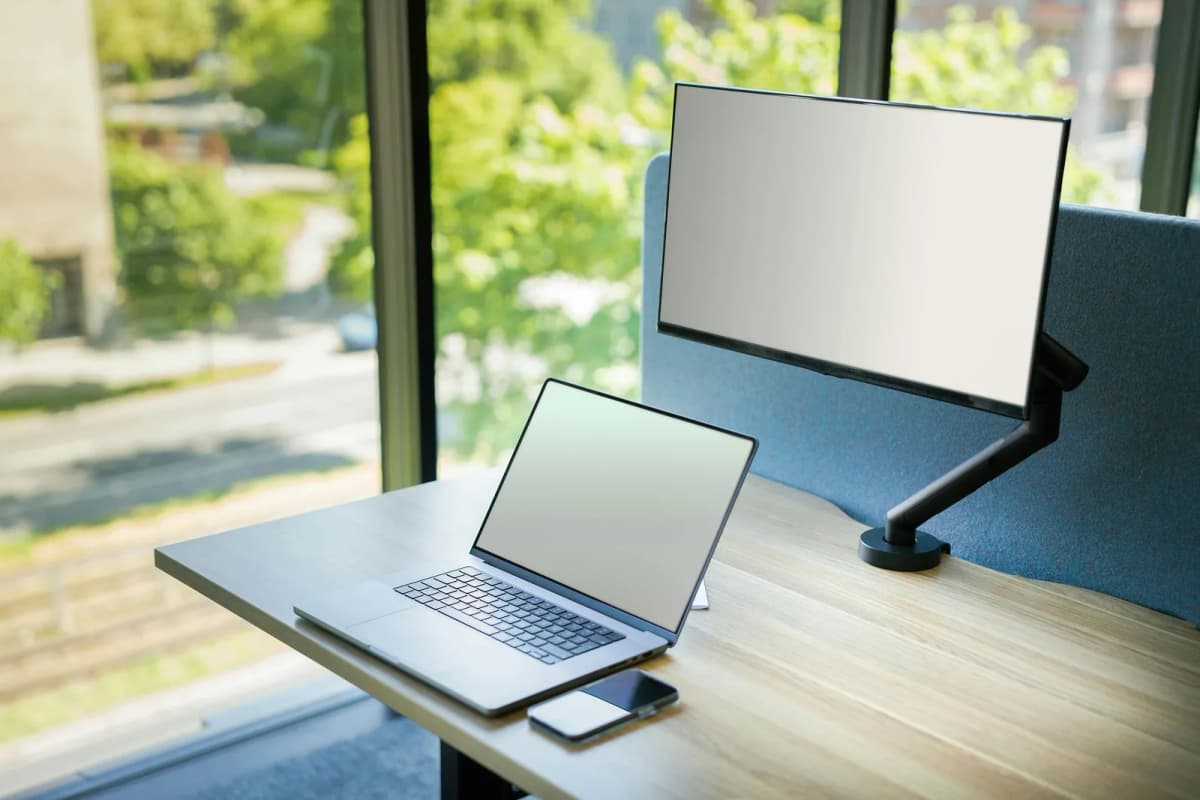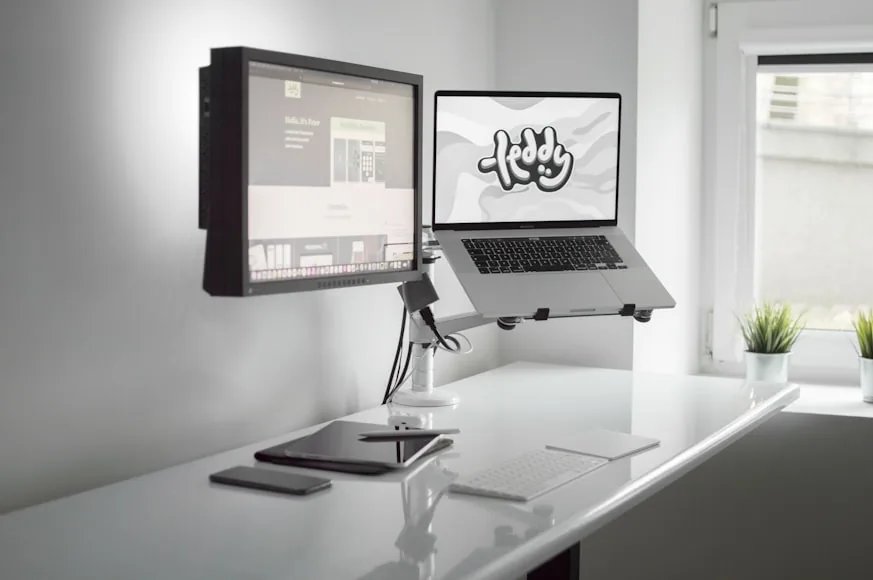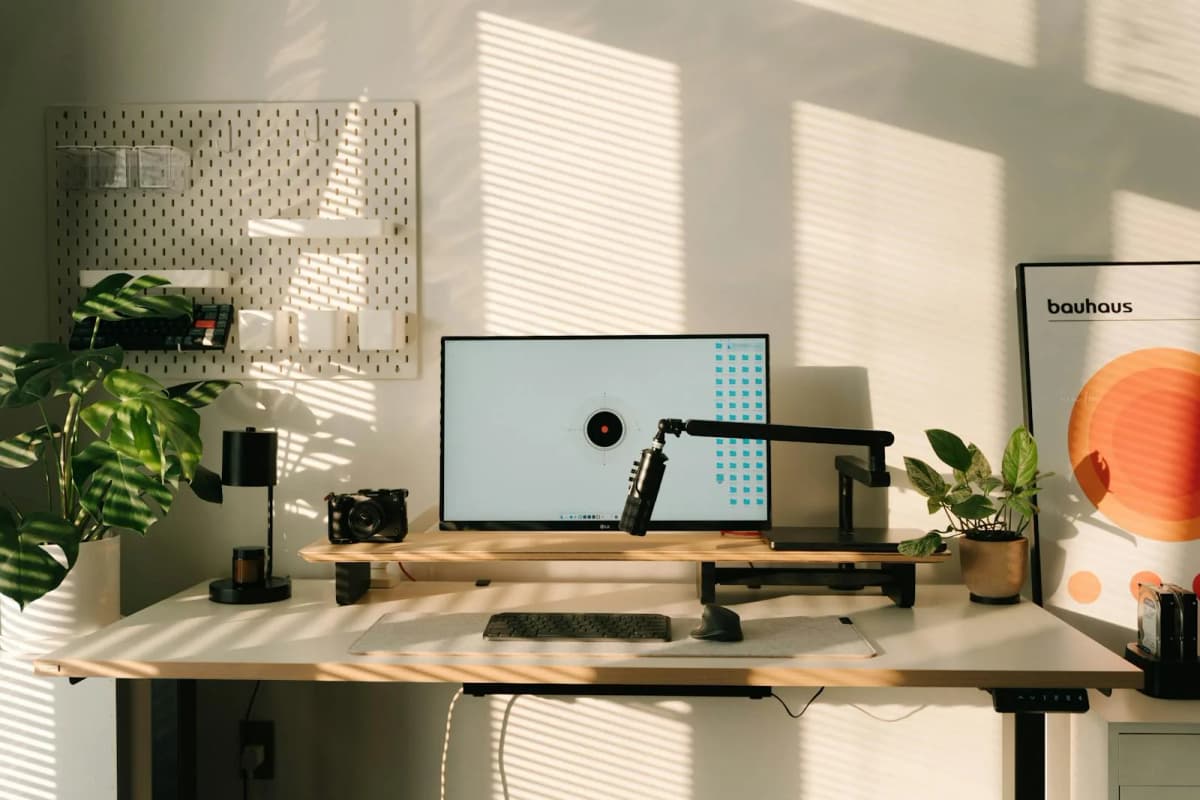

If you keep catching yourself leaning toward the screen, your monitor may simply be too low. That is annoying, but it is also one of the easier desk problems to fix. A riser can bring the display up to a more comfortable height and give you a little storage at the same time.
The confusing part is knowing what to buy. Retailers often treat “monitor riser,” “monitor stand,” and “desk shelf” as interchangeable terms, even though those products solve different problems.
This roundup sticks to true risers and monitor stands. They lift the screen and leave useful room underneath. They do not give you much control over distance or angle. If you need to push the monitor farther back, pull it forward, or reposition it during the day, you will be happier with a monitor arm.
Monitor risers improve posture and desk organization when the screen is already a comfortable distance away but sits too low. They also make sense when you want a tidier surface without fitting a clamp to the desk.
This is a researched shortlist, not a hands-on test. We checked the manufacturers’ current specifications and used their published measurements to judge which desks and monitors each stand should suit.
- simplest height-correction pick: 3M Adjustable Monitor Stand MS85B
- best storage-first riser: IKEA ELLOVEN Monitor Stand with Drawer
- broadest standard-platform pick: Kensington SmartFit Monitor Stand Plus
- best wide-platform riser: 3M Extra Wide Adjustable Monitor Stand MS90B
How we narrowed the list—and what mattered most
Four clearly different options are more useful than ten platforms that do much the same thing.
Height range came first. A riser needs to lift the screen enough to matter, and an adjustable model should offer sensible steps rather than one token alternative. We then looked at the platform footprint, supported weight, and the amount of space left underneath. On a small desk, those measurements matter more than decorative extras.
Each pick solves a slightly different version of the problem. The smaller 3M focuses on height, the IKEA adds a useful drawer, the Kensington supports a broader range of monitors, and the larger 3M gives wide setups more room. We left out decorative shelves that happen to hold a monitor but do little to improve the working area.
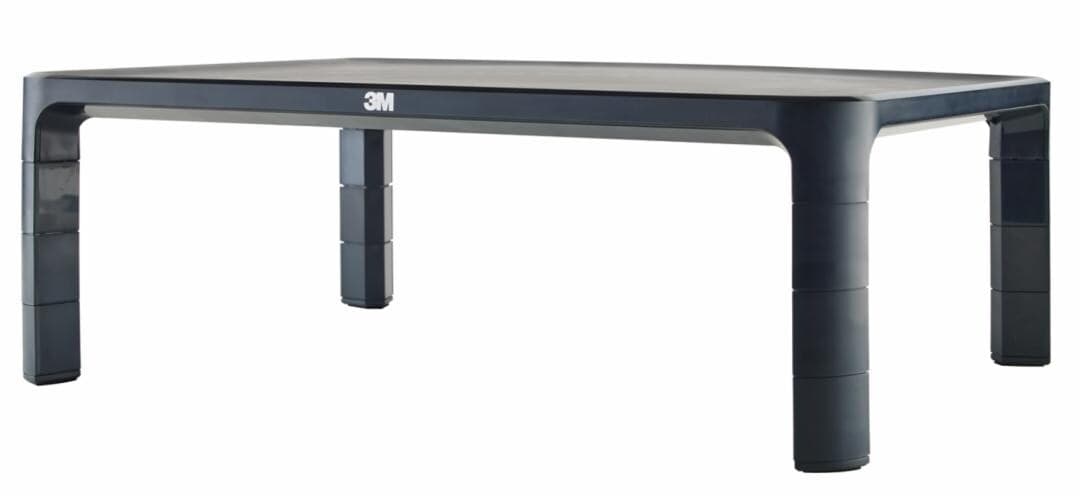
A straightforward adjustable stand for desks where the monitor distance is already fine and the real issue is just getting the screen higher.
- Height adjustment from 1.7 to 5.5 inches in 1.25-inch increments
- 3M highlights support for modern monitors up to 20 pounds
- Slim platform with under-screen storage space
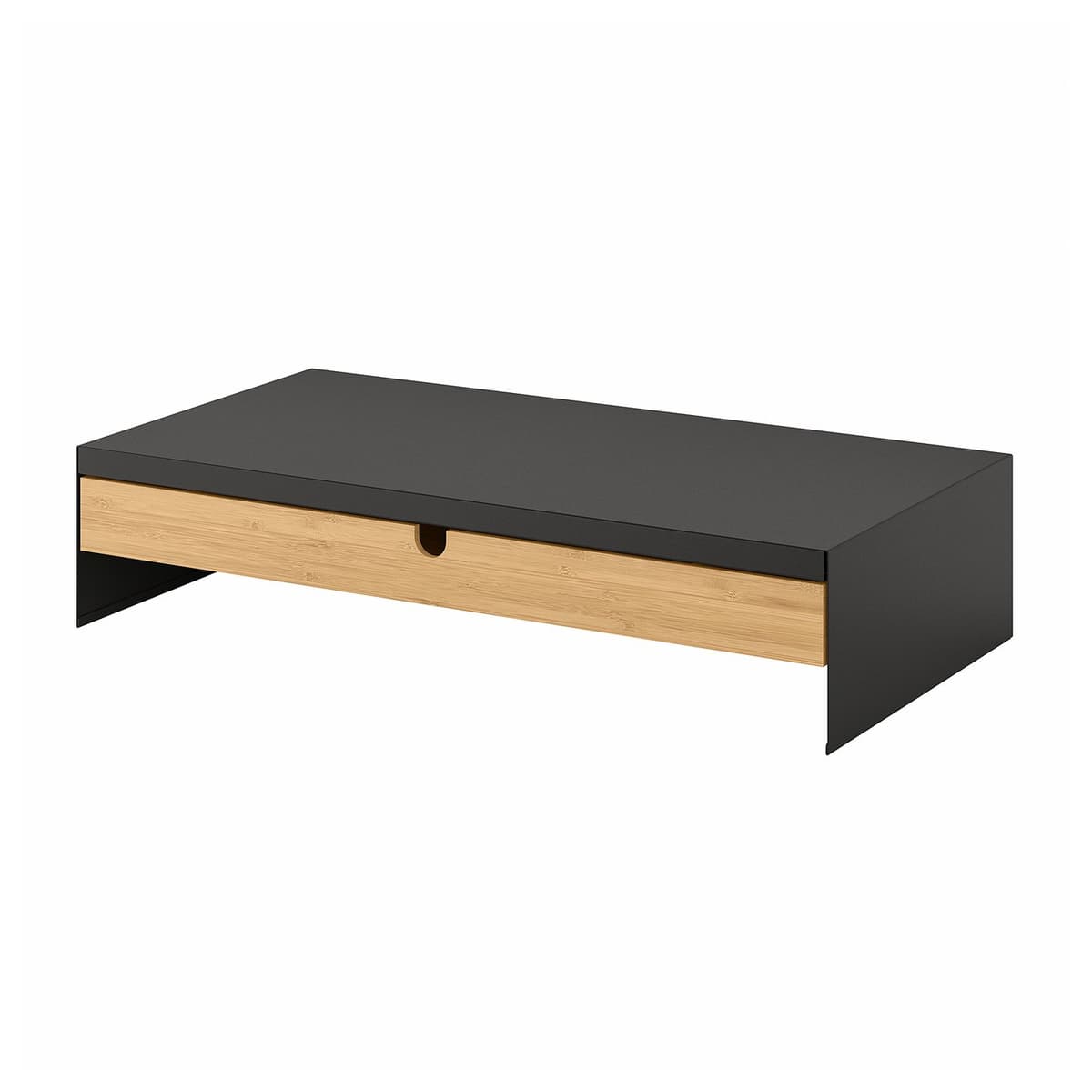
A true organization-first riser that makes the most sense when the desk needs keyboard tuck-away space and small-item storage as much as extra monitor height.
- 18 1/2 x 10 1/4 x 4-inch footprint
- Drawer plus cable outlet at the back
- 44-pound maximum load
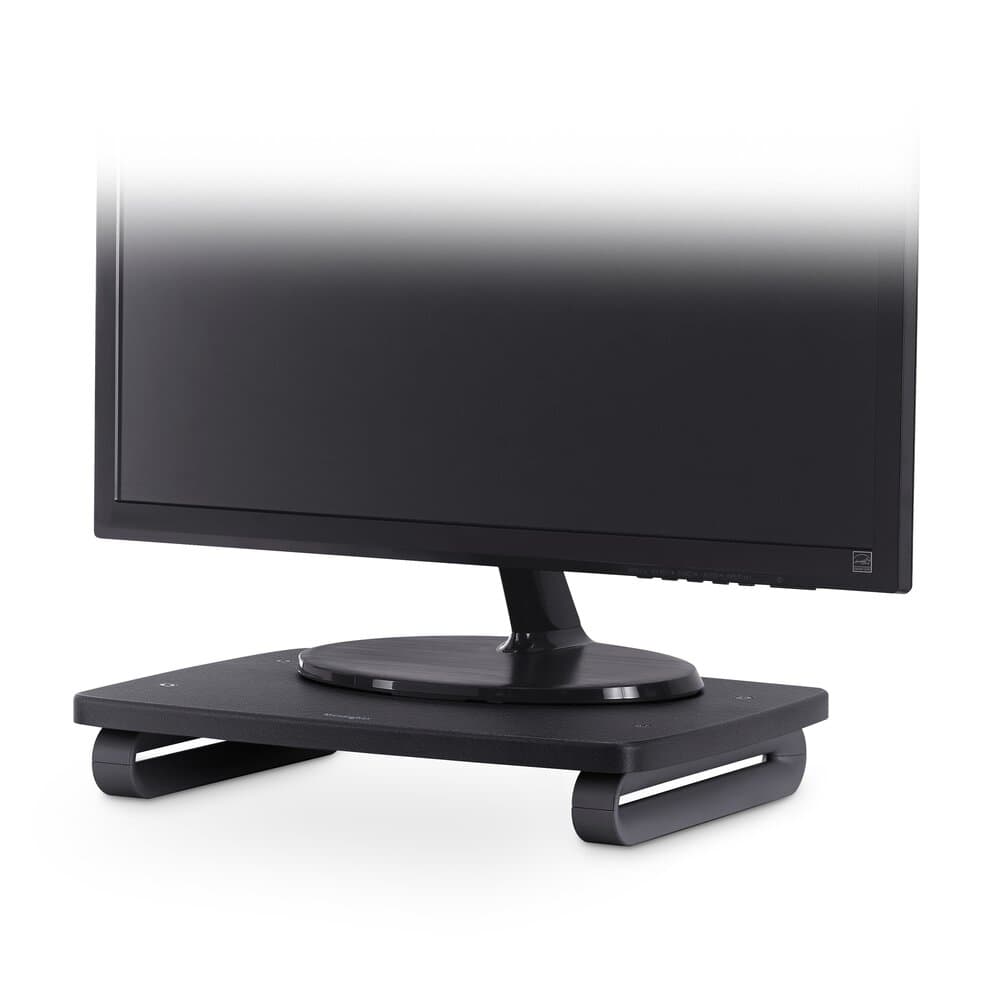
A broad stable stand with a more generous supported-screen range than many simple risers, plus enough clearance underneath for papers and small accessories.
- 3 height settings from 3 to 6 inches
- Fits monitors up to 24 inches and 80 pounds
- 11.5-inch clearance between the legs
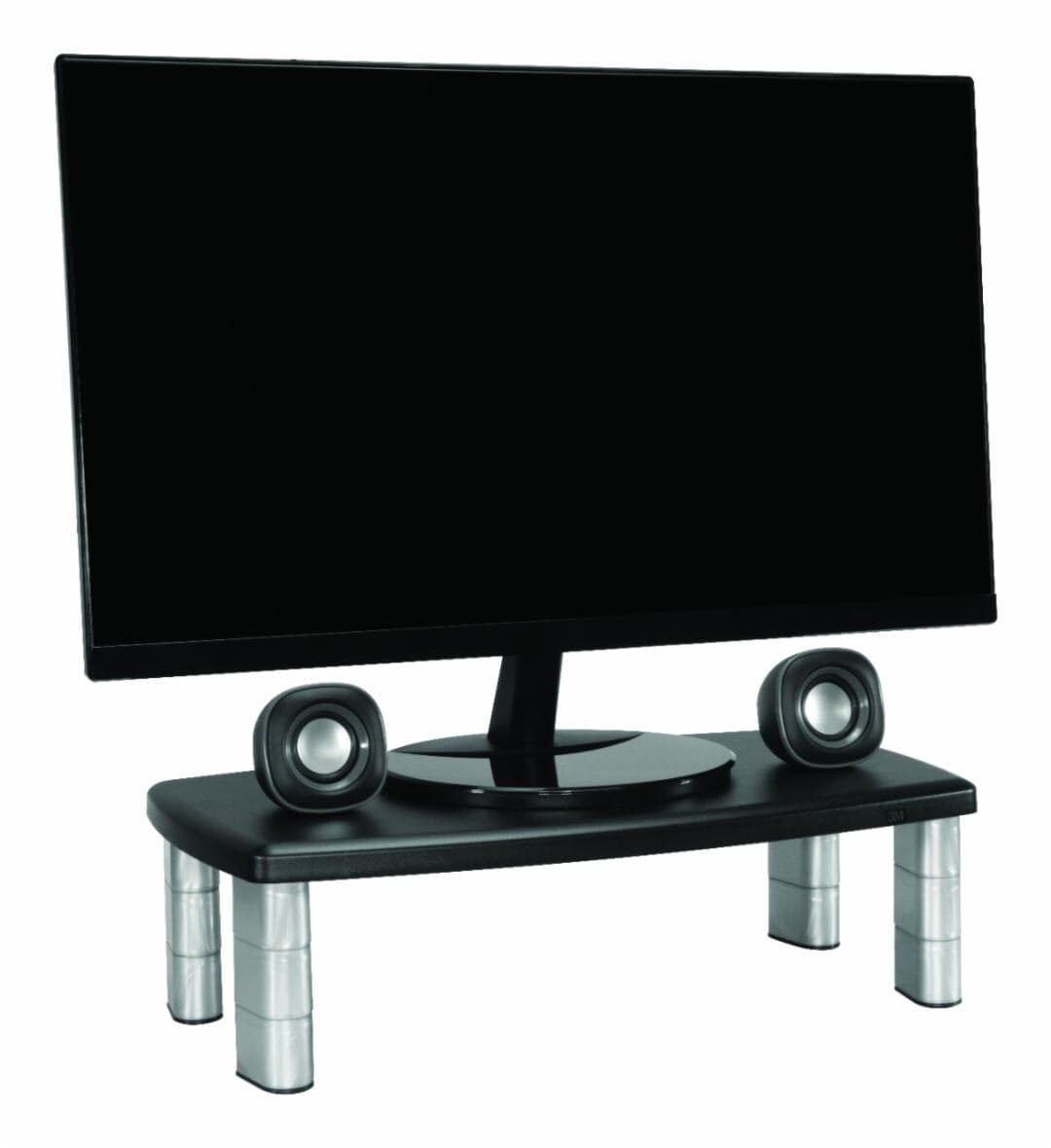
A wider, heavier-duty platform for desks that need more under-screen width and a steadier home for a broader display or mixed monitor-and-accessory layout.
- Raises the monitor from 1 inch to 5 7/8 inches in 1 5/8-inch increments
- 16-inch clearance width underneath the platform
- Supports monitors, laptops, or printers up to 40 pounds
A riser fixes height—not distance
A riser has a modest job: move the screen up and turn the empty patch beneath it into usable space. For many desks, that is enough.
A monitor arm gives you more freedom, but it also costs more and takes more effort to install. If the screen is already the right distance from your eyes and you only want a little more height and a cleaner surface, a riser is often the neater solution.
Just remember what it cannot do. A platform moves the monitor up, not back. If the screen already feels too close, raising it will not suddenly make a shallow desk comfortable.
If that sounds like your setup, compare the two options in Monitor arm vs monitor riser: which is better for posture?. We also look at the space issue more closely in Do you need a monitor riser on a 24-inch deep desk?.
1. 3M Adjustable Monitor Stand MS85B
The 3M MS85B is refreshingly uncomplicated. If your monitor sits too low and the rest of the desk already works, this is probably all the stand you need.
Its 1.7-to-5.5-inch range covers everything from a slight lift to a noticeable correction. The height changes in 1.25-inch steps, so adjustment is useful rather than precise. You cannot stop halfway between settings.
3M sets the weight limit at 20 pounds. That should cover many everyday monitors, though owners of heavier displays will need to check the full weight of the screen and its original stand before buying.
The slim platform leaves room for a notebook, phone, or a few small items, but it is not much of an organizer. That restraint is part of the appeal: the MS85B fixes the height without making a tidy desk feel busier.
2. IKEA ELLOVEN Monitor Stand with Drawer
If pens, charging cables, and sticky notes keep gathering around your monitor, the IKEA ELLOVEN is the more useful buy. It raises the screen, but its real advantage is the drawer tucked beneath it.
At 18 1/2 inches wide and 10 1/4 inches deep, it is not especially small. That depth is worth checking if your desk is shallow. In return, you get a drawer, a rear cable outlet, and enough open space to slide away a keyboard when you need the surface for something else.
IKEA rates it for 44 pounds, but the fixed 4-inch height is the detail that should decide the purchase. If four inches puts your screen where it needs to be, the ELLOVEN can solve two problems at once. If not, the drawer will not make up for an uncomfortable viewing position.
This is the stand we would look at first for a multipurpose desk: workstation by day, writing table or vanity after hours. Put the loose clutter in the drawer, slide the keyboard underneath, and the surface is usable again.
3. Kensington SmartFit Monitor Stand Plus
The Kensington SmartFit Monitor Stand Plus is the sensible all-rounder. It is neither the smallest nor the most stylish option here, but the broad platform and generous limits make it easy to recommend for an ordinary single-monitor desk.
Its three height settings run from 3 to 6 inches. That range gives you more room to experiment than a fixed stand, even though you are still choosing between preset positions. The 80-pound weight limit is far more than most people will need, but Kensington also specifies monitors up to 24 inches, so check both measurements rather than relying on weight alone.
The 11.5-inch gap between the legs is wide enough to keep papers and small accessories within reach. It is open storage, though; nothing disappears from sight as it does in the ELLOVEN’s drawer.
That leaves the Kensington squarely in the middle. The ELLOVEN hides clutter better and the MS90B gives a wide setup more room, but this is the easiest of the four to match with a typical monitor and desk.
4. 3M Extra Wide Adjustable Monitor Stand MS90B
Some monitors make a compact riser look—and feel—undersized. The 3M MS90B is built for those setups. Its 20 x 12-inch platform looks more proportionate beneath a wide display, with space left for a few nearby accessories.
The stand starts at a modest 1-inch lift and rises to 5 7/8 inches. The 1 5/8-inch jumps between settings are fairly large, so this is better for broad correction than careful fine-tuning.
Below the platform, 16 inches of clear width leaves more usable room than the smaller MS85B. The 40-pound rating also gives it enough published capacity for heavier monitors, laptops, and even some printers.
The extra room is useful only if the desk can spare it. On a narrow surface, the MS90B can quickly become the biggest object in sight. Measure the full platform, not just the monitor base, before deciding that wider will be better.
Riser, monitor arm, or desk shelf?
The quickest test is to sit at the desk and ignore the clutter for a moment. Does the monitor feel too low but not too close? A riser should do the job. If it feels too low and too close, use an arm so you can change both its height and its distance.
That difference becomes especially important on a shallow desk. Before buying anything, read Do you need a monitor riser on a 24-inch deep desk?. Our monitor arm vs monitor riser comparison also walks through the tradeoffs.
If the screen position already feels fine and you mainly want a second level for speakers, decor, and accessories, you are really shopping for a desk shelf. We have a separate guide to desk shelves that work on small desks.
Measure the desk, not just the monitor
It is easy to measure the monitor and forget about the desk around it. That is how a perfectly good riser ends up feeling enormous once it arrives.
Start with the width and depth of the monitor’s base, then mark out the riser’s full footprint with paper or painter’s tape. Check how much room remains for the keyboard at the front and whether the things you want to store will actually fit below the platform. Finally, sit down as you normally would and check the distance between your eyes and the screen.
That last measurement matters most on a shallow desk. A riser can hide the clutter and still leave the monitor uncomfortably close. The setup may look better in a photo, but it will not feel any better at the end of a long day.
Match the riser to the problem
For a simple height fix, start with the 3M MS85B. Pick the IKEA ELLOVEN when desk clutter is half the problem, or the Kensington SmartFit Monitor Stand Plus when you want a broad platform with more height choices. The 3M MS90B earns the extra desk space only when a standard riser feels too narrow.
Whichever one you pick, make sure you are solving the right problem. A riser can add height and storage. It cannot give a shallow desk more depth. If the monitor is already crowding you, skip the platform and put the screen on an arm instead.
Related reading
- How high should your monitor be for good posture?
- Monitor arm vs monitor riser: which is better for posture?
- Do you need a monitor riser on a 24-inch deep desk?
- Monitor arms that work on small desks
- Desk shelves that work on small desks
- How to set up a small desk without losing usable space
- How to set up one monitor and a laptop on a small desk