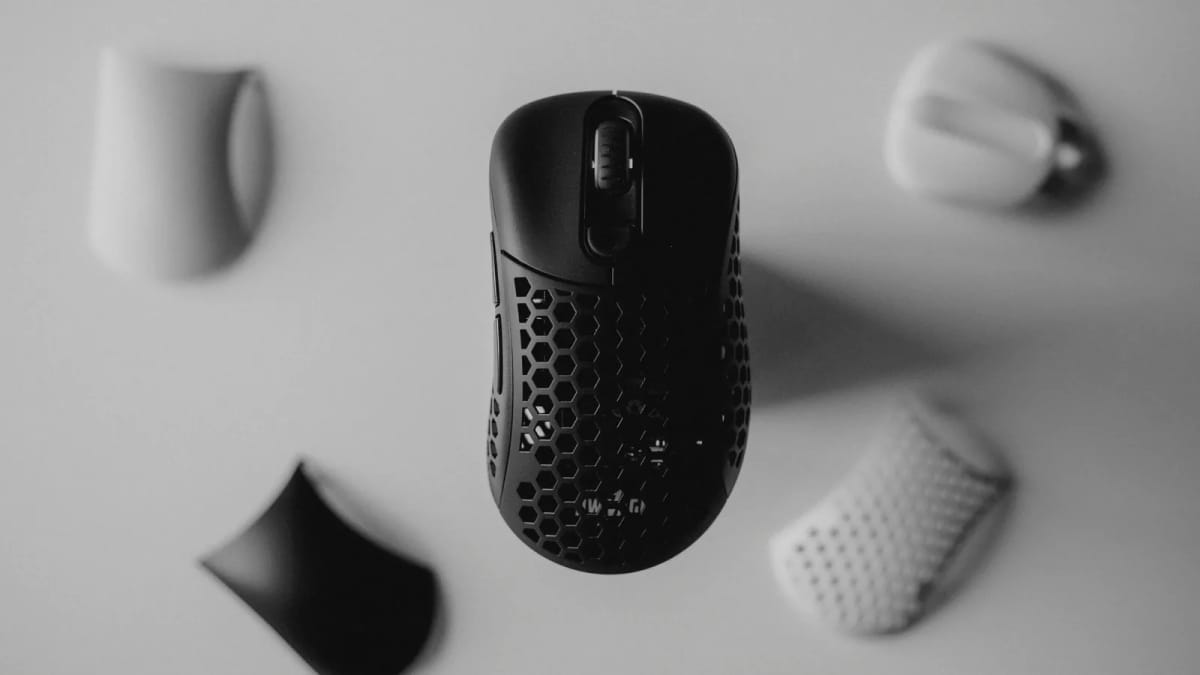
Shape and weight matter more than sensor marketing in 2026. These picks cover work, gaming, travel, ergonomics, and left-hand use.
By Vladimir Fedorov

Shape and weight matter more than sensor marketing in 2026. These picks cover work, gaming, travel, ergonomics, and left-hand use.
By Vladimir Fedorov

Audio has become the last high-margin frontier in consumer electronics. Here's what the data actually says about why every brand is entering the market — and what it means for what you should buy.
By Vladimir Fedorov

The home office buys that age well are rarely the flashy ones. They are the pieces that still make daily work easier a full year later.
By Asikur Rahman
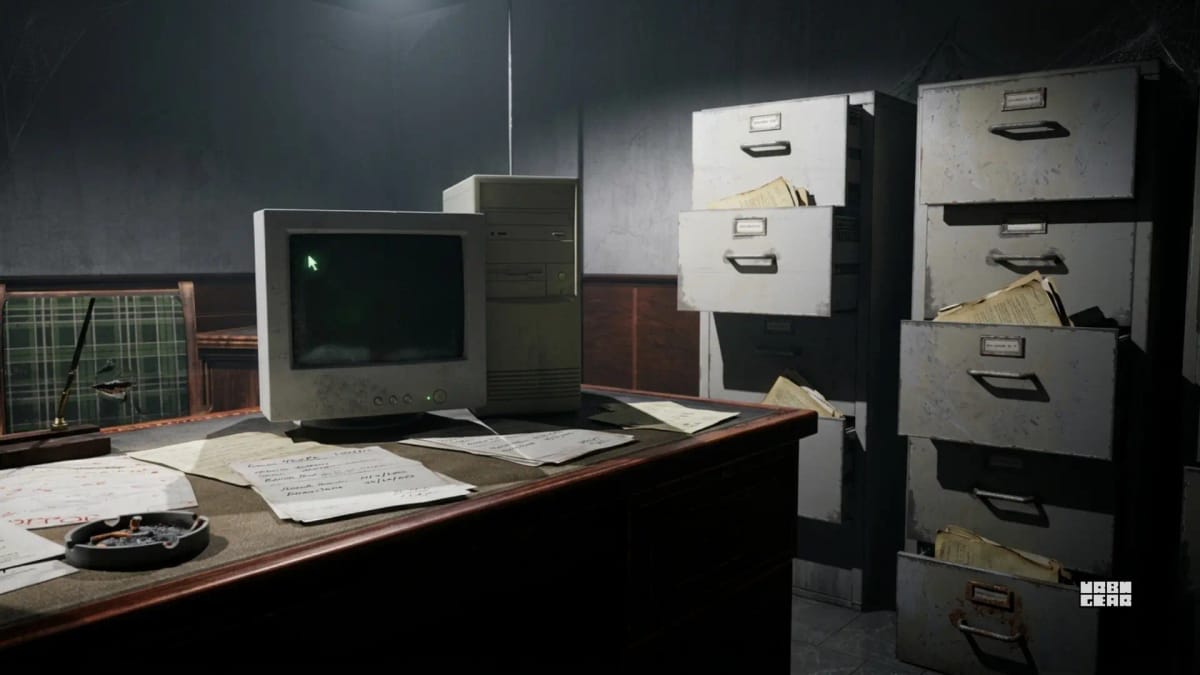
Most bad home office setups do not come from one terrible purchase. They come from buying a chair, desk, or storage piece that looked right at first but quietly made the room, posture, or daily workflow worse.
By Asikur Rahman
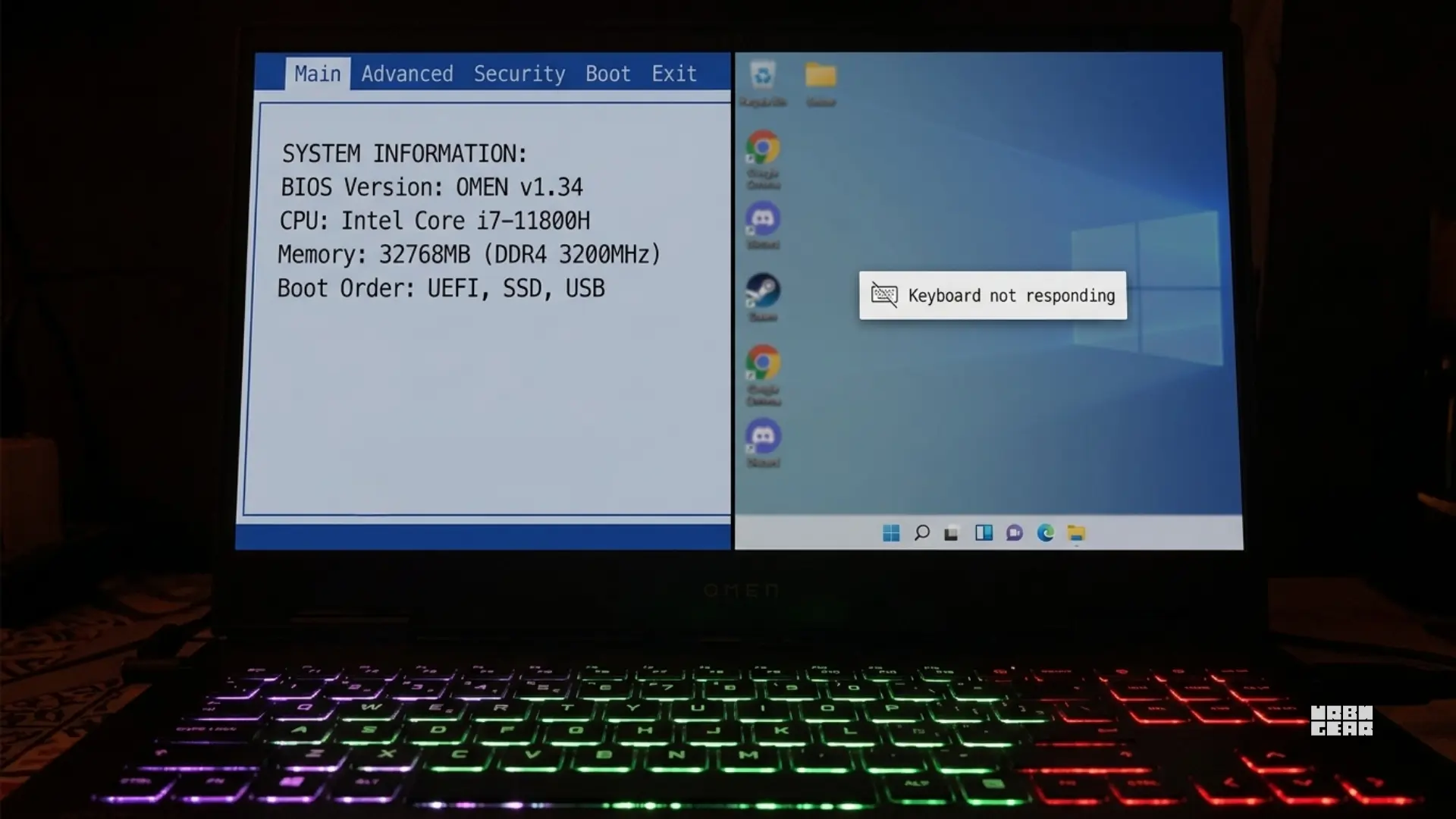
A laptop keyboard that works in BIOS but fails in Windows is usually not a mystery hardware death. More often, Windows is losing the keyboard somewhere between firmware handoff, device drivers, power state, or third-party software.
By Vladimir Fedorov

Laptop keyboard problems are easy to misread. A few dead keys, a failing cluster, or a keyboard that briefly comes back after restart can all push people toward replacement before they know what actually failed.
By Vladimir Fedorov
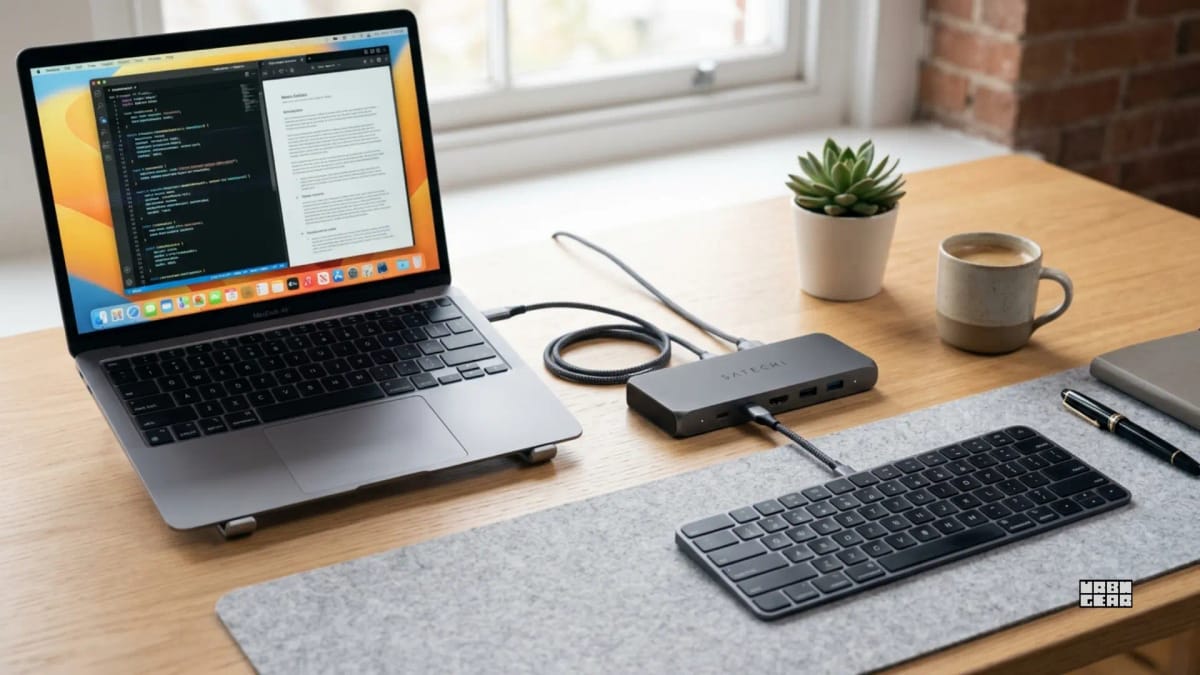
When a keyboard only starts lagging after you run it through a dock or KVM, the connection path is usually the real problem. The useful fix is to simplify that path, not blame the keyboard first.
By Vladimir Fedorov
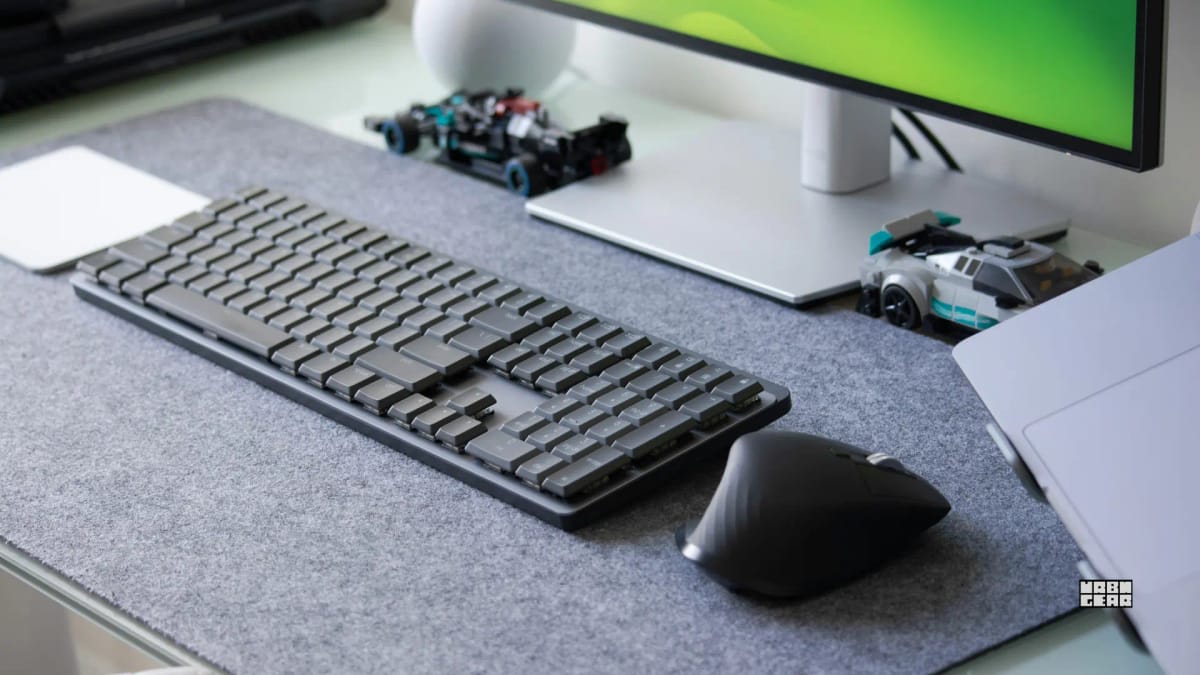
That missing first key usually is not random. It is often the cost of a wireless keyboard going to sleep to save battery, then needing a moment to reconnect before input can register.
By Vladimir Fedorov
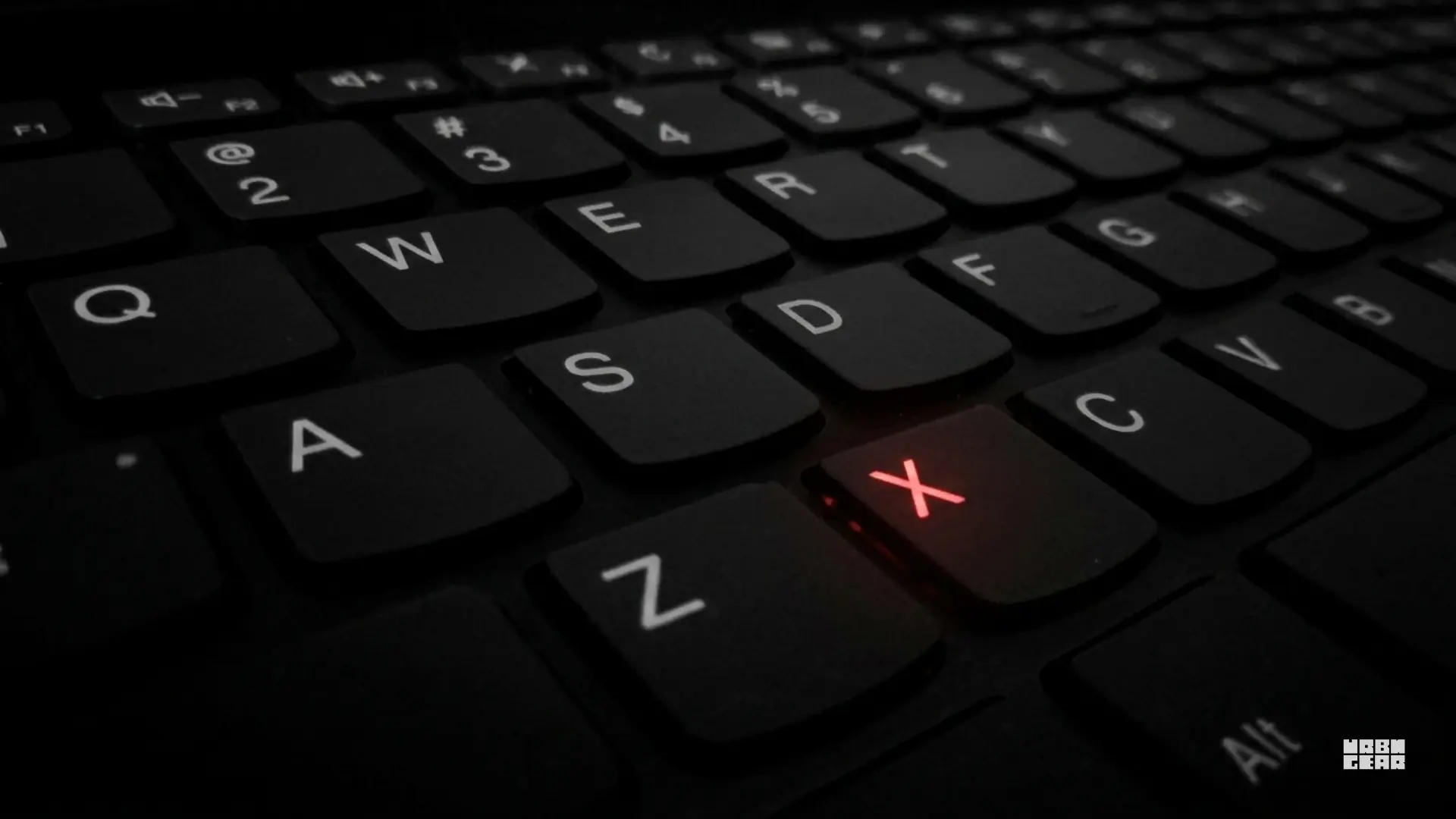
A dead key is annoying. A half-working keyboard is more confusing. The useful question is not just which key failed, but whether the failure follows a pattern that points to software, transport, or real hardware damage.
By Vladimir Fedorov
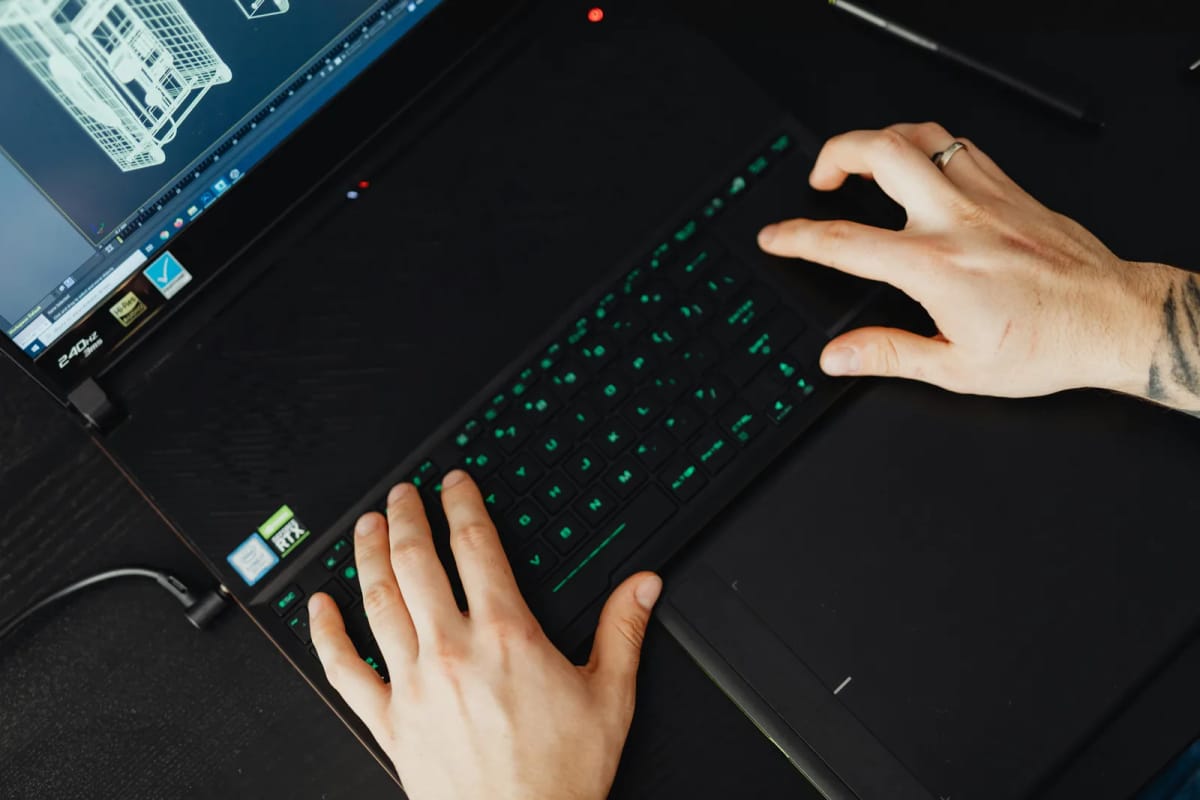
Double typing usually is not random. It is usually a setting problem, a transport problem, or a keyboard starting to fail, and the fastest fix depends on figuring out which one you are dealing with.
By Vladimir Fedorov
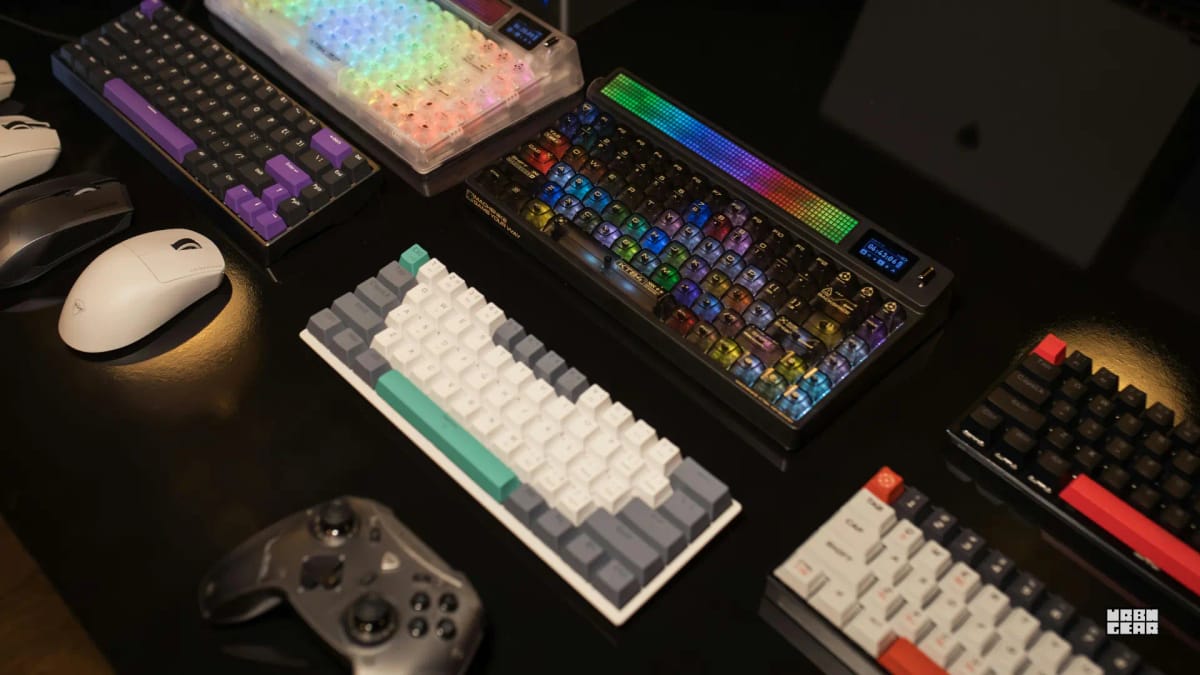
Low-profile boards usually win the first impression. Standard boards tend to win only when the desk height, hand position, and typing feel are already working in their favor.
By Vladimir Fedorov
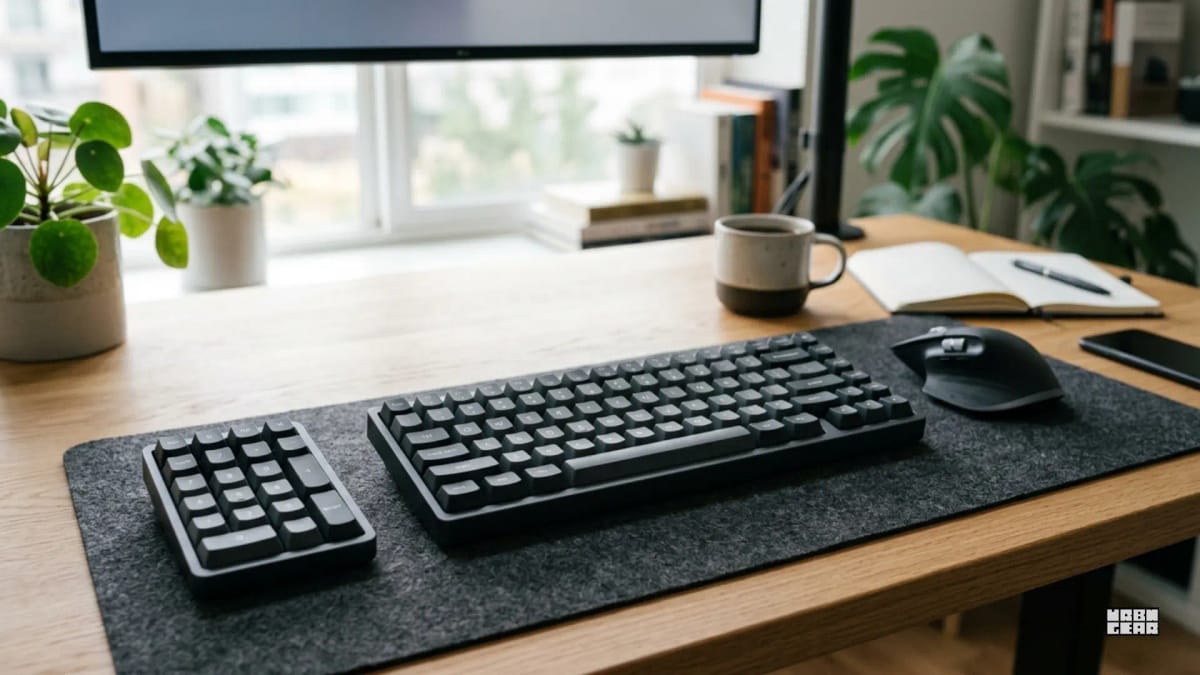
A separate numpad is the middle ground for desks that need number entry sometimes, but not enough to live with full-size keyboard width all day.
By Vladimir Fedorov