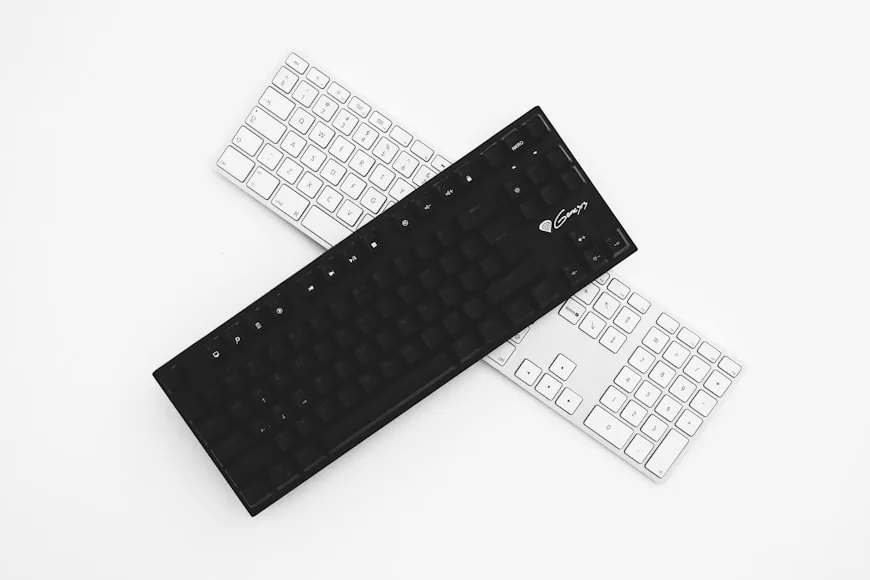
The real question is not whether a full-size keyboard feels familiar. It is whether the numpad and extra keys do enough work to justify the mouse space they cost.
By Vladimir Fedorov

The real question is not whether a full-size keyboard feels familiar. It is whether the numpad and extra keys do enough work to justify the mouse space they cost.
By Vladimir Fedorov
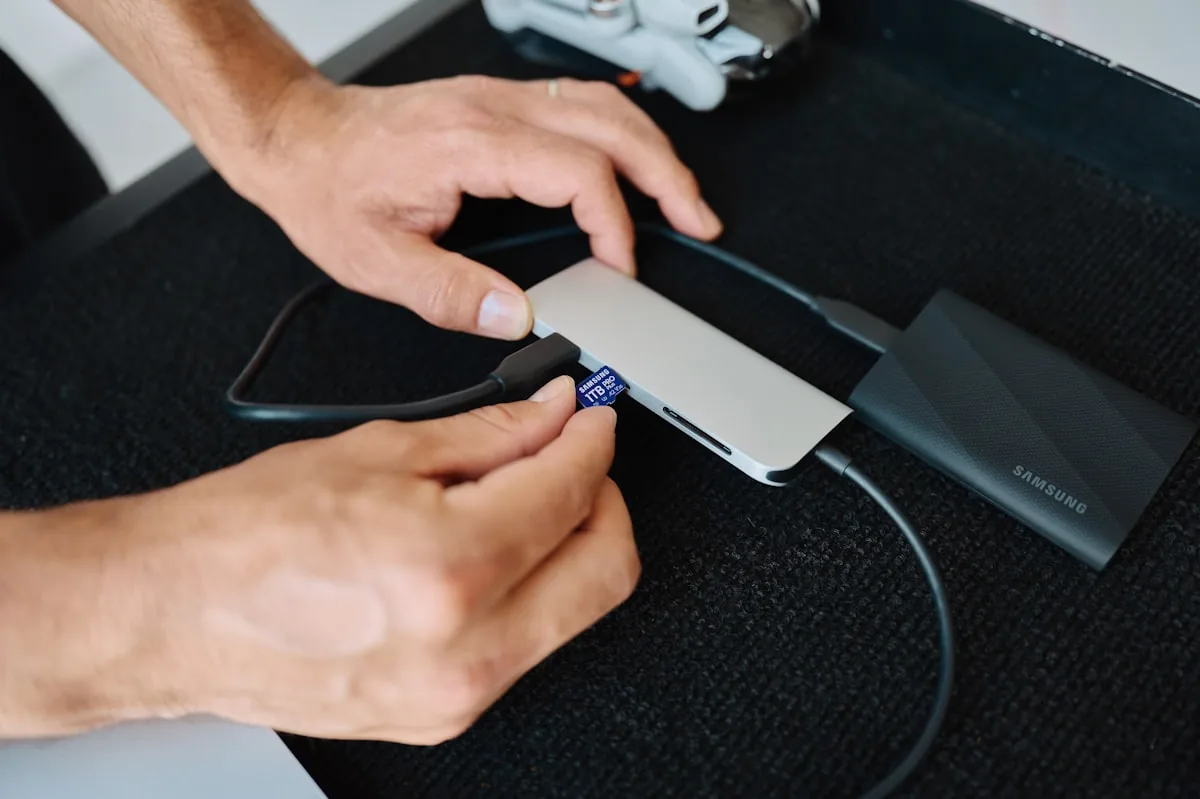
A monitor with USB-C and a hub can be the cleanest one-cable setup on a desk. It can also leave you short on ports, power, or switching once the setup gets heavier.
By Vladimir Fedorov
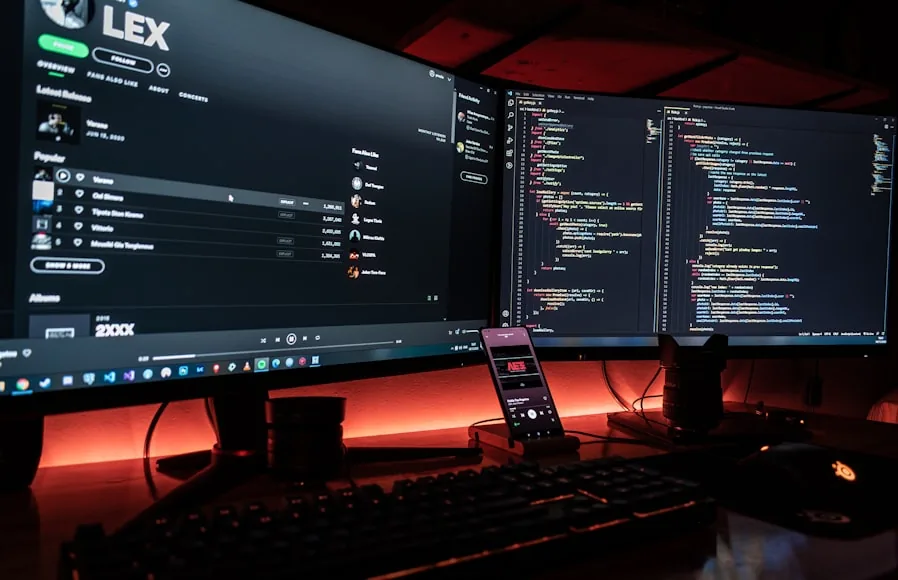
The keyboard and mouse are usually the easy part. The real friction starts when the webcam, mic, and work-laptop limits enter the same desk.
By Vladimir Fedorov
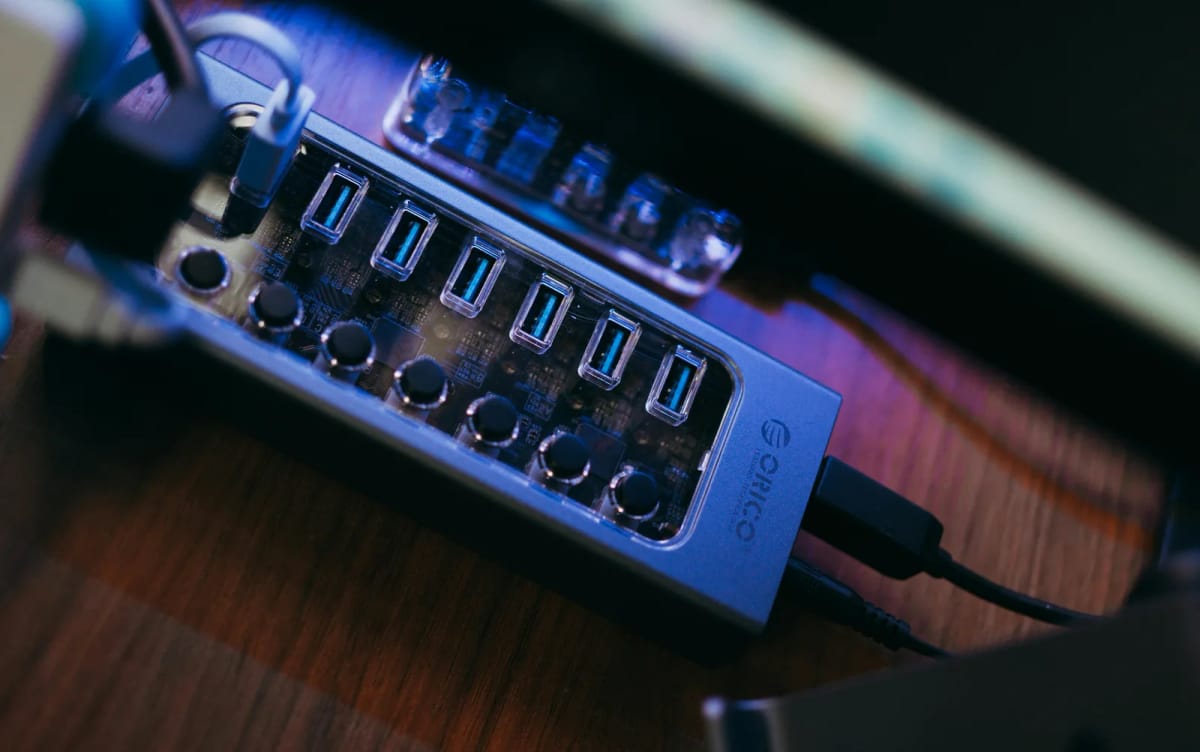
A lot of people buy a KVM too early. Sometimes a USB switch and decent monitor inputs solve the real problem with less cost, less clutter, and less setup drama.
By Vladimir Fedorov
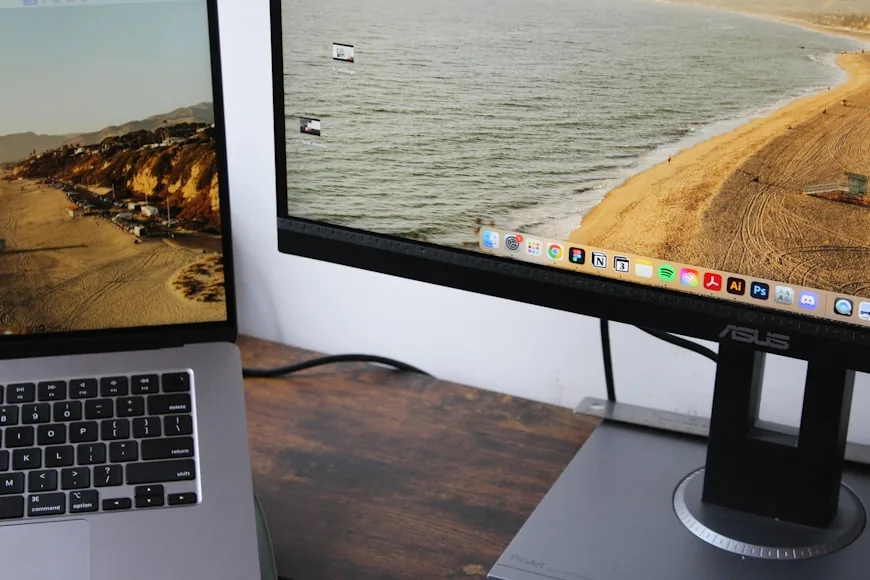
I thought the extra laptop screen was helping. Most days it was just pushing my keyboard forward, my mouse outward, and my monitor off-center.
By Vladimir Fedorov
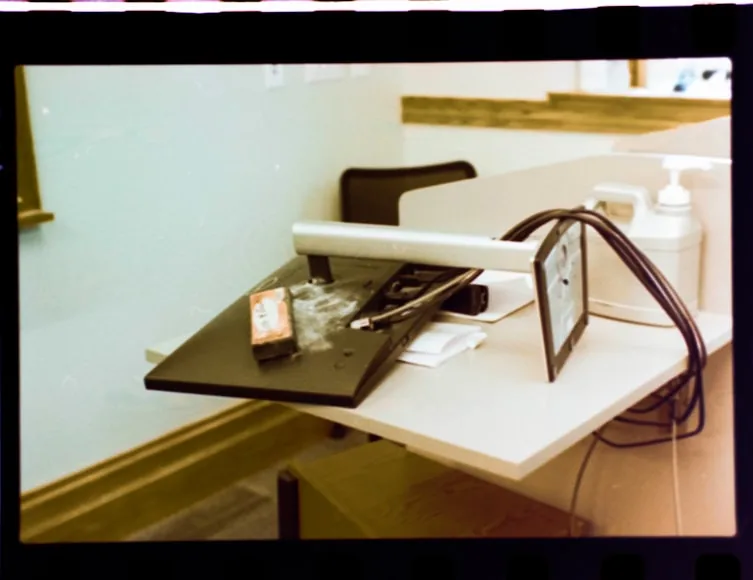
I was ready to blame the desk. The real space thief was the monitor stand pushing the screen forward and the keyboard to the edge.
By Vladimir Fedorov
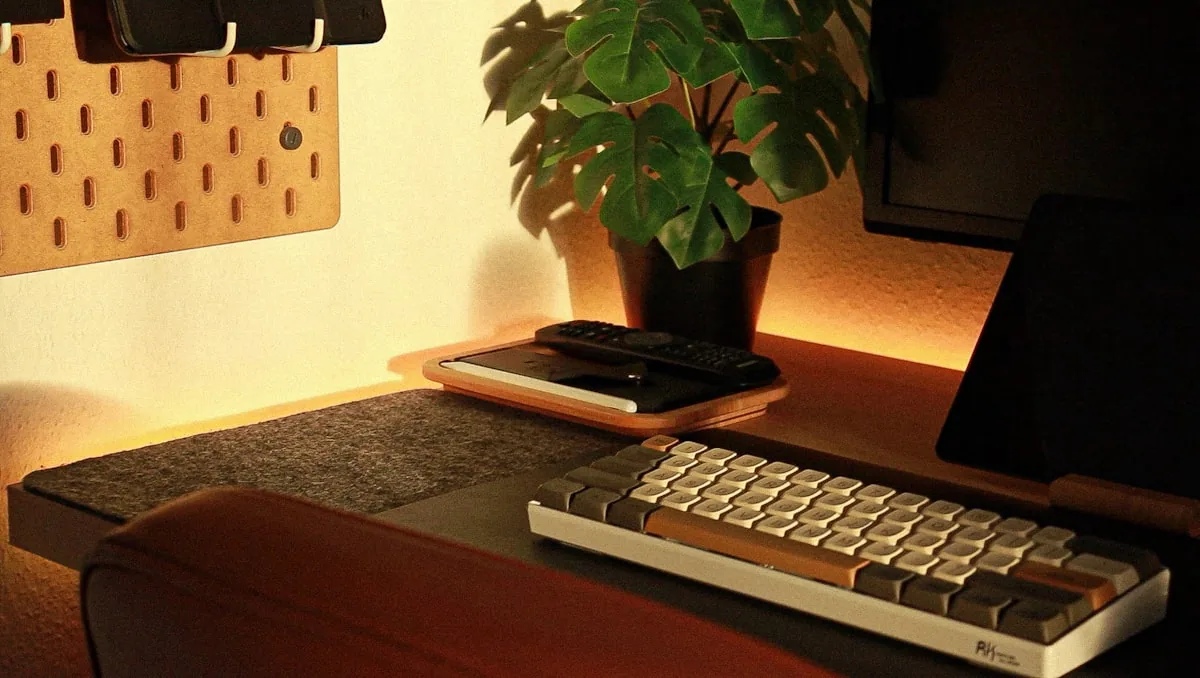
If your setup feels off but you do not know what deserves money first, this 5-minute test exposes the real bottleneck before you buy the wrong upgrade.
By Vladimir Fedorov
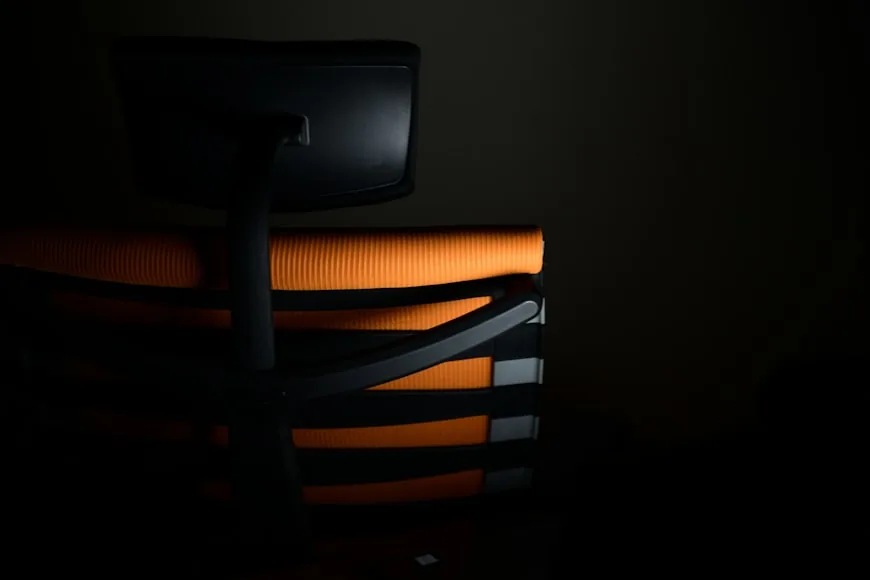
A better chair helps, but it won’t fix long‑sit discomfort if the desk height, seat depth, or foot support are off.
By Vladimir Fedorov
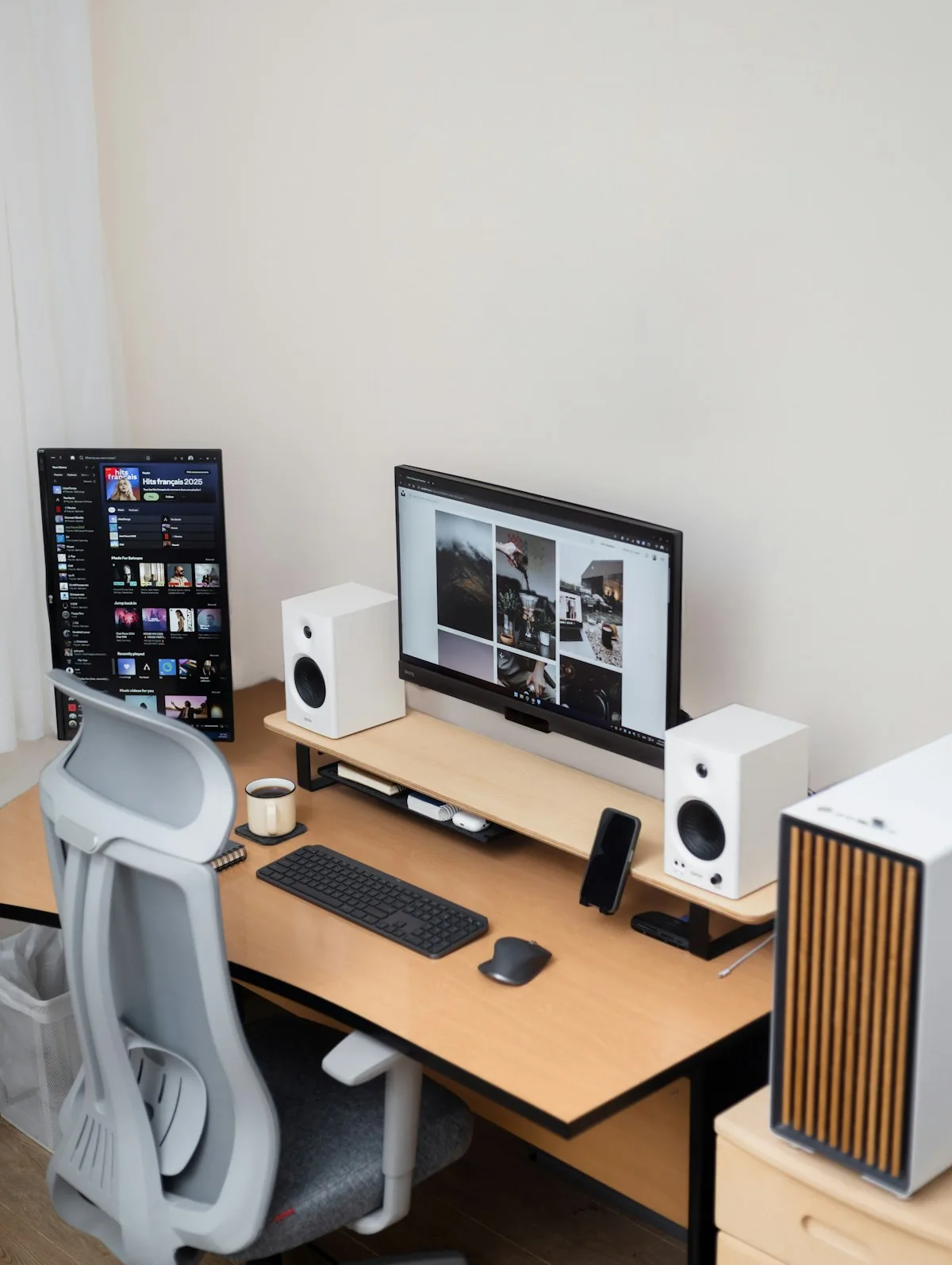
If your dual screens feel worse than one, it’s usually a layout problem: off‑center primary, wide gaps, or mismatched heights.
By Vladimir Fedorov

I kept buying desk accessories because my workspace felt cramped. The real fix was reclaiming the primary work zone at the front edge.
By Vladimir Fedorov
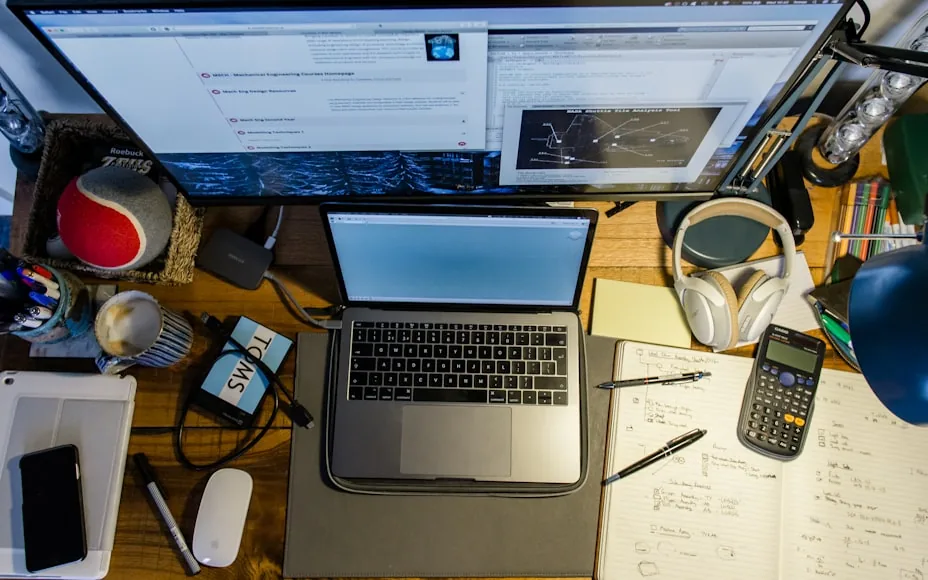
Messy workflow days usually come from a broken working zone, not too many items. This 15-minute reset rebuilds the desk so the workflow feels calm again.
By Asikur Rahman

If your eyes feel fried by mid‑day, glare is often the real culprit. A small change to monitor angle and light placement fixes more than most upgrades.
By Asikur Rahman