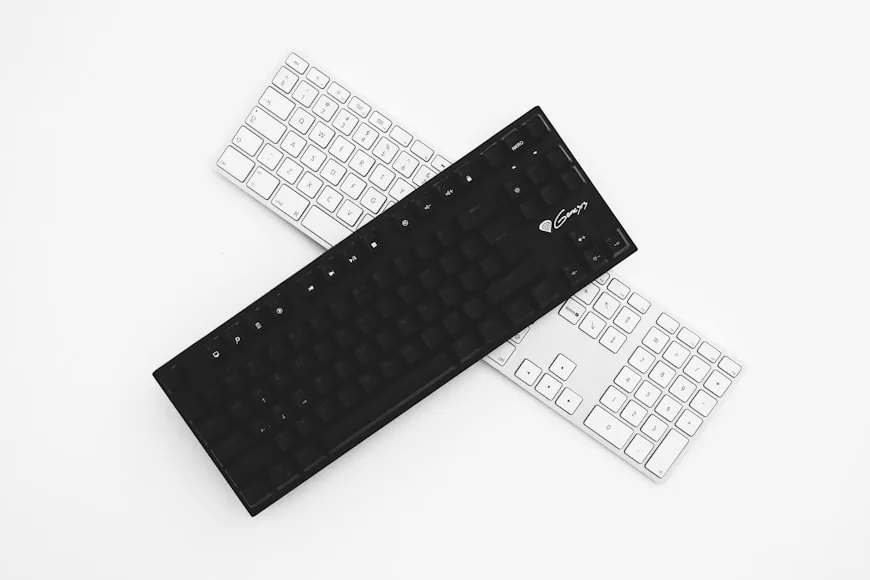

The default work keyboard is still the full-size board.
That makes the decision feel settled before it starts. A full-size layout looks normal, offers every key, and avoids any relearning. For plenty of people, that is enough reason to stop thinking about it.
The trouble is that keyboard size is not only about keys. It also decides where the mouse goes. On many desks, especially shallow or crowded ones, that is the part that matters more.
A full-size keyboard can be completely justified. It can also be an expensive habit. The only useful way to judge it is to look at the work itself.
Quick answer: How much desk space does a full-size keyboard and mouse need?
A typical full-size keyboard is about 17 to 17.5 inches (43 to 44 cm) wide and 5 to 5.5 inches (13 to 14 cm) deep. Add a mouse and the space it needs to move, and the combined footprint is roughly 23 to 25 inches (58 to 64 cm) of desk width.
For comfortable daily use, you also need:
About 10 to 12 inches (25 to 30 cm) of depth in front of the monitor for the keyboard and mouse zone.
At least 4 to 6 inches (10 to 15 cm) of clear space to the right of the keyboard for mouse movement, more if you use a large mousepad.
A desk that is at least 20 inches (50 cm) deep if the keyboard and mouse sit on the main surface with the monitor behind them. Deeper is better.
If your desk is narrower than about 40 inches (100 cm) or shallower than 20 inches, a full-size keyboard will force the mouse into an uncomfortable position. That is when a tenkeyless or compact layout recovers real working space.
For the full decision framework, read on.
The main cost is usually mouse position, not typing comfort
Very few people struggle to type on a full-size board. The problem usually appears to the right of it.
Once the numpad and extra navigation keys are added, the mouse shifts outward. That change sounds small until it becomes the position your arm returns to hundreds of times a day. The desk may still look tidy, but the keyboard and mouse stop working as one zone.
That is why workstation guidance keeps coming back to keyboard width. CCOHS notes that the extra keys to the right of the main typing area make it harder to keep the mouse in an easy reach zone, and it explicitly says a shorter keyboard can recover about 4 inches of space beside it. OSHA makes the same point from the buying side: if the job does not normally require a keypad, a keyboard without one can bring the mouse closer.
That is the real tradeoff. A full-size keyboard does not just occupy more desk width. It changes the placement of the device your hand touches almost as often as the keyboard itself.
When a full-size keyboard is clearly the right call
There is no reason to force a smaller layout if the right-side keys are doing real work.
Full-size still makes sense for spreadsheet-heavy work, data entry, finance tasks, reporting, and any routine that genuinely uses the numpad instead of tolerating it. The same applies if you rely on the full navigation cluster all day. Some people use Insert, Home, End, Page Up, Page Down, and Print Screen constantly. Others move between standard office keyboards at home and at work and do not want to retrain muscle memory around a more compact layout.
That is a practical case, not a sentimental one.
If the right side of the board saves time every hour, then the layout has earned its width. The question then becomes a desk question: do you still have enough room to keep the mouse close and usable after choosing that keyboard?
Where full-size starts to look wasteful
The opposite pattern is easy to miss because it does not feel dramatic.
A lot of office workers use the alphas, modifiers, arrow keys, and function row all day, while the numpad gets touched a few times and the nav cluster only when a specific task demands it. In those setups, the full-size board keeps charging rent for keys that are not carrying much of the workload.
That is the group most likely to benefit from something shorter.
A TKL is the obvious first step because it removes the numpad without changing the main typing area. For many desks, that alone is enough. The keyboard centers more naturally, the mouse comes inward, and the whole input area starts feeling less spread out. That is why How to position your keyboard and mouse for shoulder comfort matters so much here: the gain is not aesthetic, it is geometric.
If the desk feels better the moment the mouse comes closer, the full-size layout was probably costing more than it was giving back.
The middle ground is usually better than the argument
Keyboard-size debates often get flattened into two positions: keep everything or strip everything down.
Real desks are more flexible than that.
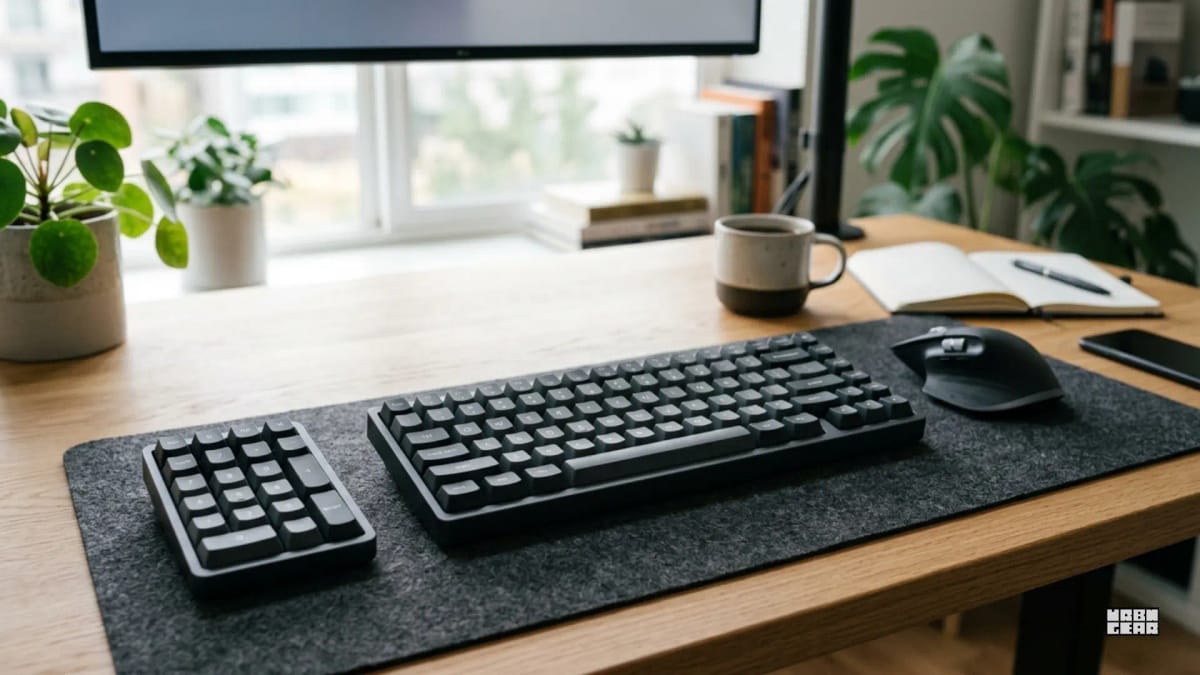
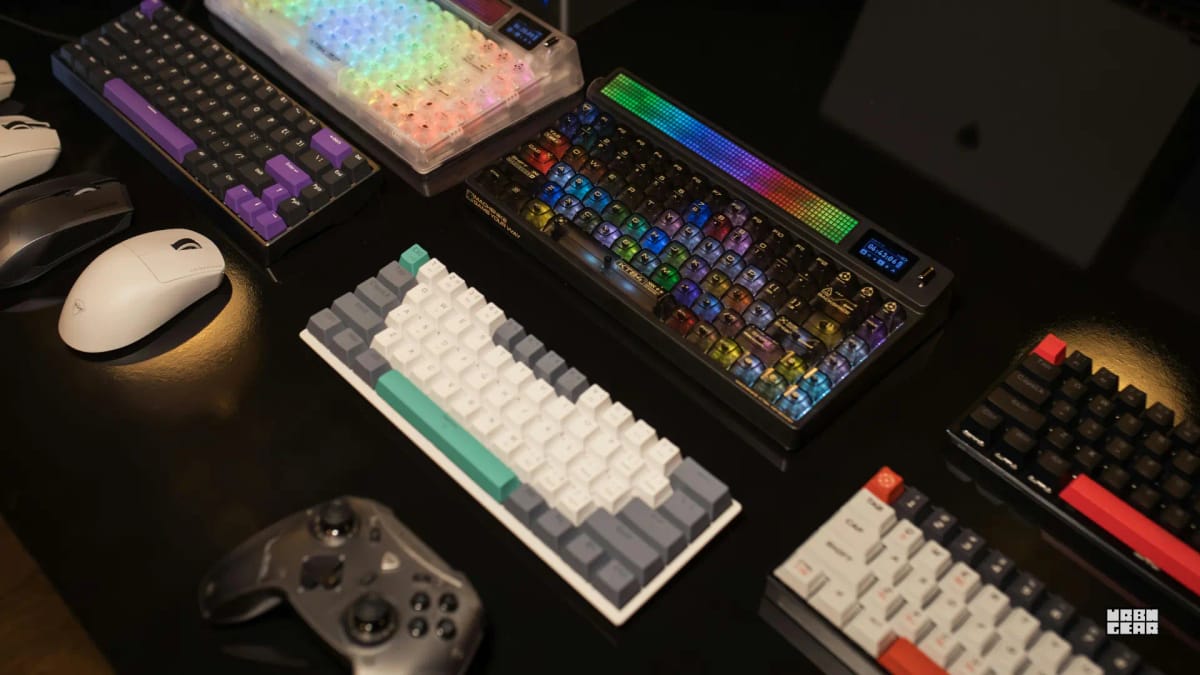
If number entry matters sometimes but not constantly, a separate numpad is a reasonable compromise. It keeps the desk narrower most of the time and puts the numbers back within reach when needed. Some users prefer compact full-size layouts such as 96% or 1800 boards for the same reason. They keep more keys while cutting some width.
Those options are not automatic wins. Some people try a compact board and immediately miss the spacing or the dedicated nav keys. Others discover that a 96% board is still wide enough to leave the mouse farther out than they want. The point is not that one layout always wins. The point is that the market has more than two honest answers.
A quick way to decide without buying anything
Before replacing the keyboard, test the workflow that exists right now.
For one normal work session, notice two things only:
how often you truly use the numpad and the full right-side navigation block
whether the mouse ever feels farther out than it should
Be strict about the first point. Count actual use, not attachment. A lot of people like the idea of a full-size layout more than they benefit from it.
Then check the desk. If the mouse already feels slightly too far out, or if the keyboard and mouse never feel like one centered unit, the width of the keyboard deserves suspicion. If the mouse position feels fine and the numpad is constantly earning its place, that suspicion disappears pretty quickly.
This is a more reliable test than reading keyboard forums because it starts with the work, not the hobby.
The practical answer
Choose full-size when the numpad and the full navigation area are part of the real job.
Move shorter when those keys are mostly occasional convenience and the mouse is paying the bigger price.
That is usually the cleanest way to think about it. Not as a debate between old and new layouts, and not as a personality test about what kind of keyboard user you are. Just a simple question of whether the extra width is solving enough to justify the space it takes from the rest of the desk.
What switching keyboard size actually changes on the desk
The case for a smaller keyboard is strongest on shallow or narrow desks, where the width of the input zone directly competes with other surface needs.
On a desk 48 inches wide or larger, a full-size keyboard rarely forces the mouse into a truly awkward position. The surface has room for both, and the tradeoff barely registers. On a desk under 40 inches, every inch of keyboard width has a direct effect on whether the mouse can stay within a comfortable reach zone.
Depth matters too. A full-size board on a shallow 20-inch desk can mean the keyboard overhangs the front edge, or the monitor is too close, or both. A TKL or 75% layout recovers width but not depth. If the desk is both narrow and shallow, even a more compact board may not solve the real constraint — the desk itself may be the limiting factor.
Before blaming keyboard size, check whether the desk is giving your hands enough depth to work comfortably in the first place.
The wrist angle effect most people overlook
Keyboard width affects more than mouse position. It also affects wrist angle during typing.
A full-size board, especially one placed centered on the desk, can force the wrists to angle outward to reach the alphanumeric keys at a neutral typing position. This is more noticeable for users with narrower shoulder width. A shorter board allows the hands to sit closer together and more naturally aligned with the forearms.
This is not a reason to automatically switch to the smallest layout available. Some people type naturally at a wider hand position and find narrow keyboards uncomfortable. But it is worth testing whether a slightly shorter board changes the resting posture of your wrists across a long session — not just in the first five minutes.