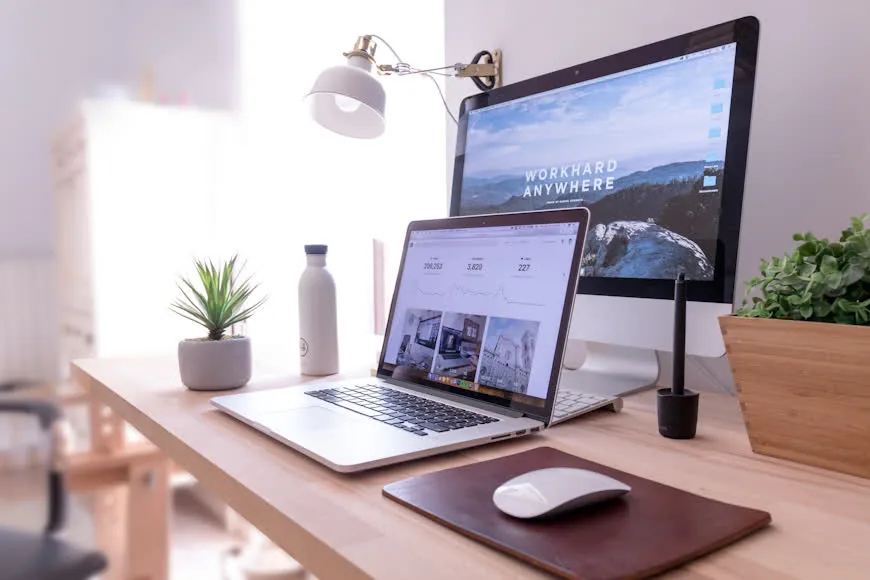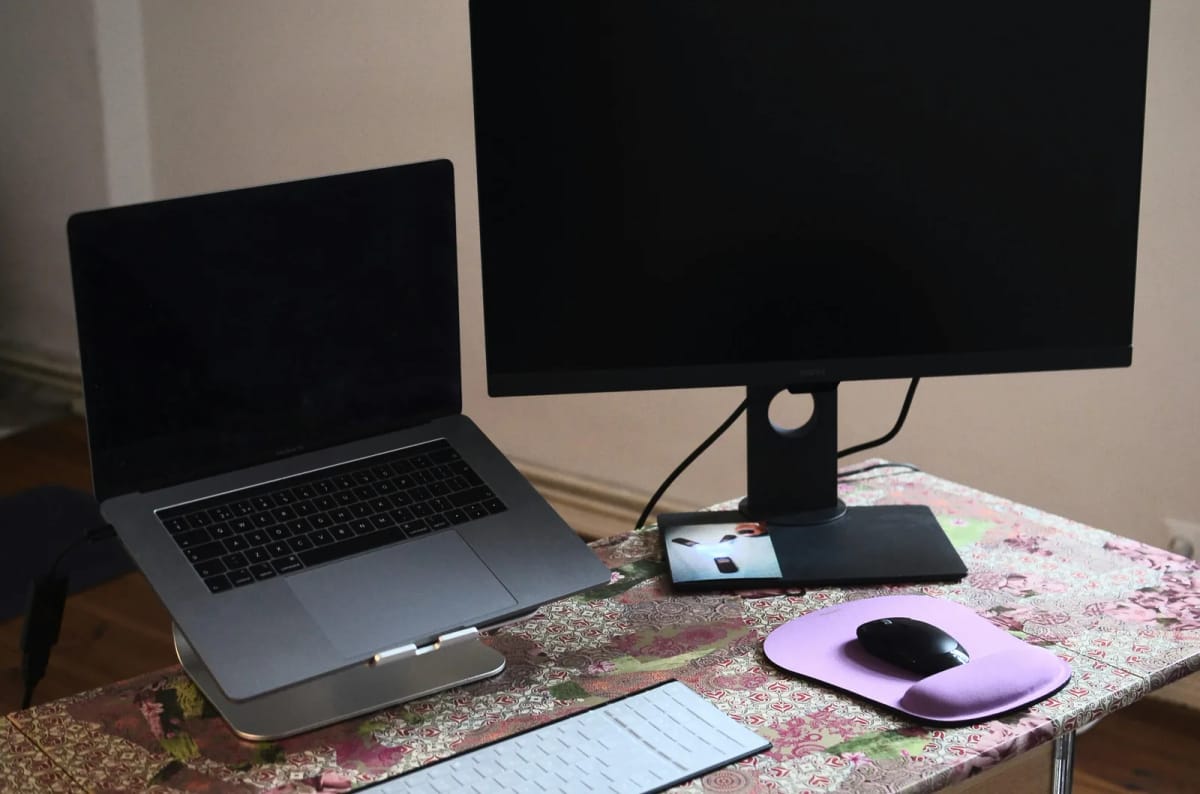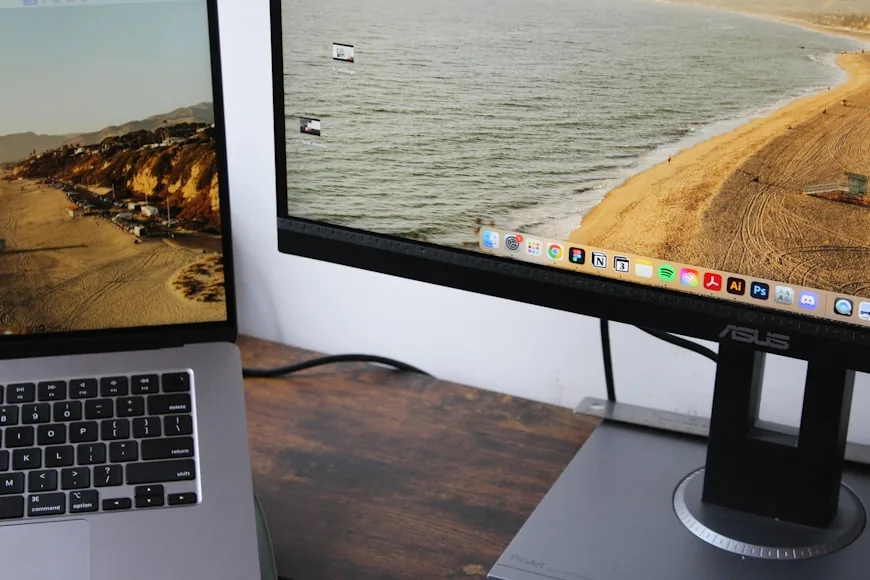

I kept my laptop open beside my monitor for longer than I should have.
It felt sensible. I already had the laptop, I already had the monitor, and keeping both screens active seemed like the easy way to make room for chat, email, notes, and the small windows that stay open.
From the chair, though, the desk never felt settled. The keyboard kept sliding toward the front edge. The mouse sat too far out. The monitor was never where my body wanted it, because the open laptop was quietly demanding part of the middle too.
The setup only looked like it gave me more space. In daily use, it was taking space away from the part of the desk that needed to stay clear.
Why it looked smart but worked badly
The problem was not that two screens are always bad. The problem was that I was treating both screens as if they deserved the same importance on a desk that did not have room for that.
An open laptop beside a monitor does more than add another screen. It creates a second focal point. The monitor stops owning the centerline, the keyboard stops feeling naturally centered, and the mouse starts working around whatever space is left.
I thought the desk felt cramped because it was too small. In reality, it was being forced into an awkward shape by one extra object that kept pretending to be useful all day.
The desk did not lose width first. It lost its center
The monitor wanted to sit directly in front of me. The keyboard and mouse wanted to live together in the same calm strip of desk. The laptop wanted just enough room to stay open, visible, and reachable. Those three demands sound reasonable until they all land on one smaller desk at the same time.
The real loss was not a few inches of width. It was the center of the desk.
That center matters because it is where your hands land and where the main screen should make sense. Once the laptop took part of that zone, everything else had to bend around it.
I also noticed another trap: when the laptop stayed open and flat, I kept using it like a half-screen and half-keyboard. I would glance down, tap the trackpad, then come back to the monitor. None of it felt dramatic in the moment. Over a full day, it made the desk feel busy and slightly wrong the entire time.
What changed when I stopped treating both screens as equal
I stopped trying to make the setup look balanced from across the room and started making it work from the chair. The external monitor became the clear main screen. It went directly in front of me. The keyboard stayed centered under it. The mouse stayed beside the keyboard.
Then the laptop had to earn its place.
If it was going to stay open, it had to act like a true side screen. That meant moving it off to one side, raising it so I was not constantly looking down at it, and letting it hold the things that genuinely benefited from a second glance. Chat was fine there. Music was fine there. A reference document was fine there. The main work was not.
The desk felt better almost immediately. The surprising part was not that the setup looked cleaner. The surprising part was that it felt calmer. I was no longer splitting the middle of the desk between two screens that both wanted attention.
On days when the laptop was doing almost nothing, I stopped keeping it open out of habit. That is where Vertical laptop stands for clamshell setups and Laptop docks that keep small desks cleaner start making more sense than another desktop organizer ever will.
When I would still keep the laptop open
I would keep the laptop open if it is honestly doing second-screen work, not symbolic work.
If you need a place for messaging, meeting controls, notes, or a live reference while the monitor handles the real task, an open laptop can still make sense. But it has to stay in the role of side screen.
That usually means two things: the laptop sits to one side, not half in front of you, and if it stays open for hours, it gets raised instead of lying flat on the desk.
If the laptop is open mostly because closing it feels wasteful, that is not a workflow.
The test I would do before buying anything
Before buying a bigger desk, a monitor arm, or another accessory, I would run one very boring test for a day:
Center the monitor where you actually want to work.
Put the keyboard and mouse where your hands naturally want to land.
Move the laptop fully to the side on a stand, or close it for the day.
Work like that long enough to notice whether the desk suddenly feels calmer.
If the answer is yes, the laptop was not adding useful space. It was breaking the layout.
If the desk still feels cramped after that, the desk may really be too shallow, the monitor support may be stealing depth, or the workflow may truly need more room. That is where How to set up one monitor and a laptop on a small desk and I thought I needed a bigger desk, but my monitor stand was the real problem become the better next reads.
What I would not do anymore is assume that an open laptop is automatically helping just because it gives me one more screen. Sometimes it is. Sometimes it is the thing quietly ruining the whole desk.
The cable problem that comes with two active screens
Two active screens almost always means two power cables and, depending on whether the laptop charges over USB-C or MagSafe, at least one additional charging run across or under the desk.
That cable overhead is worth thinking about before committing to the dual-screen layout. If the cables have nowhere clean to go, they end up across the working surface or dangling off the back, which makes the desk feel messier than it is. A simple cable tray under the desk edge, or routing the charging cable behind the desk leg, makes the two-screen layout feel intentional rather than improvised.
If you are going to keep the laptop open long-term, solve the cable routing first. It changes how the whole setup feels.
What about a KVM or dock?
If you use the laptop for work and the monitor connects to a desktop or another machine, this question gets more complicated. A dock or KVM lets you switch input without physically moving anything, which reduces the friction of having two machines on one desk.
But a dock also adds another object to the desk unless it is mounted underneath or behind the monitor. Before adding one, it is worth asking whether the friction it solves is actually a daily problem or just an occasional inconvenience. Most people who switch machines fewer than three or four times a day find that physically plugging in one cable when they switch is not the bottleneck it felt like.
If you do switch frequently, Laptop docks that keep small desks cleaner is the right place to start.
The habit that keeps the setup working
The harder part of this setup is not the physical arrangement. It is the habit of keeping the laptop in its actual role.
The open laptop drifts back toward the center because it is familiar and reachable. Notifications pull your eyes to it. A quick task becomes a reason to use it as a primary screen for twenty minutes. By the afternoon, the layout has quietly reverted to the one that was not working.
The only reliable fix is making the role difference physical, not just intentional. A laptop stand that puts the screen at a clearly secondary angle, or a position that makes reaching the trackpad slightly inconvenient, signals to your hands which screen is primary and keeps the habit from reversing.