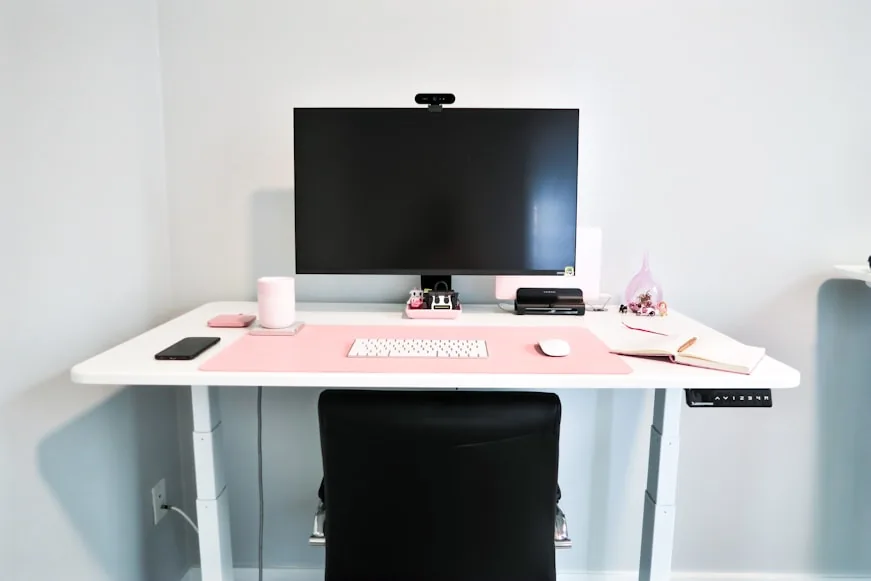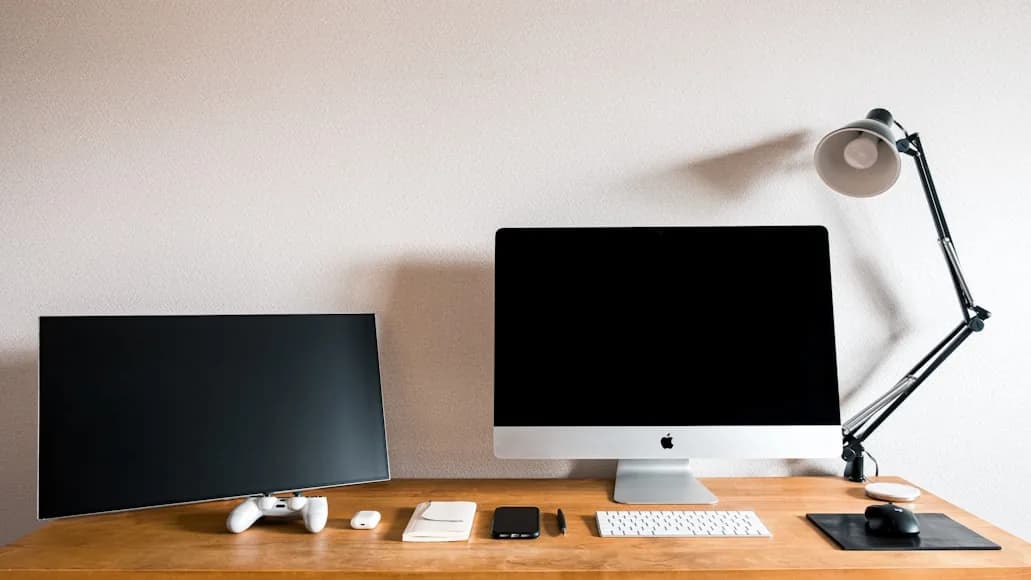

Dual monitors and compact desks can work together.
They just stop being forgiving.
That is the part most roundup posts skip. A desk does not become “dual-monitor friendly” only because it is wide enough to physically hold two screens. The better question is whether the desk still feels usable after you add the monitor stands or arms, the keyboard and mouse, normal viewing distance, and some room for cables, charging, or a notebook.
That is why the best compact desk for two monitors is rarely the tiniest desk you can buy. It is the smallest desk that still lets the setup feel calm instead of cramped.
For this list, the focus is on official dimensions, height range, load capacity, and small-space fit. The goal is not to pretend every compact desk can comfortably handle a serious two-monitor setup. The goal is to identify the few desks that make sense once the real ergonomics are accounted for.
- strict compact standing desk: Branch Duo Standing Desk
- premium 24-inch-deep platform: UPLIFT 24" Deep Standing Desk
- all-around comfort-first compact desk: Vari Ergo Electric Standing Desk 54x26
- fixed-height compact desk: Branch Daily Desk
How we narrowed the list
For a dual-monitor desk, width alone is not enough.
The desks here had to clear a more practical filter: enough real width and depth to keep two screens from swallowing the work zone, official height-range or fixed-height details that still make everyday typing believable, load and frame specs sturdy enough for heavier monitor hardware, and a compact footprint that still makes sense in an apartment, bedroom corner, or shared room.
That is why this list stays short. Plenty of compact desks can physically hold two monitors. Far fewer still feel calm once the screens, input gear, and normal viewing distance are in place.
A compact sit-stand desk that makes the 48 x 24 format feel intentional instead of stripped down, with a cleaner frame and enough adjustment for real daily use.
- Official 48 x 24-inch size option
- 19.3-inch adjustment range from 28 to 47.3 inches
- Lift capacity up to 275 pounds
A more forgiving compact footprint that gives dual monitors extra breathing room without jumping to a huge executive-style desk.
- 54 x 26-inch desktop
- Adjusts from 25 to 50.5 inches
- 200 lb capacity with desktop cable grommets
A simple fixed-height desk that stays compact but gives more usable depth and width than stricter 48 x 24 options.
- 58 x 27 x 28.5-inch size option
- Compatible with monitor arm, cable organizer, and desk drawer
- 10-year warranty
What actually makes a compact desk work for two monitors
The most important point is that compact and dual-monitor capable are not the same thing.
For most people, 48 x 24 is the strict compact limit, 54 x 26 feels more realistic for daily comfort, and 58 x 27 is where the setup usually starts feeling easier instead of merely possible.
That does not mean 48 x 24 automatically fails. It means 48 x 24 usually works best when the monitors are 24 or 27 inches, you use monitor arms for small desks or compact stands, you keep the keyboard and mouse placement disciplined, and you are not trying to turn the desk into a giant all-purpose surface.
If you want the deeper reasoning behind that, pair this roundup with How deep should a desk be for one monitor vs two?. Desk width matters, but front-to-back depth is usually what decides whether a compact dual-monitor setup feels workable or quietly annoying.
1. Branch Duo Standing Desk
Branch Duo earns the “strict compact” recommendation because it is one of the clearer official cases for a modern 48 x 24 sit-stand desk that still feels intentionally designed.
Branch’s current product materials list a 48 x 24-inch size option, 19.3 inches of adjustment range, height from 28 to 47.3 inches, lift capacity up to 275 pounds, plus rounded corners, a cable notch, and optional cable/storage accessories.
That is the right feature set for someone who genuinely needs the desk to stay small.
The important part is not just that Branch offers a compact top. The desk is being positioned as a desk for rooms where footprint actually matters. That makes it more believable as a compact dual-monitor candidate than a larger standing-desk system that merely happens to offer one smaller size among dozens of configurations.
This desk makes the most sense if:
you need a true small-room footprint; you are willing to use monitor arms or disciplined stands; you want sit-stand flexibility without going oversized.
Strong fit for: people who need the smallest viable standing desk that can still support a careful two-monitor setup.
Main tradeoff: 48 x 24 is still a compromise. If you want a looser, more forgiving desk surface, this is not it.
2. UPLIFT 24" Deep Standing Desk
UPLIFT is the more system-oriented choice.
Its official current frame documentation is especially useful because it acknowledges a problem many compact-desk buyers run into: normal standing-desk feet and accessories are not always optimized for shallow tops. UPLIFT’s V3 standing-desk frame specs call out short feet for 24-inch-deep desks, 355 lb lifting capacity, and free wire management included.
That is why UPLIFT stands out here even though it can be easy to think of the brand as “bigger desk” territory. The company is one of the few major standing-desk brands that clearly documents compact-depth support as part of the system rather than leaving buyers to infer it.
This matters most if your room is narrow and the desk truly needs to stay around 24 inches deep, but you still want a premium frame, cleaner cable management, a more modular accessory path, and enough confidence for a two-monitor setup with arms.
If you are the kind of buyer who treats the desk as a workstation platform rather than only a tabletop, UPLIFT is usually the stronger premium answer.
Strong fit for: compact rooms where 24-inch depth is non-negotiable and the setup will be more deliberate.
Main tradeoff: it is easier to overbuild and overspend if your actual needs are simpler.
3. Vari Ergo Electric Standing Desk 54x26
Vari Ergo 54x26 is the best “comfort-first compact” desk in this group because it gives you a little more of the dimension that often matters most: usable breathing room.
Vari’s current official page and spec materials show a 54 x 26-inch desktop, height adjustment from 25 to 50.5 inches, 200 lb capacity, a rounded waterfall edge, cable passthroughs with grommets, and ANSI/BIFMA language on the product documentation.
That extra width and depth do not sound dramatic on paper, but in real use they matter. Compared with a stricter 48 x 24 desk, 54 x 26 gives a dual-monitor setup more room to breathe. The displays can sit a little easier, the keyboard and mouse do not crowd the front edge as quickly, and the whole desk feels less like a puzzle.
This is the desk I would lean toward if the goal is not “smallest possible footprint” but “still compact, yet noticeably easier to live with every day.”
Strong fit for: people who want a compact desk that feels more forgiving for real two-monitor work.
Main tradeoff: it is not as small as a strict 48 x 24 desk, so the room still needs to support a slightly larger footprint.
4. Branch Daily Desk
Branch Daily Desk is the smartest fixed-height option when you want compact dimensions without the cost or mechanical complexity of a standing desk.
Branch’s current Daily Desk product details list a 58 x 27 x 28.5-inch size option, compatibility with Branch’s Monitor Arm, optional Cable Organizer and Desk Drawer, a 10-year warranty, and a compact-footprint design with a cable notch and rounded edges.
That makes Daily Desk more relevant for dual monitors than many smaller fixed desks.
The reason is simple: 58 x 27 is still compact enough for a lot of apartments, bedrooms, and smaller offices, but it gives a noticeably calmer layout for two screens than 48 x 24. If you know you do not need to alternate between sitting and standing, this is often the cleaner buy because the money goes into the desk surface and fit rather than the lifting frame.
It also makes more sense if your monitors already live on arms and you mainly want:
a stable top; a compact visual footprint; optional under-desk organization; fewer moving parts.
Strong fit for: people who want a clean compact dual-monitor desk and do not actually need sit-stand functionality.
Main tradeoff: fixed height is the whole tradeoff. If standing time matters to you, one of the electric desks above is the better route.
When 48 x 24 is enough and when it is not
This is where most buyers need the clearest answer.
48 x 24 is enough when:
you use two smaller monitors; you mount them on arms or compact stands; you do not need much extra desktop space; the room really benefits from the smaller footprint.
48 x 24 starts feeling tight when:
at least one monitor is 27 inches or larger; the stands take more depth than expected; you want room for a notebook, lamp, or charging area; you prefer the screens a little farther back.
That is why this category naturally splits into two answers:
the smallest viable dual-monitor desk; the smallest desk that still feels comfortable.
Those are not the same product.
Which one should you actually buy?
Use this shortcut:
choose Branch Duo if the desk truly has to stay compact and you still want sit-stand flexibility; choose UPLIFT if you want the most serious compact-depth standing-desk platform, especially around 24-inch tops; choose Vari Ergo 54x26 if you want the most balanced compact desk for daily two-monitor comfort; choose Branch Daily Desk if you want a fixed-height desk that still gives dual monitors enough room to make sense.
That is the practical split.
If you are still not sure whether your room can support the more comfortable options, pair this with:
How to set up a small desk without losing usable space; Compact desks that fit studio apartments; FlexiSpot vs UPLIFT standing desks for small spaces; Standing desks that fit small spaces.
Bottom line
The best compact desk for dual monitors is not always the smallest one on the spec sheet.
If you need the strictest compact standing-desk footprint, Branch Duo is the right place to start. If you want the most intentional premium platform for 24-inch-deep layouts, UPLIFT makes the strongest case. If you want the desk that is still compact but noticeably easier to live with every day, Vari Ergo 54x26 is the smartest balance. And if you do not need a motor at all, Branch Daily Desk is the cleanest fixed-height answer.
The real goal is not just getting two screens onto a desk. It is keeping the setup usable, comfortable, and visually under control after the second monitor arrives.