
Small rooms do not need to give up sit-stand flexibility.
They do need stricter desk discipline than most standing-desk roundups admit.
The small-space mistake is usually not choosing a desk that is too narrow. It is choosing a desk that is too deep, too visually heavy, or too awkward once you account for chair pull-back, cable routing, and the fact that the desk is often living in a bedroom corner, apartment wall, or mixed-use room instead of a dedicated office.
That is why this refresh is built around current official dimensions, height range, load claims, and accessory details rather than generic marketplace listings. The fit calls here are editorial inferences from those current specs, not hands-on testing.
- Strongest strict-compact choice: Branch Duo Standing Desk
- Smart budget compact option: Vari Essential Electric Standing Desk 48x24
- Storage-first compact option: FlexiSpot Comhar Standing Desk
- Most capable premium compact platform: UPLIFT 24" Deep Standing Desk
Engineering Metrics for Small-Space Standing Desks
When evaluating a standing desk for a small room, focus on three engineering metrics:
- Visual Mass: A desk with a "C-frame" (where the legs are offset) feels smaller than a "T-frame" (centered legs) because it clears the knee-space visually.
- Acoustic Resonance: Cheaper dual-motor frames often have a "hollow-tube" resonance that amplifies motor hum. Look for "dampened-column" designs if the desk is in a bedroom.
- Lateral Stiffness (Wobble): At maximum height (45"+), even a 1-inch difference in column thickness can reduce "monitor-wobble" by 40% during fast typing.
How we narrowed the list
For a small room, a standing desk has to do more than move up and down.
The desks here were chosen because they make a credible small-space case on current official specs:
compact depth, especially around the 24-inch mark where rooms usually stay more workable; height range and lifting capacity that still support normal all-day use; storage, charging, or cable-management details that reduce the need for extra furniture; a footprint that still feels believable in bedrooms, studio corners, or mixed-use rooms.
That is why this list favors compact credibility over feature sprawl. A standing desk is only small-space friendly if it still leaves the room usable after setup day.
One of the clearer purpose-built small-room standing desks, with true 36 x 24 and 48 x 24 options instead of treating compact sizing like an afterthought.
- Official 36 x 24 and 48 x 24 size options
- 19.3-inch adjustment range from 28 to 47.3 inches
- Lift capacity up to 275 pounds
A simpler compact electric desk with a current 48 x 24 footprint and a more accessible price point than the more modular premium systems.
- Official 48 x 24-inch size
- Height range from 27.5 to 47.2 inches
- 150 lb capacity and BIFMA testing language
A compact desk for buyers who care more about drawer storage and integrated charging than frame-system modularity.
- Official 47.3 x 23.7-inch desktop
- Height range from 28.3 to 47.6 inches
- Built-in drawer plus USB-A and USB-C charging
The strongest option here if your room truly needs 24-inch depth but you still want a more serious cable-management and accessory platform.
- Official 24-inch-deep configurations including 42 x 24 and 48 x 24
- Current UPLIFT V3 page lists a 22.6 to 48.7-inch height range
- FlexMount cable manager included and C-frame guidance for 24-inch tops
The real small-space filter is depth
For standing desks, small-room fit usually starts with 24-inch depth.
That number keeps showing up for a reason. It is the depth where a desk can still feel usable for a laptop or one-monitor setup without pulling too far into the room. Once you move into the more common 27- to 30-inch-deep range, the desk often stops feeling compact in real life even if the width still looks reasonable on paper.
That does not mean deeper desks are bad. It means they are harder to justify when:
the chair has to tuck into a tight walkway; the desk sits close to a bed or wardrobe; the wall is already doing visual work in a small room; you need cable bends and plugs behind the top without adding clutter.
So this guide is not trying to identify the smallest desk on the market. It is trying to narrow the list to desks that still feel believable once a real room is involved.
1. Branch Duo Standing Desk
Branch Duo is the cleanest answer for readers who need a desk that is genuinely compact first and standing-capable second.
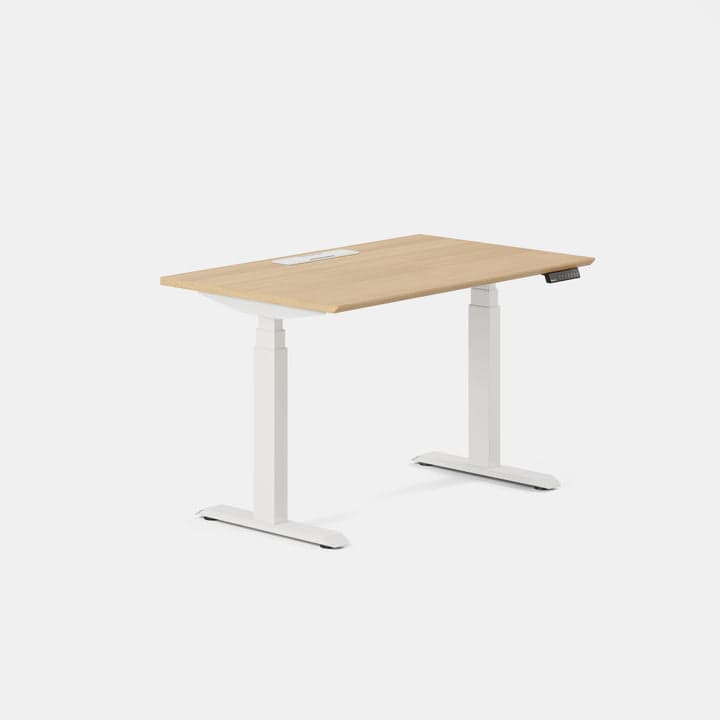
Branch’s current product materials make that case unusually clearly. Duo is offered in 36 x 24, 48 x 24, and 58 x 27 sizes, and the same official page also lists:
lift capacity up to 275 pounds; a 19.3-inch adjustment range; height from 28 to 47.3 inches; optional Cable Organizer and Desk Drawer.
That combination matters because most compact standing desks become convincing only after you mentally fill in the missing details yourself. Branch does less of that guessing game. The desk is being sold as a compact desk on purpose, not as a giant system that happens to offer one smaller top somewhere in the configurator.
The key reason Duo works so well here is the 36 x 24 option. That size is rare enough among mainstream standing desks that it changes the recommendation logic:
if your setup is laptop-first, it is one of the more believable true small-room footprints; if you want a monitor, 48 x 24 is the safer Duo size; if you want more elbow room, the 58 x 27 option starts moving out of strict small-space territory.
Strong fit for: buyers who want the most intentional compact standing-desk footprint, especially in bedrooms, flex corners, or apartment walls where every inch matters.
Main tradeoff: Duo starts higher than some competitors on minimum height, so it is less compelling for shorter users than desks with a lower starting range.
2. Vari Essential Electric Standing Desk 48x24
Vari’s Essential Electric Standing Desk 48x24 is the budget-minded compact pick because it stays disciplined about size without pretending to be a premium workstation platform.
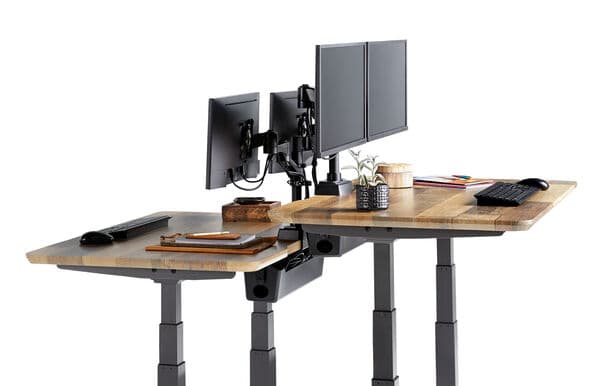
Vari’s current official materials for the Essential Electric Standing Desk 48x24 describe:
a 48 x 24-inch size; height adjustment from 27.5 to 47.2 inches; 150 lb load capacity; T-style legs; testing to BIFMA standards.
That spec set is not trying to win a standing-desk arms race, and that is part of the appeal.
This desk makes sense when the goal is:
a real electric sit-stand desk; a width and depth that do not overwhelm the room; cleaner pricing than the more premium brands; a straightforward home-office setup with one monitor or a light laptop-plus-monitor layout.
The practical catch is that Vari’s own current page notes the desk is not compatible with the Vari Cable Management Tray. That does not make it a bad small-space desk, but it does matter because small rooms punish messy cables faster than big ones do.
So this is the desk I would look at when price discipline matters more than having the richest accessory ecosystem.
Strong fit for: buyers who want a current 48 x 24 electric desk from a known brand without jumping straight into premium pricing.
Main tradeoff: the capacity and accessory story are more modest than what you get from UPLIFT or a more system-oriented desk.
3. FlexiSpot Comhar Standing Desk
FlexiSpot Comhar is the strongest storage-first option in this category because it solves a small-space problem that many otherwise decent standing desks ignore: there is often nowhere clean to put the small stuff.
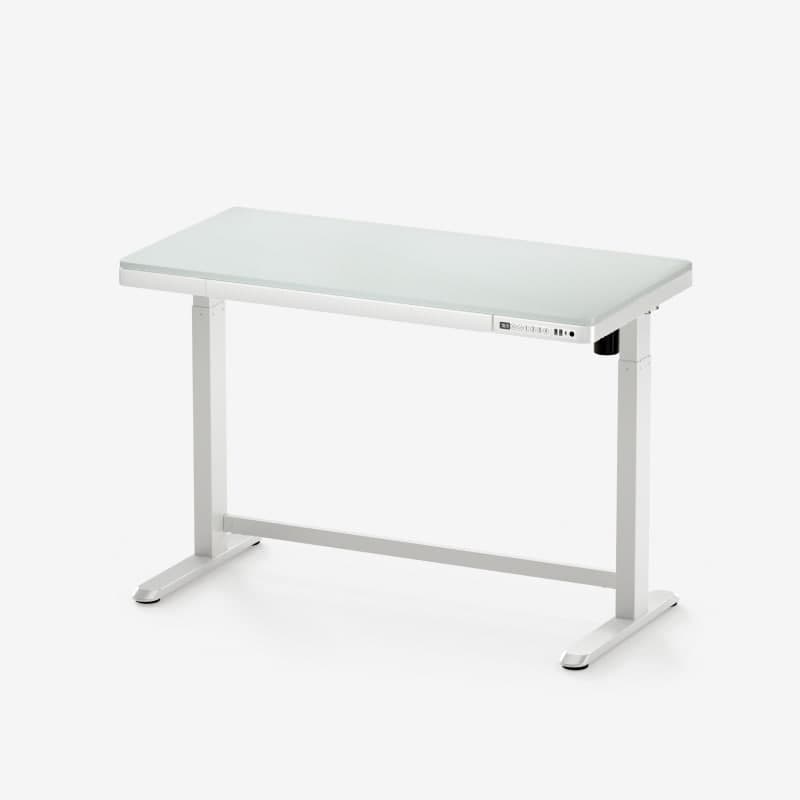
FlexiSpot’s current Comhar materials describe:
a 47.3 x 23.7-inch desktop; height adjustment from 28.3 to 47.6 inches; 110 lb weight capacity; a built-in drawer; integrated USB-A and USB-C charging.
That makes Comhar more specialized than the Branch or UPLIFT options.
It is not the desk I would choose for the most serious monitor-arm-heavy workstation. It is the desk I would choose when the small-room goal is:
hide the small daily clutter; keep chargers easier to access; stay close to the compact 48 x 24 class; make the desk look calmer without buying separate organizers immediately.
That is a real advantage in a room where the desk is always visible.
The downside is that Comhar’s value comes from its integrated format, not from being the most expandable platform. The 110 lb capacity and built-in design make it better suited to lighter everyday setups than to overbuilt accessory-heavy ones.
Strong fit for: smaller rooms where storage, charging convenience, and a tidy top matter more than maximum load or premium modularity.
Main tradeoff: it is more constrained than the stronger frame-platform desks once your setup gets heavier or more elaborate.
4. UPLIFT 24" Deep Standing Desk
UPLIFT is the premium answer for buyers whose room truly needs a 24-inch-deep desk but whose setup still needs to feel deliberate and expandable.
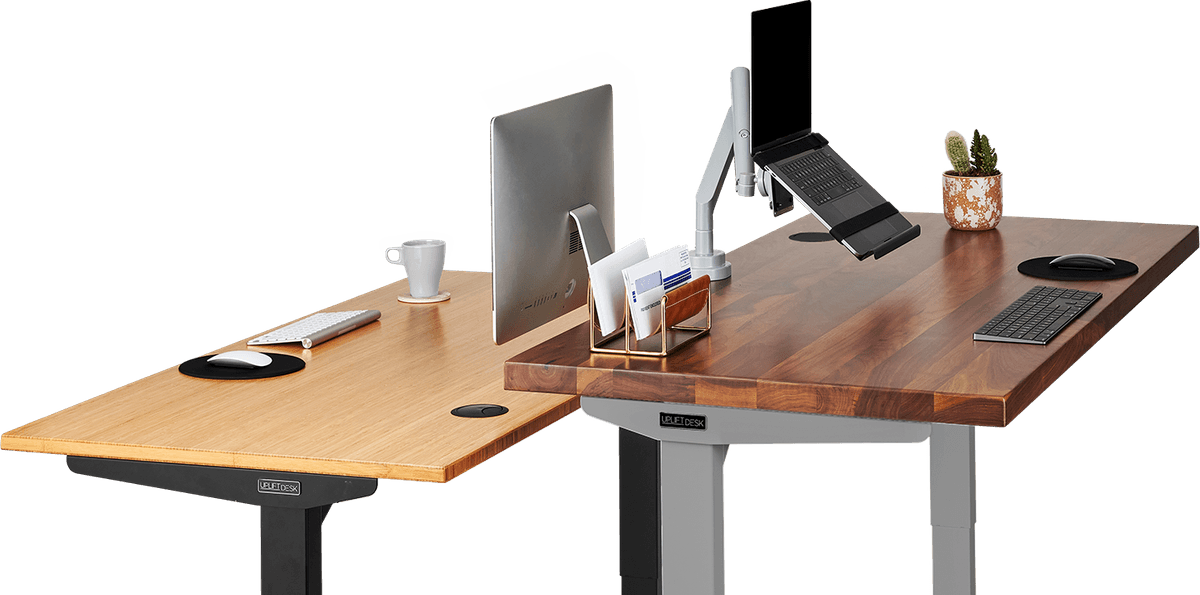
UPLIFT’s current 24-inch-deep desk materials and frame guidance are especially useful because they speak directly to compact-depth fit instead of leaving buyers to infer it. The current product and comparison materials show:
24-inch-deep desktop configurations including 42 x 24 and 48 x 24; current height-range guidance as low as 22.6 to 48.7 inches on the V3 page; FlexMount cable management included; explicit guidance that the C-frame is the right frame for 24-inch desktops.
That is what separates UPLIFT from most small-space standing-desk options.
The desk is not just compact in one SKU. The compact-depth use case is actually part of the system design. That matters if you want to keep the room controlled while also planning for:
monitor arms; under-desk cable routing; accessory mounting; a more serious long-term setup.
This is the most capable compact platform here, but it is also the easiest one to overspend on if your real needs are simple.
So I would choose UPLIFT only when your room is tight and you know you care about platform quality, cable discipline, and long-term setup planning.
Strong fit for: premium small-room setups where 24-inch depth is non-negotiable and the desk is part of a more intentional workstation plan.
Main tradeoff: easier to overbuild, and harder to justify if you mostly want a simple one-monitor desk.
How to choose the right size without overbuying
Use this rule of thumb:
36 x 24 if the setup is mostly laptop-first and the room is genuinely tight; 48 x 24 if you want the default small-space standing-desk size for one monitor or a disciplined laptop-plus-monitor setup; larger than 48 x 24 only if the room is still small but the workflow clearly needs more spread.
That is also the cleanest way to choose between the desks above:
choose Branch Duo if footprint discipline is the main goal; choose Vari Essential 48x24 if you want a simpler compact desk at a friendlier price; choose FlexiSpot Comhar if built-in storage and charging matter more than modularity; choose UPLIFT 24" Deep if you want the most serious compact-depth platform.
If you expect a heavier dual-monitor setup, this guide should be paired with Compact desks that work for dual-monitor setups instead of treated as a standalone answer.
Small spaces reward cleaner cable planning
A standing desk can technically fit and still make the room feel worse.
That usually happens when the cable plan is sloppy.
In a small room, one loose power strip and a few visible drops behind the desk can undo the benefit of choosing a compact footprint in the first place. That is why the strongest small-space standing desks are usually the ones that make it easier to plan:
where the controller sits; where the power strip mounts; how the monitor cable bends; whether storage is built in or added later.
If the room is already tight, the desk should make cable control easier, not become another reason the setup feels busy. Pair this guide with Power strips that keep cable runs cleaner under the desk and How to set up a small desk without losing usable space if you want the desk to actually improve the room rather than just occupy it.
If you are still deciding whether a desk makes sense before you even compare specific models, 7 questions to ask before buying a desk for a small room is the better first stop.