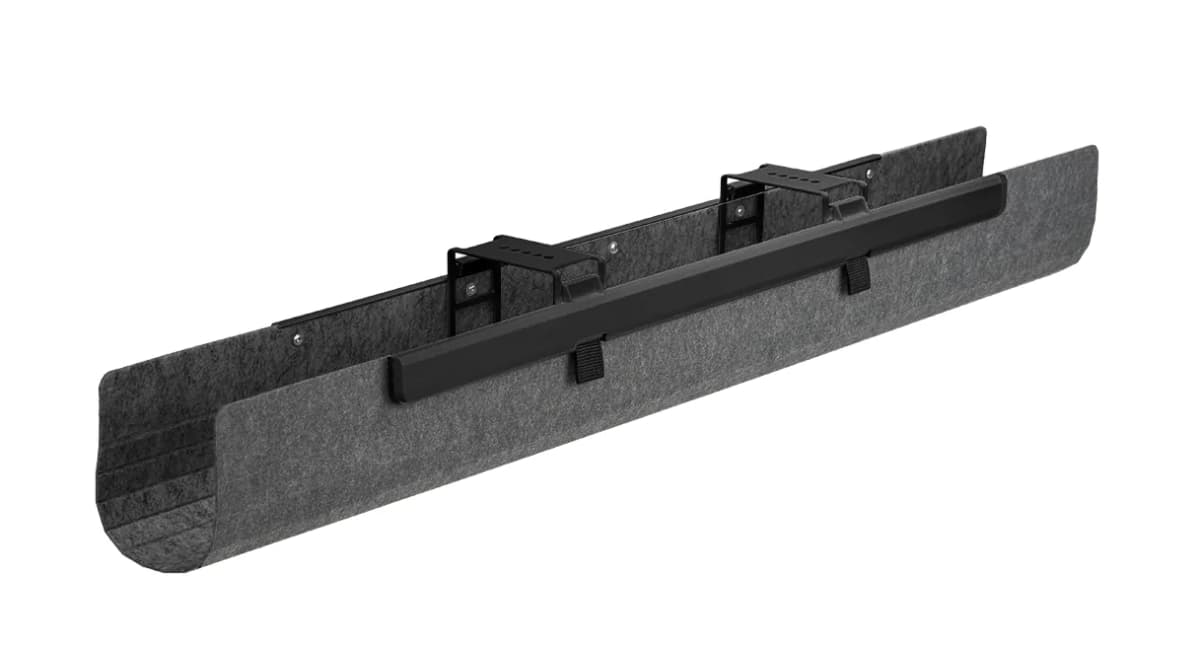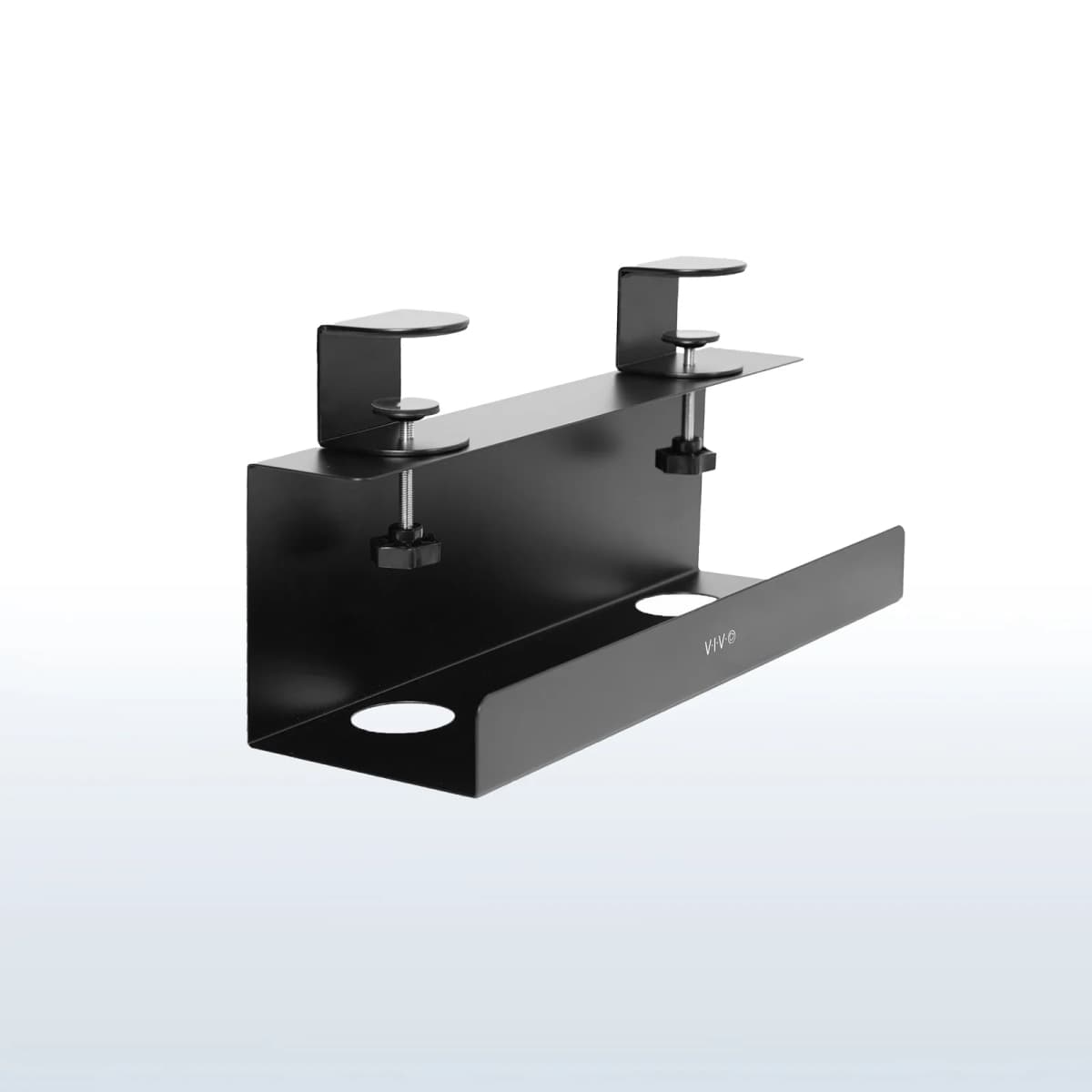

place the cable tray toward the rear third of the desk, keep it out of the center knee zone, and test it from your real seated position before you commit.
That is the principle that matters most.
Mayo Clinic's desk ergonomics guidance says there should be enough room for your legs and feet under the desk and explicitly says not to store items underneath if they shrink that space. OSHA's workstation purchasing guide is more specific: minimum under-desk clearance depth should be 17.6 inches for knees and 24 inches for feet. That means a cable tray is only a good cable fix if it stays out of the space your body still needs.
This is why tray placement matters more on a small desk than on a larger one.
A badly placed tray does not just look messy. It can:
crowd your knees; interfere with a monitor arm; block the best cable-drop path; make the desk feel busier underneath than it was before.
So the right question is not:
where can I screw in a tray?
It is:
where can the tray hold cables without stealing the usable underside of the desk?
Quick answer
On a small desk, the best tray placement is usually:
toward the rear underside of the desk; off the center line if a monitor arm, drawer, or knees need that zone; far enough back that your knees do not contact it when seated normally; close enough to the cable drop that you are not creating awkward loops.
Avoid placing a tray:
near the front edge; in the exact center knee zone unless the desk geometry truly leaves it clear; where your thighs hit while scooting in; where it blocks a monitor-arm clamp or standing-desk frame hardware.
That is the short version.
Why cable trays go wrong on small desks
People often assume the underside is free space.
On a small desk, it is not.
The underside usually has to absorb more than one thing:
your knees; your feet; a monitor arm clamp; a power strip; a standing-desk frame or crossbar; sometimes a drawer or laptop mount.
That is why one large tray can make a small desk feel worse even when it technically solves the cable mess.
The tray may hold the adapters beautifully while quietly taking over the most valuable space under the top.
That is especially common when the tray is:
too far forward; too deep front to back; mounted exactly where your chair naturally rolls in.
The cleaner goal is to keep the tray in the cable zone, not the body zone.
The best default placement: rear third, not front third
For most small desks, the safest default is simple:
mount the tray in the rear third of the underside; leave the front third cleaner for knees and chair-in movement.
That works because the cables usually want to travel down the back of the desk anyway. The rear underside is where:
monitor cables drop; power bricks naturally collect; a strip or bar can live with less daily interference.
The front underside, by contrast, is where your legs and knees feel the desk most directly.
If the tray hangs too far forward, the desk may look neater while becoming more annoying to sit at.
Why the center underside is not always the best spot
The center underside sounds logical because it feels symmetrical.
But on many small desks, the center is already contested.
That is often where:
a monitor arm wants to clamp; a standing-desk frame sits; a cable drop should stay clean; your knees naturally travel when you sit close.
That is why split placement often works better than one central tray.
If the center already matters to the setup, it is usually smarter to:
move the tray left or right; use two smaller trays; leave the center open and route cables into side baskets.
This is exactly why Cable trays that work on small desks includes split-tray and adjustable layouts instead of treating every desk like it wants one giant basket underneath.
The best sign a tray is too far forward
This is the easiest test:
if you feel the tray before you notice the cables are cleaner, it is too far forward.
That usually shows up as:
your knees brushing the tray while sitting in; your thighs noticing the tray edge during posture shifts; your feet losing easy room under the desk; your chair no longer tucking in as naturally.
The cable system should disappear into the desk.
If the tray becomes something your body keeps negotiating with, the placement is wrong even if the tray itself is a good product.
How to place a tray around a monitor arm
Small desks often need a monitor arm more than they need a tray.
That means the tray should usually adapt to the arm, not the other way around.
If the desk uses a center-mounted monitor arm:
keep the center clamp zone clear first; route cables toward the tray from one side; use an adjustable or split-tray layout if needed.
If the tray blocks the best arm position, you are solving the smaller problem at the expense of the bigger one.
That is rarely worth it.
If the arm decision is still open, Monitor arms that work on small desks is the right companion because clamp fit and rear clearance matter before the tray location gets finalized.
When a split tray works better than one large tray
On compact desks, a split tray often solves the real placement problem better than one wide basket.
That is especially true when:
the center underside must stay open; the desk already has a clamp or bracket in the middle; you want one side for the power strip and one side for adapters; the desk is shallow enough that one big tray would feel heavy underneath.
This is why two smaller trays can be smarter than one larger one. They do not store more, but they often fit the underside more honestly.
If the underside is already crowded, flexibility is worth more than raw capacity.
The rear edge still needs an access plan
Rear placement does not mean burying everything as far back as possible.
That creates a different problem:
you cannot reach plugs easily; cable swaps become annoying; the strip sits in a dead zone you avoid using.
The better approach is:
rear enough to protect knee room; accessible enough that the tray still supports real use.
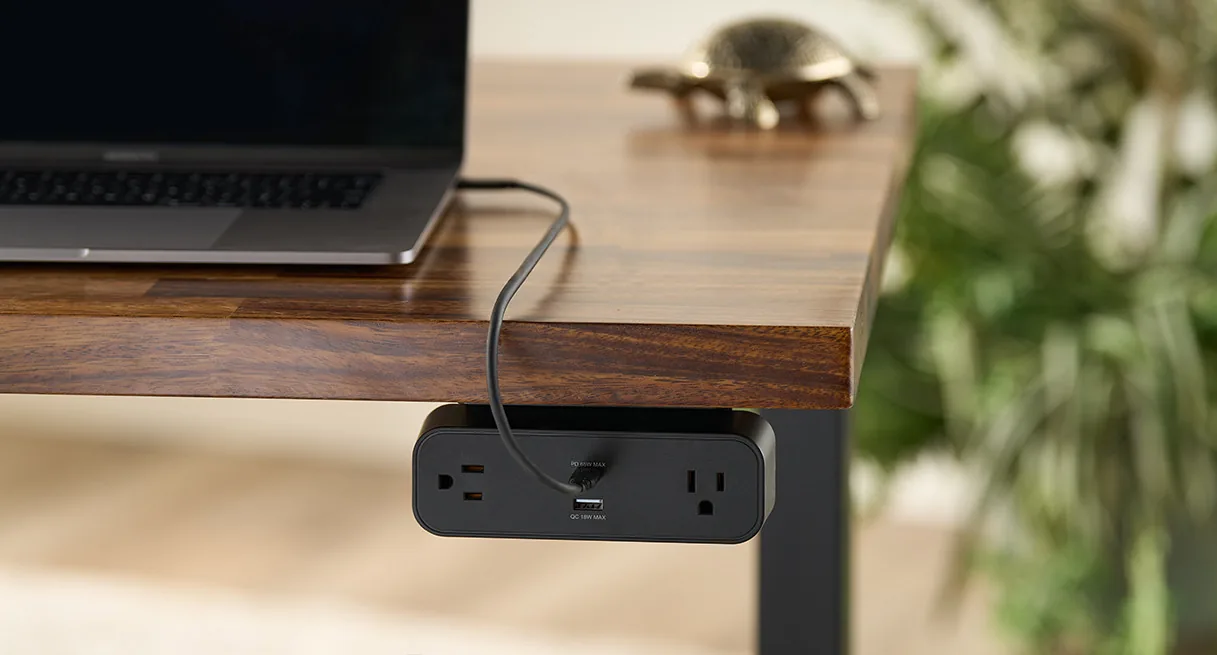
That is one reason clamp-on desk-edge hubs and under-desk power bars solve slightly different problems. If you regularly plug and unplug devices, a fully hidden tray-plus-strip combination may be cleaner on paper than in practice.
That is where Under-desk power strips for cleaner cable runs becomes the better companion. Sometimes the real problem is not tray location. It is outlet access.
A simple five-minute placement test
Before you drill or clamp anything permanently, do this:
- Sit in your normal working position.
- Roll the chair fully in.
- Notice where your knees and thighs naturally travel.
- Mark the center hardware zone if a monitor arm or frame already lives there.
- Hold the tray up under the rear third of the desk.
- Check whether your knees, feet, or chair hit it during normal movement.
- Make sure the cable path still reaches it cleanly from the back of the desk.
If the tray clears your body but forces ugly cable loops, move it. If the cable path is perfect but your knees hit it, move it.
The right placement solves both.
Common placement mistakes
1. Treating the whole underside as storage
Mayo Clinic's guidance is the useful one here: under-desk space still belongs to your legs and feet first.
2. Mounting the tray at the front because it is easier to reach
That improves access while making the desk worse to sit at.
3. Blocking the monitor-arm zone
If the tray steals the only good arm position, the setup usually becomes less ergonomic overall.
4. Using one oversized tray where two smaller zones would fit better
On compact desks, flexibility often beats maximum tray volume.
5. Solving cables without checking real seated clearance
Under-desk hardware should be tested with your body in place, not just measured against the underside visually.
Bottom line
The best cable tray placement on a small desk is usually the one that lives quietly in the rear underside, stays out of the center knee zone, and respects the hardware your setup already needs.
That usually means:
rear third placement; center zone protected; tray depth kept honest; knee and foot clearance checked from the chair, not guessed from standing.
If a tray placement only works by sacrificing legroom, it is not actually working.
If you want to build the rest of the cable system around that decision, keep going with:
Cable trays that work on small desks; Under-desk power strips for cleaner cable runs; Cable management products for cleaner desk setups; How to set up a small desk without losing usable space; Monitor arms that work on small desks.