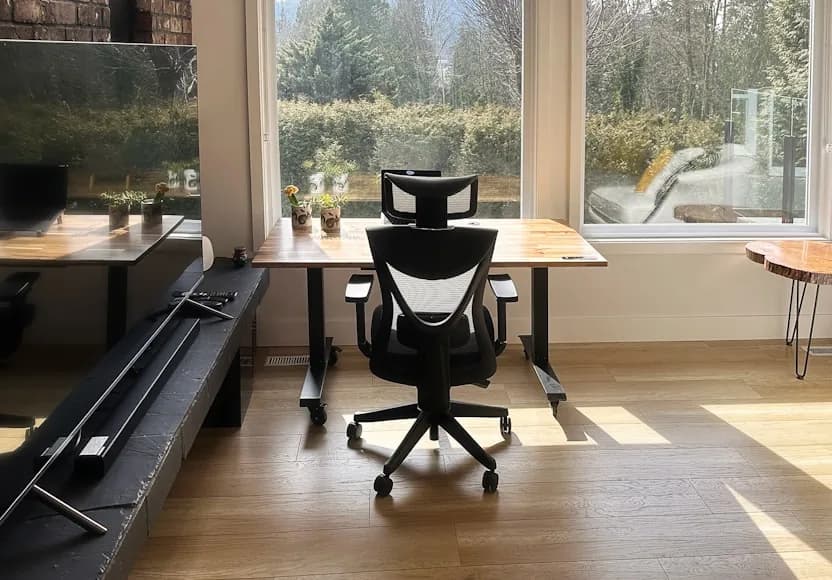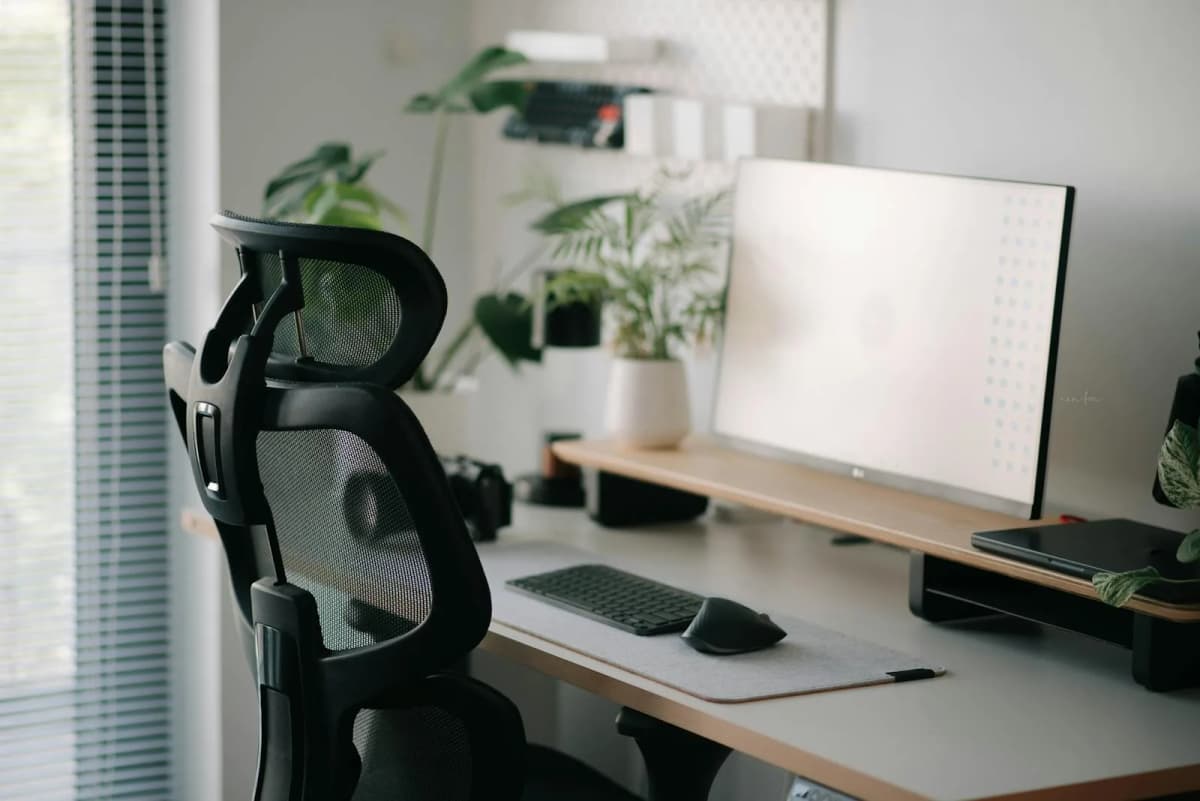

Lower-back pain at a desk is usually a fit problem before it becomes a chair problem.
That distinction matters because a chair can feel padded and still aggravate the lower back if the lumbar support sits in the wrong place, the seat depth pushes you forward, or the recline never really supports your weight. A better chair helps because it makes a neutral seated position easier to hold without constant adjustment.
This refresh stays focused on four chairs that solve that problem in different ways:
a more office-grade structured chair; a cleaner home-office chair with simpler visual bulk; a value-focused chair with a deeper adjustment set; a more configurable chair that still keeps lower-back basics in view.
The shortlist is based on current official product pages and spec documents. The fit calls here are editorial inferences from those published details, not hands-on testing or medical advice.
- broadest structured-fit pick: Steelcase Series 1
- cleanest modern home-office pick: Branch Ergonomic Chair
- strongest adjustment value: Haworth Breck
- most configurable support pick: HON Ignition 2.0
How we narrowed the list
This refresh was not built around generic “comfortable chair” language.
For a chair to stay here, it needed to show a believable lower-back case on official materials in one or more of these ways:
real lumbar support, not just a curved back shape; seat-depth adjustment or another clear fit mechanism; a recline system that sounds supportive rather than loose or decorative; arm and back adjustments that help reduce forward-perching and shrugging.
That is why this list stayed tighter than a broad office-chair roundup. The point is not maximum variety. The point is to cover the main lower-back support profiles without pretending every chair solves the same posture problem the same way.
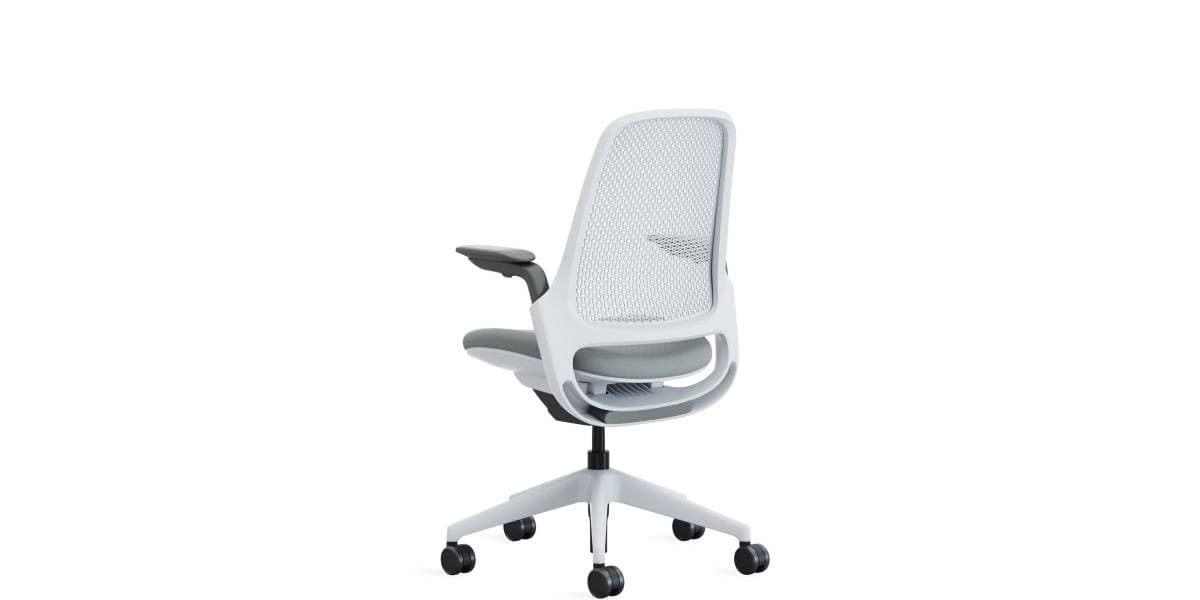
A more traditional office chair with a reliable fit range, seat-depth adjustment, and the structured feel that many people want when their lower back gets irritated by softer seating.
- Current Steelcase spec guide lists seat height from 16.5" to 21.5"
- Seat depth adjustment over 2.25" plus adjustable lumbar support
- Available with 3D Microknit or Air Back options
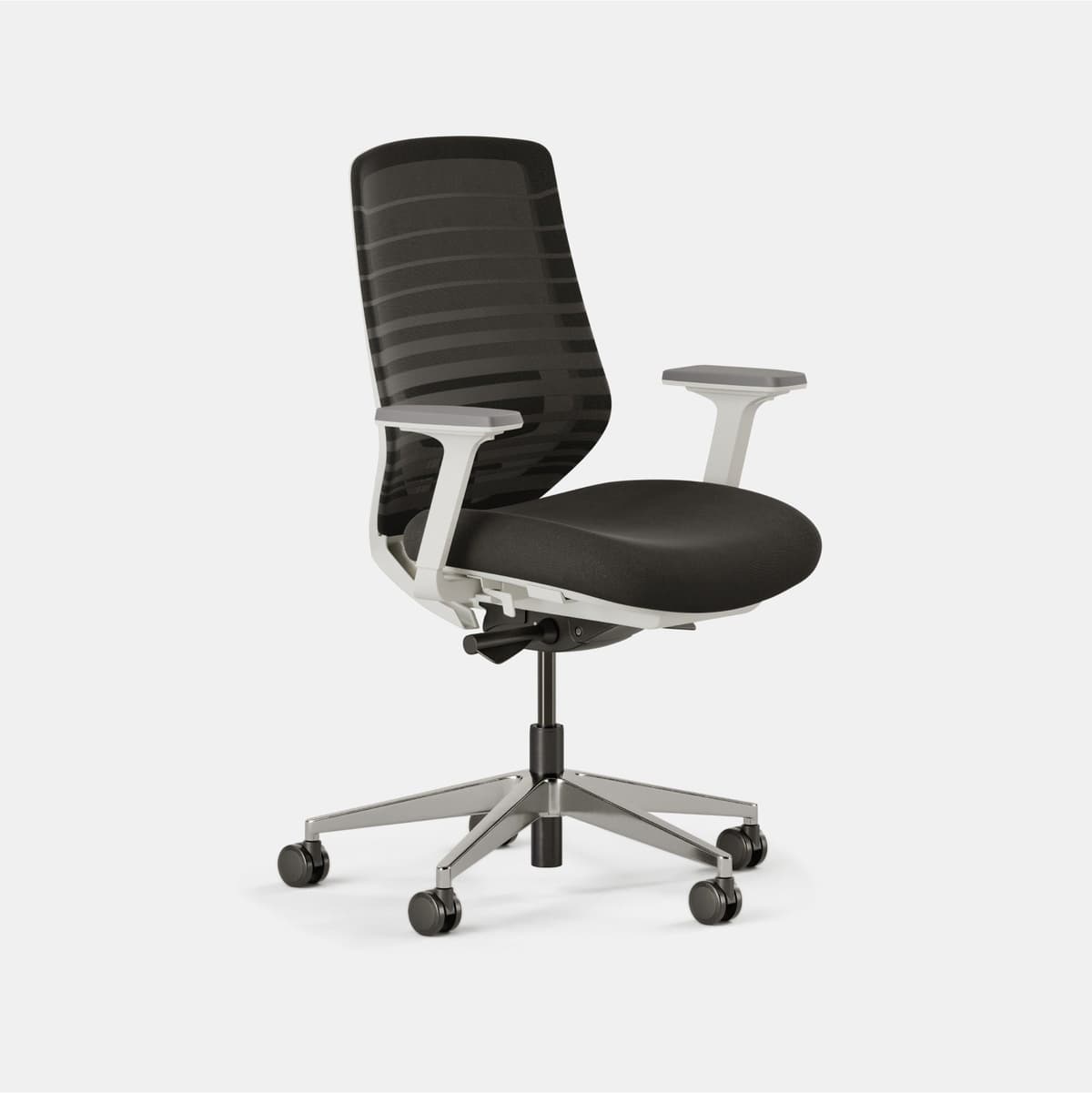
A cleaner-looking chair that still gives you the core adjustments that matter for lower-back support without drifting into a bulky corporate-chair feel.
- Official page lists seat depth, tilt, tilt tension, and a height-adjustable removable lumbar rest
- Synchronous mechanism links the backrest and seat pan in unison
- Supports up to 275 pounds per Branch's current product page
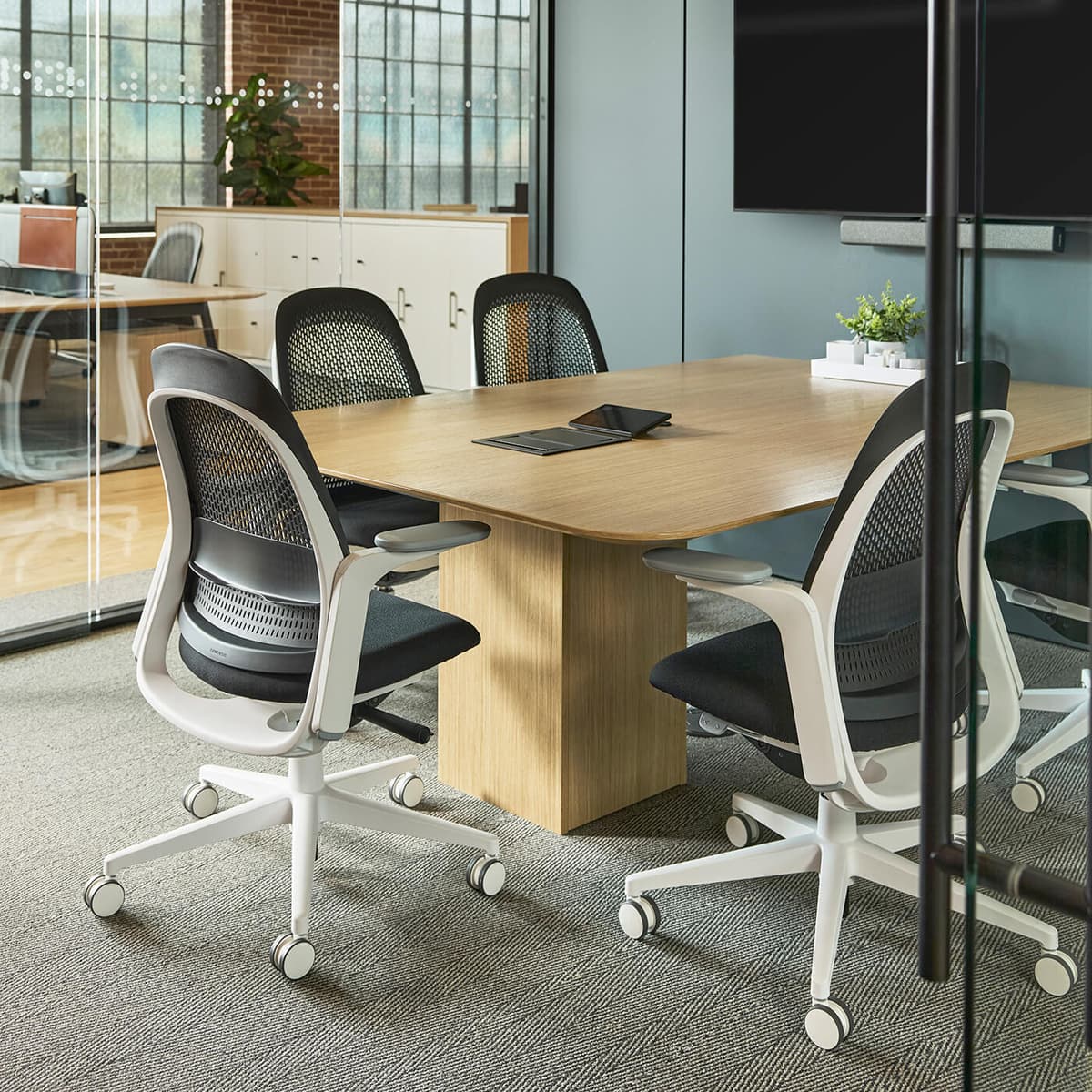
A sharper spec-driven value chair that brings adjustable lumbar, seat-depth tuning, 4D arms, and a supportive synchronized tilt into a more approachable tier.
- Height-adjustable lumbar, 3-position back stop, 4D arms, and adjustable seat pan depth come standard
- Responsive weight-activated synchronized tilt mechanism
- Haworth product sheet lists a 39" to 44" overall height range
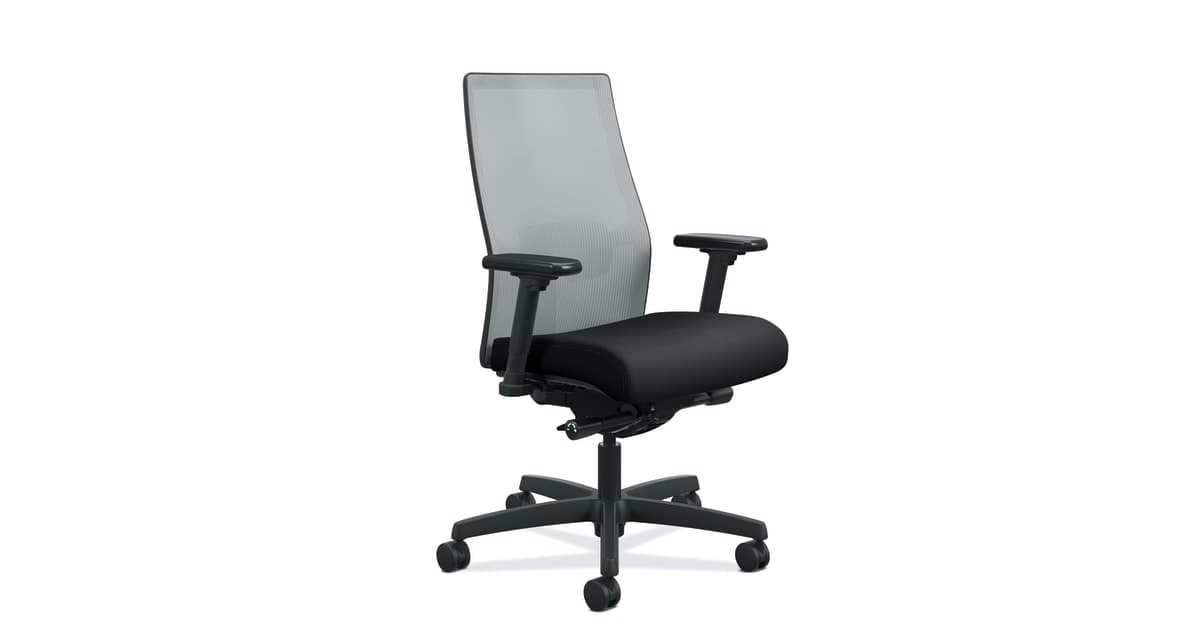
A more adjustable task-chair platform with the usual lower-back basics covered, especially for people who want lumbar control and multiple recline behaviors without moving into a more premium category.
- Official functionality guide includes adjustable lumbar support, tilt tension, and tilt lock
- Guide says the back can lock in multiple positions or recline freely
- HON rates the chair for users up to 300 pounds in the current guide
What lower-back support actually depends on
The most useful chair checklist is usually narrower than people expect.
If the goal is lower-back support, the chair should help with these four things first:
lumbar position: the lower back needs support in the right place, not just a curved backrest; seat depth: the seat has to let you use the backrest without cutting into the backs of the knees; recline behavior: the chair needs to support you when you lean, not dump you backward; arm support: the shoulders and ribcage need to stay calmer so the back is not doing extra work.
That is also why “soft” is not the right filter. A softer seat can feel better for ten minutes and worse for four hours. The better sign is whether the chair makes it easier to stay back in the seat with the lumbar doing real work.
If the room itself is tiny, Office chairs that fit small home offices is the better follow-up. If the chair already fits but comfort still feels off, Ergonomic chair settings that actually improve comfort is the more useful next step.
1. Steelcase Series 1
Series 1 is still the broadest structured-fit pick here because Steelcase is unusually explicit about the adjustment range that matters.
The current Series 1 spec guide lists:
seat height from 16.5" to 21.5"; seat depth adjustment over 2.25"; adjustable lumbar support; Steelcase's weight-activated mechanism; back options in 3D Microknit or Air Back.
That combination is why it stays near the top of a lower-back shortlist.
Series 1 makes the most sense when:
you want a more traditional office-chair feel; the back pain problem seems tied to fit, not just cushioning; seat-depth adjustment feels non-negotiable; you want stronger adjustability than a cleaner minimalist chair usually gives.
Strong fit for: people who want real seat-depth tuning and a more office-grade support profile.
Main tradeoff: it reads more like a work chair than a lifestyle chair, so it will not appeal to people prioritizing softer styling first.
2. Branch Ergonomic Chair
Branch Ergonomic Chair remains the cleanest modern home-office pick because it keeps the key back-support adjustments while avoiding the bulkier visual profile of many office chairs.
Branch's current product page highlights:
height, tilt, and tilt tension adjustment; seat depth adjustment; a height-adjustable and removable lumbar rest; a contoured upper backrest for active posture; a synchronous mechanism linking the backrest and seat pan; support for users up to 275 pounds.
That makes it a cleaner aesthetic answer without turning into a fake ergonomic chair.
Branch makes the most sense when:
the desk sits in a room that still needs to look like a home; you want ergonomic basics without a heavy corporate footprint; the lower-back issue feels real, but you do not want a visually dominant chair.
Strong fit for: home offices that need a credible ergonomic chair without the visual weight of a more classic task chair.
Main tradeoff: it gives you the core adjustments, but it is not trying to out-spec the most office-forward chairs in the category.
3. Haworth Breck
Breck is the strongest adjustment-value pick in the group because Haworth gives it a surprisingly complete adjustment story for a chair that still feels more approachable than the brand's more premium models.
Haworth's current product page and product sheet highlight:
height-adjustable lumbar; 3-position back stop; 4D arms; adjustable seat pan depth; a responsive, weight-activated, synchronized tilt mechanism; a three-zone GeoStretch back.
That is a serious lower-back support case.
Breck makes the most sense when:
you want more adjustment depth without jumping into a much higher tier; the lower-back issue seems tied to posture drift over longer sessions; you want more than a minimal lumbar knob and basic recline.
Strong fit for: buyers who want the richest adjustment set in this shortlist without immediately paying for a flagship chair.
Main tradeoff: it is still a fuller task-chair presence than the cleaner Branch option, so it is less about visual restraint and more about support flexibility.
4. HON Ignition 2.0
Ignition 2.0 stays on the list because HON's official guidance still shows a chair built around the right lower-back controls, even if the line is more configuration-dependent than the others here.
The current HON functionality guide calls out:
adjustable lumbar support; tilt tension; tilt lock; the ability for the back to lock in multiple positions or recline freely; support for users up to 300 pounds.
That keeps it relevant for people who want a more configurable task-chair platform without chasing a flagship brand name.
Ignition makes the most sense when:
you care more about practical chair controls than brand polish; you want tilt behavior you can tune more directly; you are willing to confirm the exact configuration before buying.
Strong fit for: buyers who want the lower-back basics covered and are comfortable checking configuration details carefully.
Main tradeoff: HON's line is more modular and variation-heavy, so you need to pay closer attention to the exact build than you do with the other chairs here.
Which chair profile makes the most sense
The cleanest way to choose between these four is to stop asking which chair is “best” in the abstract and ask which support profile matches the actual problem.
pick Steelcase Series 1 if you want the safest office-grade fit range; pick Branch Ergonomic Chair if you want ergonomic basics in a cleaner home-office silhouette; pick Haworth Breck if you want the deepest adjustment story for the money; pick HON Ignition 2.0 if you want a more configurable task-chair platform and do not mind checking the spec sheet more closely.
That framing matters more than brand hierarchy. Lower-back support is usually about match quality, not prestige.
What to check before you buy
Before buying, check:
whether the lumbar can sit where your lower back actually needs it; whether the seat depth lets you sit back without pressure behind the knees; whether the recline supports you instead of leaving you unsupported; whether the chair width and visual bulk make sense for your desk and room.
If your desk is too high, your monitor is too low, or your keyboard position is still forcing you forward, a better chair alone may not solve the whole problem. The chair can only do its job if the rest of the workstation lets you use it properly.
Bottom line
The strongest lower-back chair is usually the one that lets you stay back in the seat, use the lumbar properly, and recline without losing support.
That is why this shortlist works. Each chair solves that problem from a different angle: Steelcase with fit range, Branch with cleaner home-office ergonomics, Breck with stronger adjustment depth, and HON with a more configurable task-chair approach. The better choice depends less on brand reputation and more on which support profile actually matches your body and your room.