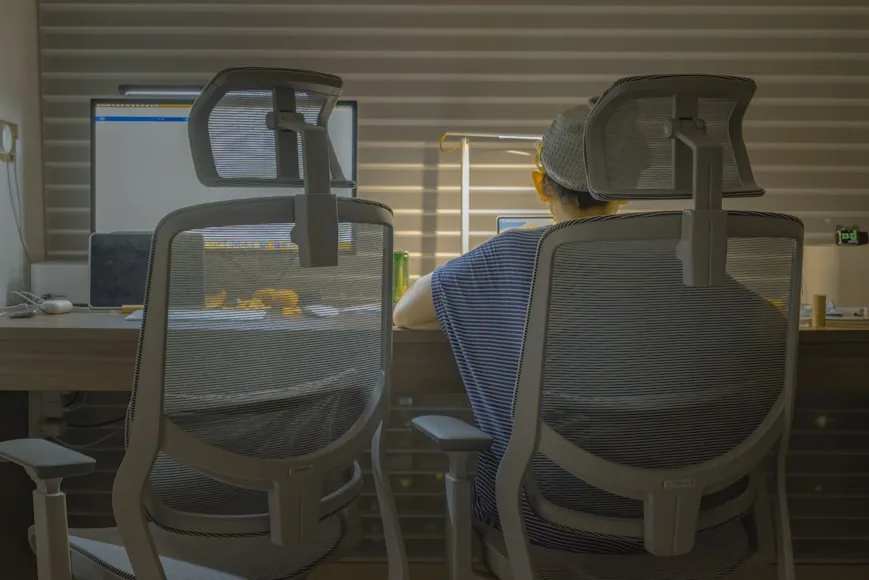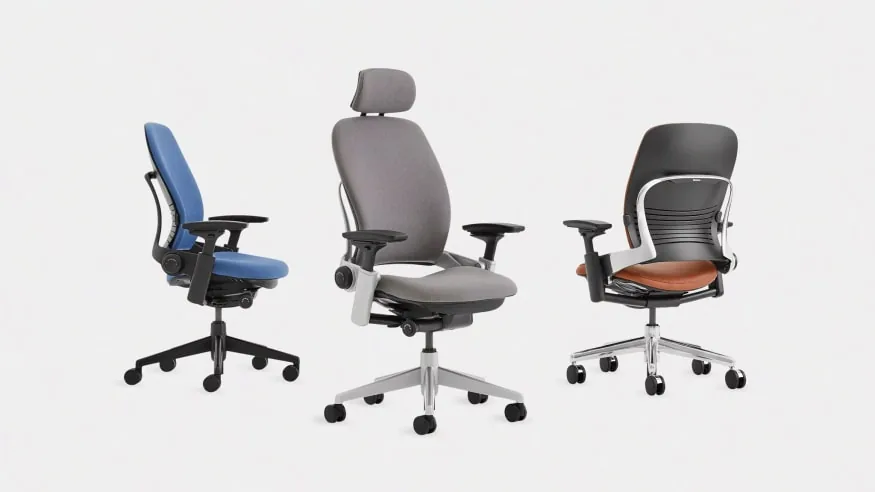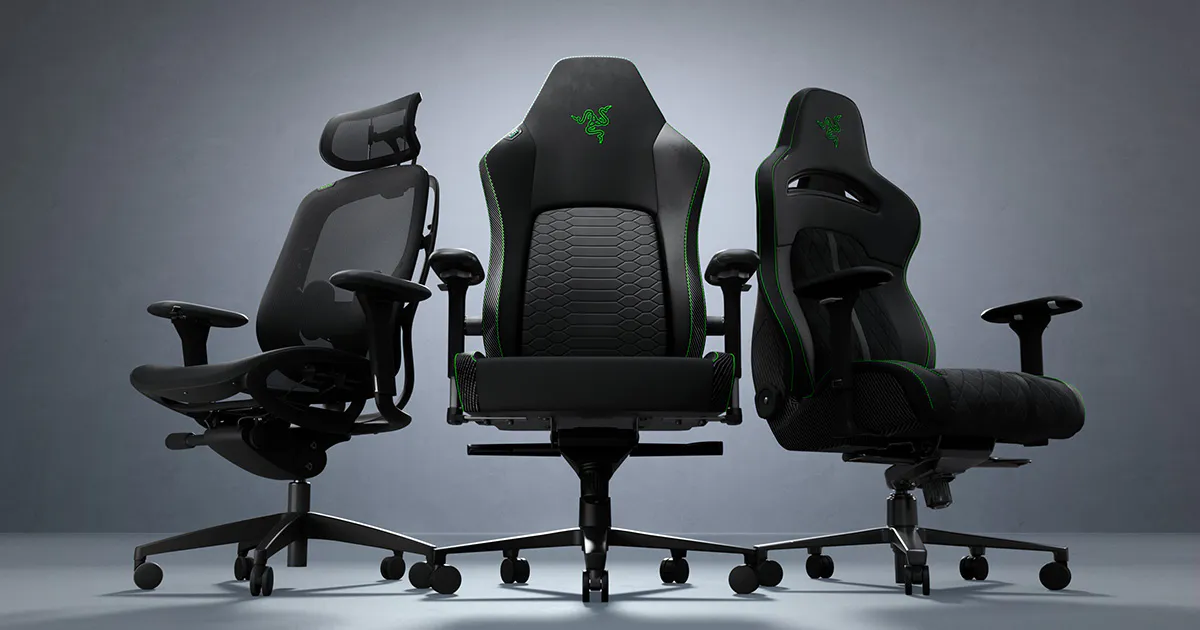

By week one, you already know if a chair is working. It either disappears under the job, or it keeps interrupting the way you sit, reach, and focus.
For work, the real decision is not office versus gaming. It is whether the chair lets you stay close to the desk, keep your shoulders relaxed, and move without fighting the seat. That is why the strongest answer comes from ergonomics guidance and fit criteria, not from branding. OSHA, CCOHS, NIH, and Mayo Clinic all point to the same basics: feet supported, thighs not compressed, lower back supported, and armrests that do not block desk access.
Modern gaming chairs complicate the old lazy answer. Premium models now publish real lumbar systems, 4D armrests, multiple sizes, and less restrictive seat shapes than the old racing‑seat stereotype. That means the category label matters less than people think, but it also becomes clearer why office chairs still win as the safer default for long desk work.
Start with the desk, not the chair
If the chair cannot tuck in close enough, or if the armrests push your shoulders up or outward, the chair is already losing. This is where office chairs usually pull ahead: many are designed around desk access first, with seat shapes and arm systems that assume long keyboard-and-mouse sessions.
Gaming chairs can still work here, but they have to clear a higher bar. The seat shape has to let you shift and sit upright, and the armrests have to get out of the way when you pull close to the desk. If those two things fail, the rest of the chair does not matter much.
Decision snapshot
Chair type | Usually makes more sense when | Most common downside | Desk fit | Best fit |
|---|---|---|---|---|
Office chair | You want the safer default for long desk work | Cheap models can still be vague, flimsy, or badly adjustable | Usually easier to tuck in and pair with a desk | Typing, mousing, task work, smaller rooms |
Gaming chair | You want one chair for work and off-hours use, and the model has real adjustment range | Can feel bulkier, more sculpted, or less natural at a desk | More likely to create armrest, width, or visual-bulk issues | Mixed work-and-play setups, users who like a taller, more enveloping chair |
Either one can disappoint | You buy on looks, marketing, or price alone | The chair never really fits your desk or body | The workstation ends up compensating for the chair | Buyers who skip fit checks and assume the category name guarantees comfort |
Swipe sideways to compare the full chart.
What matters more than the label
The most useful thing in the official guidance is that it makes the decision less abstract.
NIH's workstation checklist asks plain questions that are much more helpful than most chair marketing. Can the chair height, seat, and back be adjusted? Are your feet fully supported? Does the chair support your lower back? When your back is supported, can you sit without pressure behind the knees? Do the armrests allow you to get close to the workstation?
That is already most of the decision.
If a chair fails those basics, it is the wrong chair for work no matter how it is marketed. If it clears them, it has at least earned the right to be considered.
This is also why the office-chair versus gaming-chair conversation gets distorted so easily. People compare aesthetics and branding before they compare the parts that actually decide whether the chair will still feel usable after three or four full workdays.
Why office chairs usually win for desk work
Office chairs usually win because the better ones are built around desk work first. That sounds obvious, but it matters in practice. A good office chair is trying to solve a boring, important problem: keep you close to the work surface, support the lower back, and let your arms work without the chair getting in the way.
That tends to show up in seat shapes that do not force one posture, armrests that assume desk access, and seat-depth adjustment on better task chairs. They also tend to look and feel lighter in smaller rooms, which matters more than most buying guides admit.
If you want the more detailed buying filter behind that logic, How to choose an ergonomic office chair and Office chairs that fit small home offices are the better next reads.
When a gaming chair is still the right buy
Gaming chairs are not automatically bad for work anymore.
That is the part people often get wrong in both directions.
Premium gaming chairs have moved closer to task-chair logic than the category used to. Secretlab now publishes multi-direction lumbar adjustment and a seat base designed to allow more posture change than old restrictive bucket seats. DXRacer publishes models with integrated lumbar support, 4D armrests, and larger seat dimensions than many people still associate with gaming chairs.
That means a gaming chair can work if the exact chair genuinely supports desk use and the buyer is choosing it for reasons stronger than appearance.
A gaming chair makes more sense when you want one chair to cover work, gaming, and general computer time, already know you prefer a taller back and a more enveloping upper-body feel, and the exact model offers real armrest and lumbar adjustment instead of cosmetic padding. It also helps if the room and desk can tolerate a chair with more visual and physical presence.
In other words, a gaming chair can be a reasonable work chair when it is being chosen as a fit-and-feature decision, not as a costume for the setup.
Where gaming chairs usually disappoint
The disappointment usually starts when a gaming chair is asked to act like a neutral task chair even though its shape keeps reminding you that it was not optimized for that job first.
That can show up as side bolsters or sculpted seat edges that feel more restrictive during long typing sessions, armrests that sound adjustable on paper but still feel clumsy at a normal desk, a taller and bulkier shell that makes the room feel heavier than it needs to, or fixed pillows and exaggerated back shapes that never quite land where your body needs support.
Even when the chair is comfortable in bursts, it may still create small daily frictions that add up: you do not tuck in as cleanly, the arm position feels slightly off, or the chair looks and feels larger than the room can absorb gracefully.
That is why gaming chairs so often feel better in product photos than in mixed-use rooms and normal desk setups.
Where office chairs disappoint too
This part matters because "office chair" is not a quality standard.
A bad office chair can still be a terrible work chair. The label often gets applied to chairs with fixed arms, thin lumbar support, no seat-depth adjustment, weak recline, vague measurements, and barely enough range to fit one narrow band of users.
That is why plenty of people buy an office chair and still end up frustrated.
The chair may be technically in the right category but still fail on the exact things official ergonomics guidance cares about most: lower-back support, foot support, freedom from knee pressure, and armrests that do not sabotage desk access.
If that sounds familiar, Why your expensive ergonomic chair still feels wrong and Ergonomic chair settings that actually improve comfort are better diagnostic pages than assuming the whole office-chair category was overhyped.
The desk changes the answer more than people expect
This is one of the quiet reasons office chairs keep winning for work.
Workstation guidance from OSHA, Mayo Clinic, CCOHS, and NIH all treats the chair as one part of a larger relationship. The chair has to work with the desk height, the keyboard and mouse zone, and the distance needed to keep the shoulders relaxed and the arms close to the body. Before buying either style, check the desk and chair height ratio that fixes most posture problems to confirm how your seated elbow height will land relative to your desk surface, and review the complete home office ergonomics checklist to calibrate your whole setup in order.
That means the best chair is not only the chair that feels good in isolation.
It is the one that still behaves well once it has to live under your actual desk.
If the armrests keep the chair from getting close enough, if the seat shape changes how you sit relative to the keyboard, or if the chair's bulk pushes the whole setup outward, the problem is no longer just comfort. It is workstation fit.
This is one reason gaming chairs are more likely to disappoint in compact rooms and smaller desk setups. The category is more forgiving when the chair has plenty of space around it. It is less forgiving when every inch of desk access and movement clearance already matters.
A one‑minute decision test
Use this as your quick filter: if the chair is mostly for serious desk work, you need it to tuck in cleanly, and the armrests and seat depth will be doing real work all day, the safer buy is still the better office chair. If you want one chair for work and gaming, prefer a taller back, and the exact gaming model clears the fit and adjustment checks, a gaming chair can still be the right call.
The costly mistake is not picking the "wrong" category. It is assuming the category label guarantees fit.
Verdict for most people
If this chair is mainly for work, an office chair is still the safer and usually smarter buy.
That is not because gaming chairs are automatically bad. It is because office chairs are more often built around the exact problems desk work creates: getting close to the workstation, supporting the body in a calmer upright posture, and staying usable through long keyboard-and-mouse sessions.
A good gaming chair can still work well for work, especially if you want one chair for everything and you choose a model with real lumbar, armrest, and sizing options.
But the burden of proof is higher.
Do not buy a gaming chair just because it looks premium, and do not buy an office chair just because the label sounds professional.
Buy the chair that fits your body, your desk, and your actual workday with the fewest daily compromises.
Our office chair picks
If you are leaning toward an office chair after reading this, these three cover the most common home-office scenarios.
Eight points of adjustment, a 17-inch minimum seat height that fits petite users well, and a clean aesthetic that works in mixed-use rooms.
- Seat height: 17" to 21"
- 8 adjustment points
- 7-year warranty
Adjustable headrest, lumbar, arms, tilt tension, and tilt lock at a price that stays well under $200.
- Adjustable headrest and lumbar
- 275 lb weight capacity
- 5-year warranty
Weight-activated tilt, 4-way adjustable arms, and a 12-year warranty from a legacy office furniture manufacturer.
- Weight-activated tilt mechanism
- 400 lb weight capacity
- 12-year warranty
Related reading
Sources
OSHA Computer Workstations eTool — workstation fit criteria including chair height, foot support, armrest placement, and desk access
CCOHS Office Ergonomics — Canadian Centre for Occupational Health and Safety guidance on seated posture and workstation setup
NIH Ergonomics Self-Assessment Checklist — workstation evaluation questions covering chair fit, foot support, lower-back support, and armrest access
Mayo Clinic: Office ergonomics — monitor distance, chair adjustment, and desk height guidance