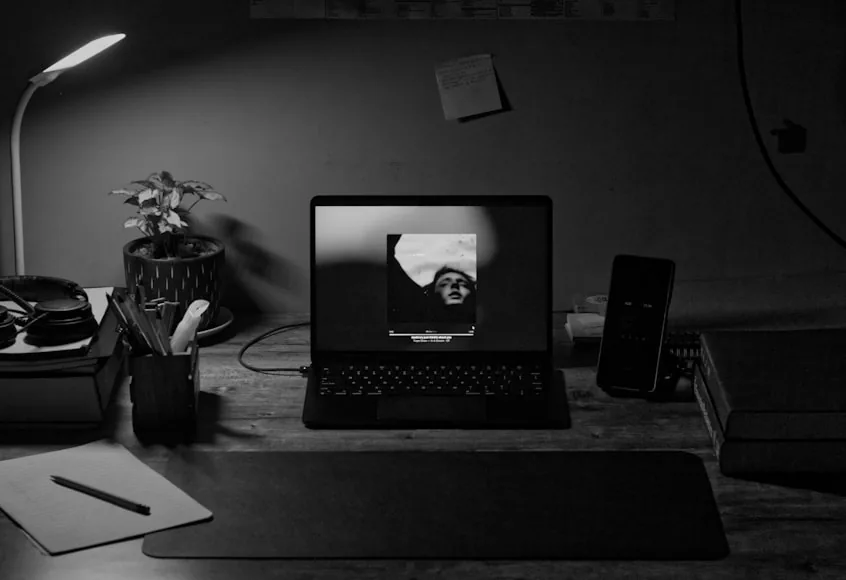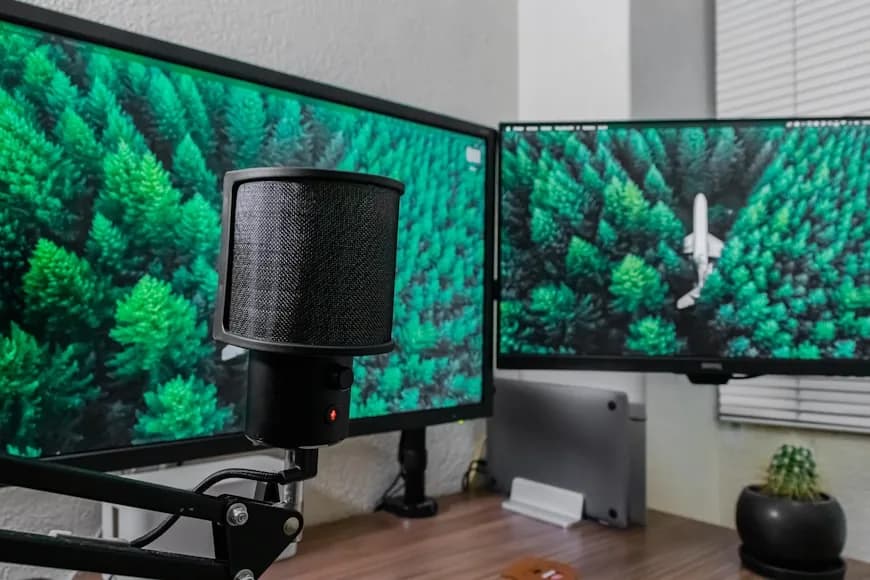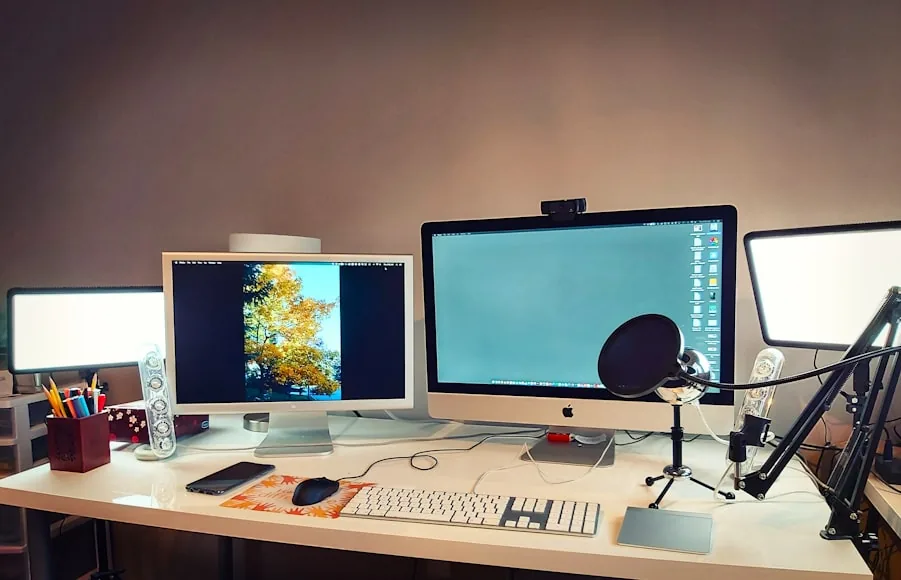

Desk accessories are not useless. They are just very easy to ask to do the wrong job.
That is where people get stuck. The desk feels cramped, so a riser gets added. The cables look messy, so another tray or organizer appears. The lighting feels awkward, so a new lamp lands in the corner. The storage feels weak, so a drawer, shelf, or stand gets added next.
The setup becomes more equipped, but not necessarily more comfortable or more usable. That is usually the sign that the accessory is solving a symptom while the real constraint stays untouched.
The main workstation guidance from OSHA and Mayo Clinic is helpful here because it keeps the fundamentals simple: the monitor should sit at a usable distance, the keyboard and mouse should stay in a natural reach zone, the desk should still leave room for the body, and frequently used objects should be easy to reach without forcing awkward posture. If those basics are still wrong, accessories often just rearrange the friction instead of removing it.
The real pattern
More accessories usually fail to fix a desk when the underlying problem is actually one of these:
the desk is too shallow or too narrow for the workflow; the monitor position is still wrong; the keyboard-and-mouse zone was never protected; the room fit was never resolved; the underside is already too crowded; the setup keeps adding “solutions” before the core layout is stable.
That is why a setup can become more organized on paper and still feel worse in real use.
1. The desk itself is often the real issue
People love buying accessories because they feel easier than replacing the desk.
Sometimes that is reasonable.
But a desk that is simply too shallow, too narrow, or too invasive in the room cannot usually be rescued indefinitely by add-ons.
That shows up when:
the monitor is always too close; the keyboard lives at the front edge; the mouse feels boxed in; a notebook cannot open without overlapping another object; every “space-saving” product creates a different collision somewhere else.
At that point, the setup does not need one more organizer.
It needs a more honest answer to the desk-size question.
That is exactly why How deep should a desk be for one monitor vs two?, How wide should a desk be for one monitor and a laptop?, and 7 questions to ask before buying a desk for a small room exist. They solve the real fit problem that accessories often get asked to compensate for later.
2. Accessories cannot fix a monitor that still sits in the wrong place
This is one of the most common traps.
Someone adds:
a riser; a monitor shelf; a desk shelf; a lamp.
but the screen is still too close, too low, or too far forward.
Once that happens, the rest of the surface keeps warping around the monitor. The keyboard gets pushed forward. The writing zone shrinks. The corners stop behaving like spare space and start behaving like overflow zones.
That is why monitor distance and monitor height usually need to be resolved before accessory decisions become clear.
If the screen still feels like the center of the problem, go first to:
How far should a monitor be from your eyes on a small desk?; How high should your monitor be for good posture?; Monitor arm vs monitor riser: which is better for posture?.
Only after that does the accessory choice start making sense.
3. The keyboard-and-mouse zone is usually more important than the accessory zone
This is the part many setups quietly ignore.
The most important real estate on the desk is the front-center working zone:
keyboard; mouse; forearm support; the space your body uses constantly.
When that zone is already compromised, more accessories often make the desk worse even if they look tidy.
That is how people end up with:
a cleaner-looking monitor area; a better-organized corner; a nicer cable path.
while also having less room to actually work.
If the front-center zone is under pressure, the answer is usually not another object. It is protecting the zone first and then seeing what support the rest of the desk actually needs.
How to position your keyboard and mouse for shoulder comfort and How to set up a small desk without losing usable space are the better fixes when this is the real problem.
4. A lot of accessories are trying to solve a room-fit problem, not a desk problem
This is especially common in bedrooms, apartments, and mixed-use rooms.
The setup feels visually heavy, so more “organization” gets added:
a shelf; a side organizer; a secondary tray; more vertical storage.
But the desk is still in the wrong part of the room, the chair is still too visually bulky, or the workstation still feels too dominant after work hours.
That means the issue is not only desk organization.
It is room planning.
This is why How to plan a home office in a small room before you buy anything and Home office setup ideas for small apartments are more important than one more accessory page when the room still feels hijacked by the setup.
5. Under-desk accessories can solve one problem and create another
Under-desk accessories are some of the most useful categories on the site.
They are also some of the easiest to overdo.
Once the underside starts collecting:
drawers; cable trays; power strips; clamps; hanging bricks.
the workstation can begin to feel worse even if the desktop looks cleaner.
That is why under-desk products need more restraint than people expect. A cable tray or power strip can be a strong infrastructure fix, but only if it still leaves room for knees, feet, and chair position.
If the underside already feels crowded, the next purchase may need to be fewer things mounted below the desk, not one more hidden fix.
That is exactly the logic behind How to place a cable tray under a small desk without losing knee room.
6. Lighting is often treated like a decor problem when it is really a space problem
People often buy a new lamp because the desk looks dim or incomplete.
But on a small or crowded workstation, the real issue may be:
the lamp base is stealing the usable corner; the monitor got pushed forward to make room; glare is forcing awkward screen placement; the desk is now carrying one more permanent object.
That means the “lighting accessory” question is often really about preserving usable surface area.
A monitor light bar, slim task lamp, or higher-mounted light may solve that better than a larger decorative lamp, even if the decorative lamp looks nicer in isolation.
This is why Do you need a monitor light bar if you already have a desk lamp? is a stronger decision page than just buying another light blindly.
7. The setup may not need more products at all
This is the most important point.
Sometimes the best “upgrade” is not an upgrade.
It is:
moving the monitor back; choosing one primary screen; removing two permanent desk objects; clearing the center zone; relocating a lamp; rethinking what truly needs to stay on the surface.
That can feel unsatisfying compared with buying a new product.
But it is often the move that changes the desk fastest.
This is why Why your small desk setup still feels cramped and 7 small home office mistakes that make your setup feel worse are more valuable than they first appear. They help you diagnose whether the problem is structural before you spend more money trying to accessorize around it.
When accessories actually are the right answer
Accessories do matter when the core setup is already mostly correct.
They are usually worth buying when:
the desk size is already workable; the monitor position is already close to right; the keyboard-and-mouse zone is protected; the room fit is believable; the accessory solves one clear leftover friction point.
That is when an accessory acts like a tool instead of a crutch.
Good examples:
a cable tray after the power plan is already clear; a monitor light bar after you know the lamp is the corner problem; a riser when screen distance is already fine and the real need is under-monitor storage; a vertical stand when the laptop is clearly not the primary screen.
Bottom line
More desk accessories rarely fix the real problem when the real problem is still upstream.
Usually that upstream issue is one of these:
wrong desk size; wrong monitor position; unprotected input zone; bad room fit; under-desk overload; a buying order that keeps adding tools before the setup is stable.
Accessories are most useful when the layout is already basically right.
If the workstation still feels wrong at the foundation, the better next move is usually not another product.
It is figuring out which constraint is actually doing the damage.
Related reading
- What not to buy first for a workspace setup
- What should you upgrade first if you only have $300 to improve your setup?
- How to set up a small desk without losing usable space
- Why your small desk setup still feels cramped
- 7 small home office mistakes that make your setup feel worse
- How to plan a home office in a small room before you buy anything
- Do you need a monitor light bar if you already have a desk lamp?
- How to place a cable tray under a small desk without losing knee room
- 7 questions to ask before buying a desk for a small room
- Desk accessories that keep a workspace clean and minimal