
If your calls sound thin, echoey, or inconsistent, the real decision is not “USB mic or headset.” It is whether you want the mic to live in the room or on your body.
A USB mic can sound more natural, but it only does that when it sits close enough to you and far enough from noise. A headset usually sounds less “open,” but it keeps the microphone in the same place every time, which is why it often wins for reliability.
That is the trade.
Most people make this decision based on what looks better in a setup photo. The better way is to answer three questions first: How much background noise does your room have? How willing are you to adjust mic placement before each call? And does call audio quality actually matter for your day-to-day work, or is it mostly casual check-ins?
Those three answers will narrow it down faster than any spec comparison.
Start with the room, not the product
Room sound decides this faster than spec sheets.
If your room is reflective or busy, the microphone will hear more of it. Shure’s placement guidance is simple: the closer the mic is to your mouth, the better the speech‑to‑noise ratio, and the less the room dominates the sound. That is why a headset mic stays consistent even when the room isn’t ideal.
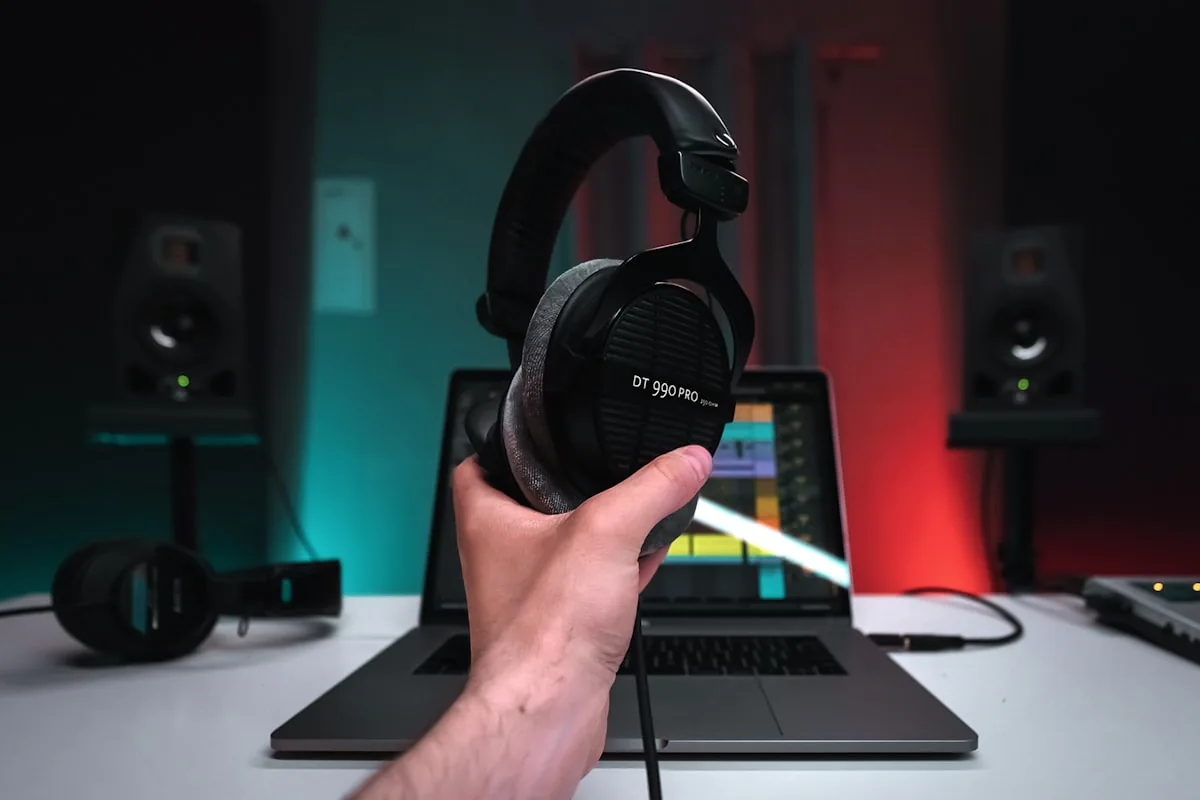
If the room is already quiet and you can place a mic close without it getting in the way, a USB mic can actually sound better than most headsets.
The desk‑fit test
Put the mic where it would have to live during a real call.
If the USB mic blocks your keyboard or forces you to work around it, it is going to feel like clutter. If you can place it on a side zone or a small boom without changing your typing posture, it becomes easier to justify.
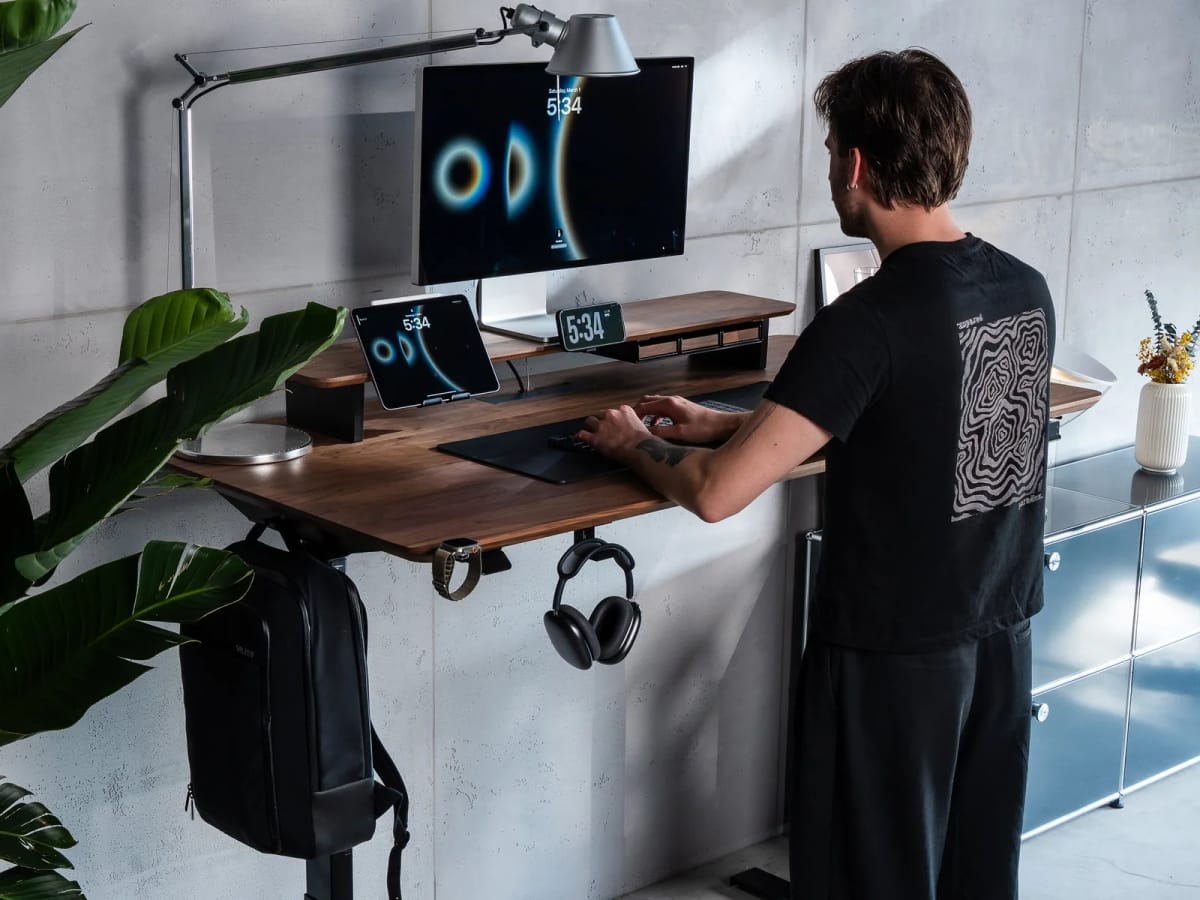
A headset avoids this entirely because it doesn’t live on the desk. That’s the single biggest reason headsets stay practical even when they don’t sound as “studio” as a USB mic.
When a USB mic is the better upgrade
A USB mic makes sense when the room is calm and you can keep the mic close enough for clean pickup. Shure’s guidance on placement and critical distance explains why: the farther the mic is from your mouth, the more room sound it will pick up.

If you can keep the mic close without putting it directly in your work zone, a USB mic usually gives you the most natural voice and the least “thin” sound.
When a headset is the smarter choice
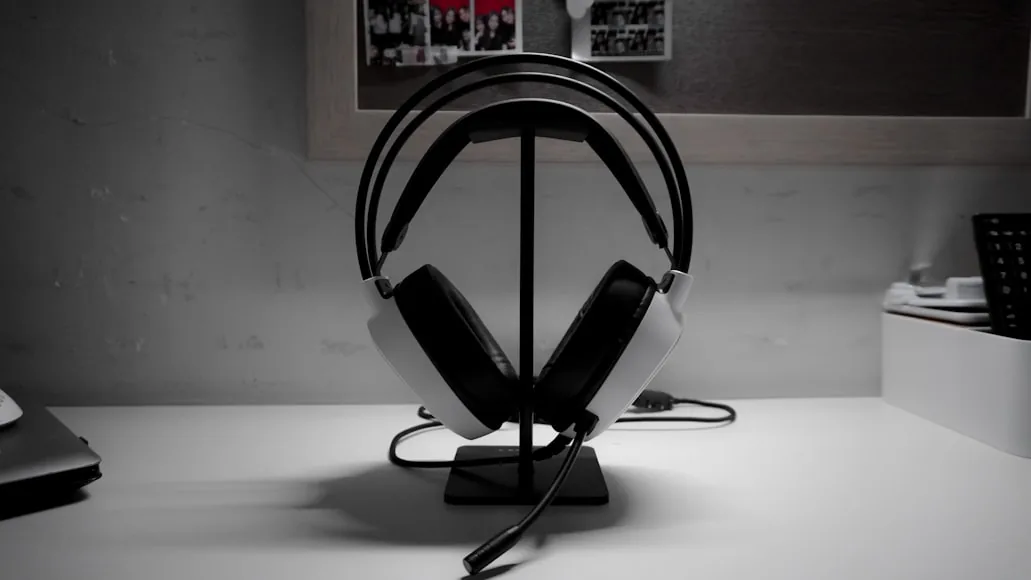
Headsets win when you care about consistency, move around during calls, or don’t want to manage mic placement every time. They also help prevent echo problems when speakers and microphones are too close. Microsoft’s guidance on call echo explicitly recommends switching away from webcam mics and speakers and using a headset or another audio device instead.

If your calls are more about clarity and reliability than “broadcast” sound, a headset is usually the lowest‑friction way to get there.
The Bluetooth trap
Wireless is convenient, but Bluetooth headsets can still sound worse in calls than you expect. Zoom’s support guidance notes that Bluetooth headsets can lead to lower microphone quality during meetings and recommends using a USB device when audio quality matters.
If you want a headset and care about call audio, wired or USB dongle headsets are usually the safer pick.
If you want the most natural voice and you can place a mic close without wrecking the desk, use a USB mic. If you want calls to sound consistent without any setup rituals, use a headset.
Both work. The better one is the one you will actually keep using after the novelty wears off.
What about webcam microphones?
Built-in webcam mics sit further from your mouth than either alternative and pick up more room sound as a result. They work in a pinch, but they are the first thing to upgrade if your calls feel flat or distant. The step up to even a basic headset is significant.
Price and what you actually need to spend
You do not need to spend much to get noticeably better call audio.
A wired USB headset in the $40–$80 range will sound more consistent on calls than most built-in webcam mics and many wireless options at twice the price. The sound quality ceiling of a USB mic is higher, but entry-level USB mics under $100 can still sound uneven if the room is not ideal.
Spending more makes sense when you are recording content, running training sessions, or on video calls for multiple hours a day. For occasional calls, a simple headset is hard to beat on value.
A quick way to test what you have before buying anything
Before spending money, test your current setup with a voice memo app or a free recording tool. Read a paragraph out loud and play it back. If you sound clear and natural at arm's length, your current setup may be fine. If there is echo, room noise, or a hollow quality, the mic placement or room is the problem — and adding a USB mic will not fix it unless you fix those first.
If the room issue is minor, a USB mic with a boom arm positioned close to your chin will usually solve it. If the room is large, reverberant, or you share the space, a headset is the more reliable fix.
If you want to clean up the cables that come with either option, cable management products for cleaner desk setups covers the practical options.
How background noise type changes the answer
Not all background noise is the same problem for a mic.
Steady ambient noise — a fan, HVAC, light street traffic — responds well to background noise suppression features built into modern meeting software like Zoom, Teams, and Google Meet. A USB mic with decent proximity and this software layer on top can sound clean even in a moderately noisy room.
Unpredictable noise — a dog, a shared household, a street with frequent honking — is harder to suppress cleanly. In these environments, a headset mic's close-mouth positioning consistently wins because it captures your voice at a much higher signal-to-noise ratio before any software processing happens. The result is fewer clipping artifacts and less processing lag than a USB mic fighting the same room.
If your background noise is inconsistent and unpredictable, weight this toward the headset.
Wired vs wireless — the hidden decision inside the headset choice
If you go headset, wired versus wireless deserves its own thought.
Wired USB headsets are simple: plug in, select as audio device, no pairing, no battery management. For long call days, that simplicity removes a daily variable. A wired headset is also usually the better choice for very long sessions where battery drain could interrupt an important call.
Wireless headsets add freedom of movement and no cable across the desk, which matters if you stand or pace during calls. The tradeoff is battery attention and the mild quality ceiling Bluetooth can impose on call audio (though modern Bluetooth codecs have narrowed this gap significantly for voice).
For most home-office users who stay at the desk during calls, a wired USB headset removes friction without meaningful sacrifice.