
A practical guide to the subtle reasons a desk setup can feel tiring even when it looks tidy, from static posture and screen strain to mouse reach, under-desk interference, and visual friction that quietly wears you down.
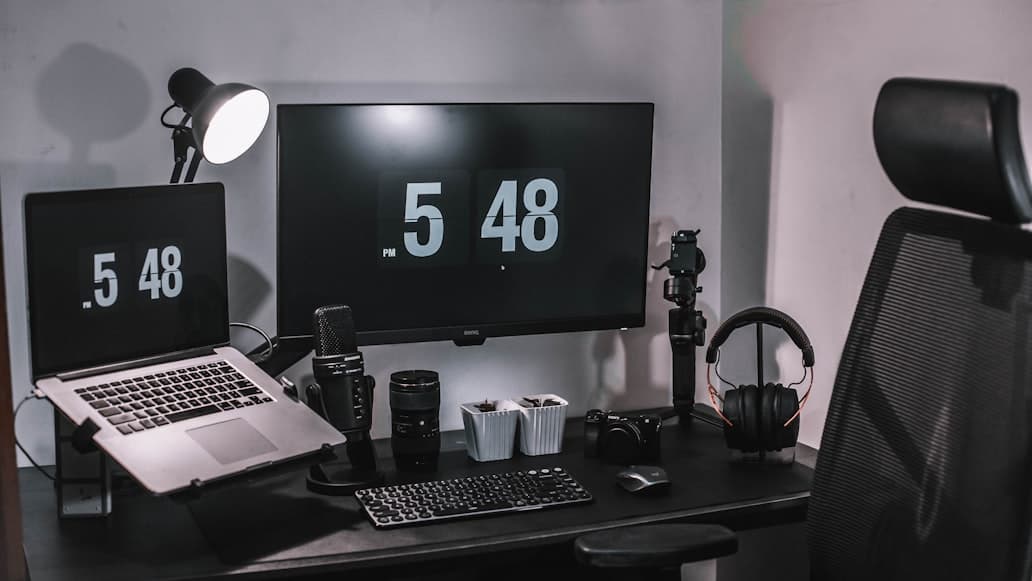
Image source: Unsplash.
A desk setup can look completely reasonable and still leave you feeling oddly drained after a few hours.
That is the real trap.
Nothing looks obviously broken. The desk is tidy. The chair is not terrible. The monitor seems close enough. The room looks calm.
But the work still feels more tiring than it should.
That usually happens because the setup is asking your body and attention to make a lot of tiny corrections all day long.
OSHA, Mayo Clinic, Cornell, and CCOHS all point toward the same pattern in different language: a workstation becomes tiring when posture stays too static, the monitor or input devices force awkward positioning, light creates glare or strain, or the setup makes you reach, brace, or refocus more than you realize. None of those problems has to look dramatic to wear you down.
So the useful question is not:
does the setup look fine?
It is:
what small friction is repeating hundreds of times a day?
When a desk setup is quietly fatiguing, the symptoms usually sound familiar:
That is the important pattern.
The setup is not failing dramatically.
It is just costing more effort than it should.
This is the biggest reason tidy setups still feel tiring.
The chair height is slightly off. The screen is a little too close. The keyboard is usable, but not relaxed. The mouse is reachable, but not naturally placed.
Each one seems survivable on its own.
Together, they create a workday full of tiny compensations:
OSHA's workstation guidance is useful here because it treats fatigue as a repetition and posture problem, not just a "bad chair" problem. Long uninterrupted blocks of computer use, static viewing, and awkward wrist or shoulder positions can quietly fatigue the muscles and tendons even if the workstation looks normal from a distance.
That is why a setup can look fine and still feel expensive to sit at.
A monitor does not have to feel shockingly close to create fatigue.
It just has to be close enough that your body keeps adapting around it.
Mayo Clinic says the monitor should usually sit about an arm's length away, generally around 20 to 40 inches, and directly in front of you. CCOHS adds that a poorly positioned monitor can push the head and upper body into awkward positions and also contribute to eye irritation, blurred vision, and headaches.
That matters because a screen can be:
and still be just close enough, low enough, or high enough to keep your neck and eyes working harder than they should.
If the screen is the likely problem, go next to How far should a monitor be from your eyes on a small desk? and How high should your monitor be for good posture?.
This is another quiet fatigue driver.
The keyboard and mouse may fit on the desk, but they may not live in a truly relaxed reach zone.
CCOHS says the keyboard should be directly in front of you, with relaxed shoulders and elbows close to the body, and both keyboard and mouse should stay near the front of the desk without sitting right on the edge.
That usually means fatigue shows up when:
This is one reason people often blame the chair first when the real issue is the input zone repeating low-grade strain all day.
If that sounds familiar, How to position your keyboard and mouse for shoulder comfort is the direct fix.
Some setups feel tiring because the desk is not obviously bad.
It is just slightly wrong for the way the work actually happens.
That often looks like:
At that point, the body ends up negotiating with the layout all day.
The desk may still look clean from the outside, but the workflow keeps colliding with the surface.
That is why a desk that "fits the room" can still be tiring if it is too shallow, too narrow, or simply too committed to a prettier layout than your real work supports.
If this is the likely constraint, pair this with Why your small desk setup still feels cramped and 7 questions to ask before buying a desk for a small room.
Fatigue is not only a top-of-desk problem.
Sometimes the setup looks fine above and quietly feels bad because of what is happening underneath.
Mayo Clinic is very direct about this: under the desk, there should be enough room for the legs and feet, and stored items should not shrink the available space.
That matters because under-desk interference changes the whole sitting position:
This is one of the easiest problems to miss because it is not visually dramatic from the outside.
It just leaves the setup feeling more tiring than it looks.
Lighting does not need to be terrible to create fatigue.
It just has to create enough glare, contrast, or visual discomfort that the eyes and posture keep adapting around it.
OSHA's workstation-environment guidance warns that high contrast between the screen, desk, and surrounding area can cause eye fatigue and headaches. CCOHS makes the same point more directly: reflections and glare from lighting or windows should not fall on the screen or create strain.
That usually means the problem is not simply "too bright" or "too dark."
It is often:
If the fatigue feels more visual than muscular, Desk lamps for eye strain and late-night work and Do you need a monitor light bar if you already have a desk lamp? are the best follow-ups for now.
This is the fatigue pattern people underestimate most.
OSHA recommends short micro-breaks and says prolonged static postures can fatigue the muscles of the neck and shoulders that support the head. Cornell's flexible-work guidance says to build movement into the day and take regular breaks.
That means a decent workstation can still feel tiring if:
Comfort is not just about alignment.
It is also about whether the setup still works when you lean back a little, shift forward a little, or stand up for a minute without the whole arrangement feeling wrong.
That is one reason What makes a home office comfortable enough to use all day? matters so much. A setup that only works in one rigid posture usually becomes tiring even if it photographs beautifully.
Before you buy another product, do this once:
That final step matters.
What shows up first usually tells you more than the tidy photo ever will.
If the first problem is:
That is the difference between diagnosing the real problem and buying around it.
A desk setup usually feels tiring even when it looks fine because one or two subtle problems are being repeated all day:
That is why a tidy setup is not automatically an easy setup.
The better question is not whether it looks fine.
It is whether your body and attention can stop correcting around it.

A practical guide to why an expensive ergonomic chair can still feel wrong, with clearer checks for seat depth, lumbar position, armrest interference, desk-height mismatch, and body-fit issues before you blame price or buy another fix.

A practical guide to what to do when your desk and chair height do not match, with a clearer order for fitting the chair to your body first, fixing foot support, calming the keyboard-and-mouse zone, and deciding when the mismatch is real enough to justify replacement.