Highest refresh rates are the easiest specs to market, but they’re rarely the most important ones at your desk. In 2026, the real win is finding the balance between pixel density, consistent response times, and a panel layout that doesn't ruin text clarity.
Buying for raw resolution can trap you with a GPU that can’t keep up, while buying for raw speed often means giving up the crispness of 4K. This research-based roundup focuses on the specs that change daily use: resolution, refresh rate, panel type, desk fit, connection bandwidth, warranty support, and the tradeoffs reviewers and owners keep running into.
If your desk depth is already tight, pair this with How far should a monitor be from your eyes on a small desk? and How deep should a desk be for one monitor vs two?. If you are deciding between a wide gaming display and a multi-screen setup, Ultrawide vs dual monitors for work is the useful companion.
- Best Overall: ASUS PG27UCDM — 4K / 240Hz QD-OLED
- Competitive: Alienware AW2725DF — 1440p / 360Hz QD-OLED
- High Speed: Samsung G60SF — 1440p / 500Hz QD-OLED
- Ultrawide: Alienware AW3425DW — 1440p / 240Hz QD-OLED
How we narrowed the list
This roundup is built around what matters in 2026, not the biggest spec sheet. We prioritized monitors with clearly defined practical use cases, panel performance that holds up in both bright and dim rooms, and consoles or PC setups that can actually drive the selected resolution and refresh rate. The point is to recommend displays that feel useful in real desks, not just impressive in benchmarks.
1.ASUS ROG Swift OLED PG27UCDM: The 27-Inch 4K Pick
The PG27UCDM is the strongest fit here for gamers who refuse to choose between sharpness and speed. By putting 4K resolution into a 27-inch frame, ASUS lands around 166 PPI. That makes game textures look dense and text much cleaner than earlier low-density OLED monitors, while the 240Hz refresh rate still gives fast games room to breathe.
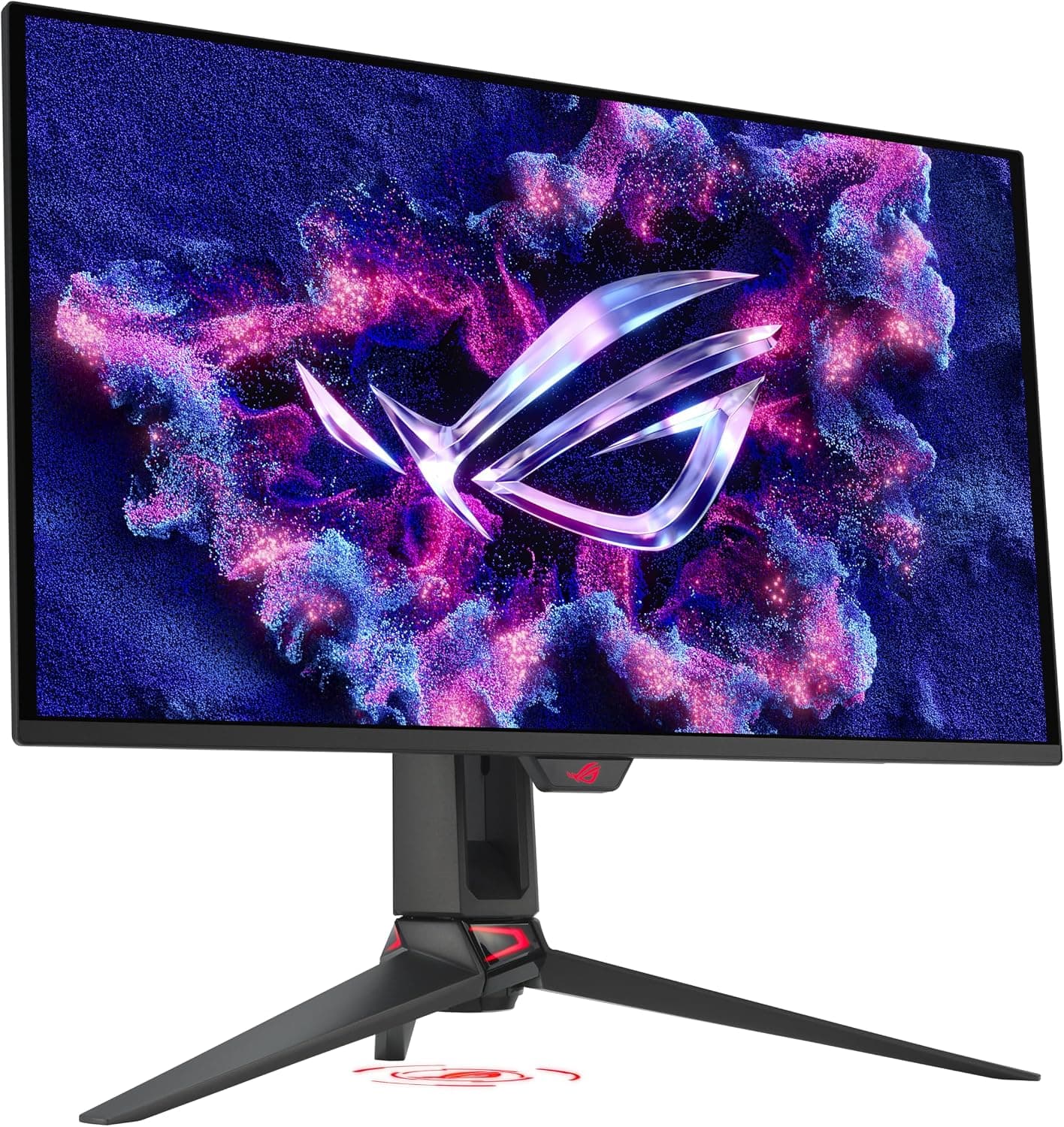
A 27-inch 4K QD-OLED for players who want high pixel density, OLED motion, and a desk-friendlier size than 32-inch 4K.
- 27-inch 4K QD-OLED with 240Hz refresh
- DisplayPort 2.1a support and USB-C power delivery
- Best for high-end GPUs and users who care about text clarity
- Expensive and still demanding at native 4K
- Price
- $1,299
- Rating
- 4.9 / 5
In titles like Cyberpunk 2077 or Alan Wake 2, the third-generation QD-OLED panel provides a level of depth that LCDs cannot touch. HDR highlights don’t just get brighter; they maintain color saturation even at peak luminance.
2.Alienware AW2725DF: The Tactical Edge
If your time is primarily spent in Valorant, Apex Legends, or Counter-Strike, the AW2725DF is a more logical choice than many 4K siblings. At 1440p, your GPU can actually breathe, making the 360Hz ceiling more realistic in competitive games.
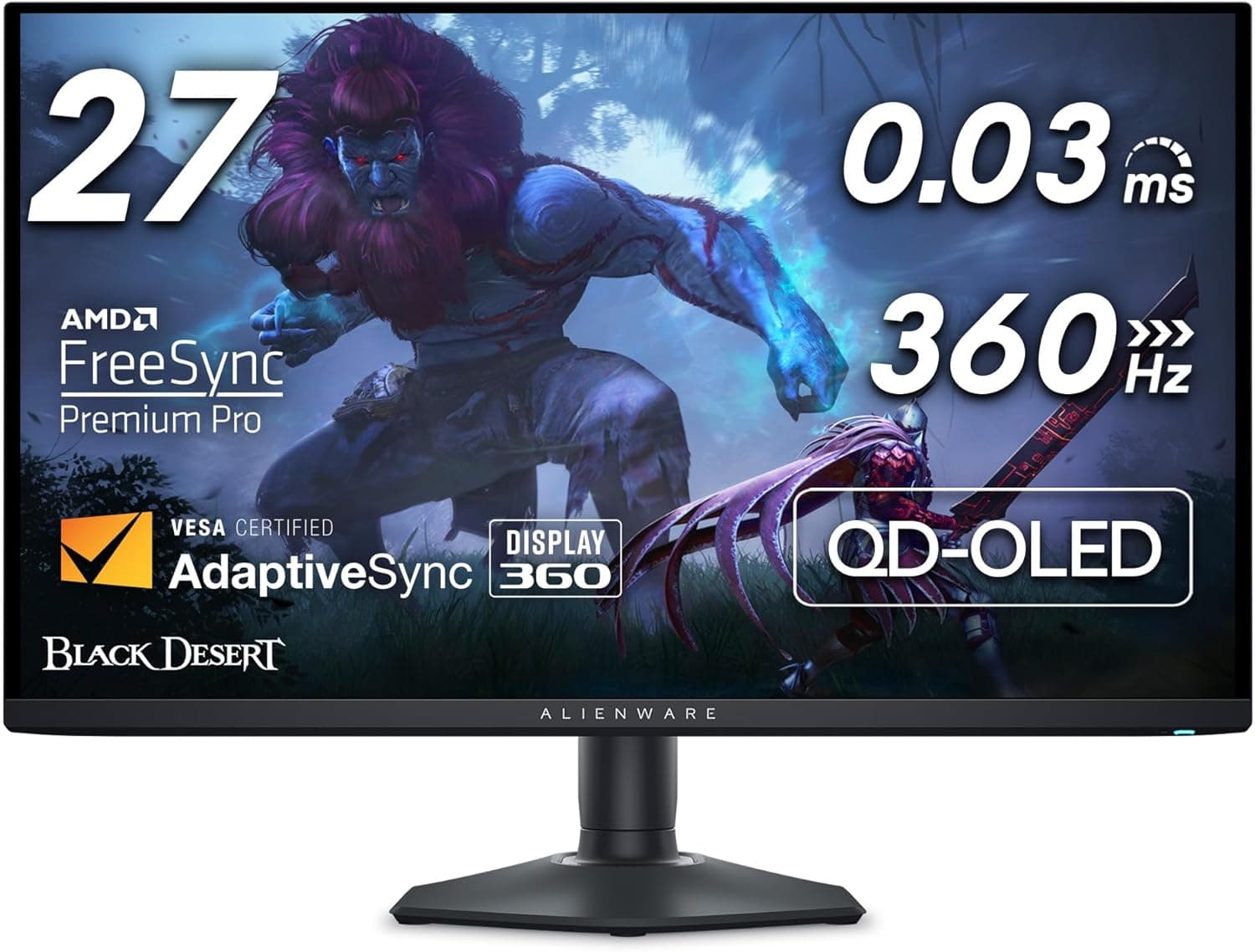
The tactical sweet spot for competitive FPS. A 360Hz QD-OLED panel that balances high-speed motion clarity with QHD sharpness.
- 27-inch 1440p QD-OLED with 360Hz refresh
- Dell warranty includes 3-year burn-in coverage
- Excellent for competitive FPS where frame rate matters more than 4K detail
- No HDMI 2.1 bandwidth, so PC users should rely on DisplayPort
- Price
- $624.57
- Rating
- 4.3 / 5
Motion Clarity and Responsiveness: The near-instant pixel response of QD-OLED combined with a 360Hz refresh rate creates a snappy feel when tracking fast-moving targets. It also avoids the obvious ghosting that can make older LCD gaming monitors feel smeared by comparison. If you find 4K to be a distraction in competitive settings, this is the more focused target.
3.MSI MPG 322URX QD-OLED: The Balanced 32-inch Titan
For many, 27 inches is simply too small for a 4K display. The MSI MPG 322URX addresses this by scaling the 4K QD-OLED experience up to 32 inches. While you lose some pixel density compared to the ASUS PG27UCDM, you gain significant screen real estate that excels in both gaming and productivity.
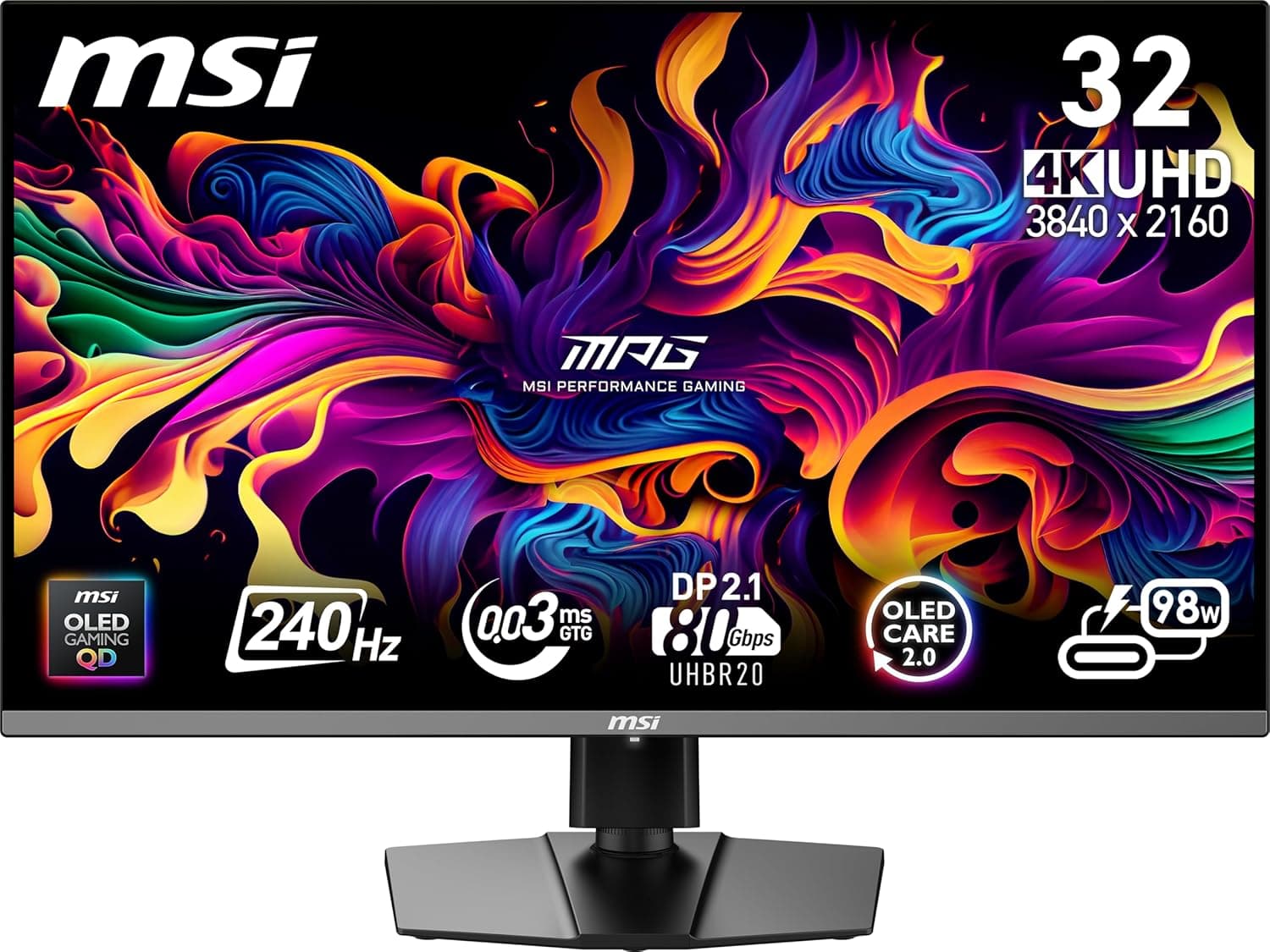
The high-fidelity all-rounder. A 32-inch 4K canvas with a 240Hz refresh rate and future-proof DisplayPort 2.1 support.
- 32-inch 4K QD-OLED with 240Hz refresh
- DisplayPort 2.1a UHBR20 supports 4K/240Hz without DSC
- OLED Care 2.0 and 3-year QD-OLED warranty including burn-in
- Needs more depth than a 27-inch monitor to feel comfortable
- Price
- $802.62
- Rating
- 4.3 / 5
Setup Considerations: At 32 inches, this monitor is a better match for deeper desks. A 30-inch-deep surface, or a monitor arm that lets you reclaim rear space, makes the size much easier to live with. The extra screen area is excellent for cinematic games and mixed productivity, but it is not the right first choice for a shallow desk.
4.Alienware AW3425DW: The Ultrawide Pick
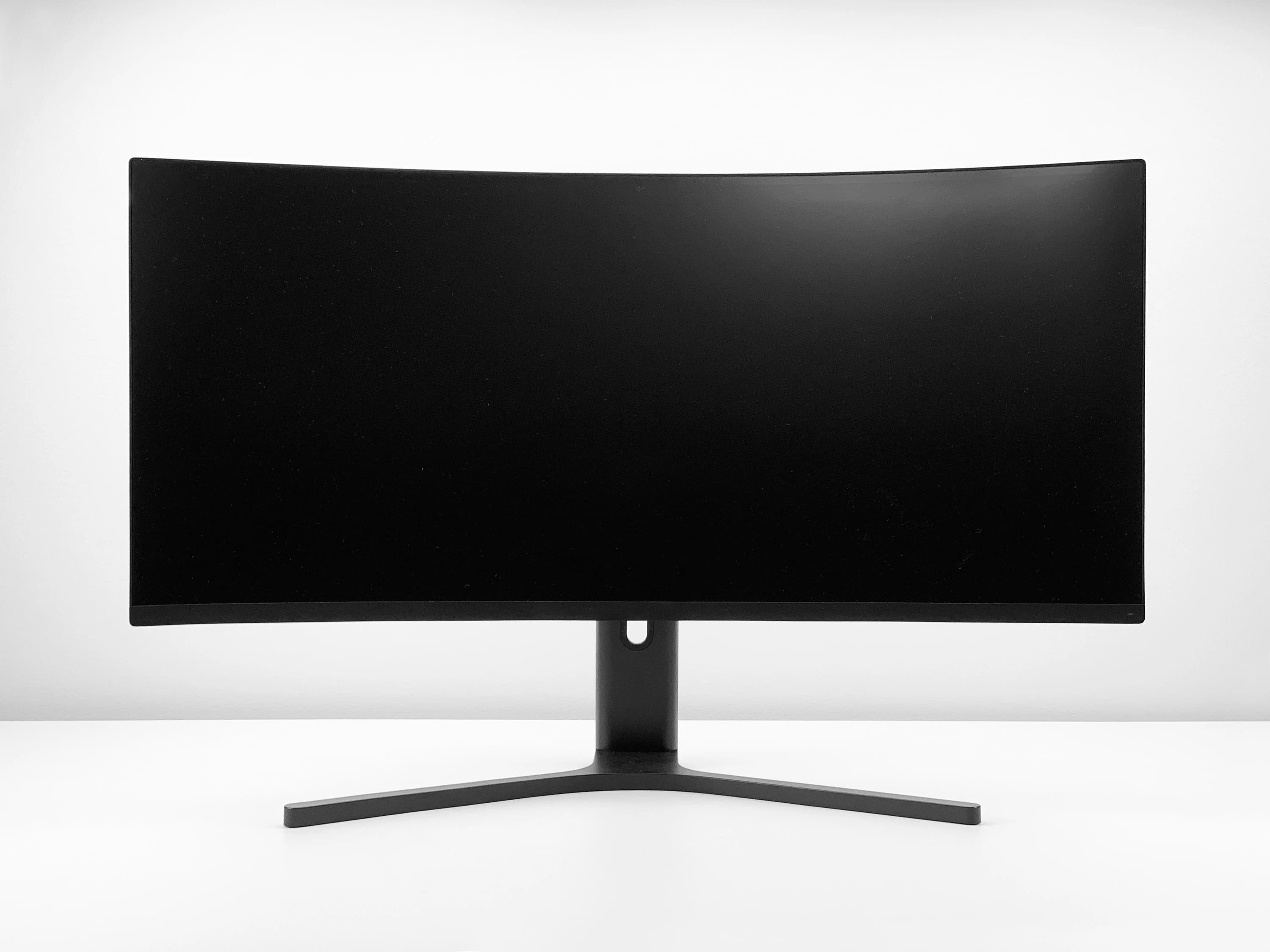
The AW3425DW is the cleanest 21:9 choice in this list if you want one wide display instead of two separate screens. The move to 240Hz on a 34-inch QD-OLED panel makes it much easier to get both immersion and fast motion in the same monitor.
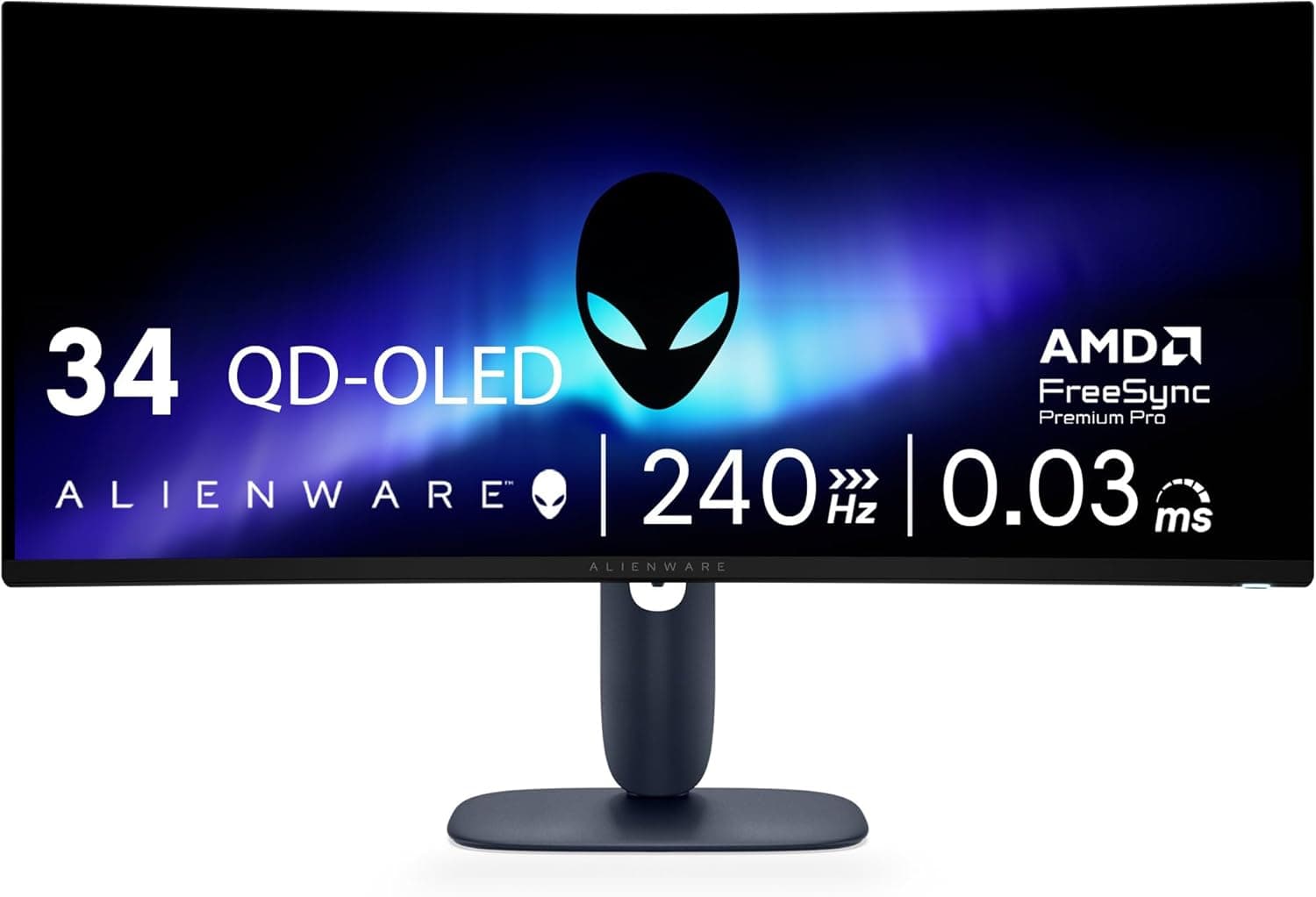
The ultimate 21:9 immersive experience. Combines a 240Hz refresh rate with a wrap-around 1800R curve and infinite contrast.
- 34-inch 3440 x 1440 QD-OLED with 240Hz refresh
- 1800R curve works well for racing, sims, and open-world games
- Better single-screen flow than many dual-monitor setups
- Text clarity is weaker than comparable LCD ultrawides
- Price
- $749.99
- Rating
- 4.4 / 5
Immersive Gaming: In racing simulators or open-world RPGs like Starfield, the wrap-around effect of the 1800R curve creates a level of presence that 16:9 monitors can't replicate. The tradeoff is practical: the panel needs real desk width, and QD-OLED text fringing can still bother people who code or write on the same screen all day.
5.Samsung 32” Odyssey QD-OLED G8: The Bright-Room 4K Pick
The G81SF (2025 model) marks a departure from Samsung's previous curved designs. This is a flat, 32-inch 4K juggernaut designed to solve the two biggest weaknesses of the OLED category: heat and glare.
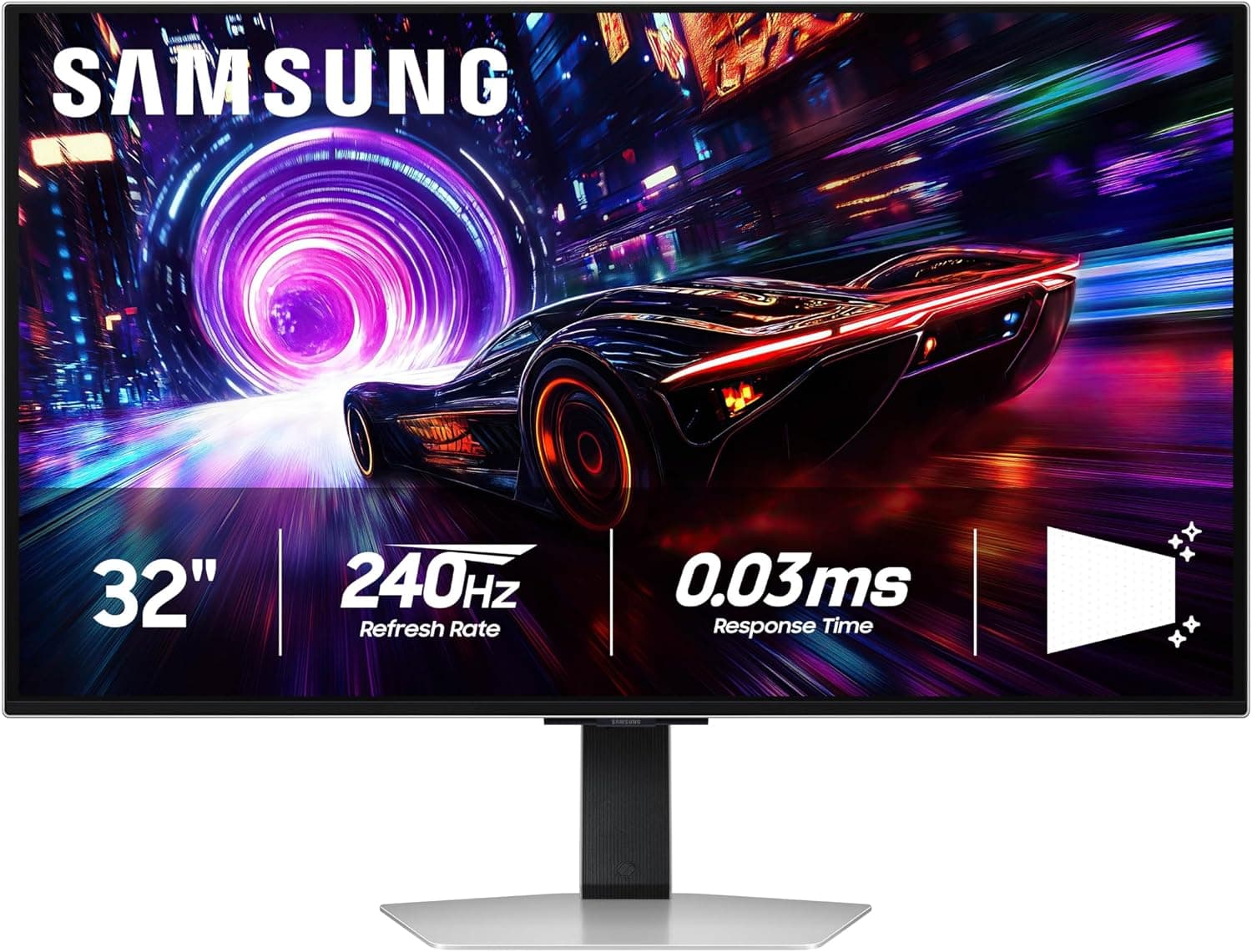
The flat 4K OLED for bright rooms. Featuring a Glare-Free matte finish and a world-first Pulsating Heat Pipe cooling system.
- 32-inch 4K QD-OLED with 240Hz refresh
- Glare Free matte finish helps in window-lit rooms
- Pulsating Heat Pipe cooling is designed to reduce panel heat
- Matte coating can look less clean on white backgrounds than glossy OLED
- Price
- $899.99
- Rating
- 4.1 / 5
The Matte Tradeoff: While many QD-OLED monitors use a glossy finish to make colors pop, Samsung’s Glare Free technology is easier to live with in rooms with heavy window lighting. The Pulsating Heat Pipe system is also a meaningful thermal feature, but it should be treated as risk reduction, not permission to ignore static-image habits.
6.ASUS ROG Swift OLED PG27AQDP: The 480Hz Esports Specialist
This monitor exists for a narrow reason: extreme motion clarity at 1440p. With a 480Hz refresh rate, the PG27AQDP uses an LG WOLED panel that has been optimized for sub-millisecond responsiveness.
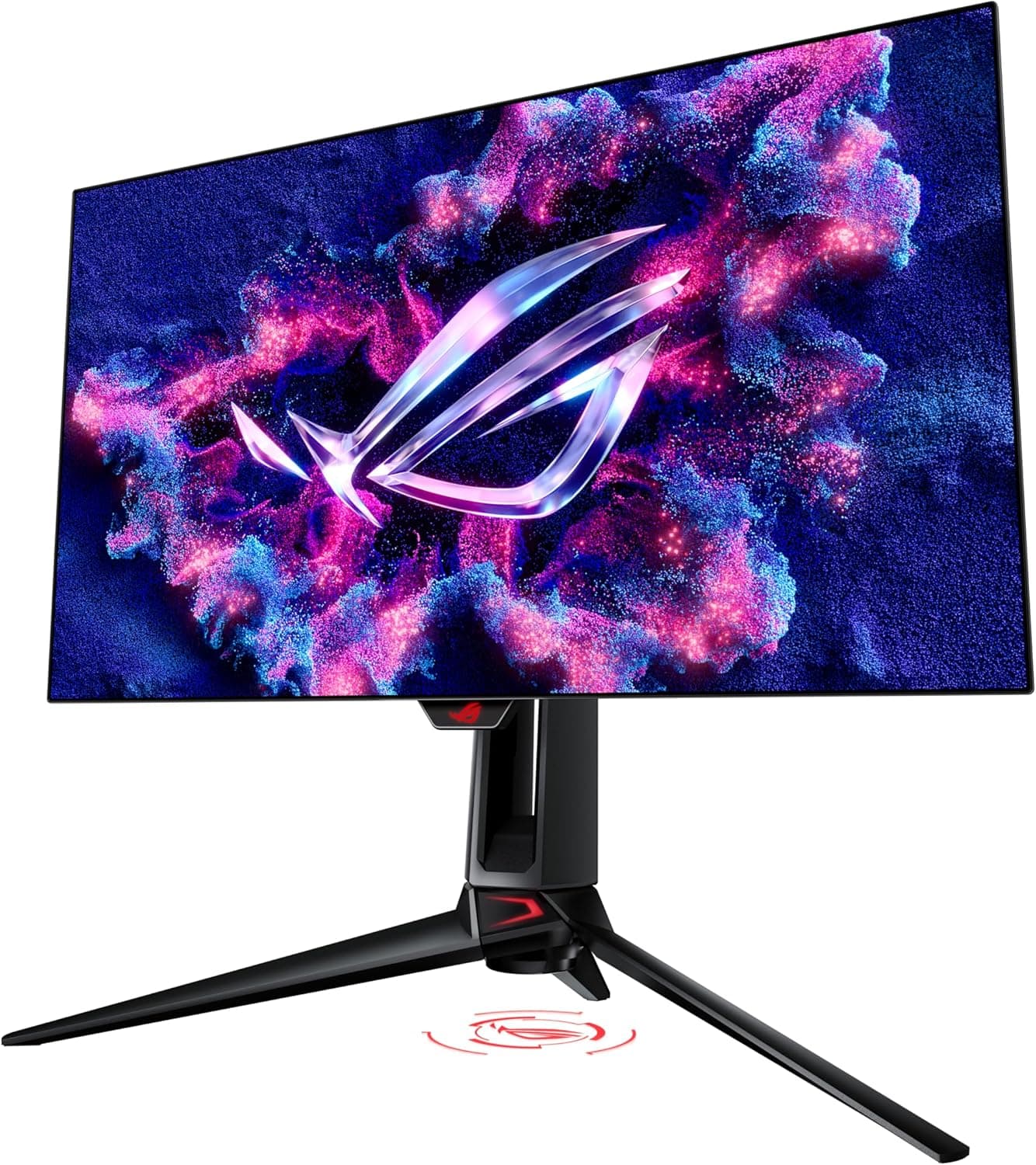
The world's first 1440p 480Hz OLED. A pure esports thoroughbred designed for frame-rate maximalists and competitive dominance.
- 26.5-inch 1440p WOLED with 480Hz refresh
- DisplayPort 1.4 DSC and HDMI 2.1 support
- 3-year warranty includes panel burn-in coverage
- Requires a very fast CPU/GPU to make 480Hz matter
- Price
- $793.74
- Rating
- 4.3 / 5
Comparing 360Hz vs 480Hz: To the average gamer, the difference is subtle. To a serious competitive player, the perceived position of a moving enemy updates more often than it does on a 240Hz screen, and that can matter in games where you can actually sustain the frame rate. The improved WOLED subpixel layout also helps text clarity compared with older LG OLED panels, though it still is not a reason to buy this over 4K if desktop sharpness is your first priority.
7.Samsung 27” Odyssey OLED G6 (G60SF): The Speed Value King
While most gamers should stick with 240Hz, the Odyssey G60SF is one of the clearest ways to cross the 500Hz barrier. It provides a level of speed that exceeds the ASUS PG27AQDP on refresh rate, though the buying decision still depends on pricing, coating preference, and whether your PC can feed it.
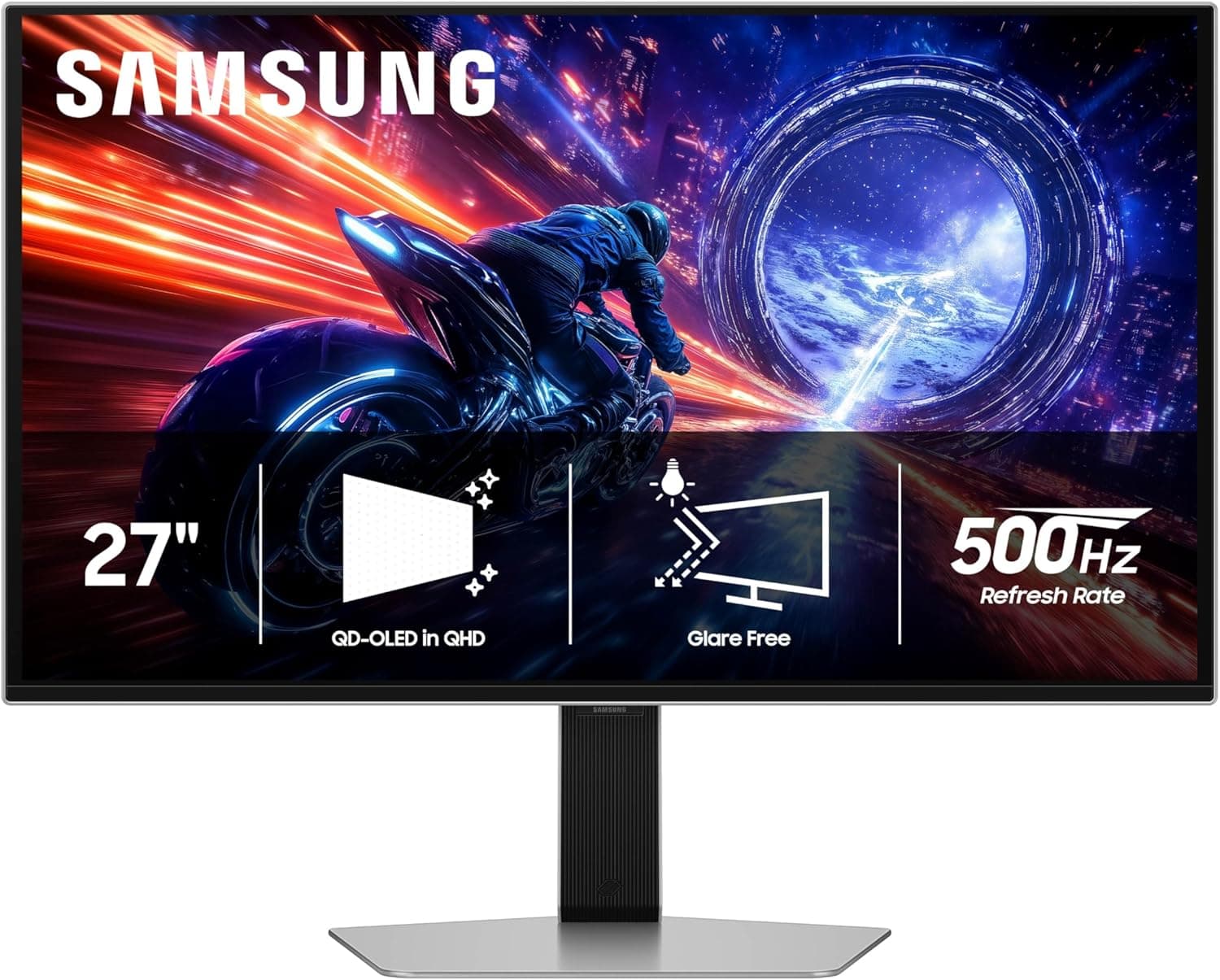
The high-speed value champion. A world-first 500Hz QD-OLED that undercuts the competitive market on price without sacrificing motion clarity.
- 27-inch QHD QD-OLED with 500Hz refresh
- 0.03ms GTG response and OLED Safeguard+ protection
- Glare Free coating helps reduce reflections
- Niche choice unless you play games that can run near 500 FPS
- Price
- $749.99
- Rating
- 3.9 / 5
The Speed vs. Price Tradeoff: In 2026, 500Hz is no longer just a prototype spec. By opting for the G60SF, you're getting one of the fastest OLED panels available. The practical question is whether you would rather spend that money on more pixels, a larger screen, or a monitor arm that fixes your actual desk distance.
What Actually Matters When Buying a Gaming Monitor in 2026
Choosing Between 1440p and 4K
If your desk is shallow (less than 26 inches), 4K at 27 inches is a revelation for clarity. However, if you have a deep desk, 4K at 32 inches is far more immersive. Stay with 1440p if you plan on keeping your GPU for 3+ years; 4K is a "performance tax" that never stops collecting.
When is 240Hz "Enough"?
For 90% of gamers, 240Hz is the point of diminishing returns. The jump from 60Hz to 144Hz is life-changing; 144Hz to 240Hz is very noticeable. Moving to 360Hz or 480Hz provides a competitive edge but rarely makes the game "look" better.
OLED vs. Mini-LED
- OLED is the winner for response times and HDR contrast.
- Mini-LED is only better if your room is extremely bright (lots of windows) and you find OLEDs too dim during the day.
DisplayPort 2.1: Is it Necessary?
If you are buying a 4K/240Hz monitor, DisplayPort 2.1 is a real advantage because it can reduce or remove reliance on Display Stream Compression (DSC), depending on the monitor implementation. For 1440p/480Hz, do not treat DP 2.1 as mandatory: the ASUS PG27AQDP reaches 480Hz over DisplayPort 1.4 with DSC. The practical rule is to check the exact port spec before buying, especially if you use multiple monitors or switch inputs often.
Final Recommendations
- Best Overall Gaming Monitor: ASUS ROG Swift OLED PG27UCDM - The best fit here for 27-inch 4K density and OLED speed.
- Best Competitive Gaming Monitor: Alienware AW2725DF - The sweet spot for frame rates and motion clarity.
- Best 32-inch 4K Monitor: MSI MPG 322URX - The most comfortable high-end display for mixed-use setups.
- Best Ultrawide Gaming Monitor: Alienware AW3425DW - The most immersive option here for sims and RPGs.
- Best Anti-Glare 4K Monitor: Samsung Odyssey OLED G8 (G81SF) - The 4K OLED pick for glare-prone rooms.
- Best Extreme Esports Monitor: ASUS ROG Swift OLED PG27AQDP - 480Hz for players who can actually feed it.
- Best Value Speed Monitor: Samsung Odyssey OLED G6 (G60SF) - Pro-level speed for buyers who want 500Hz without moving to a larger 4K display.
The most expensive monitor is the one that forces you to upgrade your desk or your GPU just to make it usable. If you're on a shallow surface, 32-inch 4K can become an eye-strain trap. If you're on a mid-range card, 500Hz is a waste of silicon. Buy the speed your PC can actually sustain and the resolution your space allows. When the setup stops fighting you, the upgrades start working.